




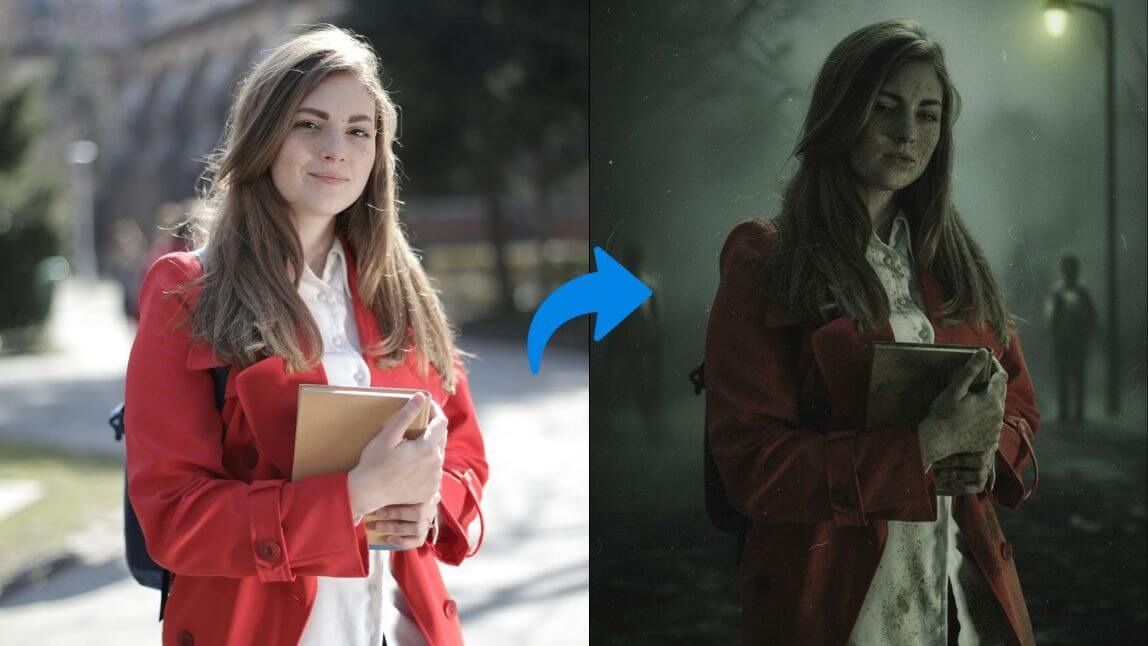
The internet is buzzing with eerie, haunting visuals inspired by Silent Hill f, the latest chapter in the iconic horror game series.
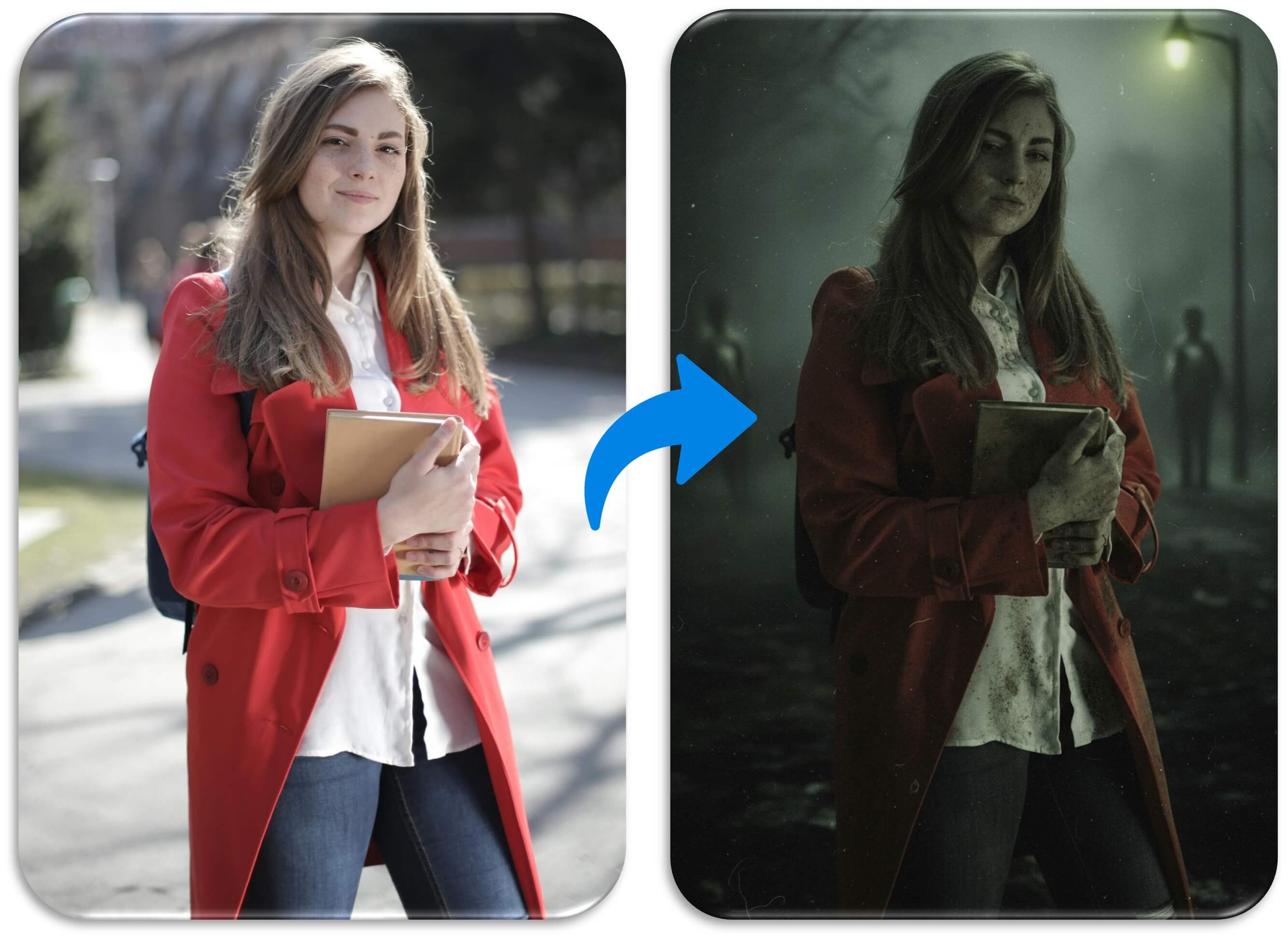
Fans are now turning their own photos into Silent Hill-style portraits and videos using AI filters—creating creepy profile pictures and game-like clips that look straight out of the foggy town itself.
What Is Silent Hill f?
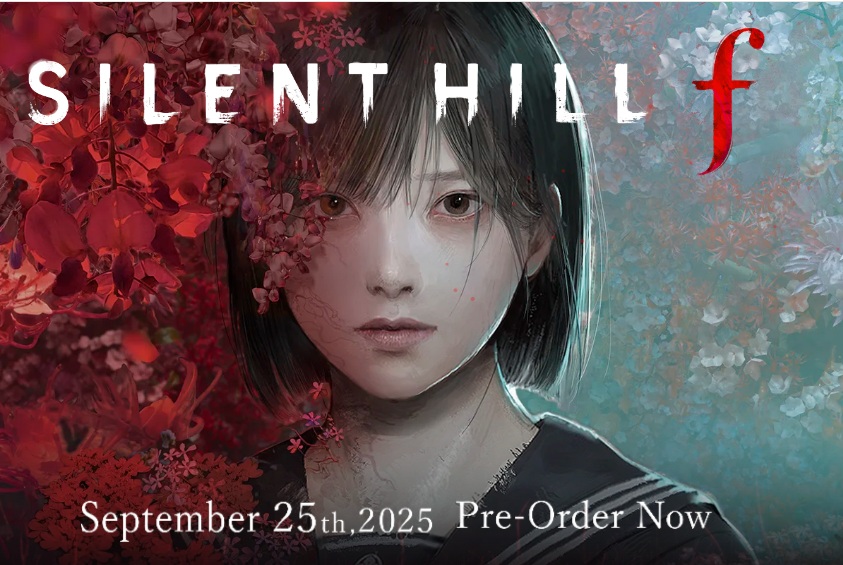
Source: KONAMI
Silent Hill f is a new installment in the legendary Silent Hill franchise, set in 1960s Japan and infused with psychological horror and folklore. Its unique visual style—decaying environments, grotesque creatures, and melancholic tones—has captured the imagination of horror fans worldwide.
Since its reveal, Silent Hill f has sparked a wave of fan creations, from artwork to cosplay to AI-generated content. The game’s haunting aesthetic makes it perfect for transforming ordinary photos into something dark, emotional, and cinematic.
How to Turn Your Photo Into Silent Hill Style With AI Silent Hill Filter
Want to join the trend and create your own Silent Hill-inspired visuals?
Here’s a step-by-step guide to using an AI image generator to turn your photo into something straight out of the game.
Step 1. Go to YouCam AI Image Generator
Visit the YouCam AI Image Generator website. It offers a variety of AI models to choose from, each with its own artistic style.
You can experiment with different models to see which one best captures the Silent Hill vibe.
Step 2. Choose AI Model and Upload Your Photo
Select an AI model—Nano Banana is a great choice for this style. Upload a clear portrait photo of yourself.
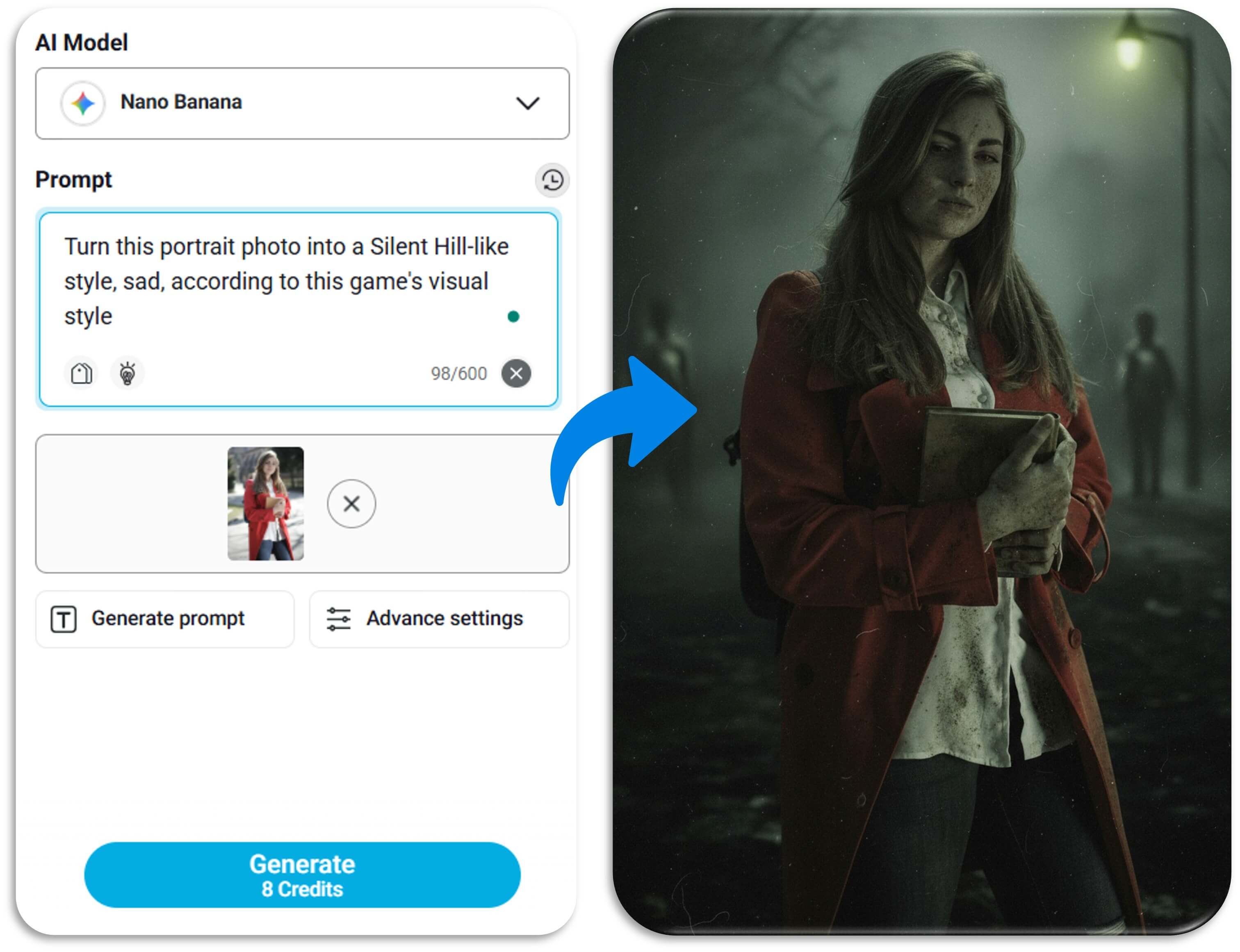
Then enter this prompt:
"Turn this portrait photo into a Silent Hill-like style, sad, according to this game's visual style."
This will guide the AI to apply the eerie, emotional tone that defines Silent Hill f.
Step 3. Start Generating Images
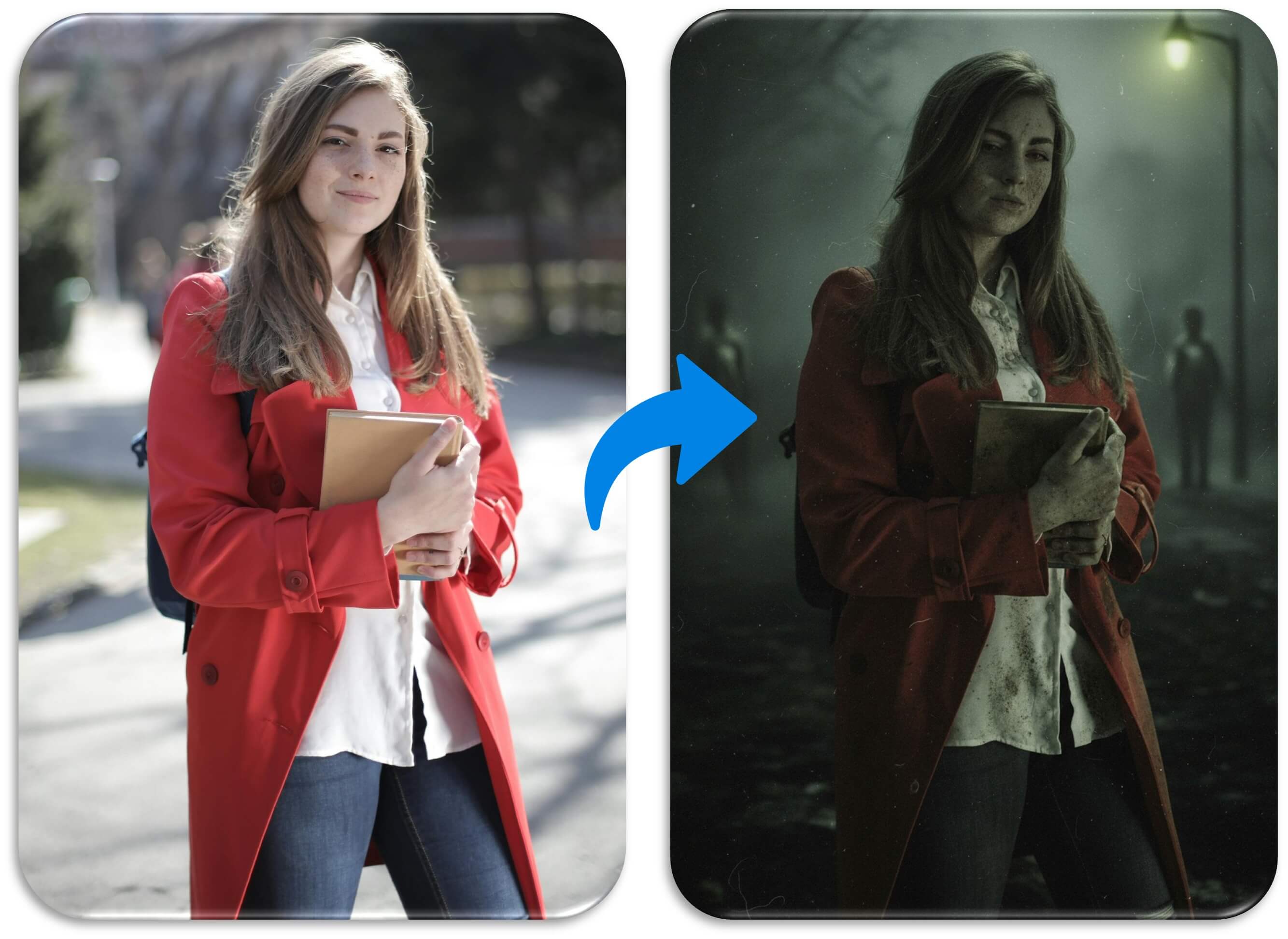
Click "Generate" to begin the transformation.
In seconds, your photo will be reimagined with foggy backgrounds, distressed textures, and haunting expressions.
You can tweak the prompt or try other models for different variations until you get the perfect Silent Hill look.
Step 4. Further Turn Into Videos
Want to go beyond still images?
Use YouCam AI Image to Video to animate your Silent Hill-style portrait. You can design short game-like clips using prompts like: "Take a wooden stick and fight with a terrible, ugly monster from Silent Hill."
Or try cinematic templates like "Wildfire", which adds dramatic effects and movement. These options make it look like you’re part of the game itself.
Start Joining the Silent Hill f Trend!
Silent Hill f is more than just a game—it’s a visual movement.
With AI tools, you can easily create hauntingly beautiful content that feels like it belongs in the Silent Hill universe.
Try it today and share your creations to become part of the growing trend!


