


 Download without watermarkAccess to AI Photo Editing ToolsUnused credits roll over






AI Photo Color Correction Online
Achieve a flawless and polished look with enhanced images using the best AI-powered color correction tool that intelligently fixes photo colors.
Register now to get free credits!




Effortless AI Photo Color Correction
You click once, AI Color Fixer does it all:
- Adjust white balance to correct color temperature.
- Enhance saturation and make it vibrant.
- Correct exposure level to balance brightness.
- Remove color casts or tints.
- Improve skin tones for a nature-looking portrait.
- Enhance shadow and highlight details.
- Remove noise and improve clarity.
- Apply creative color grading effects.
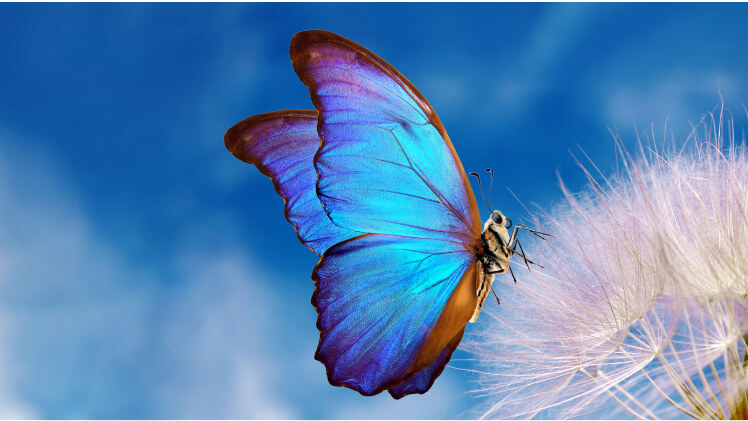
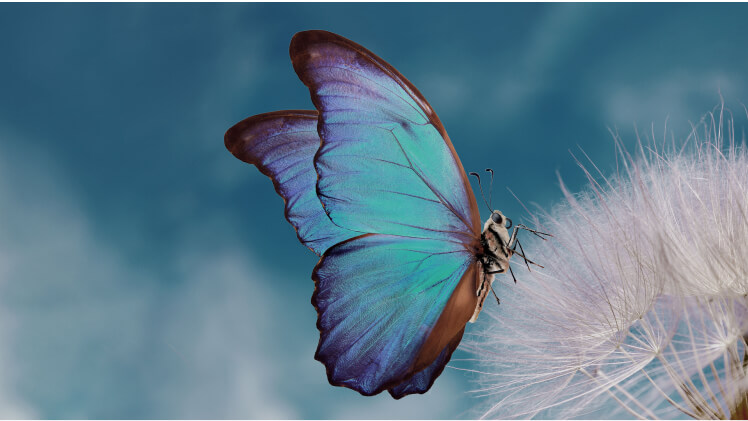

Discover 5 Highlights of YouCam's AI Color Corrector
Best Photo Color Changer with AI - Color Grade Your Photos Instantly
Say goodbye to dull, lifeless photos! Our AI color correction tool enhances color accuracy, adjusts exposure, and eliminates pesky color casts with just one click, making your images stand out like never before!
This advanced AI tool enhances vibrancy and accuracy, ensuring your photos look professionally edited with minimal effort.

Photo Over Exposure Fixer
Struggling with photo over exposure?
Our advanced AI photo correction tool effortlessly balances highlights and shadows, restoring detail and color to your images with just one click. It intelligently adjusts brightness levels, reduces glare, and enhances overall clarity,
Say goodbye to overexposed photos and hello to vibrant, clear results in no time!
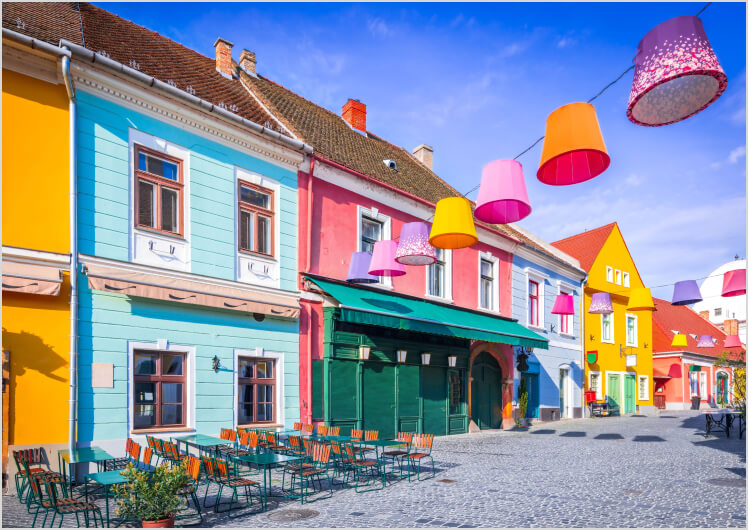
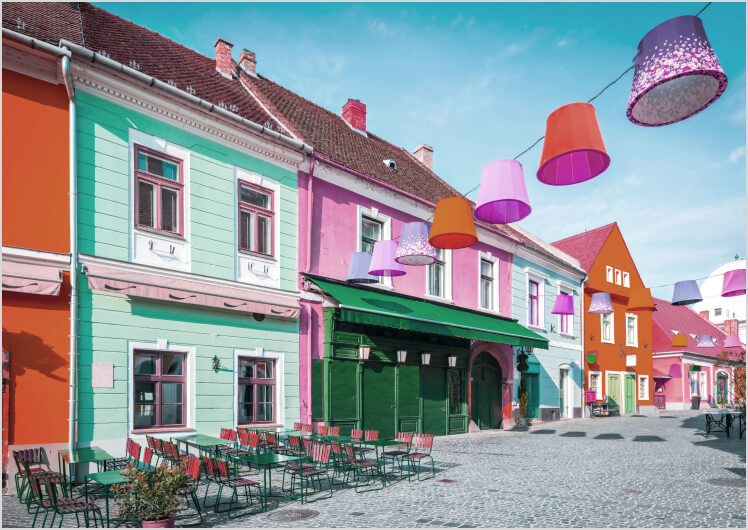
Perfect Brightness and Contrast Control
By optimizing brightness levels, the Photo Color Fixer enhances contrast to bring out the finest details, making each image more vivid and appealing.
This advanced feature increases brilliance and clarity, allowing you to capture stunning, refined photos with exceptional depth and precision.
Whether you're shooting in low light or bright conditions, it ensures every photo is visually captivating.
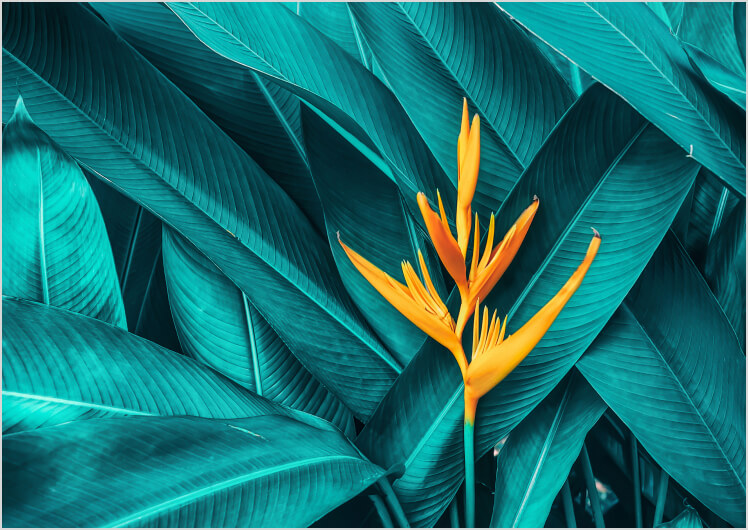
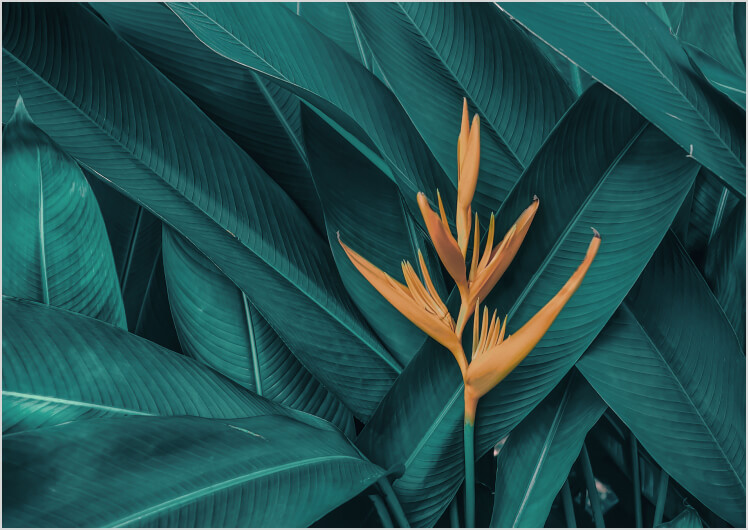
Color Adjustment for Saturation, Temperature and Hue
Your photos are stunning, but a little adjustment can make them beyond perfect.
With precise control over saturation, temperature, and hue, you can achieve professional-quality photos with vibrant, balanced colors in just one click.
This feature allows you to fine-tune the intensity of colors, adjust the warmth or coolness of the image, and modify the overall tone to match your creative vision, ensuring every photo is a masterpiece.
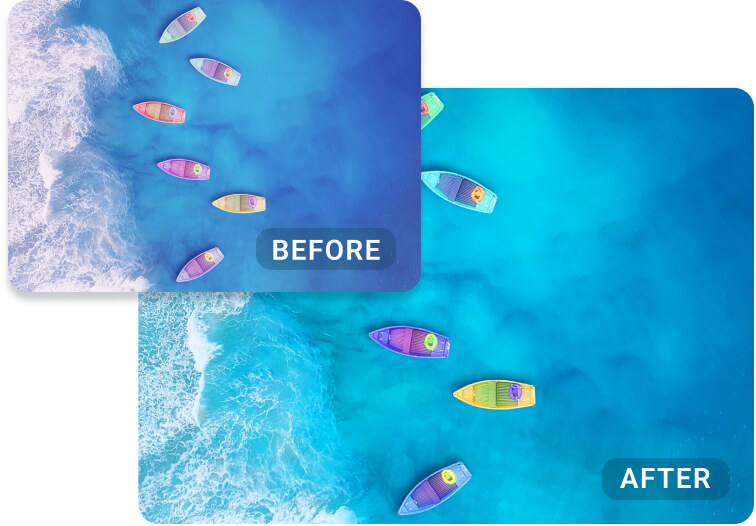
Fix & Change Photo Colors Like a Pro with AI Precision
With advanced AI color correction, you can effortlessly color-fix your photos, enhancing vibrancy and accuracy.
This powerful photo color changer transforms dull or inaccurate colors into stunning, true-to-life hues with just a few clicks.
Achieve professional-quality results and make your images stand out with precise color adjustments.
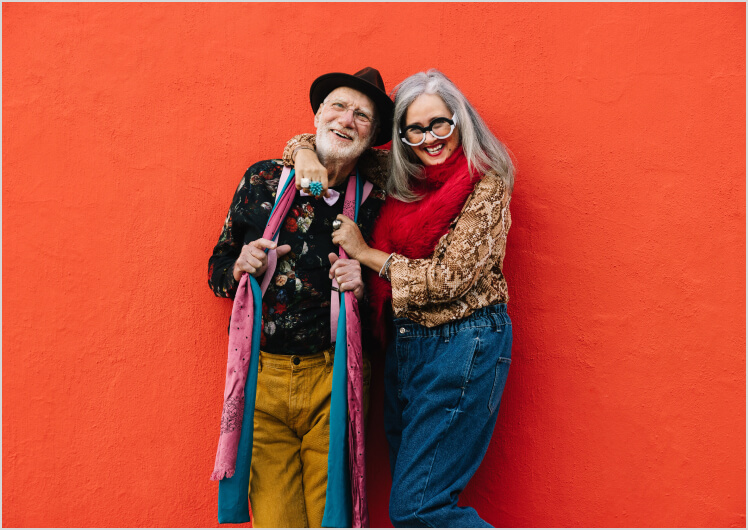
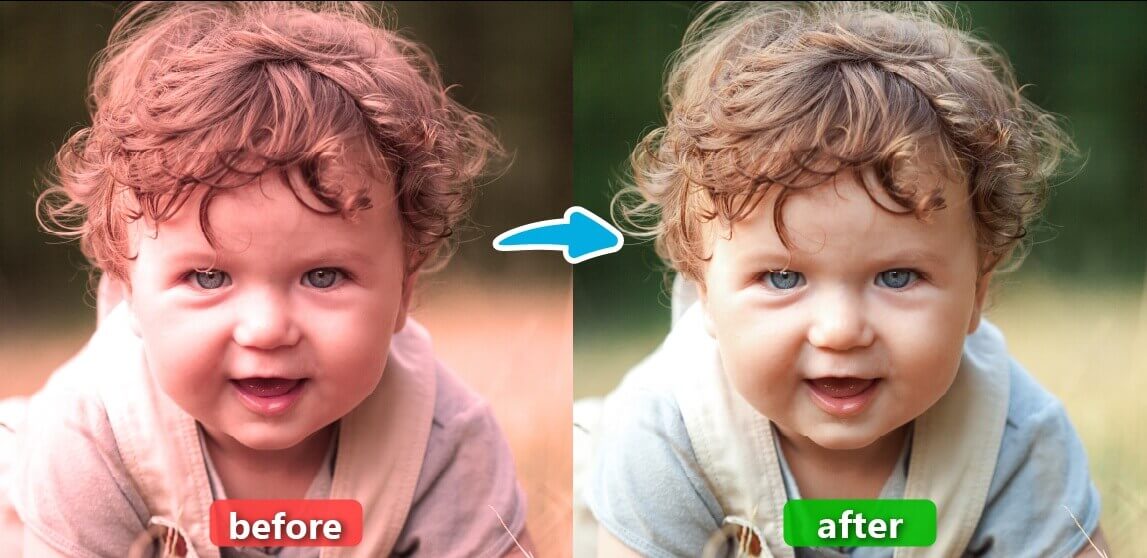
One-Tap Remove Color Cast From Photo
Effortlessly remove color cast from your photos with just one tap using advanced AI color correction.
This powerful feature instantly corrects unwanted color tints, restoring natural and vibrant hues to your images.
More Than Just Enhancing Color: Improve photo quality with additional features like AI Image Brightener, AI Photo Enhancer, and Old Photo Restoration.
How to Use Auto Photo Color Correction Tool Online?
Upload Your Image
Start by uploading the image you want to color correct. Supported formats include JPG, JPEG, PNG, TIFF, and GIF.
You can either click the Upload Image button or drag and drop your file directly.

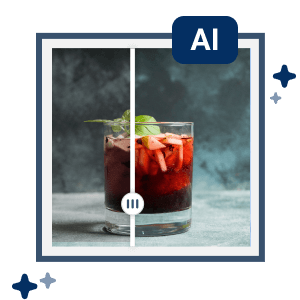
Auto Color Correct Your Photo
Once your image is uploaded, YouCam's Online AI Color Corrector will automatically adjust the colors, enhancing your photo with exquisite color correction.
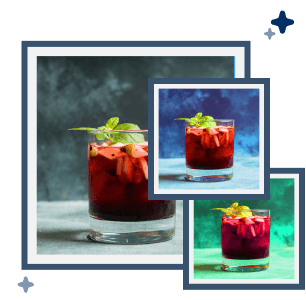
Choose From Various Results
YouCam's Online AI Color Corrector provides multiple color correction results. Select the one that best suits your preference.
Download and Share
Preview and download your color-corrected photos. Share your beautifully enhanced masterpiece with friends on social media.

Edit Colors and Enhance Photo On-the-Go with AI Color Correction App
Start color-fixing your photos on your mobile phone with our best AI color grading app, YouCam Enhance.




Auto Color Correction FAQs
What is color correction?
Color correction involves enhancing and adjusting the colors of images to balance the light and dark areas, as well as the hues and tones, in your photos. Your footage will have matching color tones and appear unified after color correction.
How can you adjust the color of an image?
To adjust the color of an image using YouCam's AI Photo Color Correction Tool, follow these steps:
- Open YouCam AI Photo Color Correction Tool.
- Upload your photo.
- The AI will automatically enhance the image color, adjusting brightness, contrast, and tones for a more visually appealing result.
It's a quick and easy way to improve photo quality without manual editing.
How to color fixing image?
- Access YouCam's AI Color Corrector: Go to the YouCam platform for easy access.
- Upload Your Photo: Click to upload the image you want to color correct.
- One-Click Enhancement: Simply click the “AI Color Correct” button, and the tool will automatically generate three color-corrected results for you to choose from.
- Select Your Preferred Result: Review the three options and select the one that best fits your vision.
- Preview and Save: Once you’ve made your choice, preview it, then save your color-corrected photo in your desired format.
What's the difference between color grading and color correction?
Color correction and color grading are distinct processes in photo or video editing. Color correction is a technical step focused on fixing issues like white balance, exposure, and color consistency to make footage look natural and uniform. In contrast, color grading is an artistic process aimed at enhancing visual style, mood, and tone to align with the director's vision by adjusting elements like saturation and color filters.
How can I automatically correct color of my photo?
To automatically correct the color of your photo, you can use an online editor like YouCam Online Editor. This tool offers a range of features that can quickly and effectively adjust the colors in your photo to make them look more natural and balanced. Simply upload your photo, select the auto-correct option, and let the editor do the work for you. It's a user-friendly solution that saves time and enhances your images with professional-quality results. Try it out at YouCam Online Editor to see the difference it can make!
Can I use YouCam Online Editor’s color correction tool for free?
Yes, you can use YouCam Online Editor’s color correction tool for free! By signing up, you not only gain access to the powerful color correction features but also receive free credits to enhance your photos effortlessly. Simply create an account on YouCam Online Editor and start enjoying the benefits of professional-quality photo editing at no cost.
What is the AI tool for image color correction?
The AI tool for image color correction is YouCam's AI Photo Color Correction Online Tool. This tool uses advanced AI algorithms to automatically adjust brightness, contrast, and color tones, enhancing your photos with professional-quality corrections. It’s designed to quickly and easily fix image color issues, making your photos more vibrant and visually appealing.
Can AI do color correction?
AI can do color correction with advanced algorithms that automatically adjust brightness, contrast, and color balance. AI-powered tools make it easy to enhance photos with vibrant, accurate colors, perfect for improving image quality in just a few clicks.
What is the best AI color correction tool in 2024?
Discover the top 5 best AI color correction tools in December 2024, featuring tools that have been rigorously tested and proven to deliver outstanding performance.
Snapshot of the Top 5 Best AI Color Correction Tools in December 2024- 1. YouCam AI Color Correction: Best For One-Click Portrait Photo Color Fixing
- 2. Media.io: Best for Auto Video & Photo Color Correction
- 3. Cutout Pro: Best For Professional Photo Color Correction
- 4. Autoenhance.ai: Best For Customizable AI Color Enhancement
- 5. Color.io: Best for Professional-Grade Adjustments


