

 Download without watermarkAccess to AI Photo Editing ToolsUnused credits roll over




AI Lighting Corrector: Fix Light in Any Photos
Fix dark, dull, or uneven lighting in your photos instantly with AI. Enhance brightness, balance exposure, and improve photo quality in seconds.


Best Way To Fix Dark & Overexposed Images
- Detects lighting issues automatically
YouCam AI evaluates exposure, shadows, and color tone to identify lighting problems. - Balances exposure & fixes lighting
Instantly corrects underexposed or overexposed areas to create a natural balance. - Enhances & restores clarity
Brightens low-light photos, reduces harsh glare, and restores lost details. - Preserves with just one click
Improves overall image quality while maintaining realistic skin tones and textures.
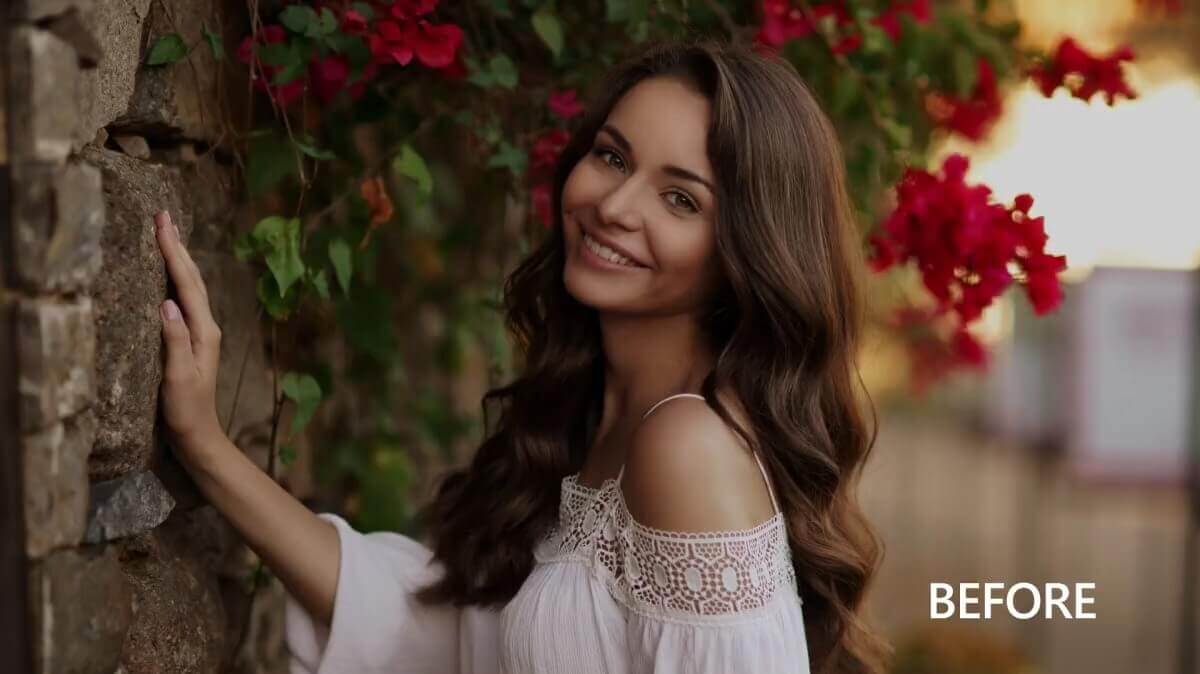
How can I Fix Lighting & Exposure?
Our advanced AI automatically balances exposure and fixes lighting issues in one click to improve photo clarity and visual quality. Follow these four simple steps.

Upload Your Image
Upload the photo you want to fix. Our tool supports JPG, JPEG, PNG, TIFF, HEIC and GIF formats.

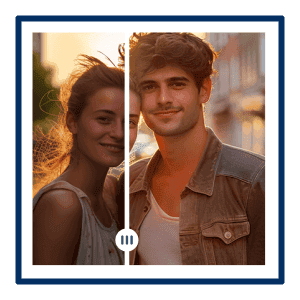
Auto Lighting
AI instantly detects and fixes lighting issues by brightening dark areas and reducing overexposure.

Fine-Tune Lighting
Use the adjustment slider to customize the exposure level and find the perfect balance for your image.

Save Your Photos
Download your perfectly lit, high-quality photo once satisfied.
Advanced AI Photo Brightening Features for Lighting Correction
AI Dark Photo Brightening
If you’ve taken a photo indoors or at night and it turned out too dark, AI can quickly bring back the missing details. Faces become clearer, backgrounds are easier to see, and your photo looks naturally bright without over-editing.


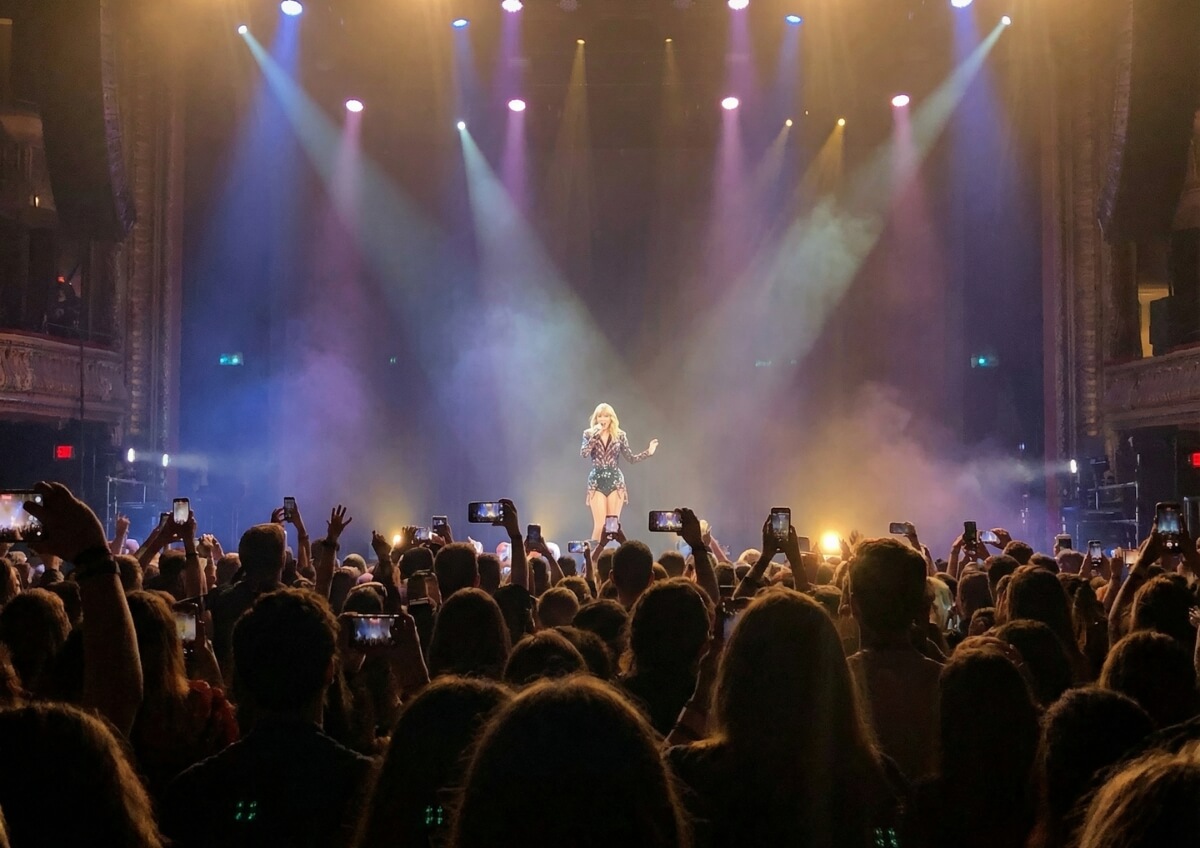
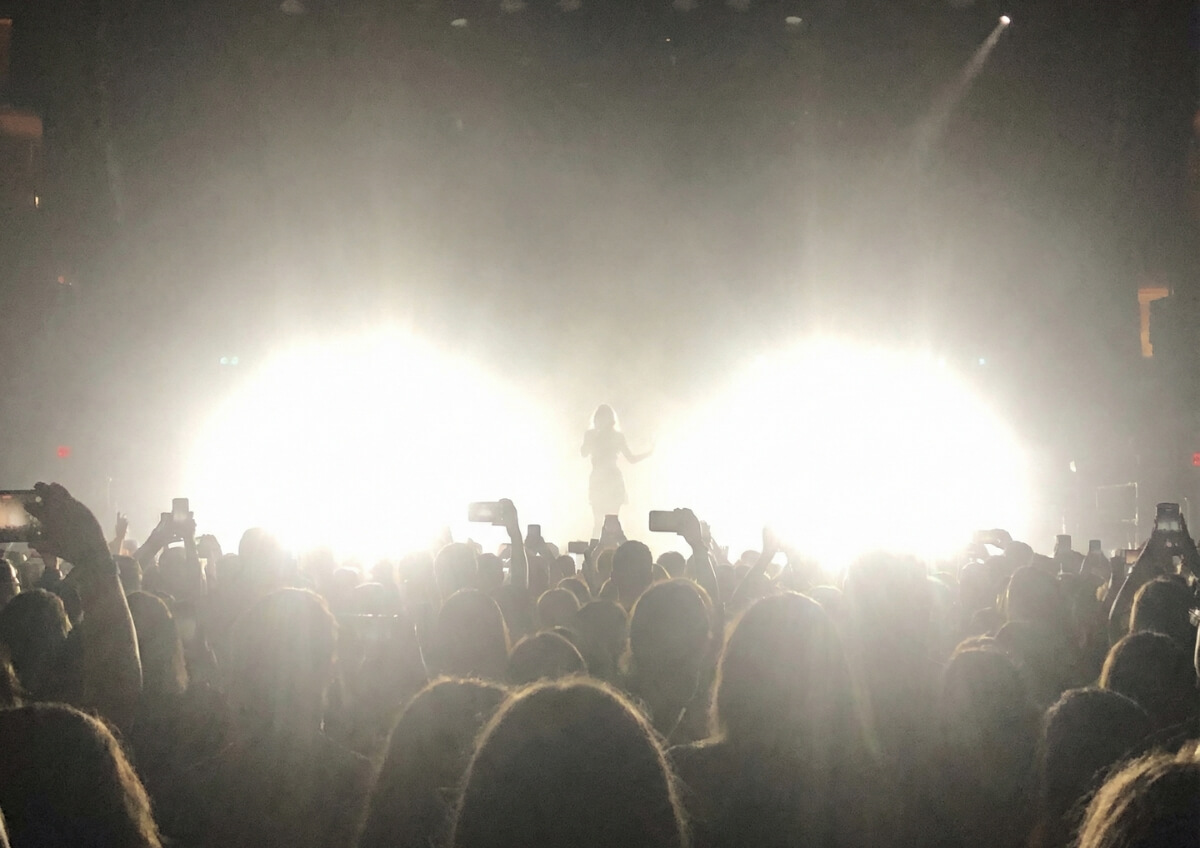
AI Glare & Overexposure Correction
When your picture is taken under strong sunlight, flash, or bright outdoor conditions, important details can get lost. AI helps tone down harsh light, recover hidden details, and make the whole image look more balanced—so it feels closer to what you actually saw.
AI Portrait Lighting Enhancement
If your selfie or portrait has uneven lighting (like shadows on one side of the face or overly bright spots), AI gently adjusts it for you. Your face looks clearer and more evenly lit, while still keeping your natural look and expression.


AI Product Photo Lighting Optimization
If you’re taking photos for an online shop, social media, or listings, lighting can make a big difference. AI helps adjust brightness and balance the image so your product stands out clearly, looks more polished, and is easier for others to notice at first glance.


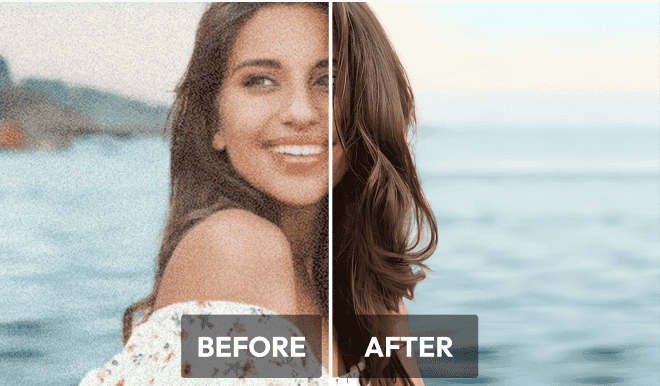
Unblur and upscale photos with ease using auto AI photo enhancer.

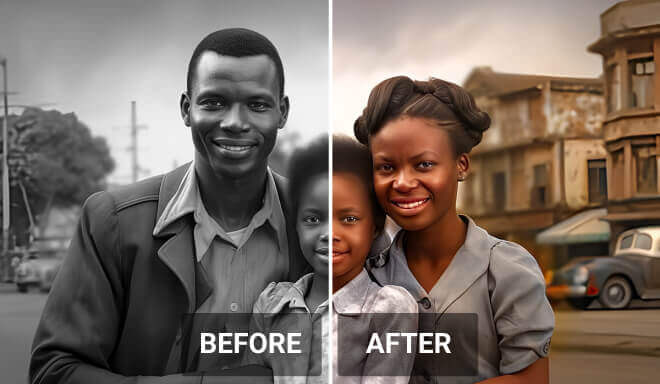
Add vivid colors to black and white photos with AI, reviving your cherish moment.

Select and say goodbye to unwanted objects in your photos with just one simple tap.
Frequently Asked Questions About AI Photo Lighting
What is AI photo lighting?
AI photo lighting is a technology that uses artificial intelligence to automatically detect and correct lighting issues in photos, such as low brightness, uneven exposure, or harsh highlights, while maintaining natural-looking results.
Can AI fix dark or low-light photos?
Yes. AI can automatically brighten underexposed images, improve visibility, and enhance details in dark or low-light photos in seconds.
How does AI correct overexposed photos?
AI reduces the excessive brightness and glare in overexposed areas, restoring lost details and balancing highlights for a more natural and clear image.
Does AI lighting work well for portrait photos?
Yes. AI is optimized for portraits and can adjust lighting on faces, balance shadows, and enhance facial details while preserving natural skin tones.
Will AI lighting make my photos look unnatural?
No. Advanced AI is designed to enhance lighting while maintaining realistic colors, tones, and details for natural-looking results.
Can I use AI lighting for product photos?
Yes. AI lighting helps improve product photos by balancing exposure, enhancing clarity, and ensuring accurate colors for professional and e-commerce use.
Do I need editing skills to use AI photo lighting tools?
No. AI lighting tools are designed for all users and can automatically enhance photos with just one click—no editing experience required.

Try Enhance Lighting & More on Your Phone


