




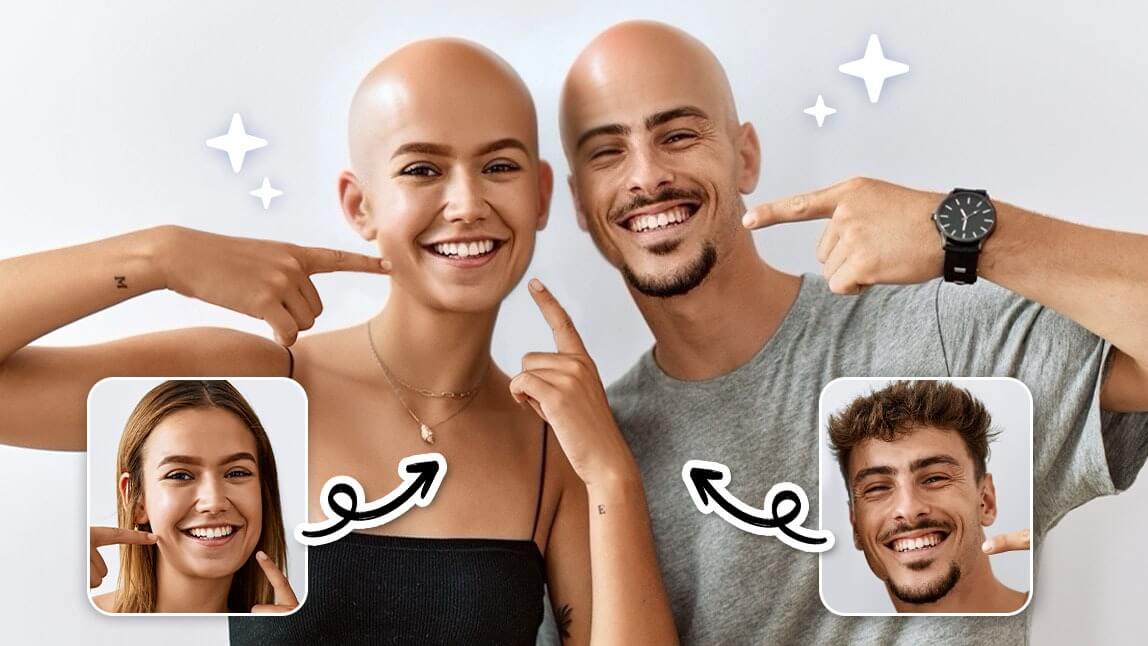
Curious to know, “What would I look like bald?” You don’t need to reach for a razor to find out. Using an online AI bald filter, you can virtually remove your hair to see a highly realistic shaved head simulation instantly. Whether you want to join the viral bald head challenge or are genuinely considering a bold new look, today's AI tools use advanced facial mapping to give you an accurate, instant preview.
Below, we explore the best way to go bald digitally in seconds using a top-rated online bald filter for free—no app download required.
The Viral “What Would I Look Like Bald” Trend Explained
The bald filter trend has dominated social platforms like TikTok and Instagram. Users are leveraging AI-powered bald head generators not just for comedic reactions, but to test out edgy aesthetics. Unlike older, clunky photo filters that just slapped a generic skin-colored sticker on your head, modern generative AI replaces your hair while matching your natural skin texture, lighting, and head shape.
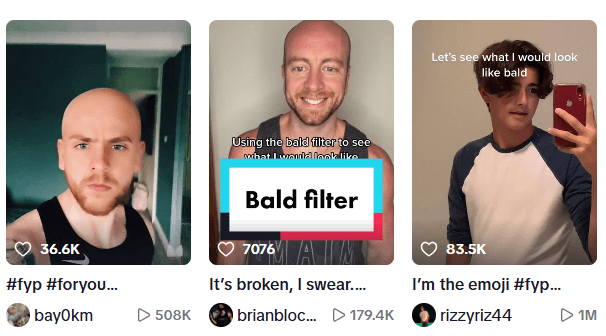
Source: TikTok Viral Trends
Best Online Bald Filter: Realistic AI Shaved Head Simulator
If you want the most lifelike results directly from your web browser, the YouCam Online Editor is the premier choice. It utilizes advanced facial recognition to ensure the "bald" effect aligns perfectly with your natural hairline, forehead, and ears. Plus, you can try it out using free credits when you sign up!
Step-by-Step: How to See Yourself Bald Online
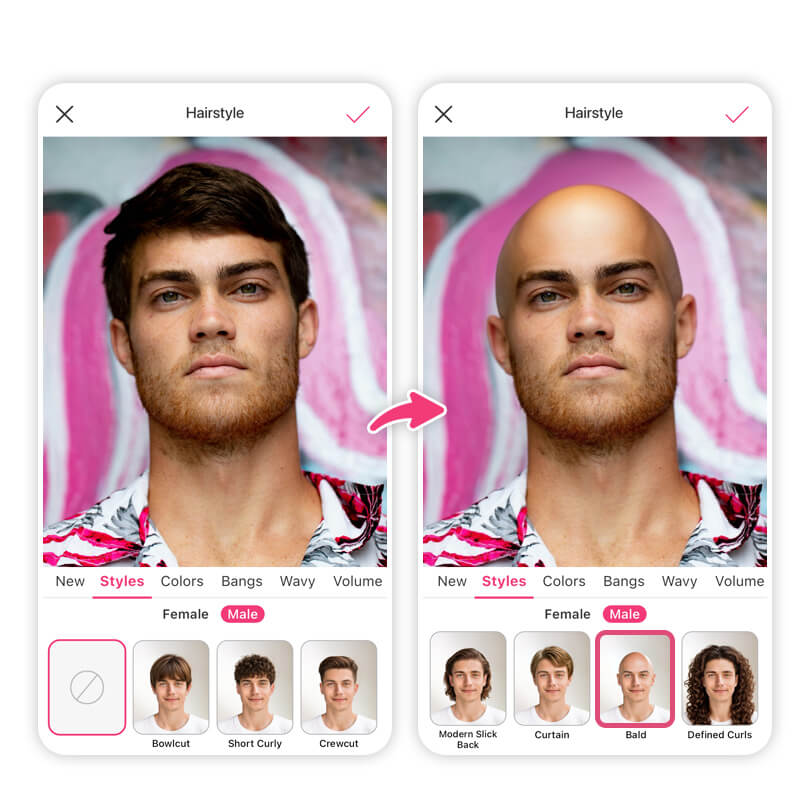
- Visit the Tool: Go to the YouCam AI Hairstyle Generator on your phone or computer.
- Upload Your Photo: Drag and drop a clear, front-facing selfie with good lighting.
- Select the Filter: Click on the Bald Filter icon from the hairstyle menu.
- Let AI Work: The AI will automatically detect your hair boundaries and render a realistic scalp texture in seconds.
- Save: Download your high-res image to share with friends!
Why the YouCam Online Editor is the Top Choice for 2026
- AI-Powered Realism: Instead of a flat graphic, this tool uses generative AI to simulate your unique skin tone, scalp lighting, and head shape.
- Browser-Based Convenience: Zero downloads, manual editing, or masking required. It works instantly right in your web browser.
- Endless Versatility: Want to explore more looks? Access 60+ virtual hairstyles and hair color filters all in the same online session.
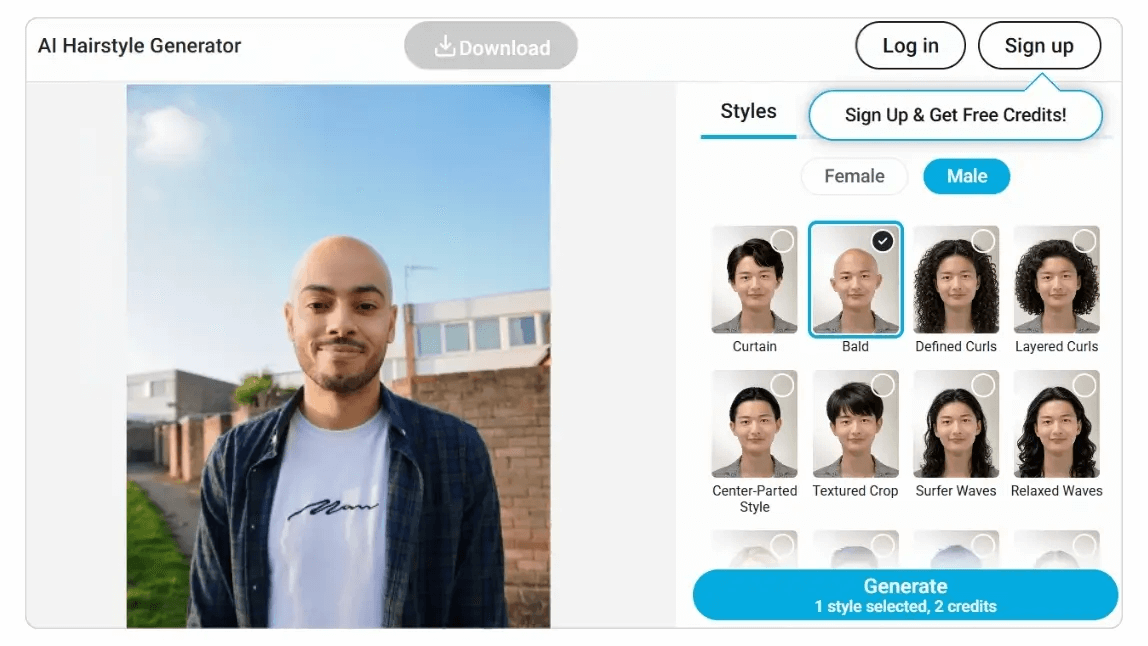
More Than Just Bald: Explore Virtual Hairstyles
If the completely shaved head look feels a little too drastic, you can use the exact same AI technology to test out other trending cuts before committing at the salon:
1. Virtual Bangs Simulator
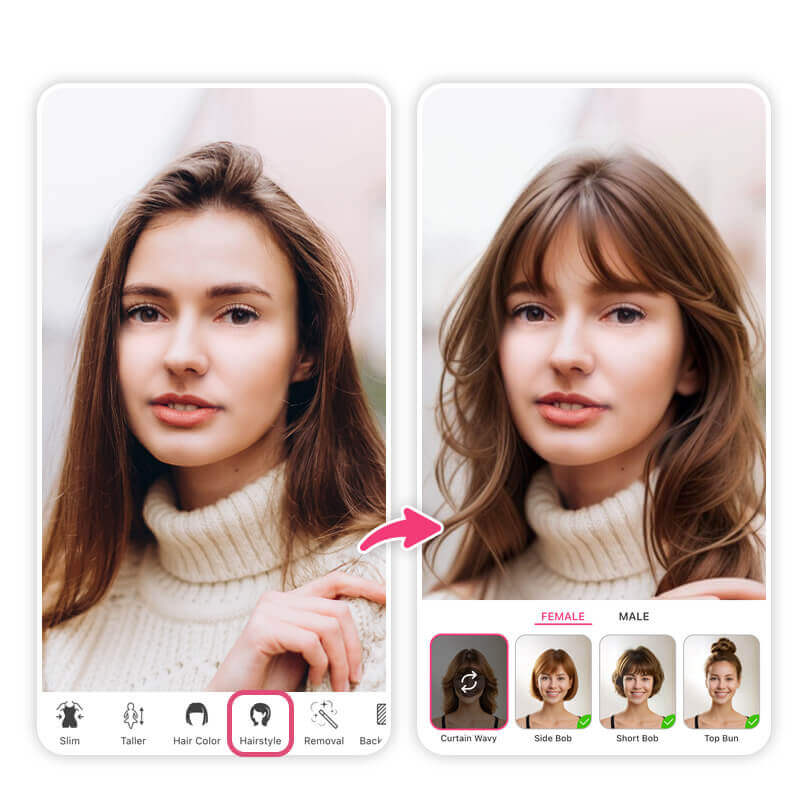
Considering a fringe? Use the virtual bangs filter to test wispy, curtain, or blunt bangs and see what suits your face shape best.
2. Short Hair Try-On
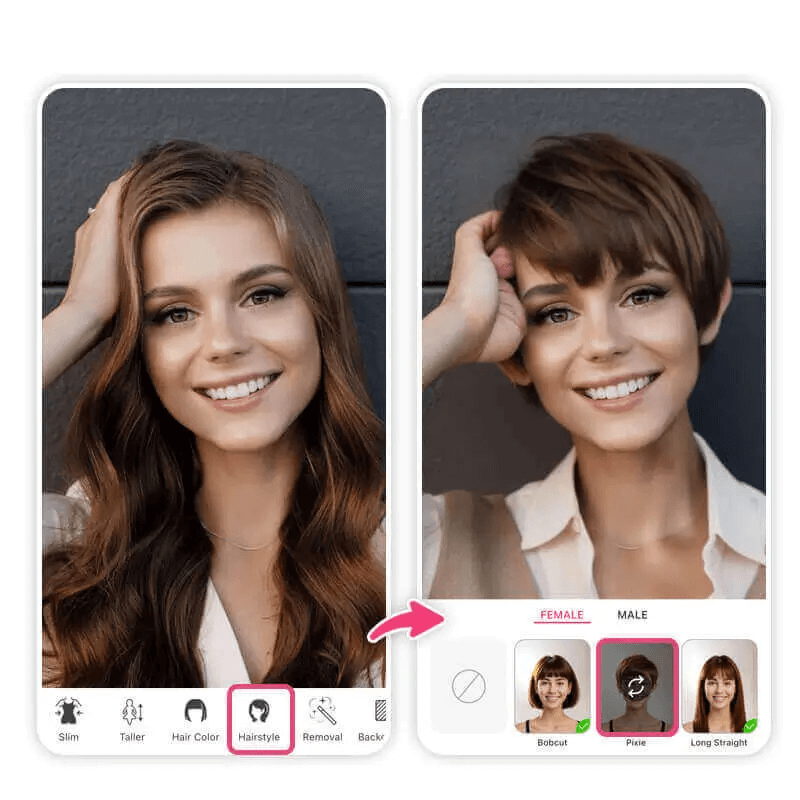 Preview a chic pixie cut or a classic bob effortlessly with the short hair filter.
3. Hair Color Changer
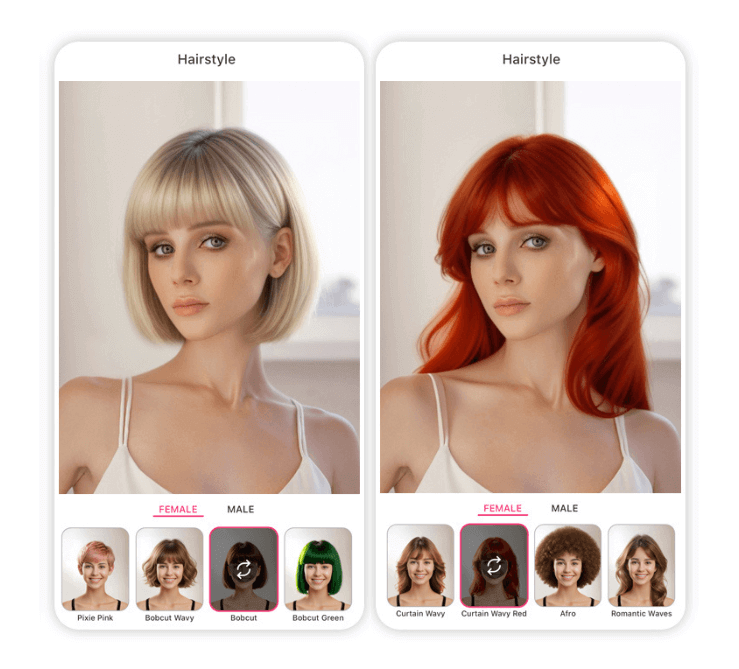 Swap shades instantly with the AI hair color changer to find your perfect dye match without the damage.
FAQ: Using the AI Bald Filter
- How can I see what I look like bald for free?
- You can easily see yourself bald using the YouCam Online Editor. By signing up for a new account, you receive trial credits that allow you to test the AI bald generator and preview your new look at no upfront cost.
- How realistic are AI bald filters?
- Today's AI filters are incredibly realistic. Instead of just placing a smooth dome over your hair, the AI analyzes your specific head shape, hairline, and skin tone to generate a convincing, naturally lit scalp texture.
- Can I use a bald filter online without downloading an app?
- Yes! The YouCam Online Editor allows you to use the bald filter directly in your mobile or desktop web browser, saving you storage space and time.
Ready to see the bold new you? Head over to the YouCam Online Editor and try the bald filter today!


