




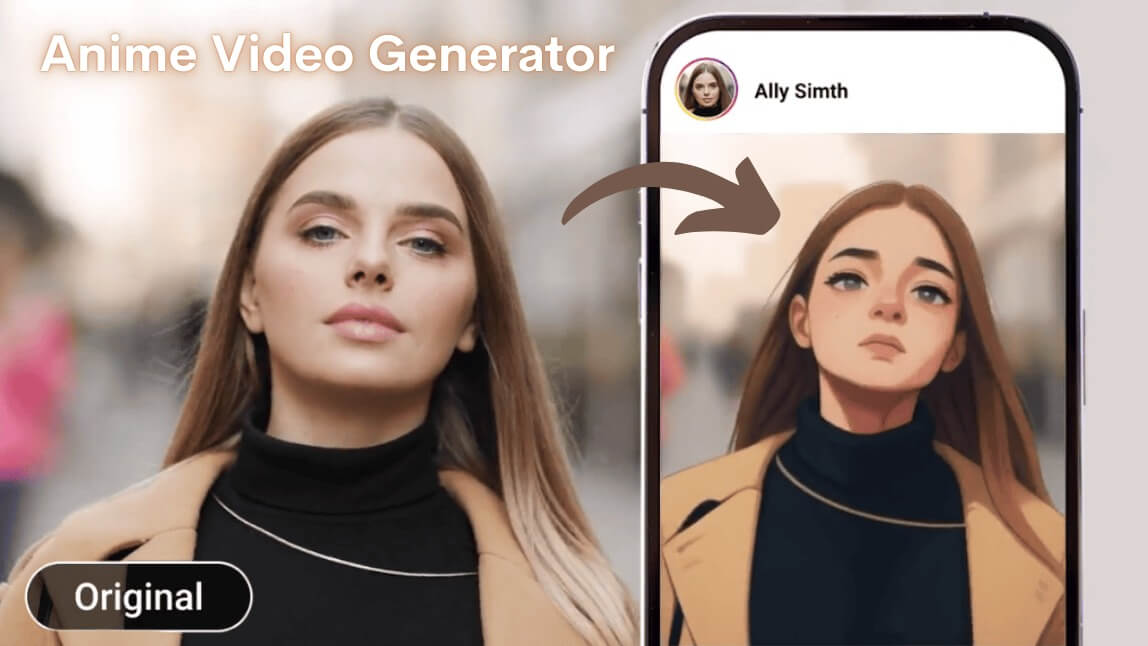
Thanks to the viral anime filter trend, people all over TikTok, Instagram, Threads, and YouTube are transforming their everyday videos into dreamy, AI-generated anime scenes—and it only takes a few taps.
Let's explore this phenomenon and discover how you can create your own anime-inspired videos.
Note: While AI-generated anime filters offer exciting creative possibilities, it's essential to consider the ethical implications and respect the original artistry of traditional anime creators.
What Is the Anime Trend?
It’s a filter that turns your real-life videos into anime.
Using AI-powered video editing tools, this trend transforms your facial features, movements, and background into a stylized, animated version of you—big eyes, pastel tones, soft shading and all. Some filters even give off serious Studio Ghibli vibes, making your video feel like a scene from Spirited Away or My Neighbor Totoro.
It’s not just a photo filter anymore—full video transformations are where it’s at in 2025.
Read more: How I Made Studio Ghibli Style AI Videos
Why Is the Anime Video So Popular?
Let’s break it down:
- It looks amazing – Seriously, some of these AI styles are shockingly detailed.
- No editing skills needed – Just tap a few buttons and boom, anime version of you.
- It taps into nostalgia – Anime fans get to live out their Ghibli dreams.
- It's made for social media – These kinds of videos are built to go viral.
Whether you're reimagining a walk in the park as a Ghibli adventure or turning your dog into an anime sidekick, it's pure creative fun.
How to Turn Your Videos into AI Anime Styles with the Best AI Animation Video Generator
Now, I will show you how to create anime video with the best anime video generator.
Step 1: Open the Best AI Animation Video Generator: YouCam Online Editor
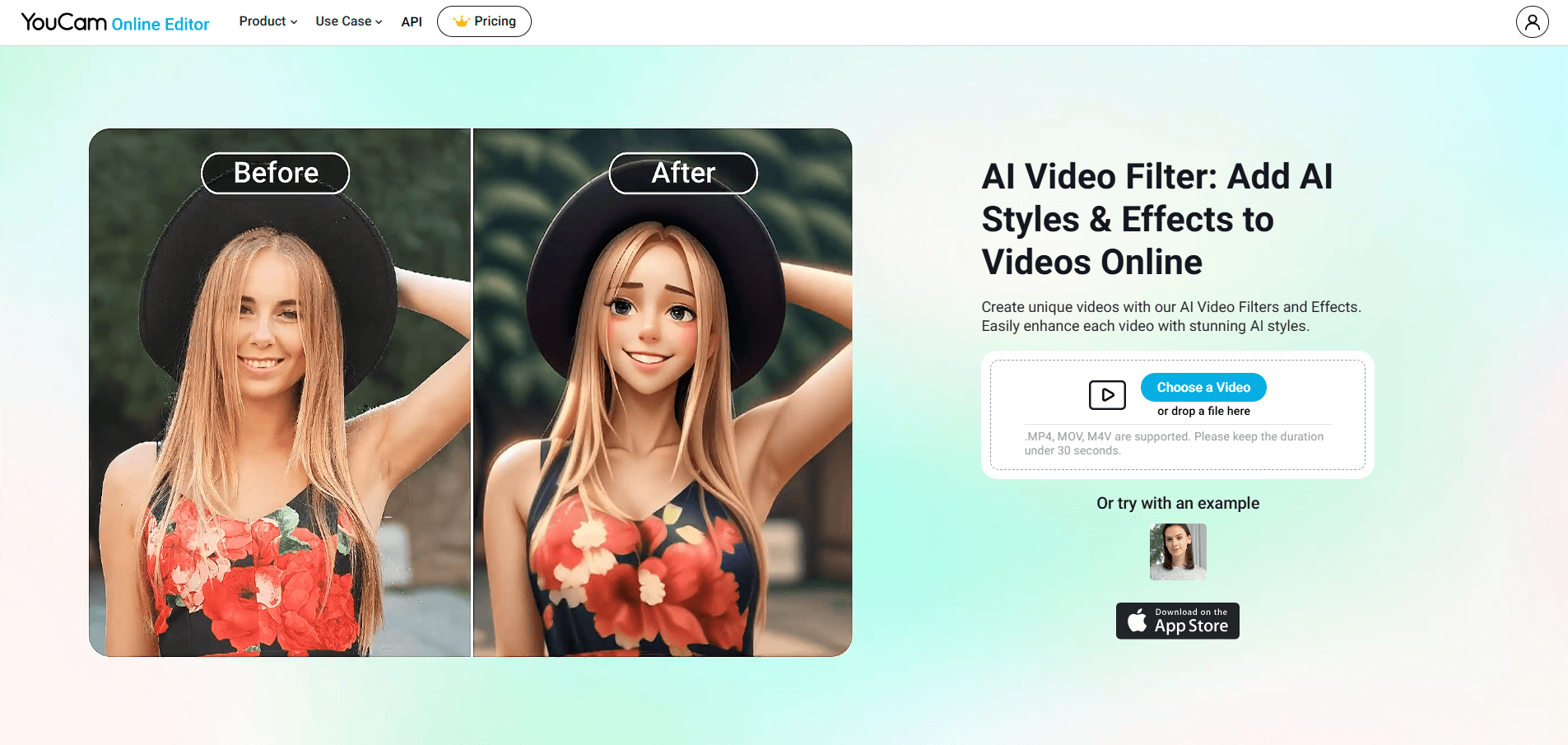
First, open YouCam Online Editor (also available for iOS and Andoid for the app version).
Step 2: Upload Your Video
Upload your video that you want to turn to the AI anime style.
Step 3: Choose an Anime Style to Apply
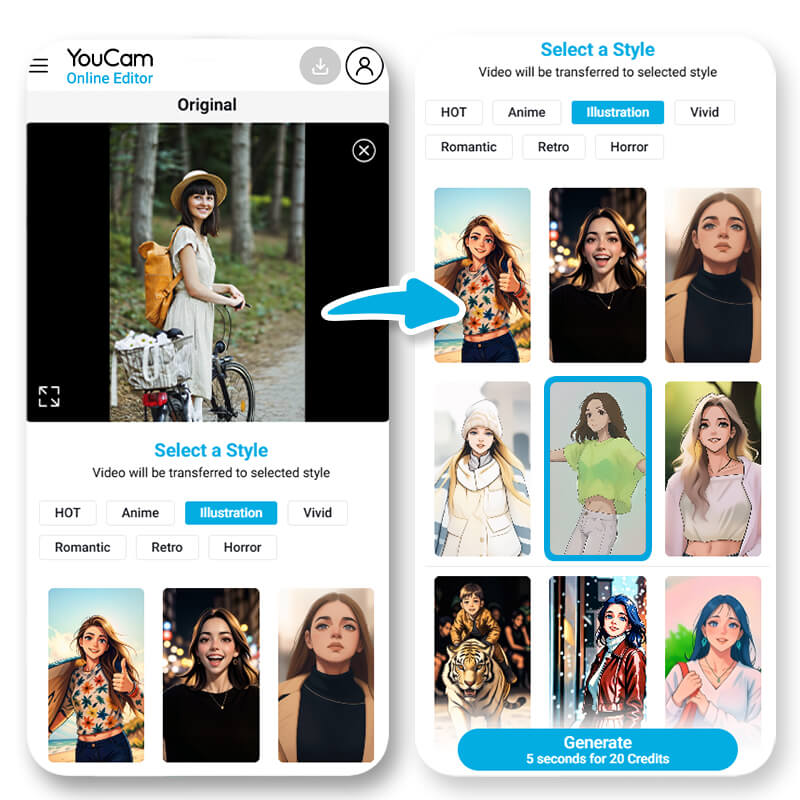 There are over 30 anime styles for you to choose.
Just pick one and tap 'Generate'.
Step 4: Generate and Save
After a few seconds, your anime video will be done!
Remember to save the video and share to the social media to join the trend.
Start to Generate Anime Videos with the Best Online AI Animation Video Generator
The anime filter trend isn't just a fun gimmick—it's a fresh, creative way to tell your story, express your personality, or just escape into a world that feels a little more magical.
Whether you're channeling Studio Ghibli vibes or putting your own spin on anime aesthetics, these AI tools make it super easy to bring your vision to life.
So why not give it a try? All it takes is one tap, and suddenly you’re the star of your own anime scene.
Ready to turn real life into anime? Let your imagination take the lead. 🎥✨
More Anime Video Ideas
- 5 Video to Cartoon Ideas With The Best AI Cartoon Generator
- Free AI Video Cartoonizer: Convert Video to Animation With AI
- Cartoonify Your Videos: Best Free Cartoon Video Filters for Fun Animations
- Turn Video to Cartoon: 9 Best Video Cartoonizer Apps of 2025
- Best AI Pixel Filter: Turn Your Video Into Retro Game Style
- AI Video Style Transfer: Turn Videos Into Unlimited Style


