




![Gemini AI Polaroid Trend: How to Create AI Hugging Videos [Tutorial]](https://plugins-media.makeupar.com/smb/blog/post/2025-09-16/webp_802b6fad-49c4-443f-a3ad-cf5f0d89d40a.jpg)
The viral trend: virtual hugs with celebrities in Polaroid style. 2025 brought a wave of nostalgia to social media: virtual hugs with celebrities in Polaroid style.
From K-pop idols to Hollywood actors, including singers and even superheroes, millions of users are already sharing photos hugging their favorite idols with the unmistakable white frame and retro flash of 90s Polaroids.
This phenomenon has gone viral on TikTok, Instagram and Reels, where users not only create photos, but also turn them into animated clips that look like they came straight out of a vintage magazine.
The best part is that anyone can do it easily thanks to tools like YouCam Online, which transform your images into realistic and nostalgic Polaroids in seconds.
How to create your Polaroid photo with celebrities in YouCam Online
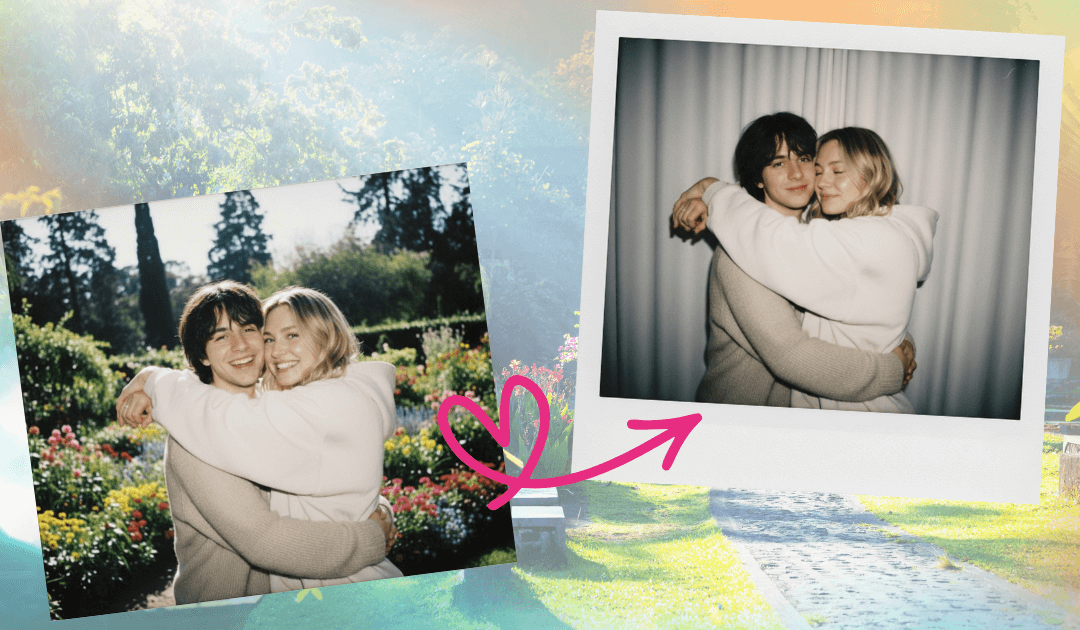
The magic of this trend lies in its simplicity. You don't need editing skills or complicated software. Just follow these steps:
Step 1: Go to YouCam Online Editor
Open the platform from your browser—free and no downloads required. Available on computer, tablet, or phone.
Step 2: Upload your base photo
Here’s the trick: you can choose who you want in your Polaroid.
- A photo of you with your favorite celebrity (the most popular in the trend).
- A selfie with your partner, friends, or family for a nostalgic memory.
- A casual image ready to become a virtual hug.
YouCam Online Editor’s AI will do all the work to give it that instant retro look.
Step 3: Use this viral Polaroid prompt and convert your photo to Polaroid style
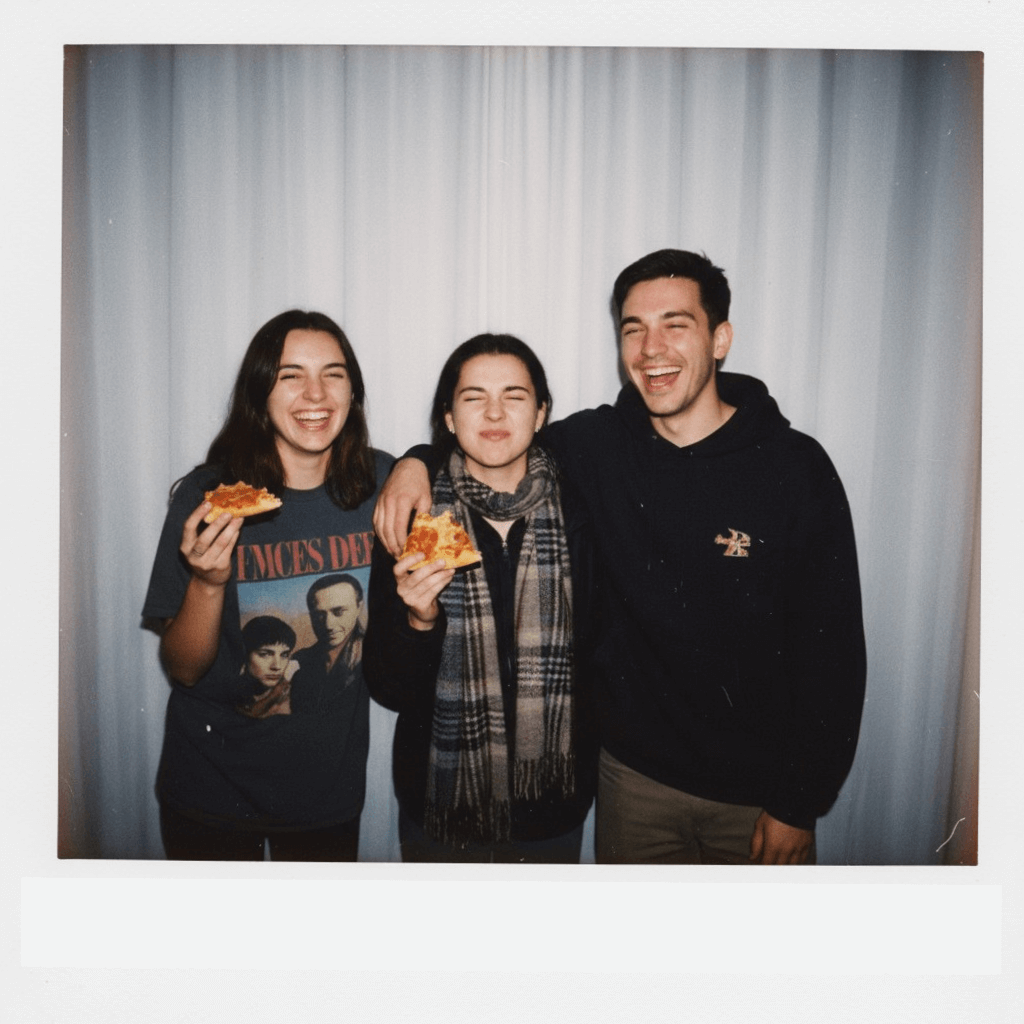
Viral Polaroid Prompt (copy and paste):
Polaroid-style photo of two people hugging. The image should look casual and natural, without a specific theme or forced poses. The background is a simple white curtain, clean and distraction-free. Lighting should simulate a flash in a dark room, with light evenly spread across the photo. The image should convey a nostalgic and authentic vibe. Realistic style, ideal for sharing on social media.
With one click, your image will have:
- Classic white Polaroid-style frame.
- Intense flash lighting reminiscent of instant cameras.
In just seconds, your photo will look like it came from a forgotten roll of film from the 90s.
Bonus Tip: Turn your Polaroid into an Animated Video
Once you have your Polaroid-style photo, you can take it to the next level by turning it into a short animated clip. This adds movement and emotion, making your virtual hug even more special.
Use YouCam Online Editor’s AI Image to Video feature to animate your photo with effects like zoom, fade, and vintage transitions.
5 Reasons to Use YouCam Online’s Image to Video and Transform Your Celebrity Polaroids into Videos
Creating a retro Polaroid with your favorite celebrity is already amazing… but turning that photo into an animated video is what truly makes it go viral. Here are 5 reasons why you should use YouCam Online’s AI Image-to-Video feature:
1. Greater impact on social media
Videos have a wider reach than static images on platforms like TikTok, Instagram, and YouTube Shorts. An animated Polaroid grabs attention in seconds.
2. Ready-to-use viral templates
With options like “Hug,” “Dance,” or “Kiss,” you can choose the animation that best matches the mood of your Polaroid photo. No editing needed—the AI does it all for you.
3. More emotional and realistic content
Movement adds an extra layer of emotion: your virtual hug with a celebrity no longer looks like just a retro photo—it feels like a living memory!
4. Perfect for storytelling
You can combine multiple animated Polaroids into a single video to tell a mini-story—from hugging your idol to scenes with friends or your partner.
5. Easy, fast, and accessible
The entire process is 100% automatic, takes just seconds, and requires no editing skills. Just upload your photo, choose a template, and download your video ready to share.
In summary: YouCam Online’s AI Image-to-Video feature transforms your celebrity Polaroids into an irresistible format for social media.
Creative Ideas for Your Polaroid with Celebrities
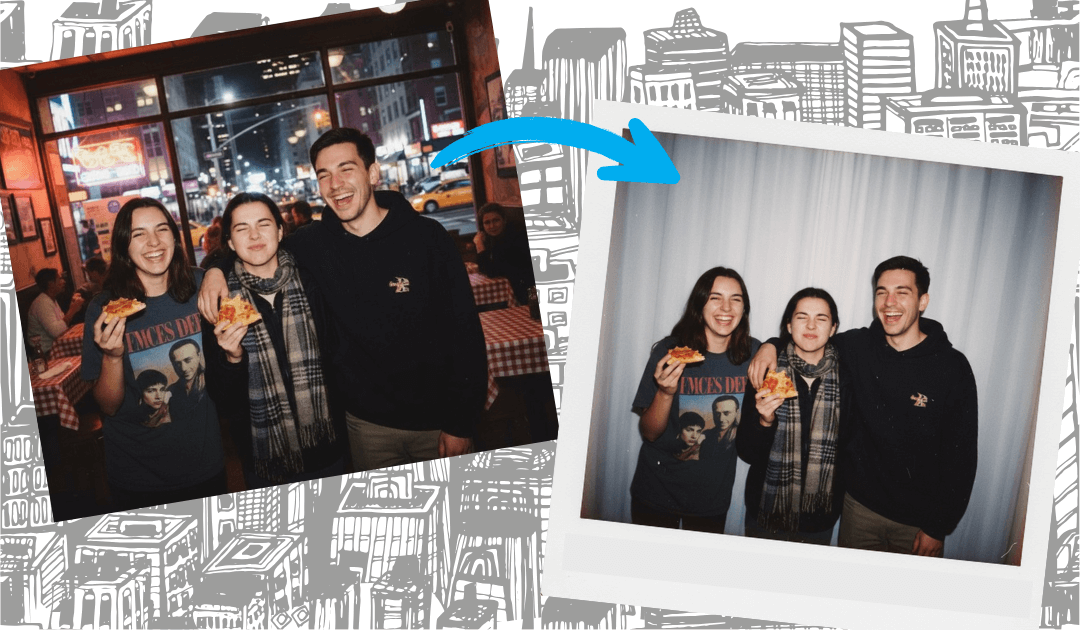
It doesn’t matter if you’re a fan of pop music, movies, or superheroes—this trend has something for everyone. Here are a few ideas:
- Hug your favorite K-pop idol in retro style.
- Turn a romantic photo with your partner into a vintage Polaroid.
- A hug with your favorite Hollywood actor, as if you were on the red carpet.
- Transform family photos into Polaroid memories to share at gatherings.
- Create collages of Polaroids featuring different celebrities and friends.
Why Are Polaroids with Celebrities Trending?
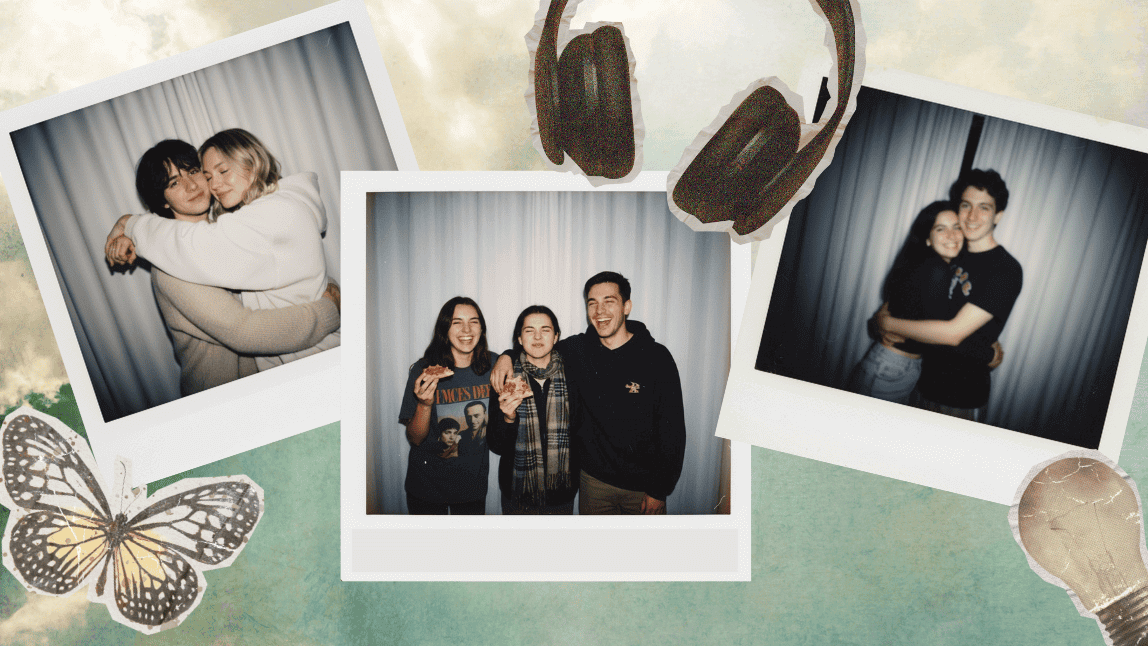
The success of this trend is no coincidence. Here are the key reasons:
Reason | Explanation |
Nostalgia | The Polaroid look connects with memories from the '90s and early 2000s. |
Accessibility | YouCam Online Editor makes it easy for anyone to create these photos in seconds. |
Personalization | Each user can choose their favorite celebrity or loved ones. |
Viral Format | Animated Polaroids work perfectly on TikTok and Reels. |
Extra: The AI Kiss Template – Another Viral Trend
In addition to the virtual Polaroid-style hug, another feature that has gone viral on YouCam Online Editor is the AI Kiss template.
This option lets you generate romantic photos where two people appear to be kissing, always with a natural, nostalgic, and aesthetically realistic style.
It’s especially popular among couples who want to turn their memories into vintage photos with a cinematic vibe.
Just like with the hug, you can animate your Kiss Polaroid using the Image-to-Video feature to create romantic clips that are perfect for sharing on social media.
Conclusion
Virtual celebrity hugs in Polaroid style are the trend that best combines nostalgia, creativity, and virality in 2025. And thanks to YouCam Online, anyone can join the trend with just a few clicks.
Upload your photo, turn it into a retro Polaroid, and don’t forget to use the Image-to-Video feature to transform your creation into animated content perfect for social media.
Ready for your next viral post?
Legal Notice: AI-generated hug and kiss animations are intended solely for creative and entertainment purposes. The results are simulations and do not represent real gestures or relationships. We recommend using this feature responsibly and respectfully, avoiding content that could be considered offensive, inappropriate, or harmful to the image of others.
Frequently Asked Questions About Virtual Polaroid-Style Hugs
What is a virtual Polaroid-style hug?
It’s an AI-generated photo that simulates a hug in a classic Polaroid format, with a retro frame, flash-style lighting, and a nostalgic vibe.
Can I make a Polaroid with a celebrity?
Yes! That’s the viral trend. Just upload your photo and let the AI create the illusion that you’re hugging your favorite singer, actor, or idol.
What kind of photos work best?
Selfies, full-body shots, or couple photos.
How can I animate my Polaroid photo?
Use the Image-to-Video feature in YouCam Online. Choose a template like “Hug” and your photo will come to life.
Do I need editing or design skills?
No, everything is automatic. The platform applies the effects instantly.
Is it free to create a Polaroid with celebrities?
Yes, you can try YouCam Online for free and get 5 free credits.
How can I make my Polaroid look even more realistic?
Use photos with natural poses, simple backgrounds, and let the AI apply the classic Polaroid effect with a white frame and retro flash.


