




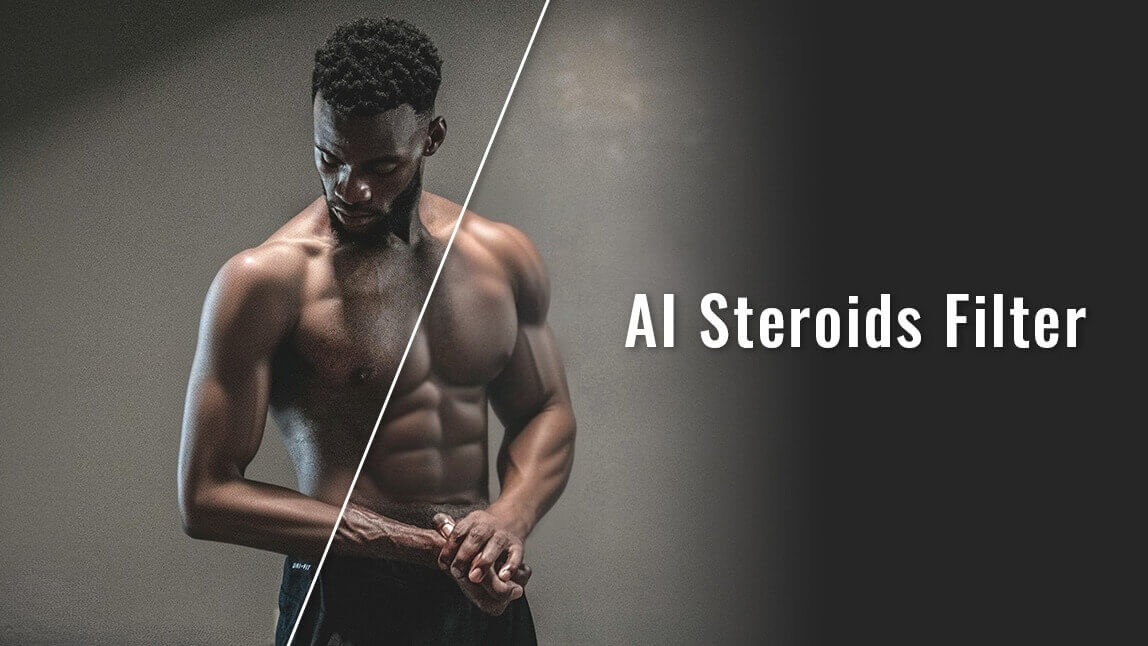
If you've ever asked, "How can I add muscle to my photos effortlessly?" the answer is Generative AI. With an online AI muscle generator like the YouCam Online Editor, you can realistically transform your physique—adding six-pack abs, defined biceps, and chest mass—directly in your browser. No gym or Photoshop skills required.

How to Add Muscle to Your Photos Online (No App Required)
In 2025, you don't need to download a heavy app to edit your body. The YouCam Online Editor uses advanced "AI Replace" technology to blend new muscle fibers naturally with your skin's lighting and shadows.
Step-by-Step: Using the AI Muscle Generator
- Launch the Tool: Open the YouCam Online AI Replace tool in your browser.
- Upload Photo: Select a clear photo where your body is visible (JPG or PNG).
- Highlight Muscles: Use the brush tool to mark the areas you want to enhance (e.g., your arms, stomach, or chest).
- Describe the Look: In the prompt box, type specific keywords like "defined biceps," "shredded six pack," or "bodybuilder physique."
- Generate & Download: Click "Generate" and watch the AI realistically build your muscle.
Bonus: Create AI Muscle Growth Videos
Want to show your "transformation" in motion? YouCam's AI Muscle Video Generator can turn a single photo into a dynamic video.
How to Animate Muscle Growth:
- Go to the Image-to-Video tool.
- Upload your edited AI muscle photo.
- Select the "Flex On" template or type "shirt off and flex muscles."
- Export and share your AI-generated bodybuilding video.
Why YouCam Online is the Best AI Body Editor in 2025
Unlike basic photo filters, this AI Body Editor provides realistic results by calculating anatomy and shadows.
- Generative Accuracy: The AI doesn't just "stretch" your photo; it generates new, high-definition muscle textures.
- Privacy & Ease: No account or app installation is required for quick edits.
- High-Resolution Upscaling: The online tool automatically improves photo quality while adding muscle.
| Feature | Result |
|---|---|
| Six Pack Abs | Realistic ripped core definition |
| Bicep Mass | Natural-looking arm enhancement |
| Video Animation | Flexing & growth motion effects |
5 Viral AI Muscle Prompt Ideas
To get the best results from the AI Muscle Generator, use these specific text prompts:
- "Add defined peak to biceps and triceps": For massive looking arms.
- "Deep six-pack abs with oblique definition": For a shredded fitness model look.
- "Broad chest muscles and muscular pectorals": To bulk up the upper body.
- "Quadriceps and calf muscle definition": For a powerful leg day look.
- "V-taper back and overall muscle tone": For a balanced, aesthetic physique.
FAQ: AI Muscle Generators
- Can AI add muscles to any photo?
- Yes, as long as the photo is well-lit and the body parts are visible, AI can realistically generate muscle fibers on top of the original image.
- Is the online muscle generator free?
- YouCam Online Editor offers free AI Replace credits so you can test and generate muscle photos without an initial cost.
- Does it look fake?
- Generative AI (used in YouCam) is much more realistic than stickers or warping tools because it creates lighting and shadows that match the original photo.
Ready to see your new physique? Start using the AI Muscle Generator Online now!


