




Have you ever feel disappointed when seen a photo blurry or pixelated when viewed on a larger screen?
Low-resolution photos can be frustrating, especially when you want to preserve those precious memories in the best quality possible. Fortunately, there are several easy ways to enhance the resolution of your images.
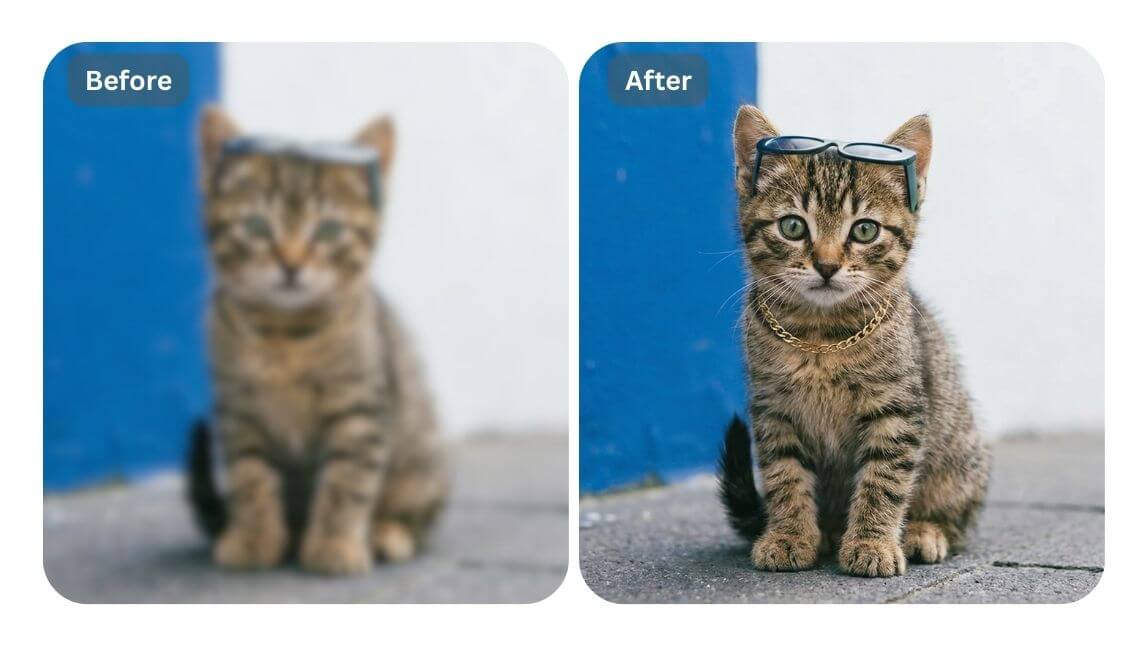
In this guide, we’ll explore 5 effective methods (both online tools and apps) to fix low-resolution photos and make them look sharp and clear.
5 Easy Ways to Fix Low-Resolution Photos in 2026
Discover these five simple and effective methods to enhance the quality of your low-resolution photos.
1. YouCam Online Editor: 4K Image Upscaler
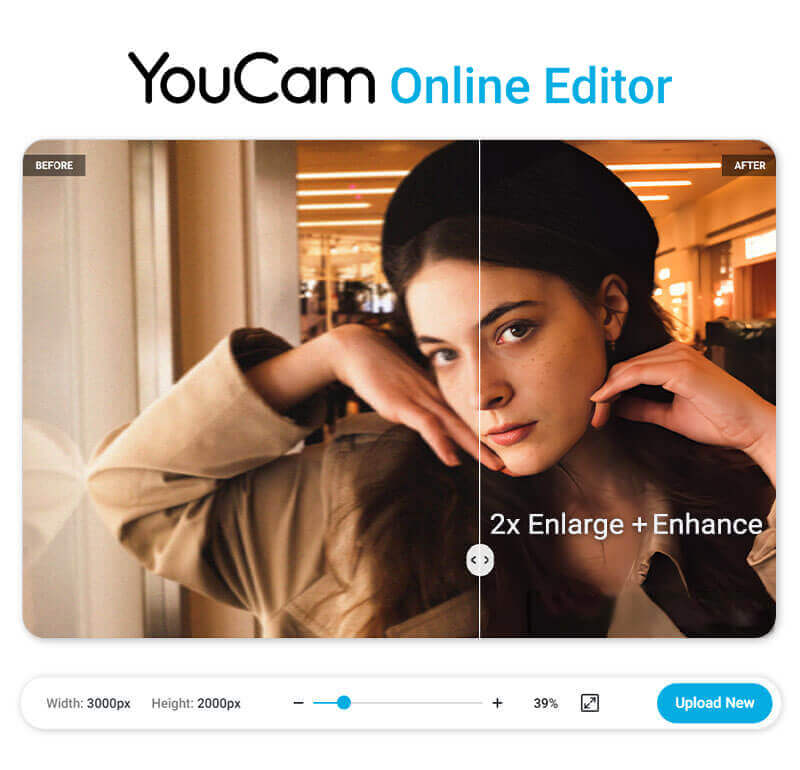
For an online solution, YouCam Online AI Photo Enhancer is a great tool. It allows you to upscale your images to twice their original size, with resolutions up to 4K. This online service is convenient and user-friendly, making it easy to enhance your photos without needing to download any software.
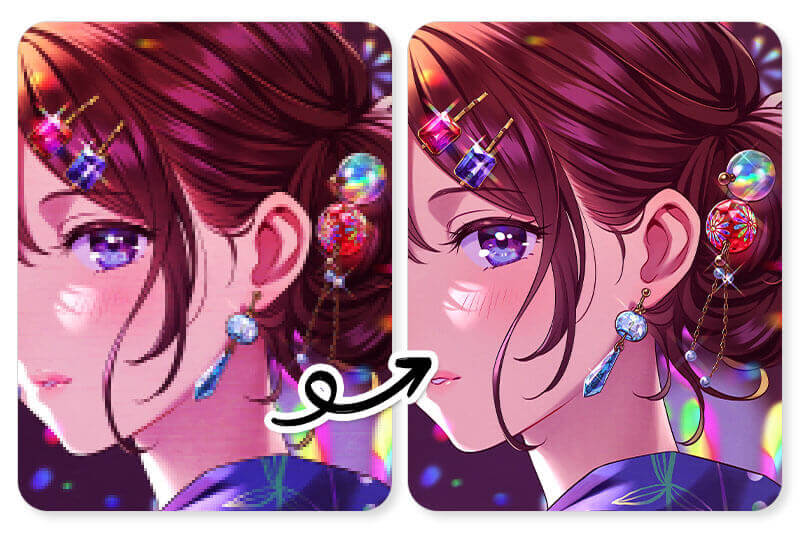
This web-based tool utilizes advanced AI technology to enhance your images quickly and efficiently. It also automatically enlarges your image to 2x its size without compromising image resolution, making it more convenient for designing projects or editing product photos.
How can I Make an Image with Higher Resolution?
→ Explore our free online AI photo enhancer, YouCam Online Editor 🪄
2. YouCam Enhance: Upscale Image on Seconds
Using the YouCam Enhance app, you can easily improve the quality of your photos with just one tap.
This app offers AI-powered photo enhancing that increases the image resolution up to 4K and sharpens the details, making it perfect for fixing low-resolution photos on both iPhone and Android devices.
Simply upload your photo, apply "AI Enhance" and enjoy a clearer, more detailed image.

AI Photo Enhancer
Fix blurry photos & enhance quality.
AI unblur, sharpen, and colorize.
Wonder how to enhance your photo by editing with AI tools?
→ Explore our review of YouCam Enhance’s AI-powered photo editing features and its top 5 use cases
3. Canva: Increase Image Resolution
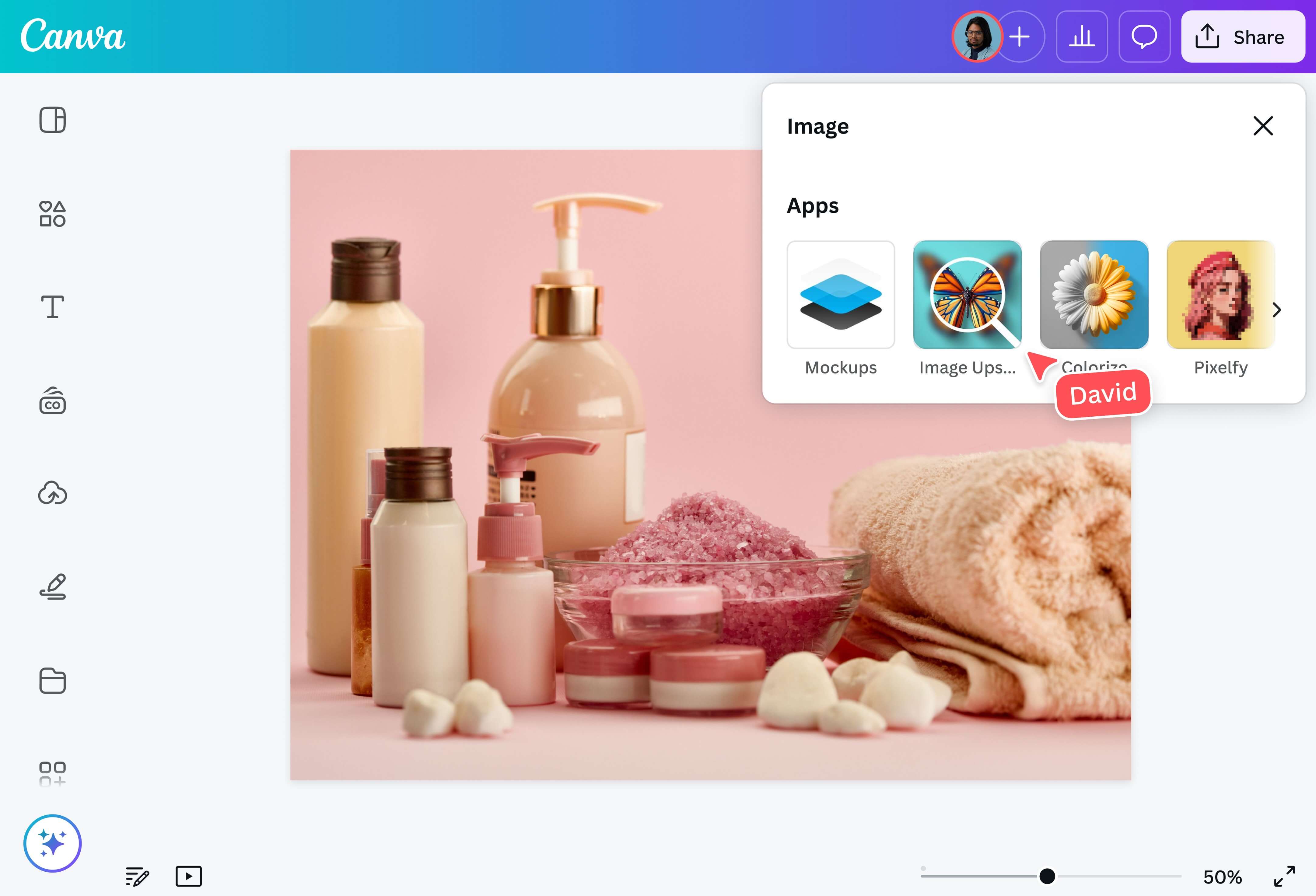
Canva offers powerful tools to fix low-resolution photos.
After using Canva’s AI Photo Enhancer, I’d describe it as a fast, beginner-friendly tool that combines photo editing with design workflow—rather than a heavy-duty photo restoration app.
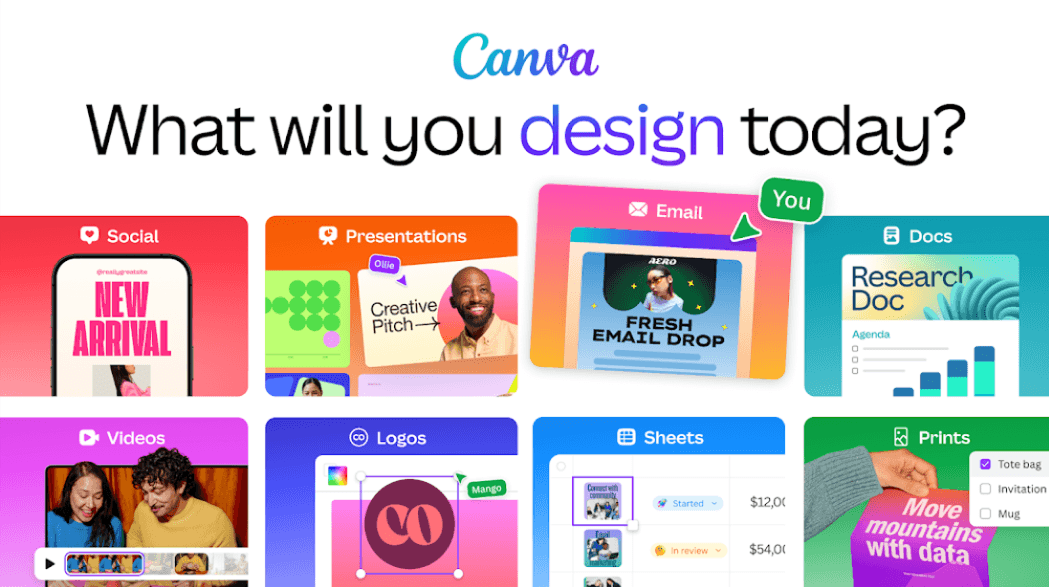
What really stands out is that Canva doesn’t stop at enhancing photos. You can instantly turn your improved image into a design, whether it’s an Instagram post, presentation, or ad creative. That seamless workflow makes a big difference compared to traditional AI enhancers.
4. Remini AI: Precise Face Enhancement
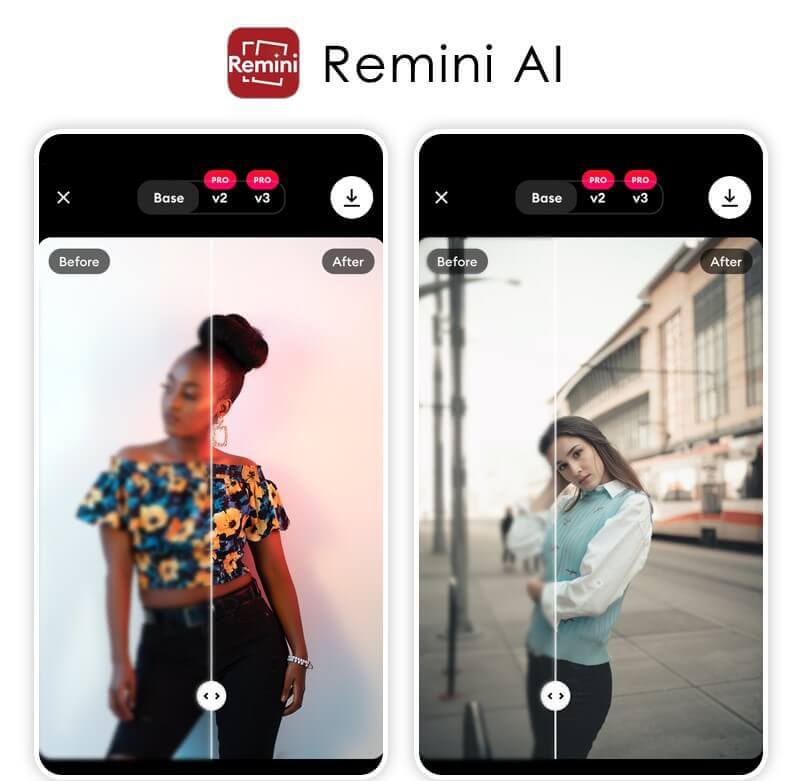
Remini AI is a powerful free photo & video enhancer app powered by advanced AI technology. It automatically detects faces and objects in images and applies subtle enhancements to bring out the best details without overdoing it.
Remini not only offers an AI photo enhancement for overall improvement, but also includes features such as Face Enhancer and Background Enhancer. This allows users to focus on enhancing portraits or landscapes, catering to different needs for photographers.
5. PicWish: Retouch Selfie Photos
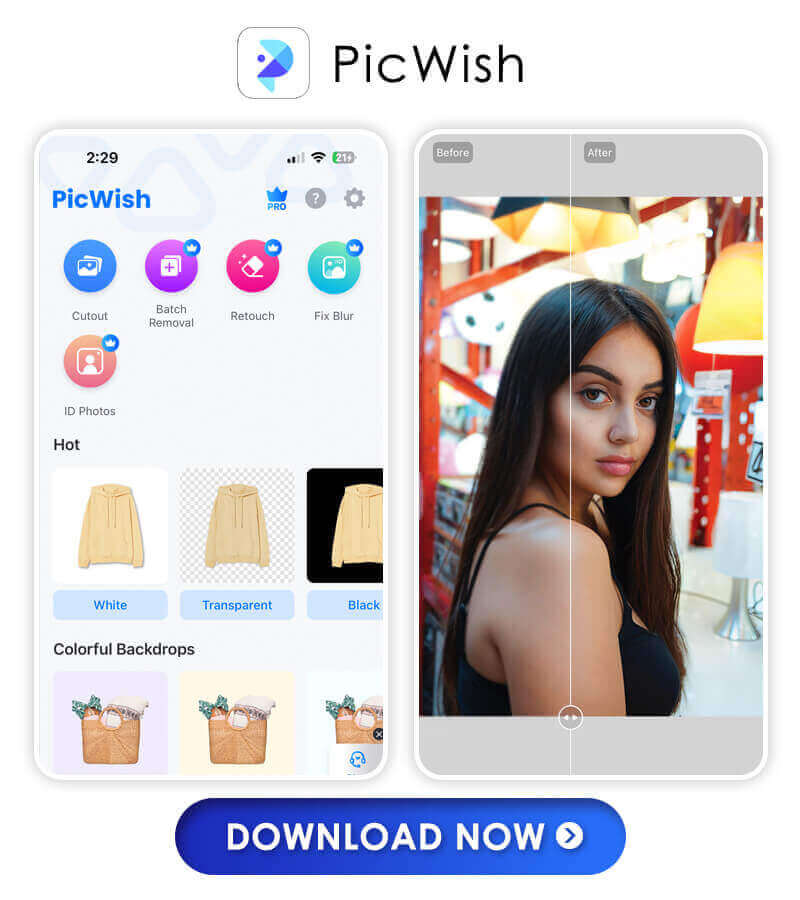
PicWish is a free AI-powered photo editor app with tons of great features like auto-enhancement, object segmentation, background removal/blurring, and color filters. It also offers over 100 fonts and stickers to customize your photos even further!
Enhance Photos With the Best AI Photo Enhancer App in 2026
There are plenty of great options when it comes to finding the perfect AI photo enhancer app for your needs in 2026. Give one (or more!) of these tools a try today!
About the Editors
The PERFECT Corp. Editorial Team
We are a team of experts on photo and video editing apps. Our goal is to deliver engaging content on everything from stunning selfie edits to eye-catching video effects. We cover the latest trends and share niche tips to help you master digital creation.
Discover more about us:


