




![How to Make Ghibli Style Images & Videos With ChatGPT [Tutorial]](https://plugins-media.makeupar.com/smb/blog/post/2025-04-01/webp_570ee823-09b9-4505-92bd-cd2175bf9609.jpg)
I’ve always loved the magical vibe of Studio Ghibli films — the dreamy landscapes, the soft colors, and those peaceful moments that just feel like a warm hug.
So recently, I thought: What if I could create my own Ghibli-style video? And guess what? I made it!
In this step-by-step tutorial, I'll walk you through how to use ChatGPT and YouCam to turn photos into Ghibli style images and videos.
It's surprisingly simple and incredibly fun! Let's get started and unleash our inner artists together.
Disclaimer: The AI-generated images and videos are inspired by the visual style of Studio Ghibli, but are not affiliated with, endorsed by, or representative of the original works by Studio Ghibli or its creators. All rights to Studio Ghibli’s characters and original artworks belong to their respective owners.
How to Use ChatGPT to Turn Photos Into Ghibli Style
Ever wondered how to transform your photos into magical Ghibli-style art?
Follow these easy steps to use ChatGPT and bring that enchanting Studio Ghibli charm to your images.
Step 1: Launch ChatGPT
First, open ChatGPT in your web browser. It's super easy to get started!
Step 2: Log In or Sign Up
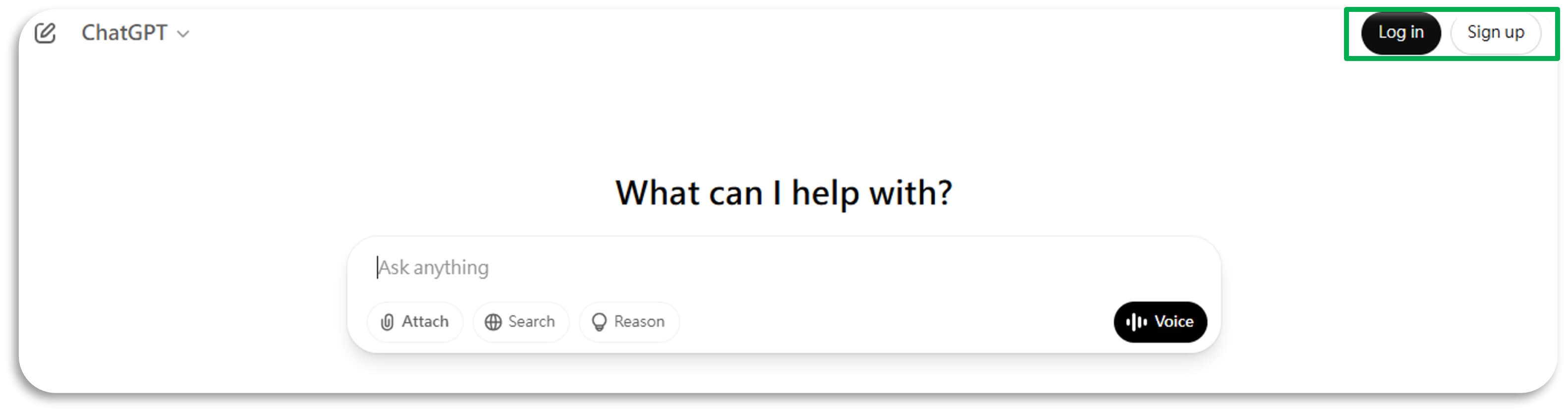
Log in to your existing account or sign up if you're new. It only takes a minute!
Step 3: Enter Your Prompt
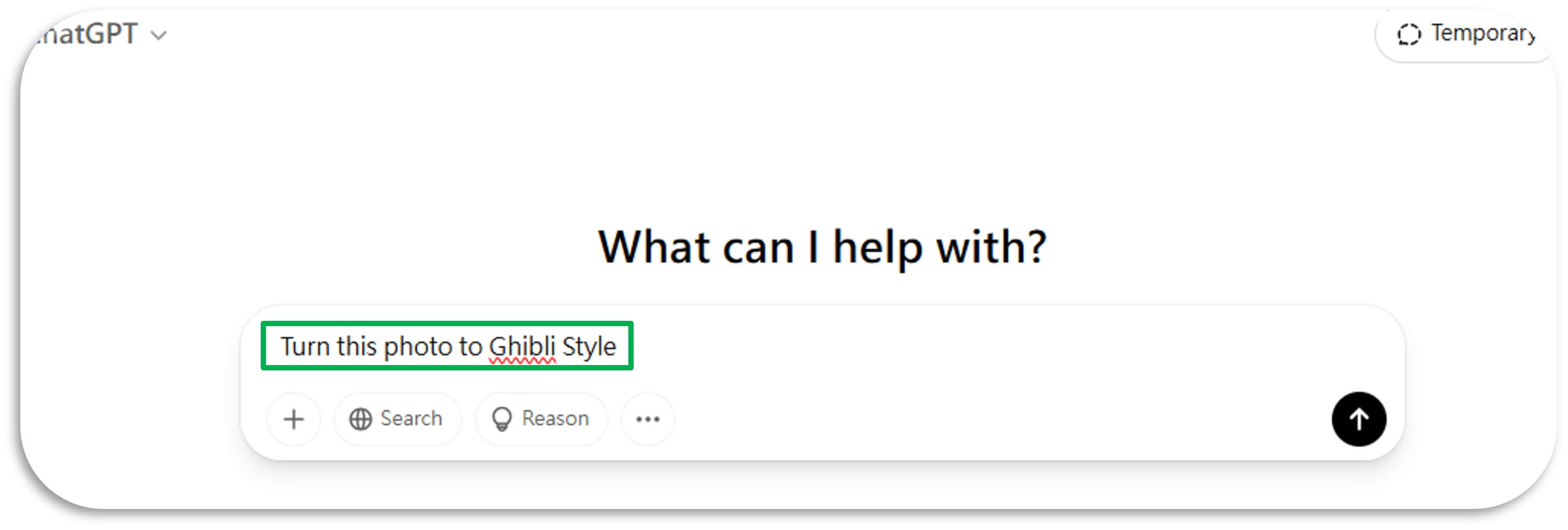
Type in the exact prompt: "Turn this photo to Ghibli Style". This sets the stage for the magic to happen.
Step 4: Upload Your Photos
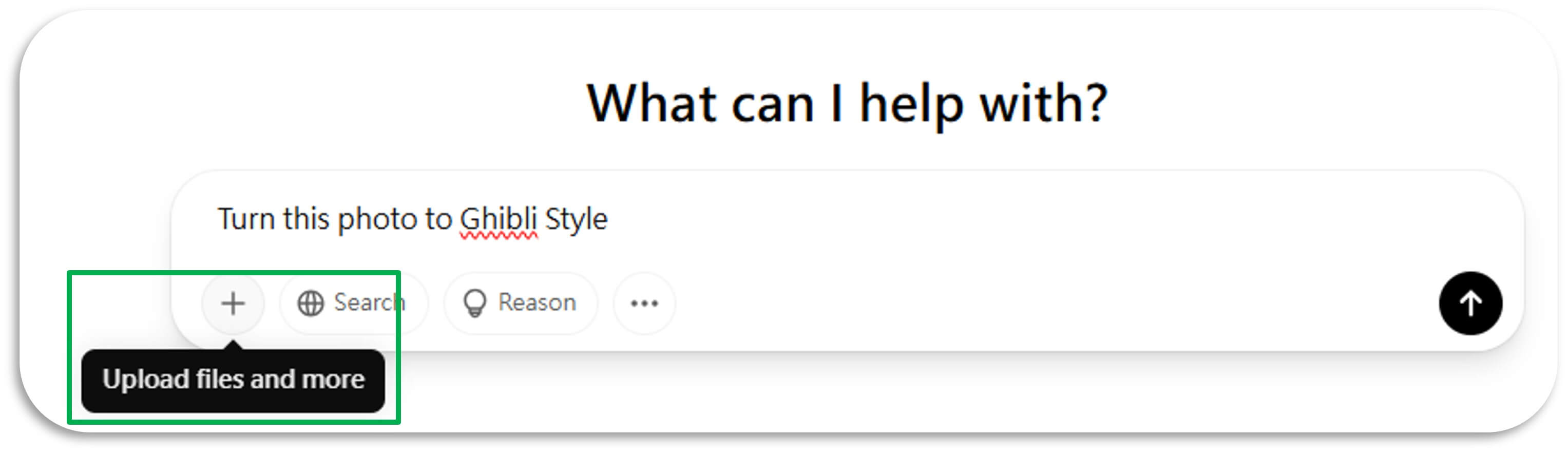
Upload the photos you want to transform. Just drag and drop them into the chat.
Step 5: Start the Transformation
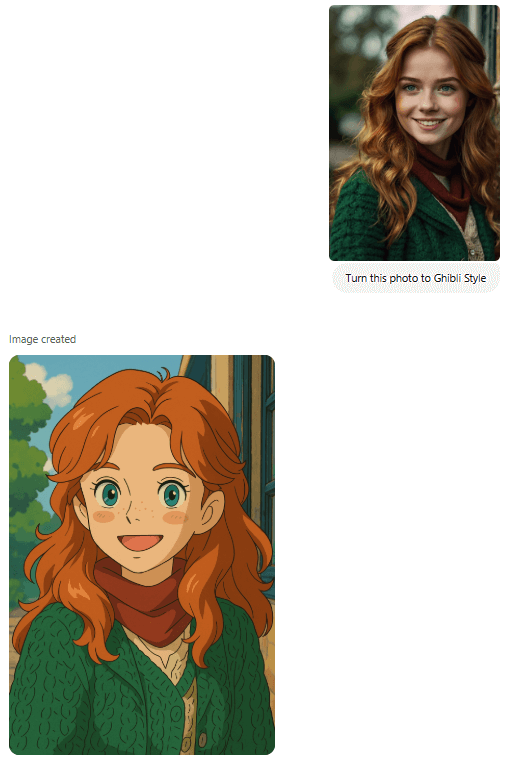
Click the start button and watch as your photos are magically turned into Ghibli-style art. It's like having your own personal animation studio!
How to Turn a Ghibli Image into a Video with YouCam's Ghibli Video Generator
After I had my dreamy image, the next step was to animate it.
For that, I used the Image-to-Video feature in the free YouCam Ghibli Video Generator.
Here’s what I did:
- Opened YouCam Ghibli Video Generator (it’s available on Web, also have app version for iOS and Android users).
- Selected the Image-to-Video feature.
- Uploaded my Ghibli-style image.
- Picked a animation effect or write the prompt to describe how you want the photo to move..
- Exported the video.
Read more: How to Animate a Photo, How to Turn Your Videos to Anime Styles
5 Highlights of the Best AI Ghibli Video Generator: YouCam AI Image to Video
- Effortless Animation: Easily transform your photos into lifelike videos with just a few clicks.
- Variety of Effects: Choose from a range of AI video effects like dance, hugs, and kisses to add unique touches to your videos.
- High-Quality Output: Produce stunning, cinematic videos that bring your images to life.
- User-Friendly Interface: Enjoy a simple and intuitive interface that makes video creation accessible to everyone.
- Customizable Templates: Use a variety of templates to quickly create engaging and dynamic videos.
5 Ghibli-Style Video Ideas You Can Create With YouCam AI Image to Video
Ever wondered how to bring the enchanting world of Ghibli to life in your videos? Here are 5 magical Ghibli-style video ideas you can create using YouCam AI Image to Video.
- Magical Forest Adventure: Animate your Ghibli-style forest image with swaying trees, glowing fireflies, and a gentle breeze.
- Enchanted Village Life: Bring your village scene to life with children playing, shopkeepers bustling, and birds flying overhead.
- Mystical Mountain Journey: Animate your mountain landscape with drifting clouds, a flowing river, and a lone traveler on the path.
- Whimsical Sky Island: Turn your sky island image into a video with floating islands, soaring birds, and a magical airship.
- Charming Seaside Town: Animate your seaside town with crashing waves, flying seagulls, and townsfolk going about their day.
Bonus: How to Generate Anime-Style Images for Free
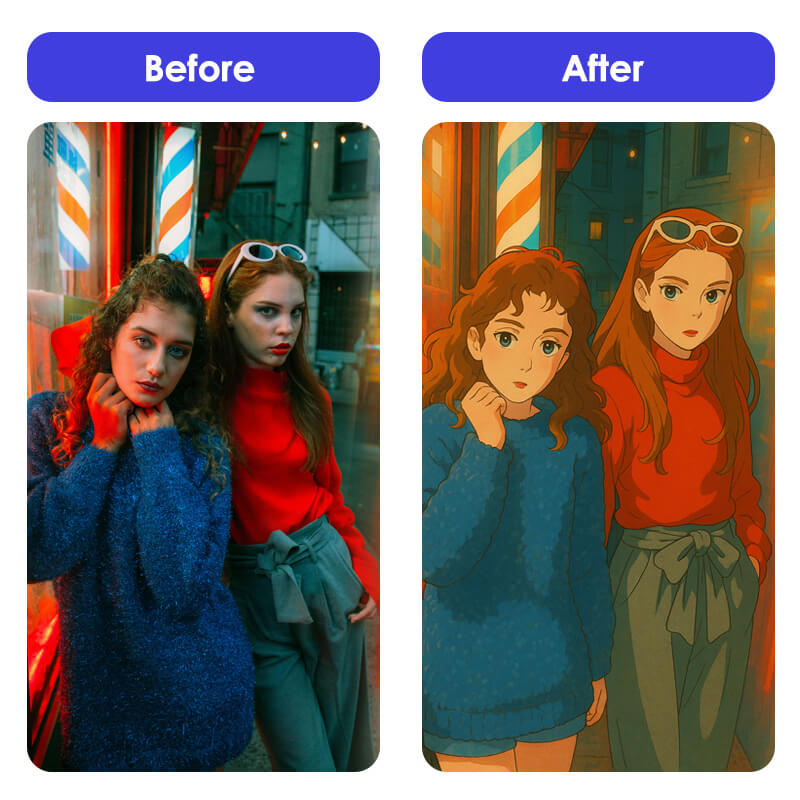
If you're struggling to generate anime-style images with ChatGPT, you're not alone. ChatGPT may restrict this type of content.
Additionally, you might encounter usage limits, which can prevent you from generating images until the limit resets.
When that happens, don’t worry — you can try alternative tools to create anime-style illustrations easily.
With YouCam Photo Editing Tool, you can turn your photos into anime-style images.
It's compatible with both smartphones and computers, so as long as you have internet access, you can use it anytime, anywhere.
Here’s a step-by-step guide to generate anime-style images using YouCam:
- Step 1: Open YouCam Photo Editing Tool: Visit the YouCam Image Generator page and get ready to start your anime-style transformation.
- Step 2: Upload Your Photo: Tap "Reference Image" and upload the photo you want to turn into an anime-style illustration.
- Step 3: Adjust the Intensity: Set the intensity of the effect — the default 35% works well for most images.
- Step 4: Choose Your Anime Style: Pick your favorite anime style and tap "Generate" to create your image. New users get free credits to use!
- Step 5: Download Your Image: Once the image is ready, download it to your device and enjoy your anime-style creation!
With this method, you can easily create anime-style images, including Ghibli-inspired artworks, without relying solely on ChatGPT.
Read more: How to Create Images in Ghibli Style
Final Thoughts
Making a Studio Ghibli style AI video doesn’t have to be complicated.
With just ChatGPT to create images and YouCam to animate them, you’ve got everything you need to make something magical.
If you’ve got a story in your head or a cozy scene you’ve always wanted to see animated, now’s your chance.
Try it out and let your creativity take over. 🌿✨


