




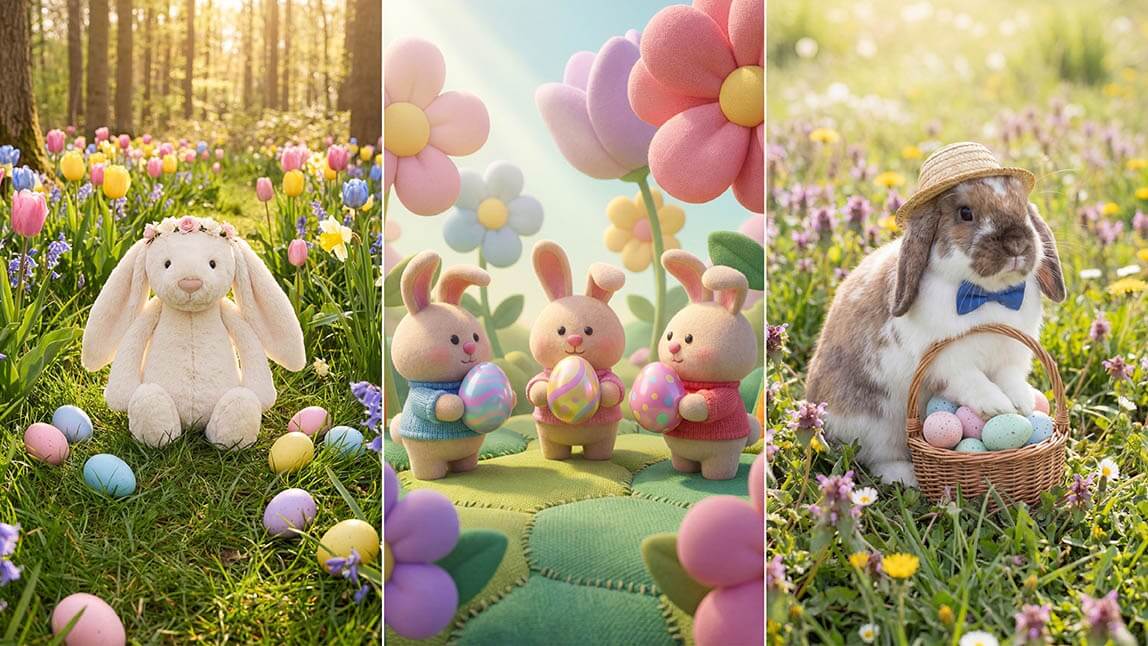
Spring is in the air, and it’s the perfect time to create fresh, festive Easter images that feel truly your own. Whether you're making cards, social posts, or fun greetings for friends and family, you don’t need design skills to get started.
With YouCam Online Editor’s AI Image Generator, you can turn simple ideas into charming Easter images in seconds. Just type what you want to see, pick a style, and watch your ideas come to life.
How to Create Easter Images with AI
Creating your own Easter images is quick and surprisingly fun. Here’s how it works:
1. Enter a Prompt
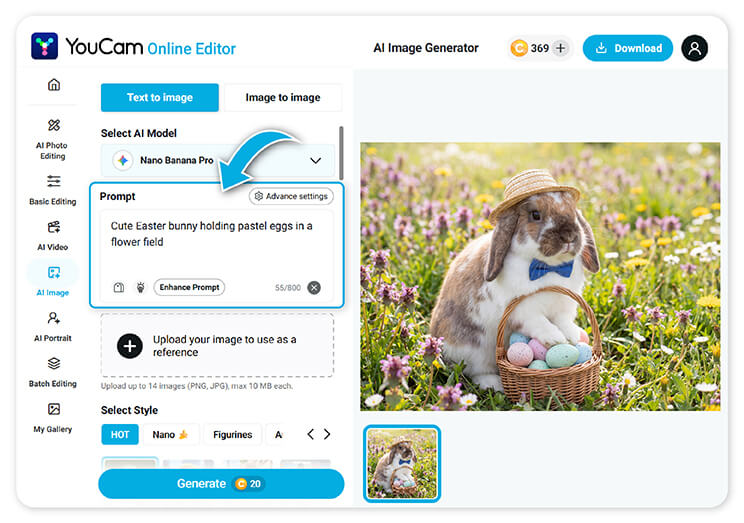 Start by describing the Easter image you want. Be as specific or as simple as you like. For example, “cute Easter bunny holding pastel eggs in a flower field” or “minimalist Easter eggs with soft shadows.”
2. Select an Aspect Ratio
Choose the format that fits your needs. Go square for social media, vertical for stories, or landscape for banners and cards.
3. Choose an Art Style
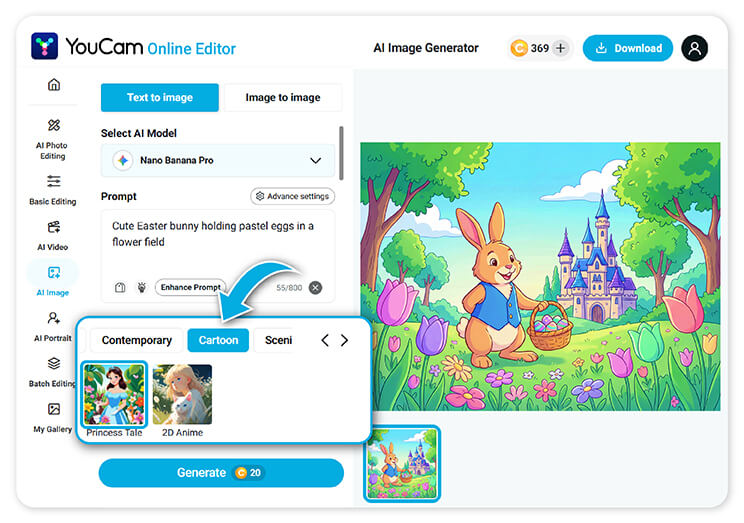 Explore a variety of styles to match your vision. Try realistic, watercolor, cartoon, 3D, or soft pastel illustration. Each style gives your Easter images a completely different look.
4. Generate
Click generate and let AI do the rest. In just a few seconds, you’ll have unique Easter images ready to download, share, or edit further.
Tips for Better Easter Images
Want your Easter images to look even more polished? These simple tips can make a big difference:
- Be descriptive with details: mention colors, lighting, mood, and setting. For example, “soft morning light,” “pastel tones,” or “spring garden.”
- Add a clear subject: include a main focus like “Easter bunny,” “decorated eggs,” or “Easter basket” to guide the result.
- Try different styles: the same prompt can look completely different in watercolor vs. 3D. Experiment to find your favorite.
- Use mood and atmosphere: words like “cozy,” “bright,” “whimsical,” or “elegant” help shape the final image.
- Refine and regenerate: if the first result isn’t perfect, tweak your prompt slightly and try again.
7 Easter Image Prompt Ideas to Try
Need inspiration? Copy and paste these prompts to create beautiful Easter images instantly:
1. Cute & Whimsical
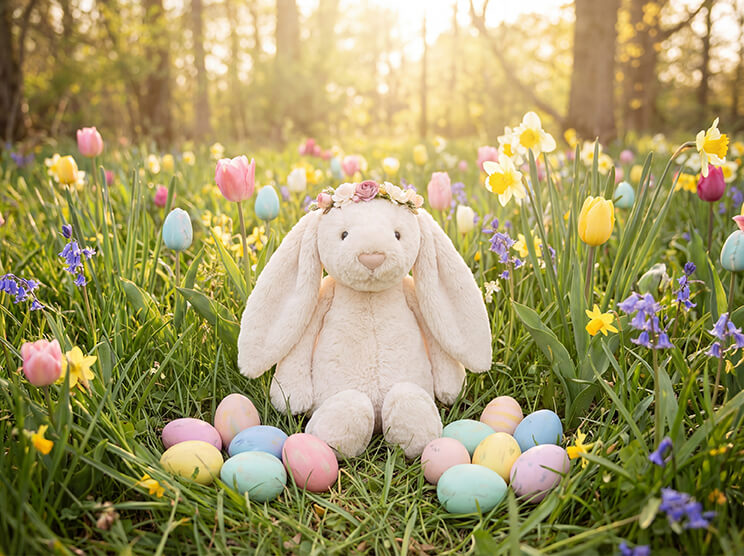
“A fluffy Easter bunny sitting in a meadow filled with pastel-colored eggs, surrounded by blooming spring flowers, soft sunlight, dreamy and whimsical style”
2. Realistic Photography Style
"A realistic Easter basket filled with decorated eggs, chocolate treats, and flowers on a wooden table, natural lighting, shallow depth of field, high detail”
3. Minimalist Aesthetic
“Minimalist Easter eggs in soft pastel colors on a clean white background, gentle shadows, modern and elegant composition”
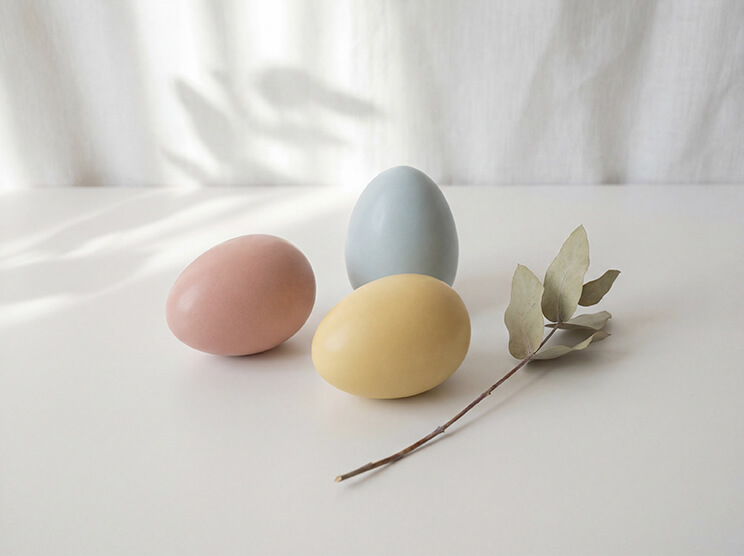
4. Watercolor Illustration
“Watercolor painting of an Easter bunny with floral crown, surrounded by tulips and daisies, soft pastel palette, hand-painted texture”
5. Kids Cartoon Style
“Cute cartoon Easter chicks and bunny playing with colorful eggs in a bright green field, vibrant colors, playful and fun style”
6. Elegant Easter Theme
“Luxury Easter eggs with gold patterns and intricate details, placed on silk fabric, soft lighting, sophisticated and elegant mood”

7. Spring Landscape Scene
“A scenic spring garden with blooming flowers, hidden Easter eggs, and a small bunny in the distance, warm sunlight, peaceful and cinematic”
Why Choose YouCam Online Editor
Creating Easter images should feel easy and enjoyable.
Here’s what makes YouCam Online Editor stand out:
- Fast and easy to use. Generate high-quality Easter images in seconds with just a prompt
- No design experience needed. Perfect for beginners and creators alike
- Multiple art styles. From realistic to playful, you have full creative control
- Flexible formats. Create images for social media, cards, invitations, and more
- All-in-one editing tools. Enhance, refine, and customize your Easter images in one place
Bonus: Add an Easter Bunny to Your Photos
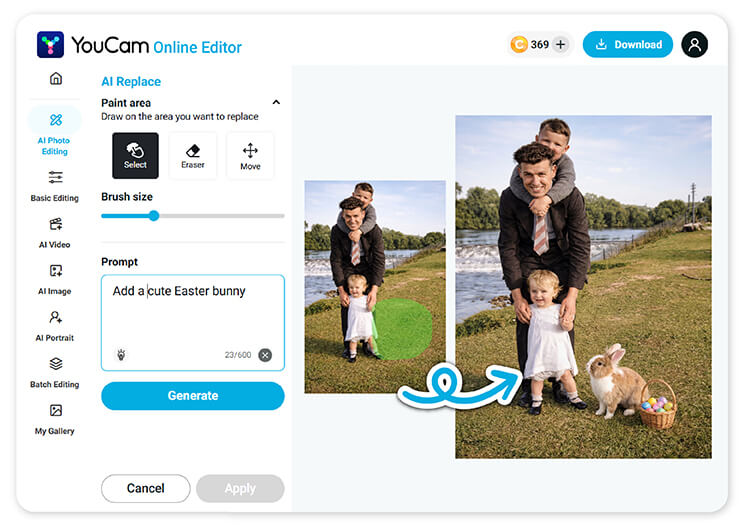 Want to make your photos more festive? Try the AI Replace feature.
Simply upload your photo, highlight the area where you want to add something new, and type a prompt like “cute Easter bunny” or “basket of Easter eggs.” The AI will seamlessly place it into your image.
It’s an easy way to turn everyday photos into fun, shareable Easter moments.
Create Your Easter Images Today
From cute and playful to elegant and artistic, creating Easter images has never been easier. With just a few words, you can design something unique that fits your style perfectly.
Try the YouCam Online Editor today and start bringing your Easter ideas to life.


