




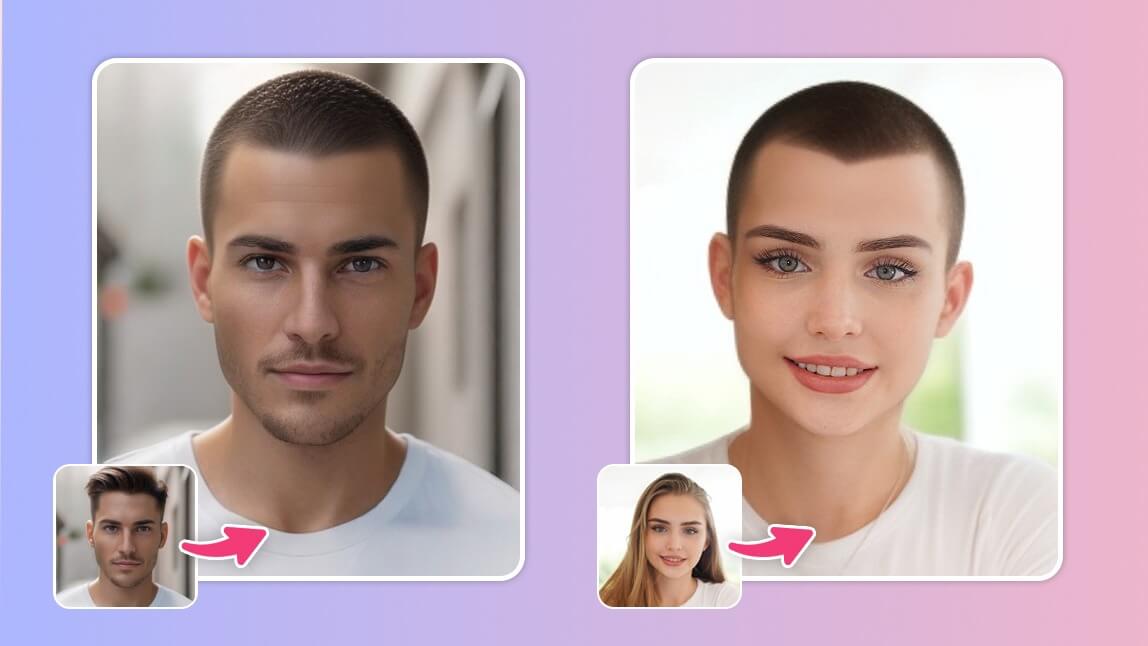
Ever wondered, "What would I look like with a buzz cut?" You can now preview a shaved head instantly with a free online buzz cut filter. Using the YouCam Online Editor, you can use AI to virtually "shave" your hair in your browser to see if a bold, minimalist look suits your face shape before you commit to the clipper.
Why the Buzz Cut is Trending (TikTok's #BuzzCutFilter)
The buzz cut has transitioned from a practical military cut to a high-fashion statement. Driven by the viral #BuzzCutFilter on TikTok, millions are testing the "bald look" to see how it accentuates their jawline and facial features. It is a low-maintenance, confident style that works for all genders, representing a clean slate and modern aesthetic.
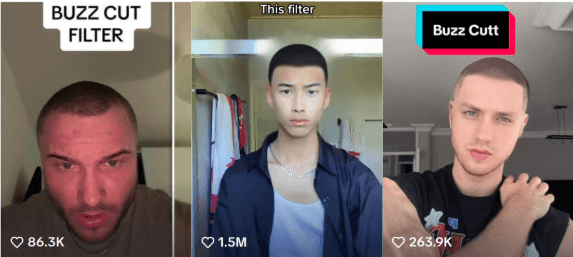
Reference: TikTok #BuzzCutChallenge
How to Try a Buzz Cut Online (No Download Needed!)
Skip the app store. You can use an online buzz cut simulator directly in Chrome or Safari. The YouCam Online Editor uses Generative AI to realistically remove hair and adjust the scalp texture to match your skin tone.
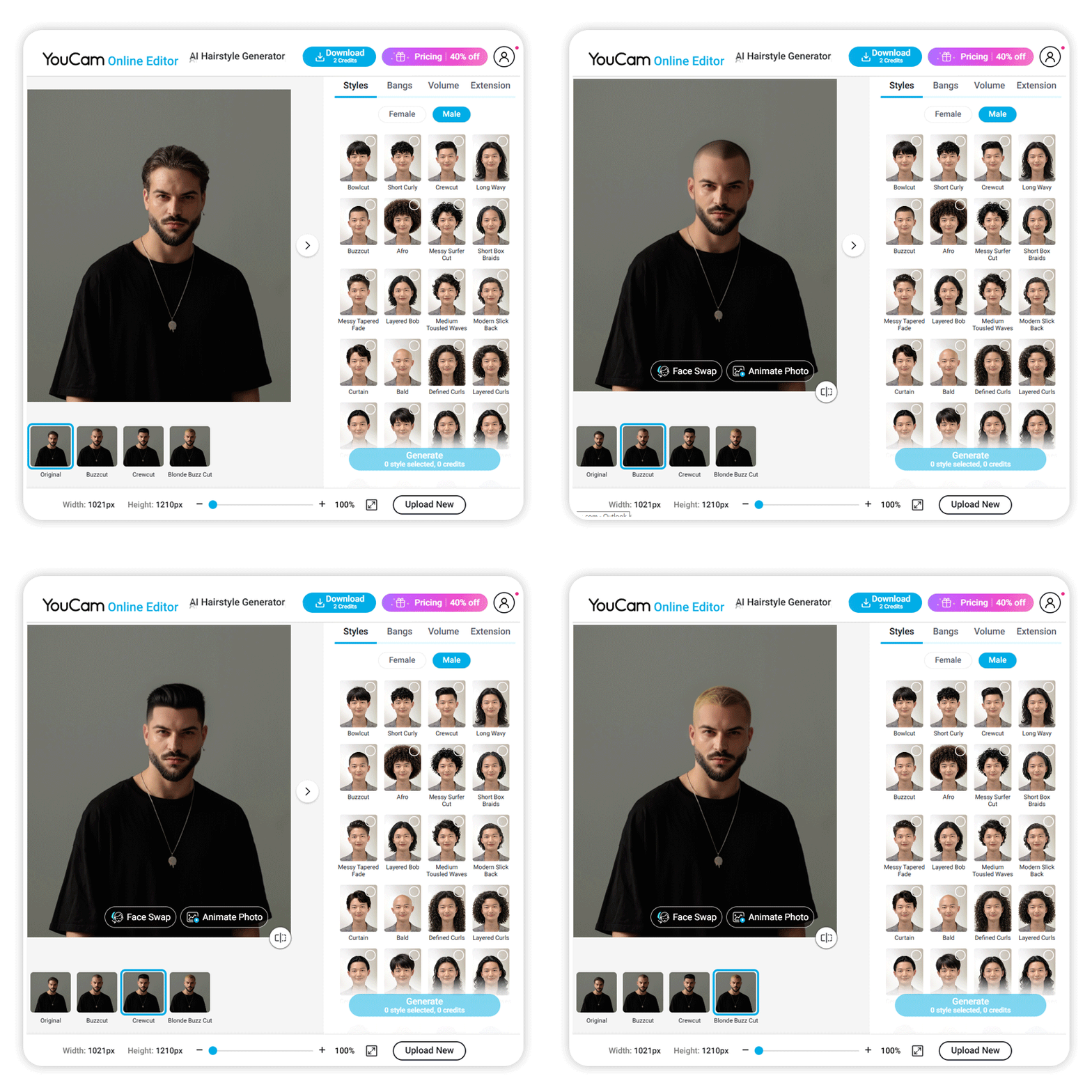
Step-by-Step Guide: Virtual Haircut Simulator
- Go to the Editor: Open the YouCam AI Hairstyle Generator.
- Upload Selfie: Use a clear, well-lit photo for the most realistic AI hair removal.
- Choose "Buzz Cut": Navigate the 60+ styles and select the buzz cut or bald filter.
- AI Generation: Wait a few seconds for the AI to render your new look.
Will a Buzz Cut Suit You? (Face Shape Guide)
Before hitting the "Generate" button, consider your facial anatomy. A virtual haircut tool is the perfect way to test these rules:
- Oval Faces: Considered the ideal shape for a buzz cut; almost any short style will look balanced.
- Square Faces: A buzz cut accentuates a strong jawline, creating a very masculine and sharp appearance.
- Diamond/Heart Faces: The lack of hair height can make the forehead appear wider; use the filter to check your proportions.
Explore More Virtual Hairstyles
Not ready for a full shave? Use the simulator to test other short-to-medium hair lengths:
| Style | Vibe | Best For |
|---|---|---|
| Buzz Cut | Bold & Minimalist | Strong Jawlines |
| Crew Cut | Clean & Tidy | Professional Look |
| Bob Cut | Chic & Versatile | Oval/Long Faces |
1. Bob Cut Filter
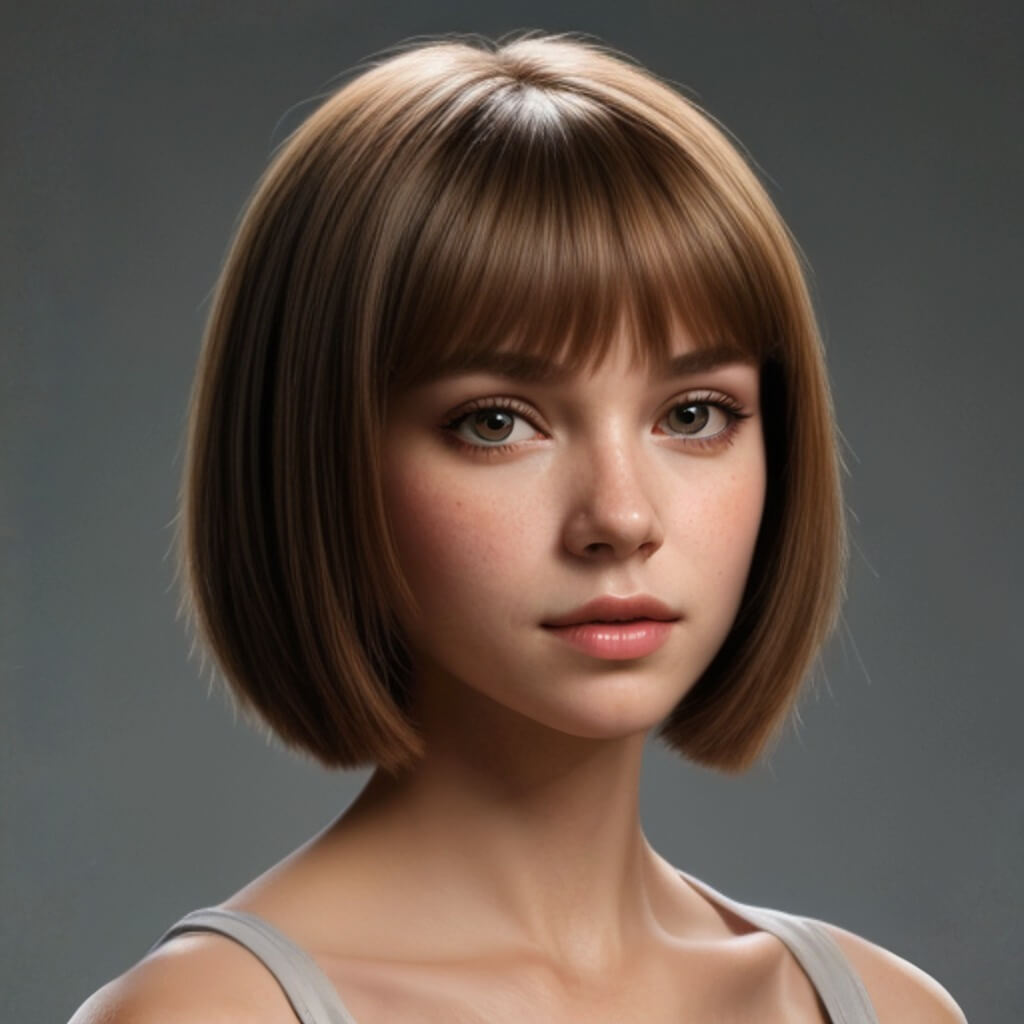
The bob cut filter is perfect if you want to go short but keep some volume. It’s a timeless choice that frame the face beautifully.
2. Crew Cut Filter
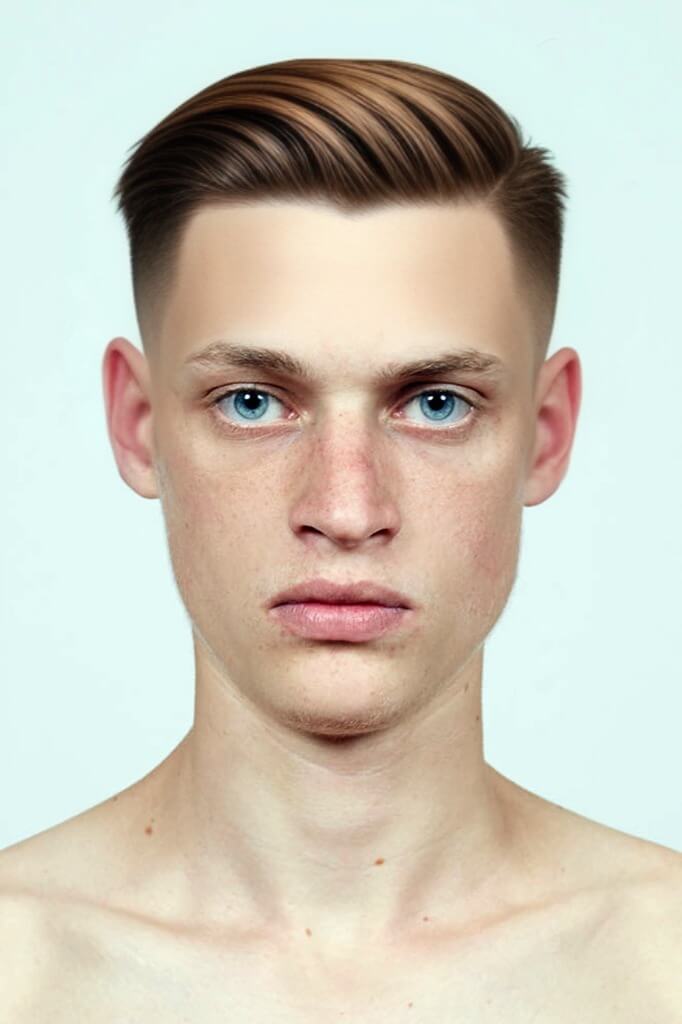
The crew cut is a step between a buzz cut and a standard haircut—longer on top and faded on the sides.
FAQ: Buzz Cut Filter Online
- Is the buzz cut filter free to use?
- Yes, the YouCam Online Editor provides a free hairstyle generator that includes the buzz cut filter for all users.
- Can I see what I look like bald?
- Absolutely. Within the same tool, you can select the "Bald" option to see a completely shaved head simulator result.
- Will the filter work on long hair?
- Yes. Our Generative AI is designed to "mask" your current hair and replace it with the buzz cut texture seamlessly, regardless of your current length.
Don't guess—preview! Try the AI Buzz Cut Filter Online now and see your transformation in seconds.


