




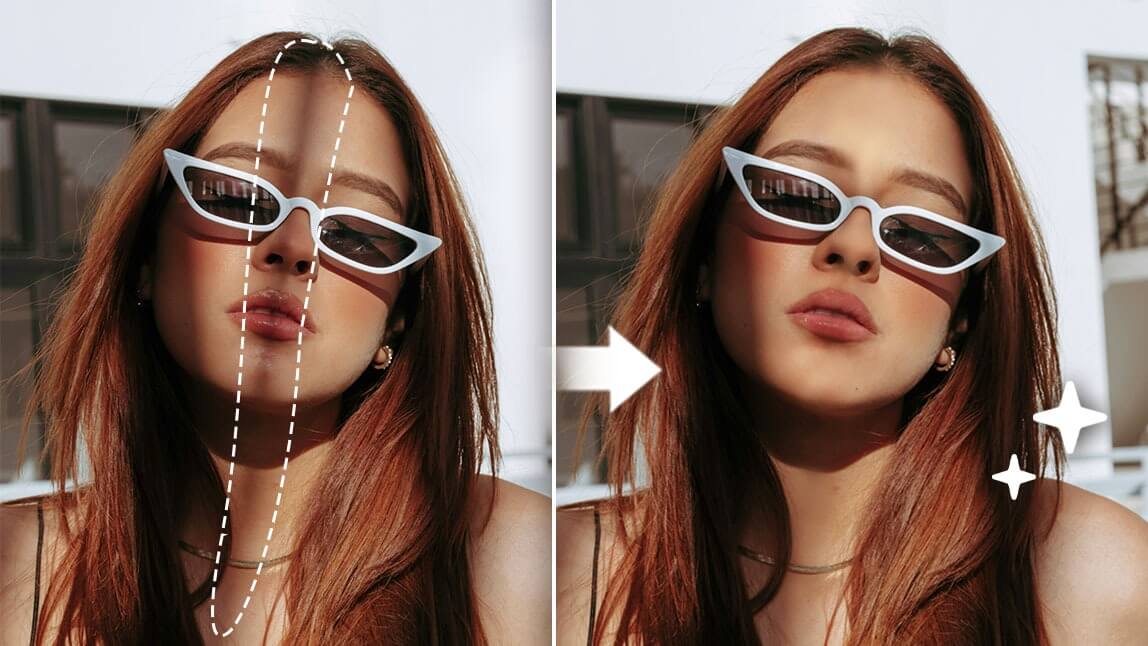
Removing shadows from photos can transform a good picture into a great one. While shadows can sometimes add depth and dimension, unwanted shadows can ruin your image’s aesthetic.
Whether you're an amateur or professional, mastering shadow removal is essential for high-quality photos. Learn how to remove shadow from photo using free online tools and techniques.
Types of Shadows in Photography
- Hard Shadows
- Soft Shadows
- Cast Shadows
- Attached Shadows
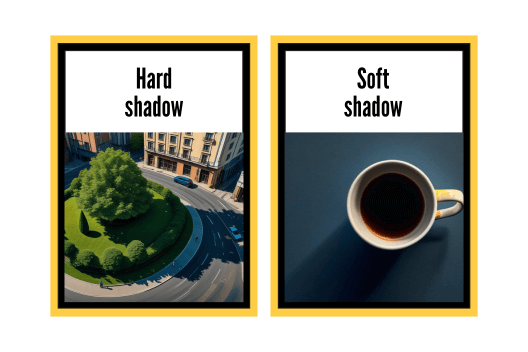
1. Hard Shadows
Hard shadows have a clear, defined edge. They occur when the light source is small and direct, like sunlight on a bright day.
2. Soft Shadows
Soft shadows have a blurred edge. They appear when the light source is large or diffused, such as an overcast sky.
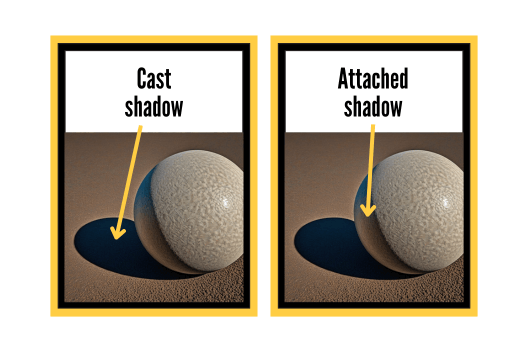
3. Cast Shadows
Cast shadows are created by an object blocking the light source. These shadows can fall on various surfaces and vary in sharpness.
4. Attached Shadows
Attached shadows are shadows that appear on the object itself, giving it a sense of depth and dimension.
How to Removing Shadows Online for Free?
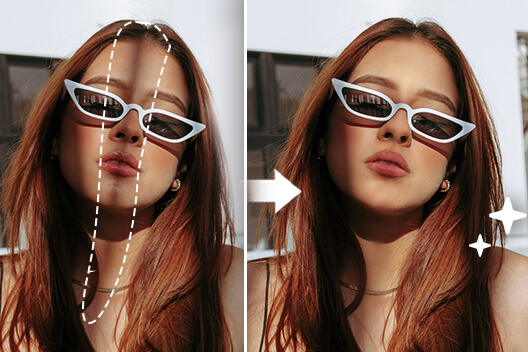
Removing shadows has never been easier with AI-powered tools. Follow these steps to use an AI shadow remover:
1. Upload Your Photo
First, visit YouCam Online Editor shadow removal page. To eliminate shadows from your image, simply click the button located beneath this article to upload your image.
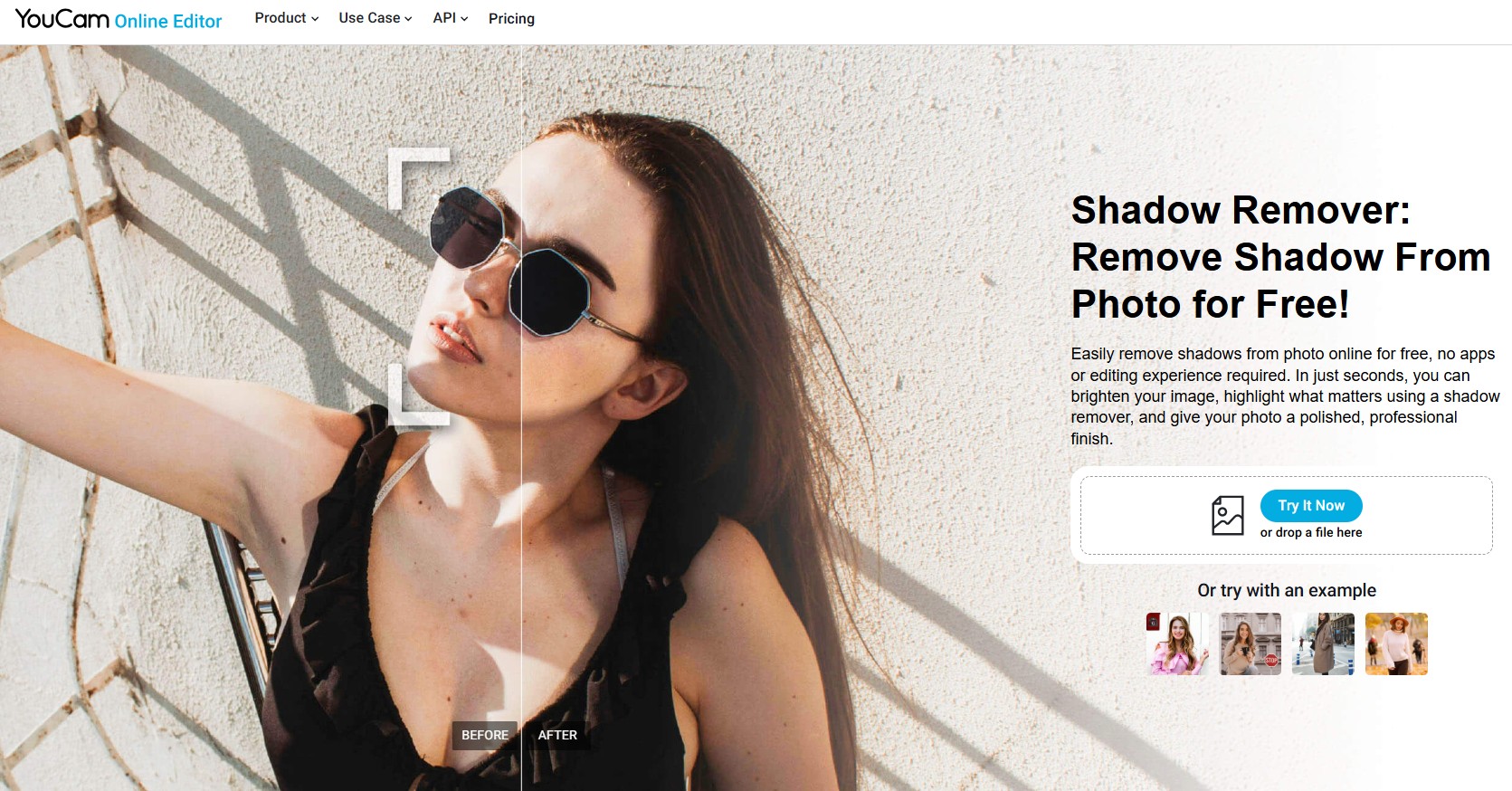
2. Select an Area to Remove
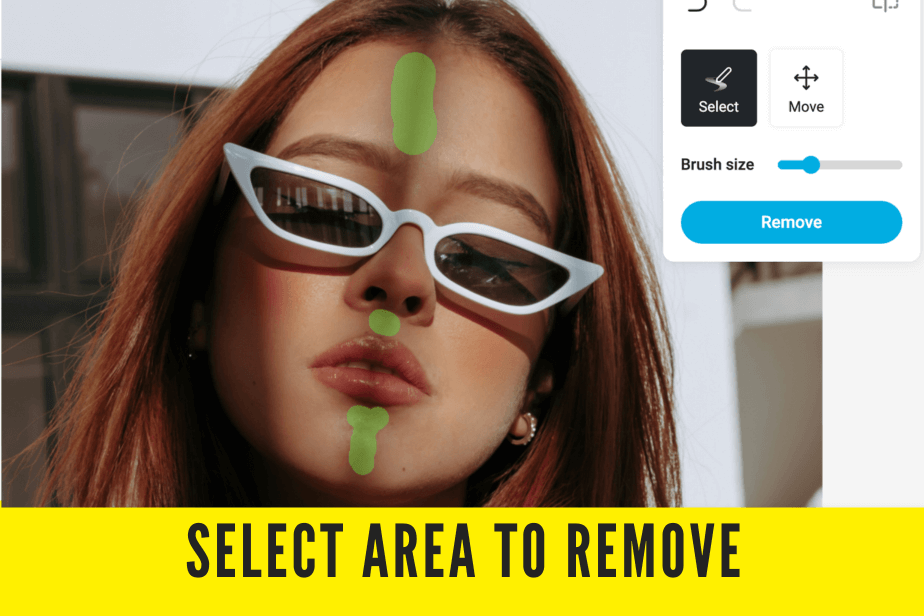
Brush lightly over the shadow area to allow the artificial intelligence to blend it seamlessly with the surrounding colors, achieving a natural and flawless result.
For optimal results, consider utilizing a smaller brush to target specific areas for shadow removal. Our AI engine seamlessly refills the images with surrounding colors for a flawless finish.
3. Done! Save Your Image Now.

To download the edited image, simply click on the button located in the top right corner.
4. Pro Tip: Opt for Removing Smaller Areas at a Time
Selecting a smaller area to remove at a time will yield a more accurate and refined outcome.
Preventing Shadows in Photography
1. Use of Reflectors
Reflectors are a valuable tool in photography that can effectively bounce light back onto the subject. By doing so, they help reduce shadows and create a more balanced and well-lit image, enhancing the overall quality of the photograph.
2. Optimal Lighting Setup
Position lights strategically to minimize the creation of shadows and ensure optimal illumination in the designated area.
3. Experiment with Angles
Sometimes adjusting your shooting angle slightly reduces unwanted shadows without editing.
4. Adjusting Camera Settings
Utilize appropriate aperture settings, adjust shutter speed accordingly, and optimize ISO settings to effectively manage and control shadows in your photography compositions.
FAQs About Removing Shadows from Photos
1. What causes unwanted shadows in photos?
Unwanted shadows are usually caused by improper lighting setup or object placement.
2. Can shadows always be removed completely?
Not always, but they can often be significantly reduced or blended.
3. Are there any free tools for removing shadows?
Yes, tools like YouCam Online Editor offers free shadow removal features. Don't forget to register for free and redeem your complimentary credits.
4. How can I avoid shadows when taking photos?
Use proper lighting techniques and reflectors, and adjust your camera settings accordingly.
Remove Shadows from Your Photo Now!
Mastering shadow removal can dramatically elevate your photography.
Whether using a free AI shadow remover or optimizing your shooting setup, learning how to remove shadows from pictures ensures your images always look their best.


