




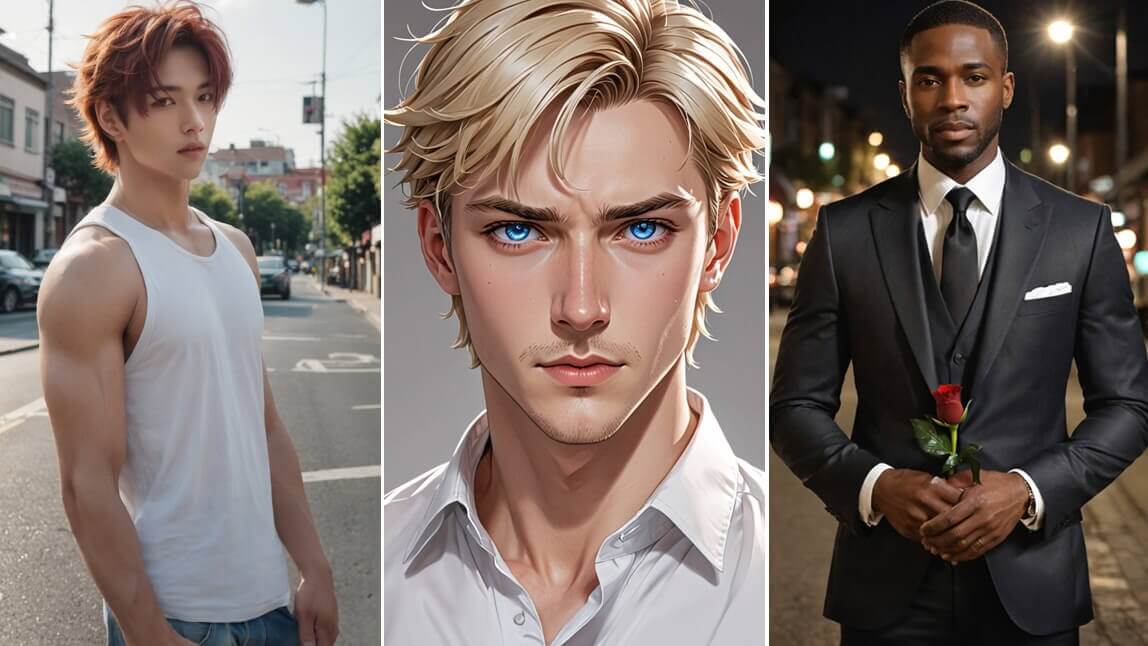
In the dynamic world of AI-generated art, YouCam Online Editor introduces a powerful new feature rapidly gaining a dedicated fanbase: the AI Boyfriend Generator.
This innovative tool meets the increasing demand for personalized digital companions, bringing to life male characters full of style, charisma, and personality. Whether you are looking to design a dream partner or a character for a story, let’s dive into the standout features of this generator and discover how to use it.
Note: The AI Boyfriend Generator is crafted strictly for artistic, creative, and imaginative usage. Please ensure your creations respect legal boundaries and uphold the dignity of all individuals.
What Makes the AI Boyfriend Generator Special?
Empowered by cutting-edge Generative AI (GANs), this tool transforms your descriptive text prompts into high-fidelity images of male characters.
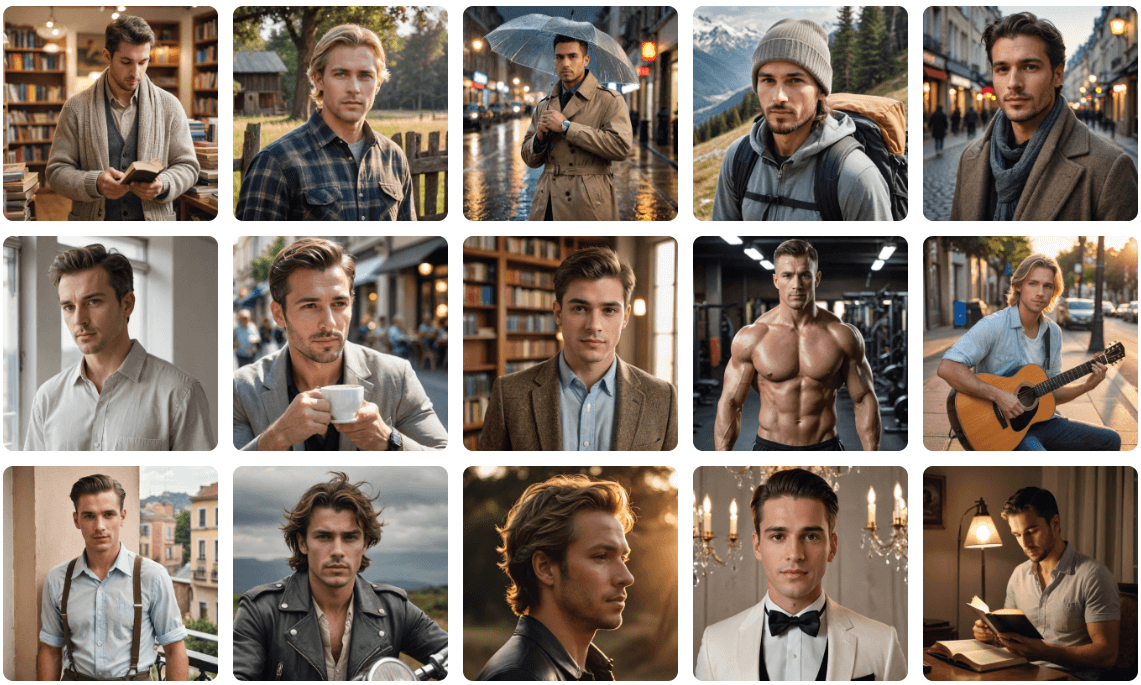
From photorealistic portraits suitable for profiles to imaginative fantasy heroes, each image is customized to match your personal vision of the ideal partner.
AI Couple Photo: Add a Boyfriend to Your Picture
Want to see what you would look like standing next to your dream guy? The Image-to-Image feature allows you to upload your own selfie and generate a boyfriend right beside you.
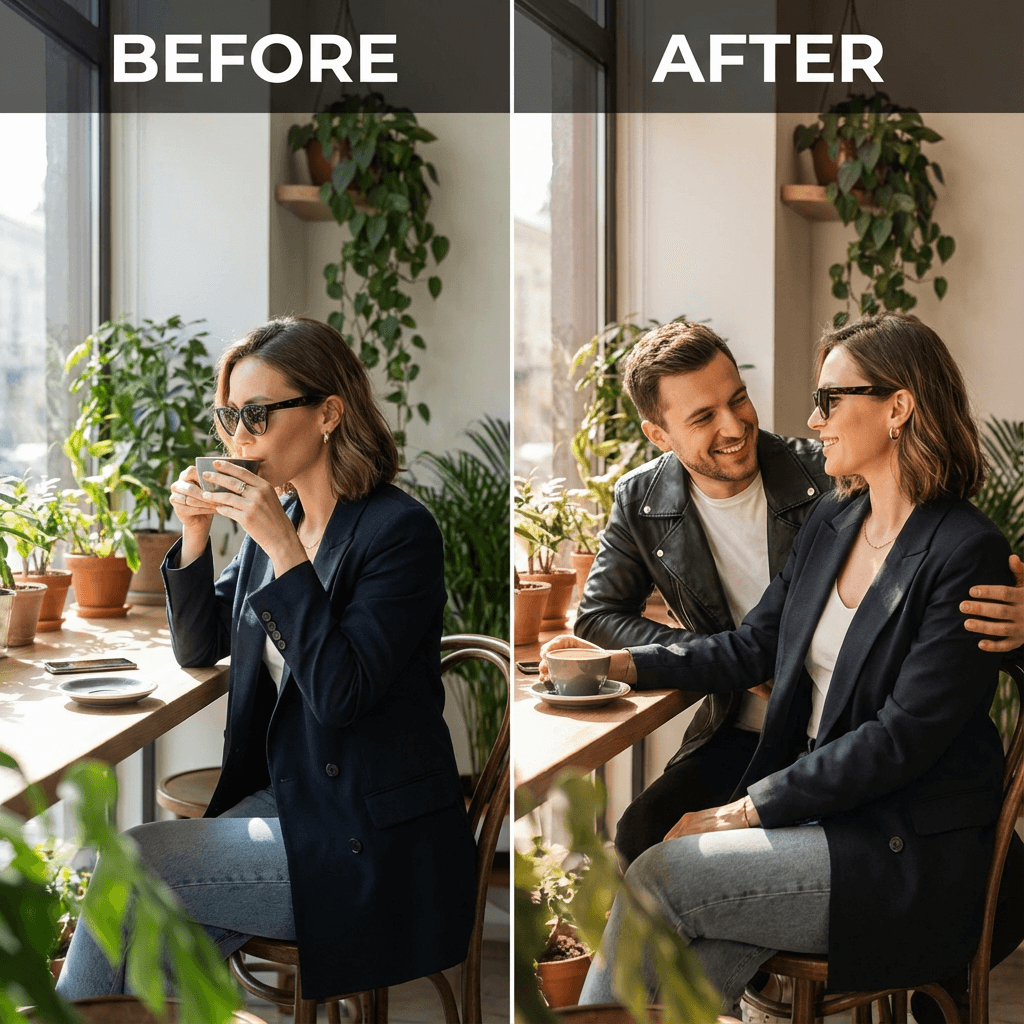
How to add a Boyfriend to your photo that matches you:
- Upload a Selfie: Choose a cute photo of yourself (preferably with some empty space on one side).
- Enter a Prompt: Describe the scene, for example: "A cute couple photo, add a boy that would match me."
- Set Strength: Adjust the "Image Strength" to blend the new AI character seamlessly with your existing photo.
- Generate: The AI will analyze your lighting and composition to insert a boyfriend who matches your vibe perfectly.
How to Craft Realistic AI Boyfriend Images (Text-to-Image)
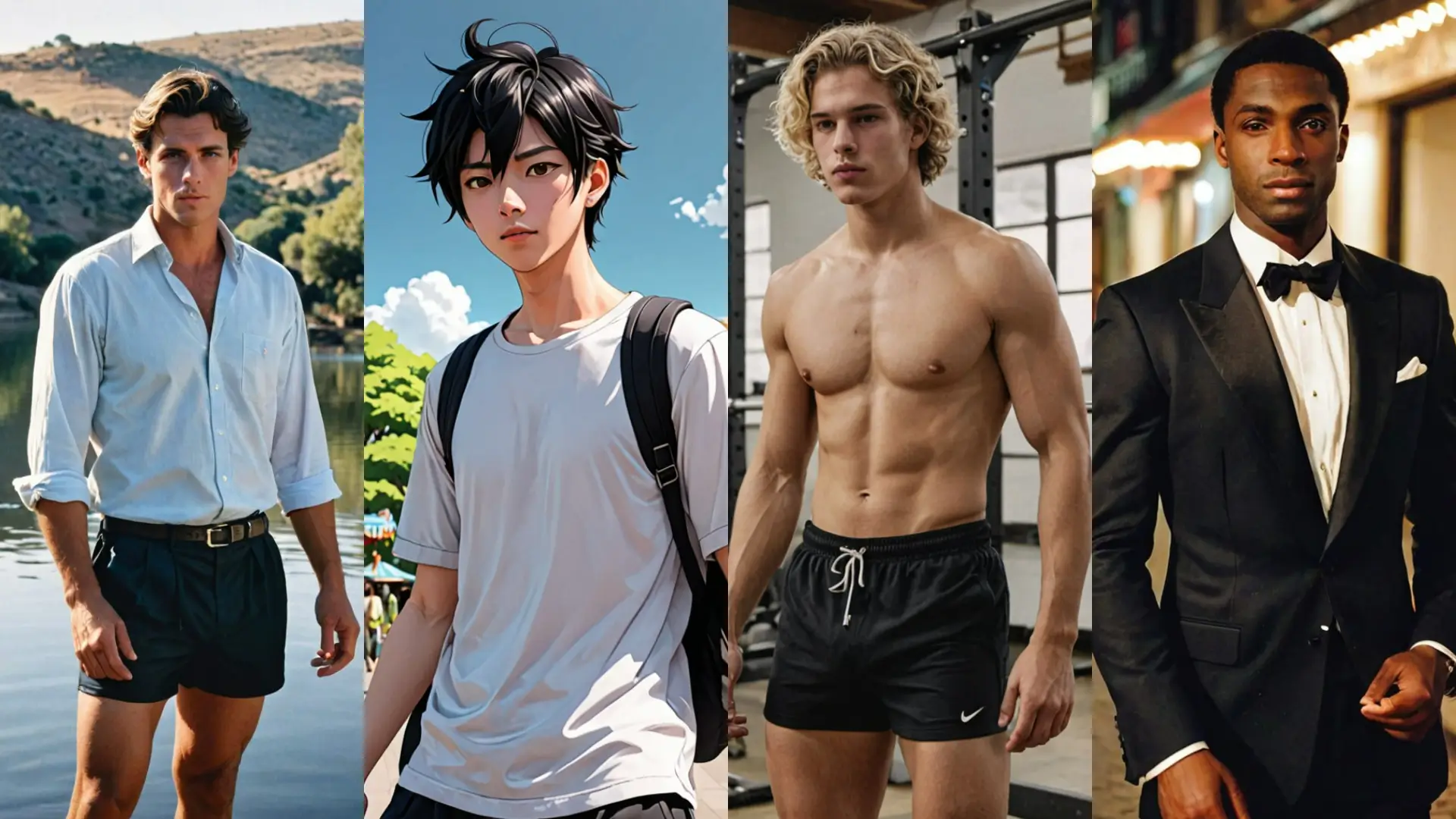
Unlock 50+ Unique Styles with the YouCam AI Boy Generator. Whether you want a K-Pop idol style or a rugged movie star look, follow this simple guide:
Step 1: Launch the AI Boyfriend Generator
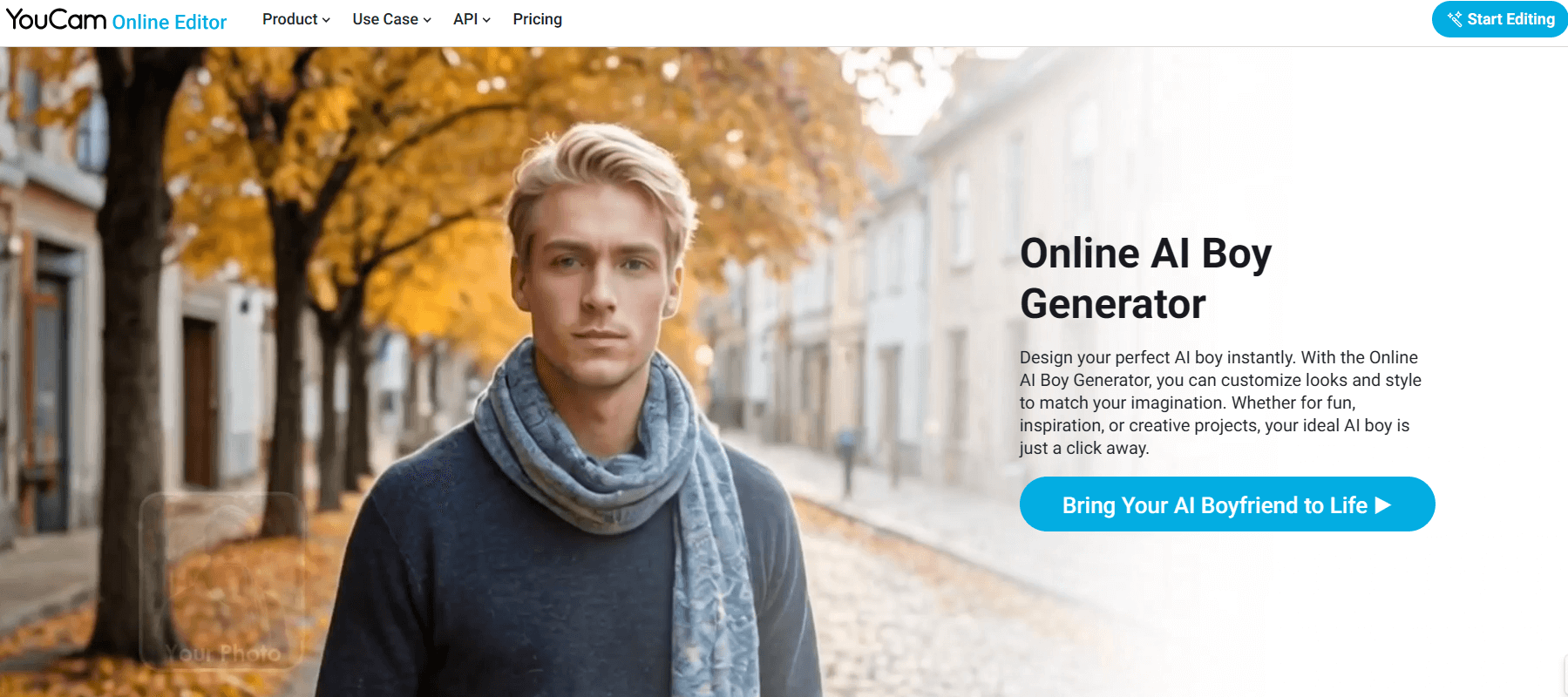
Access the tool directly from your browser. No complex software installation is required—start creating in seconds.
Step 2: Enter Your Text Description
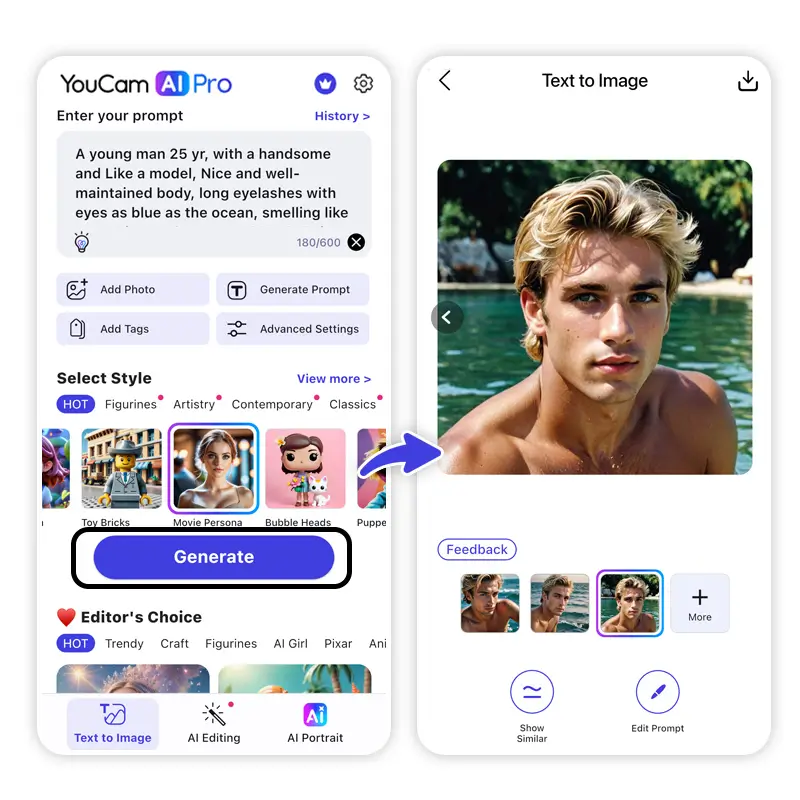
Paint a vivid picture of your ideal character. Detail his appearance, outfit, eye color, and vibe.
Unsure how to start? Use the “Image to Prompt” feature to get inspiration from existing photos.
5 Best AI Boyfriend Prompts to Try:
- “Photorealistic portrait of a dashing city guy in a leather jacket, golden hour lighting, 8k resolution.”
- “Handsome fantasy prince with silver tousled hair, blue eyes, wearing regal attire, castle background.”
- “Cyberpunk character design, male, glowing neon tattoos, futuristic streetwear, cinematic lighting.”
- “Athletic young man on a beach, casual white linen shirt, effortless charm, bright summer day.”
- “Softly lit romantic artist holding a rose, watercolor style, dreamy atmosphere.”
Step 3: Refine and Download
Use negative prompts to remove unwanted elements and then download your favorite generated variation in high resolution.
AI Video: Bring Your AI Boyfriend to Life
Don't stop at static images. With YouCam’s AI Image-to-Video Generator, you can animate your AI boyfriend portraits. Add subtle winks, smiles, or wind effects to craft engaging videos for social media.
Best Ideas for Your Dream Boyfriend
Design Your Ideal Romantic Partner
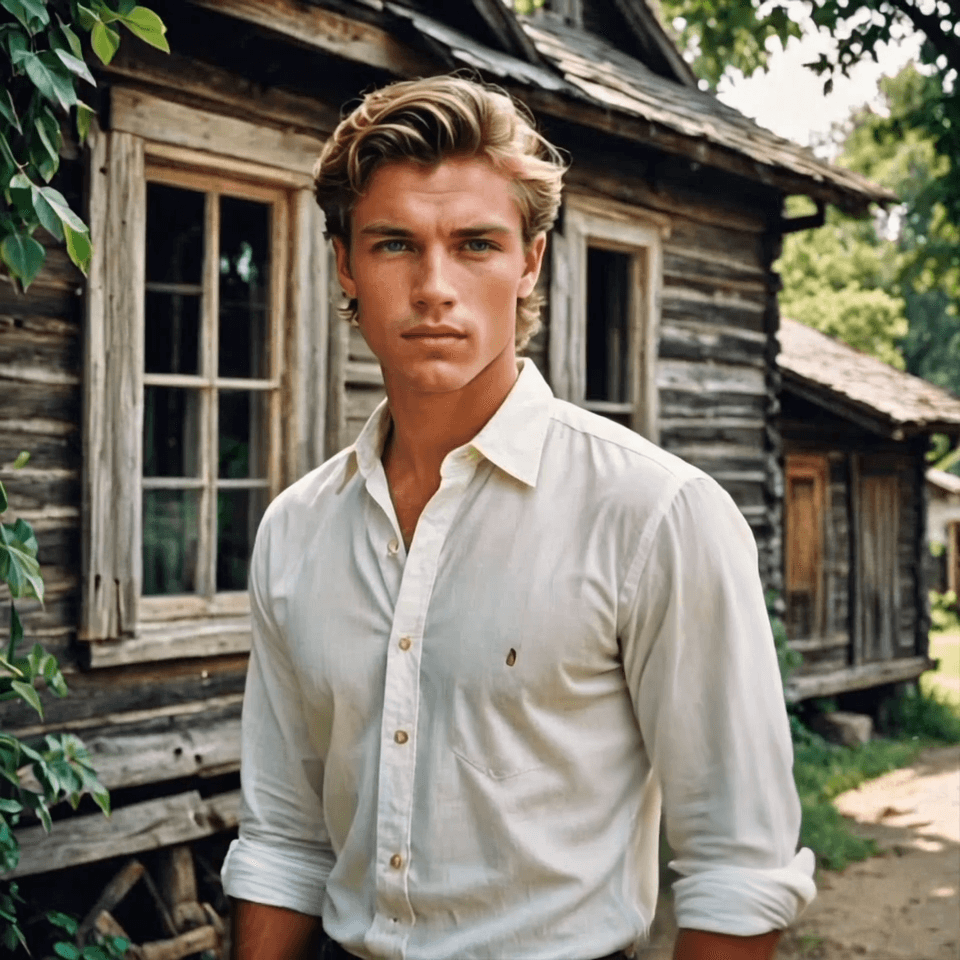
Visualize the protagonist of your next romance novel or fanfiction. Whether you need a "boy next door" look or a rugged outdoorsman, capture the exact mood, outfit, and personality described in your story.
Create your Dream Man out of an Action Movie
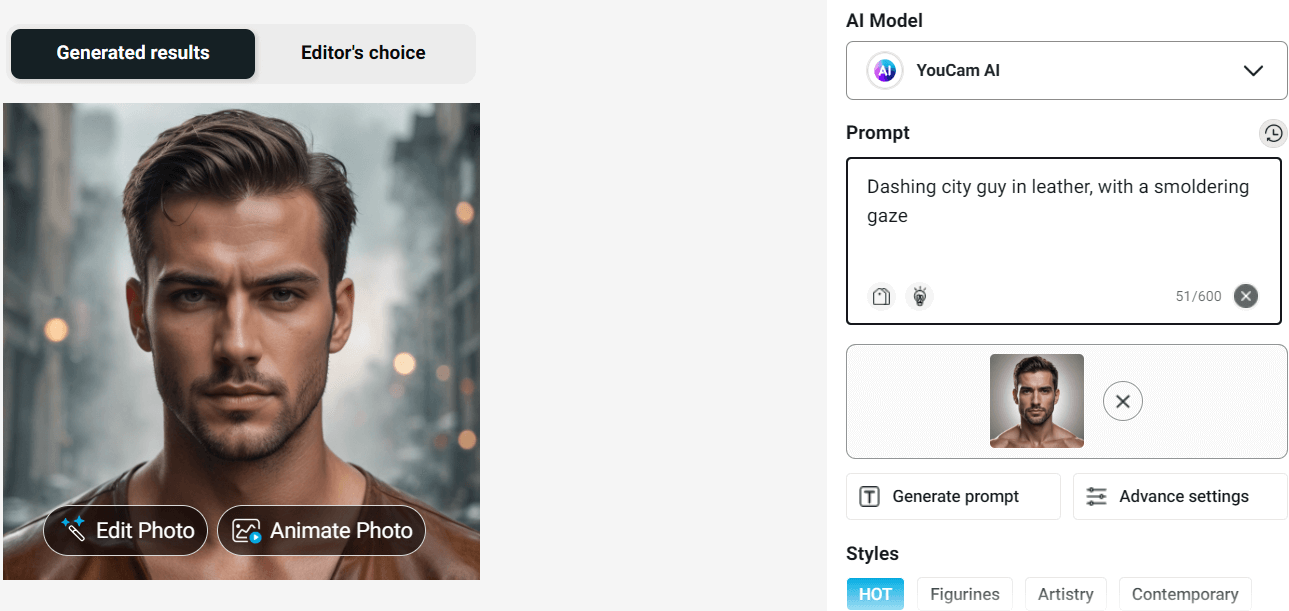
Cast the leading man for your own blockbuster story. Whether you want a gritty detective in a leather jacket or a spy in a tuxedo, the AI captures that cinematic "Hollywood glow." Just describe the mood and outfit to generate a dashing hero with a smoldering gaze.
Visualize your Tall and Built Man
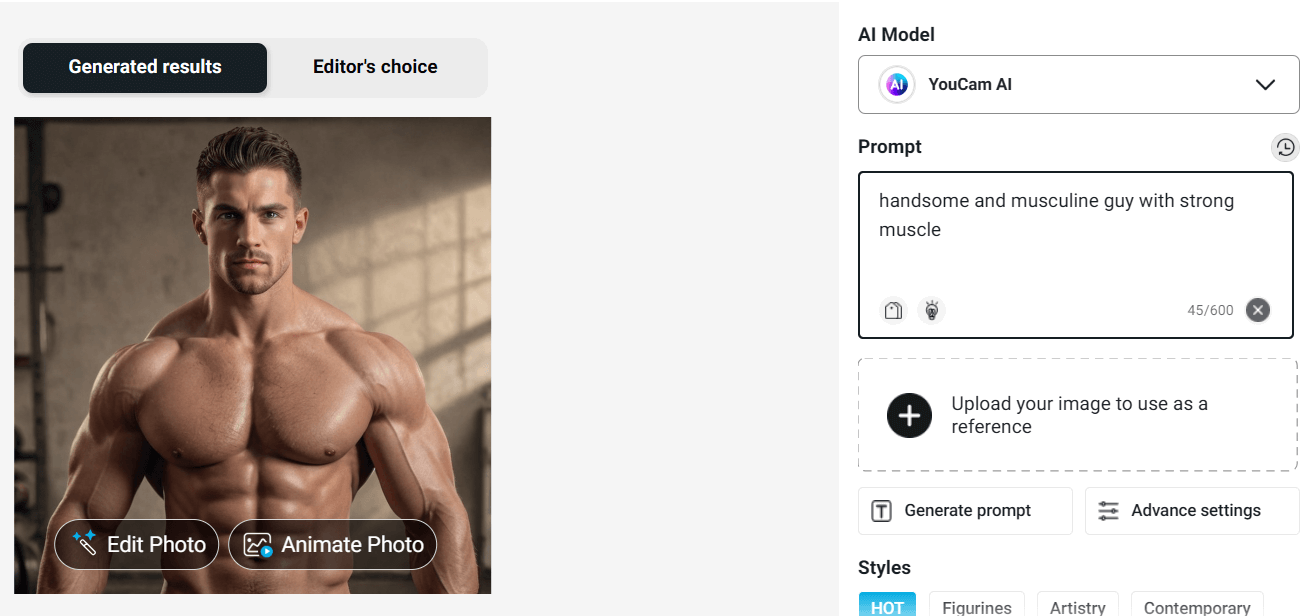
Design characters with the perfect physique. From fitness models to powerful bodybuilders, you have full control over body type. Use prompts like "strong muscle," "broad shoulders," and "tall" to generate hyper-realistic images that highlight physical strength and definition for your romance novel covers or fitness inspiration.
Your Dream Man Straight out of an Anime or Manga
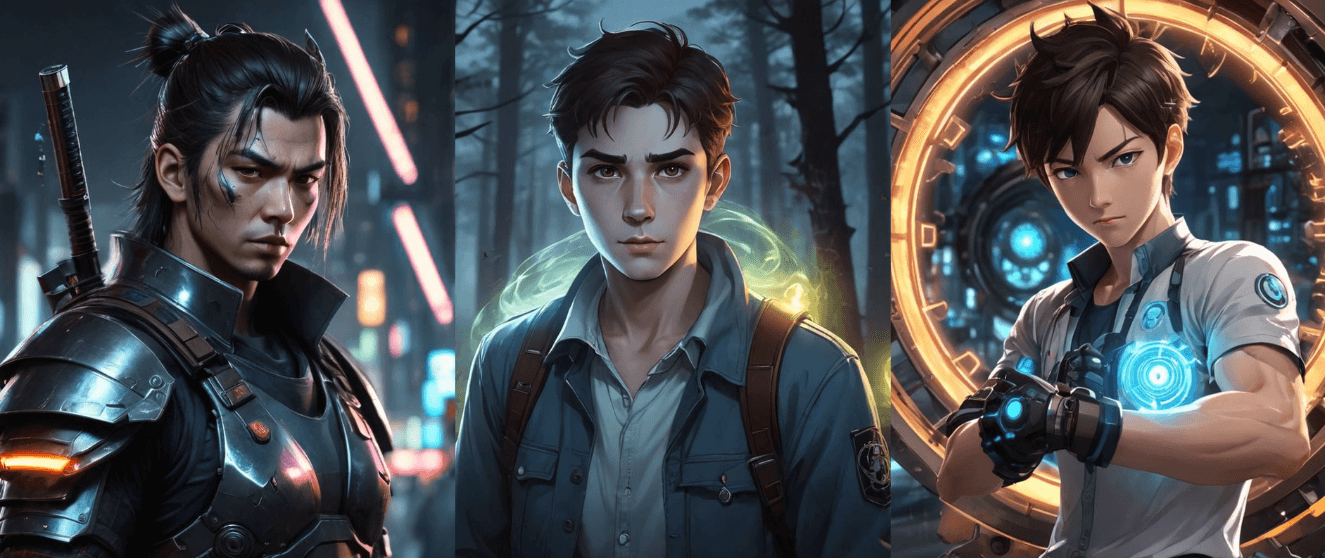
Step into the world of 2D art without drawing a line. Create your ultimate "husbando" in any style—from cyberpunk warriors to gentle shoujo romance leads. The AI mimics popular anime aesthetics, making it perfect for fan art, webtoons, or unique social media avatars.
Guidelines for Using the AI Boyfriend Generator Ethically
- Respect Copyright: Avoid infringing on existing IP (Intellectual Property).
- Consent Matters: Do not generate photorealistic images of real people without their permission.
- Safety First: Steer clear of harmful, hateful, or deceptive content.
- Transparency: It is best practice to disclose AI origins when sharing these images publicly.
AI Boyfriend Generator FAQs
What is an AI Boyfriend Generator?
An AI Boyfriend Generator is a generative AI tool that creates visual representations of male characters based on text inputs. It uses deep learning to understand descriptors like "handsome," "caring," or "stylish" to render high-quality digital art.
Can I customize the specific features of my AI Boyfriend?
Yes. The YouCam AI Boy Generator allows for deep customization. You can specify hair color, eye shape, outfit style, and even the artistic medium (e.g., oil painting vs. realistic photo) directly in your prompt.
Is this tool free to use for creating avatars?
Yes, YouCam Online Editor offers free credits upon sign-up, allowing you to generate AI boyfriends, avatars, and character designs to test the platform's capabilities.
How do I make my AI character look like a real photo?
To achieve a photorealistic look, include keywords like "8k resolution," "cinematic lighting," "raw photo," and "detailed texture" in your prompt. Using the Image-to-Image feature with a real photo reference also significantly improves realism.


