




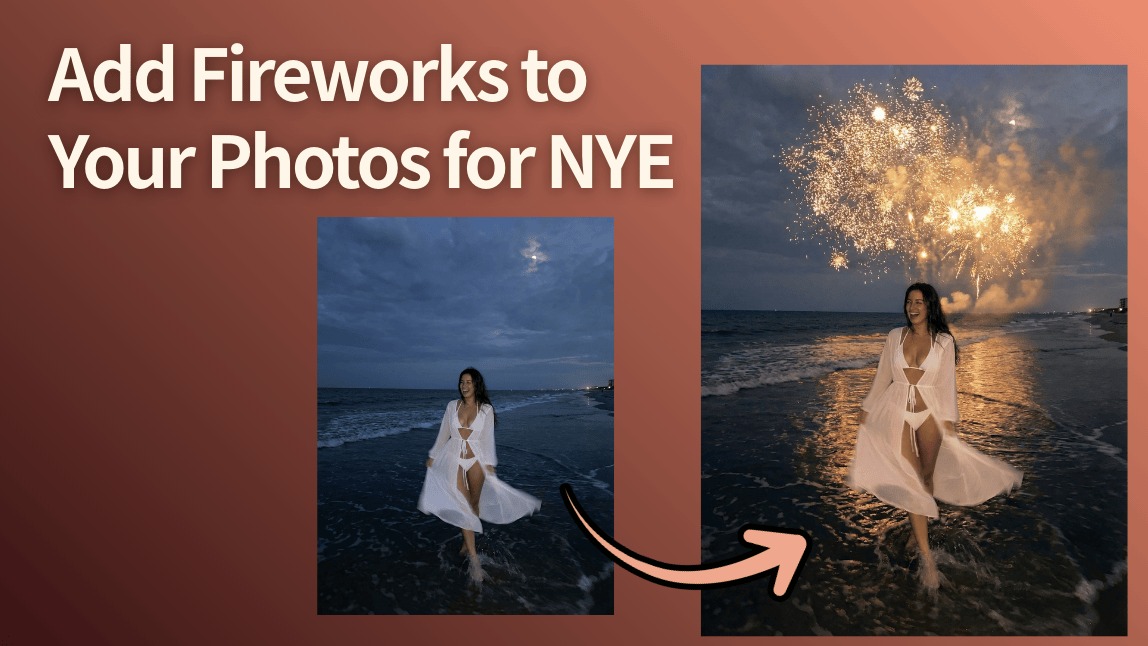
Let’s be real: capturing fireworks on your phone is a struggle. You either get a blurry mess, a dark sky with a tiny dot, or you miss the "big one" because you were messing with your settings.
As we get ready to celebrate New Year’s Eve 2026, don't let a boring sky ruin your perfect midnight fit. With the YouCam Online Editor, you can skip the camera stress and add photorealistic fireworks in seconds. Whether you want a total vibe shift or just a little extra sparkle, we’ve got the AI magic to make it happen!
Add Fireworks to Photos with Image-to-Image
Ever take a great photo during the day but wish it happened at midnight under a shower of sparks? That’s where Image-to-Image (I2I) comes in. Instead of just "sticking" a firework on top, the AI reimagines your whole photo. It adjusts the lighting on your face, adds reflections to the background, and makes it look like you were actually there when the clock struck twelve.
How to Do It:
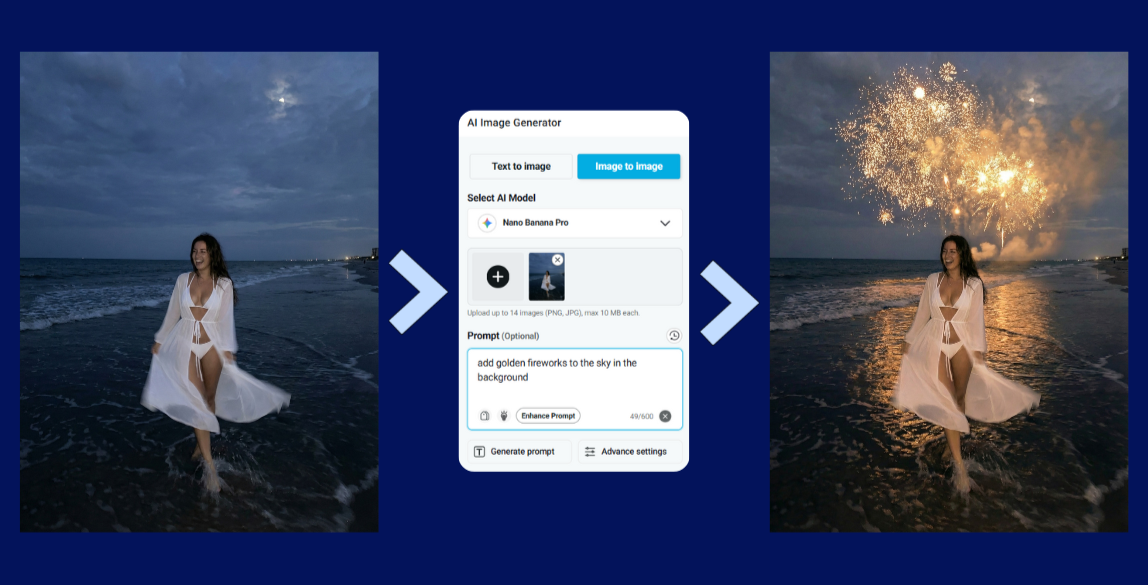
- Upload Your Image: Head to the YouCam Online Editor and drop your favorite photo into the AI Image-to-Image tool.
- Add Your Prompt: Tell the AI exactly what you want. Try something like: "Golden Fireworks in the sky in the background."
- Generate Image: Hit the generate button and watch the AI work its magic. It will keep your pose but transform the world around you!
- Download & Share: Pick your favorite version and hit download. You're ready to win the 2026 feed.
Pro Tips for Festive AI Results
- Be Specific: Don’t just say "fireworks." Try "shimmering gold pyrotechnics" or "neon purple explosions" to match your outfit!
- Mention the Lighting: Use words like "glow," "bokeh," or "backlit" to ensure the fireworks look like they are actually lighting up your photo.
- Embrace the Zodiac: 2026 is the Year of the Horse—try asking the AI for "fireworks that subtly form the shape of a horse" for a unique, lucky vibe!
The Precision Alternative: AI Replace
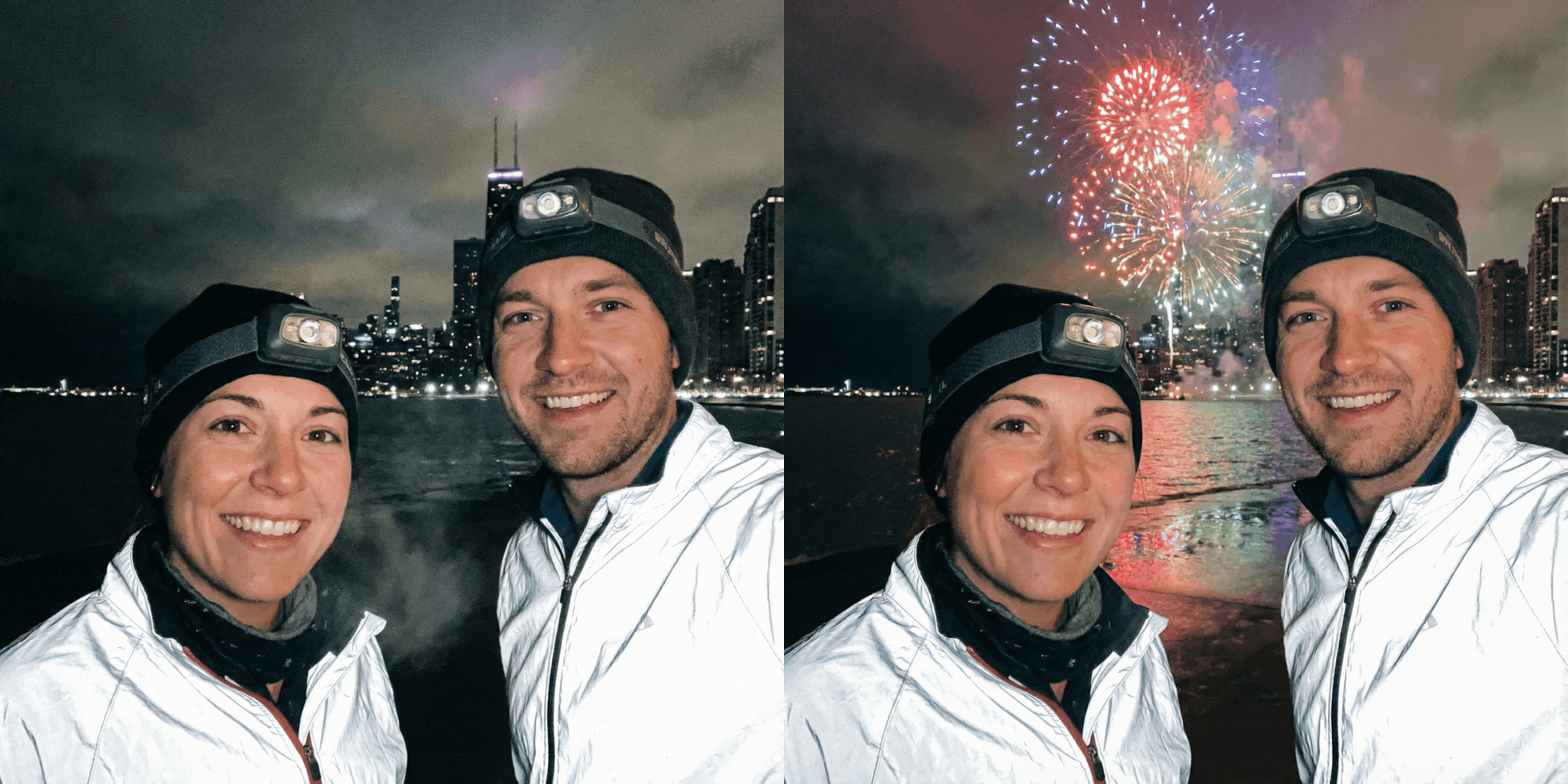
What if your photo is already perfect, and you *only* want to change the sky? You don't need a total overhaul—you just need AI Replace. This is the ultimate tool for precision. You keep your original look, your exact face, and your background, but swap that empty sky for an 8K firework display.

How to Use AI Replace:
- Upload Your Image: Open the AI Replace tool on the YouCam Online Editor.
- Mark the Area: Use the brush to highlight the sky or the area where you want the fireworks to pop.
- Enter Your Prompt: Type in your firework wish list (e.g., "Dramatic red and silver New Year's fireworks").
- Download Image: Once the AI swaps the sky, hit download. Your original photo just got a major upgrade!
Wrapping Up
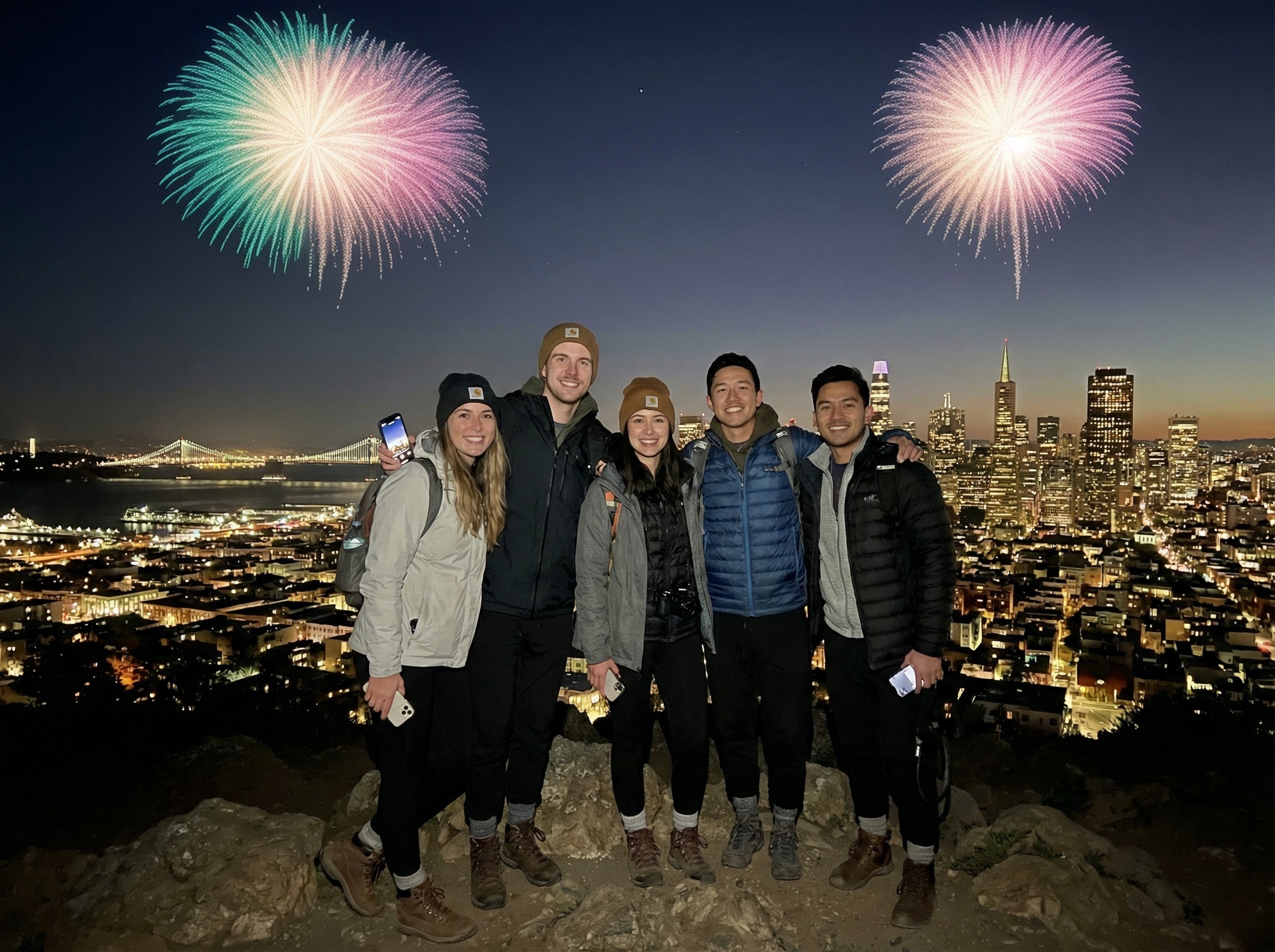
New Year’s Eve 2026 is all about looking forward and embracing the future. Why settle for a dark, empty sky when you can have a cinematic masterpiece? Whether you use Image-to-Image for a total glow-up or AI Replace for that perfect finishing touch, the YouCam Online Editor makes your holiday memories shine brighter than the real thing.
Ready to light up your 2026? Start creating your festive NYE Photos Now!


