


 Filigransız indirYapay Zeka Fotoğraf Düzenleme araçlarına erişimKullanılmayan krediler bir sonraki aya devredilir






Online Free AI Watermark Remover
Effortlessly brush away and remove all watermarks from your photos using AI. Sign up now to receive 5 free credits!





Easily Remove Watermarks From Your Photos Without Blur
Best AI Watermark Remover Tool
- Automatic Detection: Brush on the watermarks and let AI automatically identify and remove watermarks from images.
- High-Quality Restoration: Maintains the original image quality, ensuring clear and sharp results.
- Versatile Watermark Removal: Capable of handling various types of watermarks, including text and logos.
- User-Friendly Interface: Offers an intuitive and easy-to-use platform for seamless watermark removal.
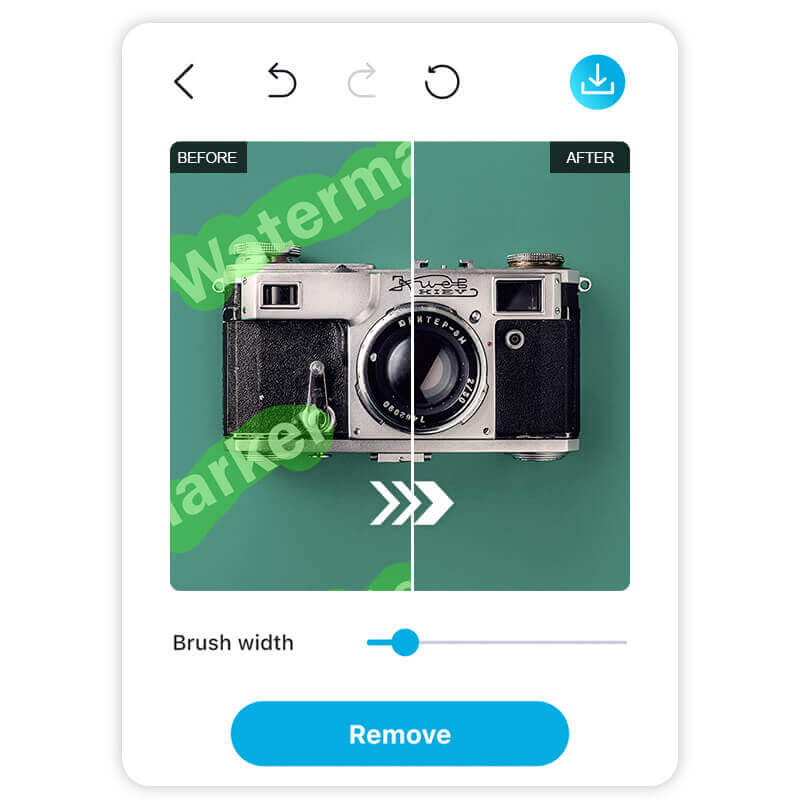
How to Easily Remove Watermarks From Photos With YouCam
Learn how to effortlessly remove watermarks from your photos without any blurring using the advanced features of YouCam AI Watermark Remover.

Upload Your Photo
Start by uploading the photo you want to edit into the YouCam AI Watermark Remover.


Brush on the Watermarks
Use the brush tool to highlight the watermarks you wish to remove.

Click "Remove"
Simply click the "Remove" button to let the AI automatically eliminate the watermarks without any blurring.
Why Choose the YouCam AI Watermark Remover?
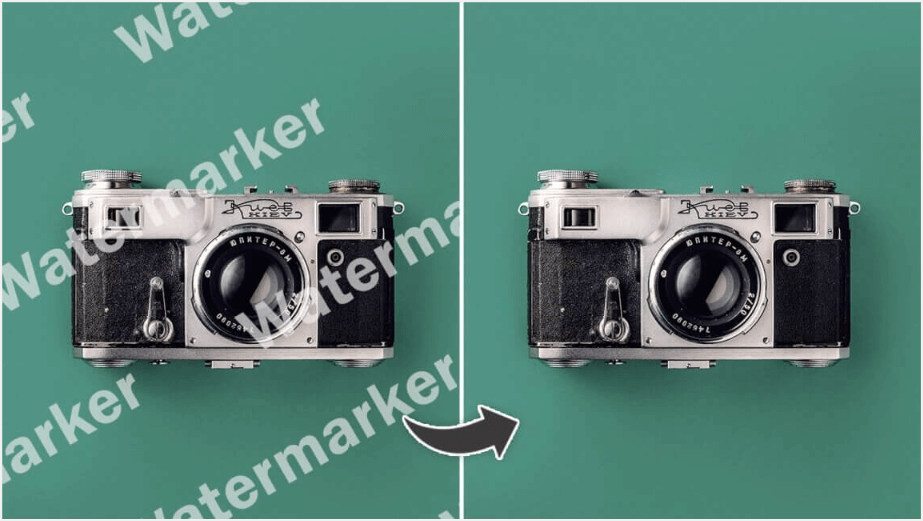
Flawless Watermark Removal
Remove watermarks cleanly with no blurs or residues left behind. Achieve professional-grade results in just a few clicks.
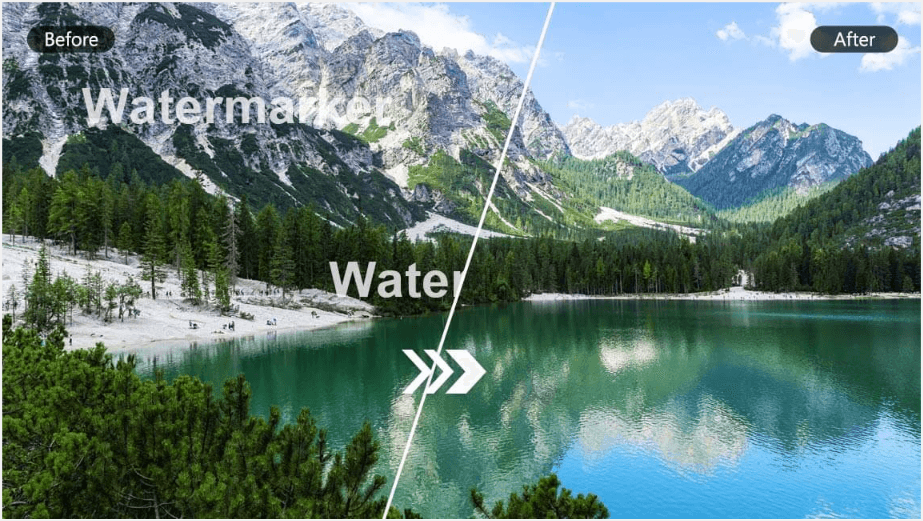
Superior Watermark Recognition
Our powerful AI detects and erases watermarks, logos, and other marks while retaining the original image quality. No distortion or loss of details.
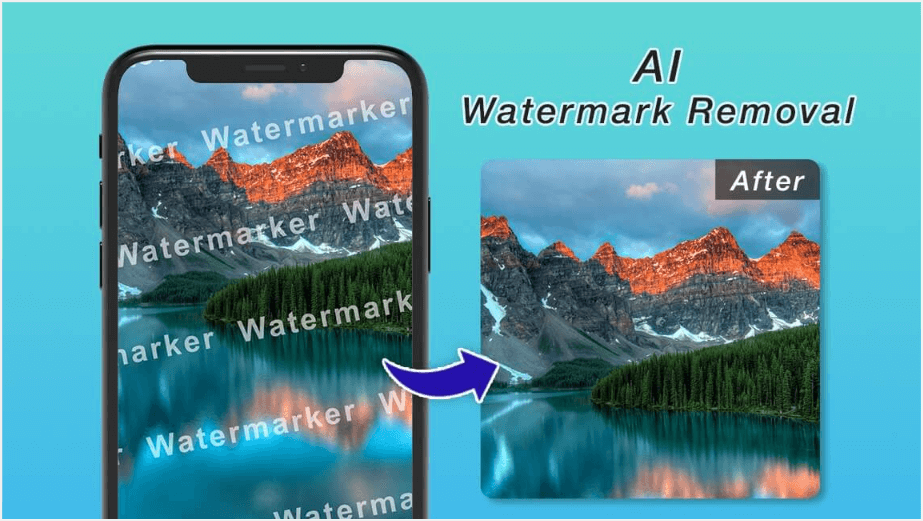
Multi-Utility Mark Removal
Beyond watermarks, you can also remove logos, blemishes, signatures, and stamps. Tidy up your images with ease and precision.
Online Free AI Watermark Remover FAQs
What is a watermark?
A watermark is a visible mark or text overlay placed on an image to identify ownership or prevent unauthorized use.
How to remove a watermark for free?
Use the YouCam Online Editor's AI watermark remover, which is free and user-friendly. Upload your image, highlight the watermark, and click "Remove."
Is it illegal to remove watermarks from images?
Removing watermarks can be illegal if done without the copyright owner’s consent or for unauthorized purposes. Always ensure you have proper rights to the image.
What is the best online watermark remover?
The YouCam Online Editor stands out as the best for its AI precision, ease of use, and ability to retain image quality.
Can I remove watermarks from any image?
The tool supports most images, including JPG and PNG formats, but ensure you have the necessary rights to edit copyrighted materials.
How to remove a watermark from a photo?
Upload your photo to the YouCam Online Editor, mark the watermark, and let our AI-powered remover handle the rest.
What We Should Notice When Using the AI Watermark Remover Tool?
When utilizing the YouCam AI Watermark Remover Tool, users must adhere to ethical and legal standards to ensure responsible use. Below are five key considerations to keep in mind:
- Respect Copyright Ownership: Removing watermarks does not grant ownership of the image. Ensure you have permission to edit and use the image to avoid infringing on the original creator’s copyright. Always verify the image’s legal status before processing.
- Uphold Intellectual Property Rights: Watermarks often protect intellectual property. Altering or distributing images without authorization may violate IP laws. Obtain explicit consent from the rights holder before using the tool.
- Maintain Authenticity: Editing images can mislead viewers if watermarks indicating origin are removed. Use the tool transparently and avoid misrepresenting the image’s source or authenticity. Clearly disclose any modifications made.
- Support Creators: Watermarks credit creators and protect their work. Removing them without permission undermines their efforts and livelihood. Always seek approval and consider compensating creators for their work.
- Ensure Ethical Use: Use the tool responsibly to avoid unethical applications, such as removing watermarks for unauthorized commercial use. Respect the intended purpose of the image and adhere to fair use principles.
By following this guideline,you can use the AI Watermark Remover in a way that is both legally compliant and ethically sound.


