


 Filigransız indirYapay Zeka Fotoğraf Düzenleme araçlarına erişimKullanılmayan krediler bir sonraki aya devredilir





Remove Background From Image
Remove BG of your Photos Online in seconds! Create transparent backgrounds, custom colors, or add a new background easily.


Powerful AI Photo Background Remover
- AI-Powered Background Removal: Automatically detects and separates subjects.
- Precision Editing: Delivers clean, accurate edges.
- Intuitive Interface: Easy to navigate and use.
- Flexible Output: Supports multiple formats and resolutions.
- Live Preview: Enables real-time adjustments.

Highlights of AI Background Remover
How to Remove Background From a Picture Online for Free With AI
YouCam offers one-click background removal and multiple background options for effortless photo enhancing experience.

Upload Your Image
Upload the photo from which you would like the background removed.
(Supported formats: JPG, JEPG, PNG, TIFF, and GIF)

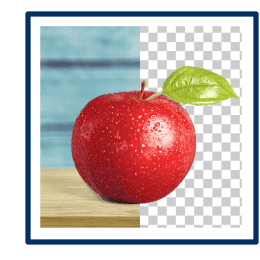
Auto Background Removal
After uploading, YouCam AI Background Remover will automatically detect and erase the background from picture.
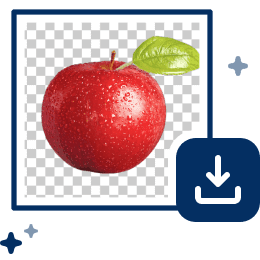
Save Your Photo
Download your photo with a transparent background in PNG format for further use or editing.
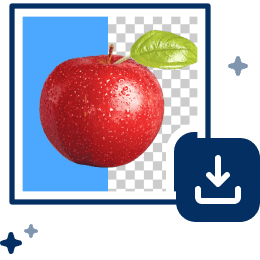
Further Change Background
After removing the background, YouCam allows you to further enhance the photo by changing background colors.
3 Highlights of the YouCam AI Background Remover
Instant and Fast One-Tap Auto Background Removal
YouCam’s AI Background Remover provides instant, one-tap background removal using advanced AI. It quickly detects portraits and objects, streamlining edits for professionals and casual users alike.


Background Removal & Add Custom Background
YouCam Photo Background Editor lets users remove or change background colors for creative customization, enhancing image appeal for social media or professional use.
Explore more: Add Black BG to Photo, Remove white BG, Remove Green Screen, Photo Background Changer


Comprehensive Background Editing Tools
YouCam offers powerful AI tools—Background Changer, Blurring, and Extender—for advanced, professional-quality background edits with ease.
Explore more: Make Image Transparent, Remove Background on Logo, Backdrop Remover

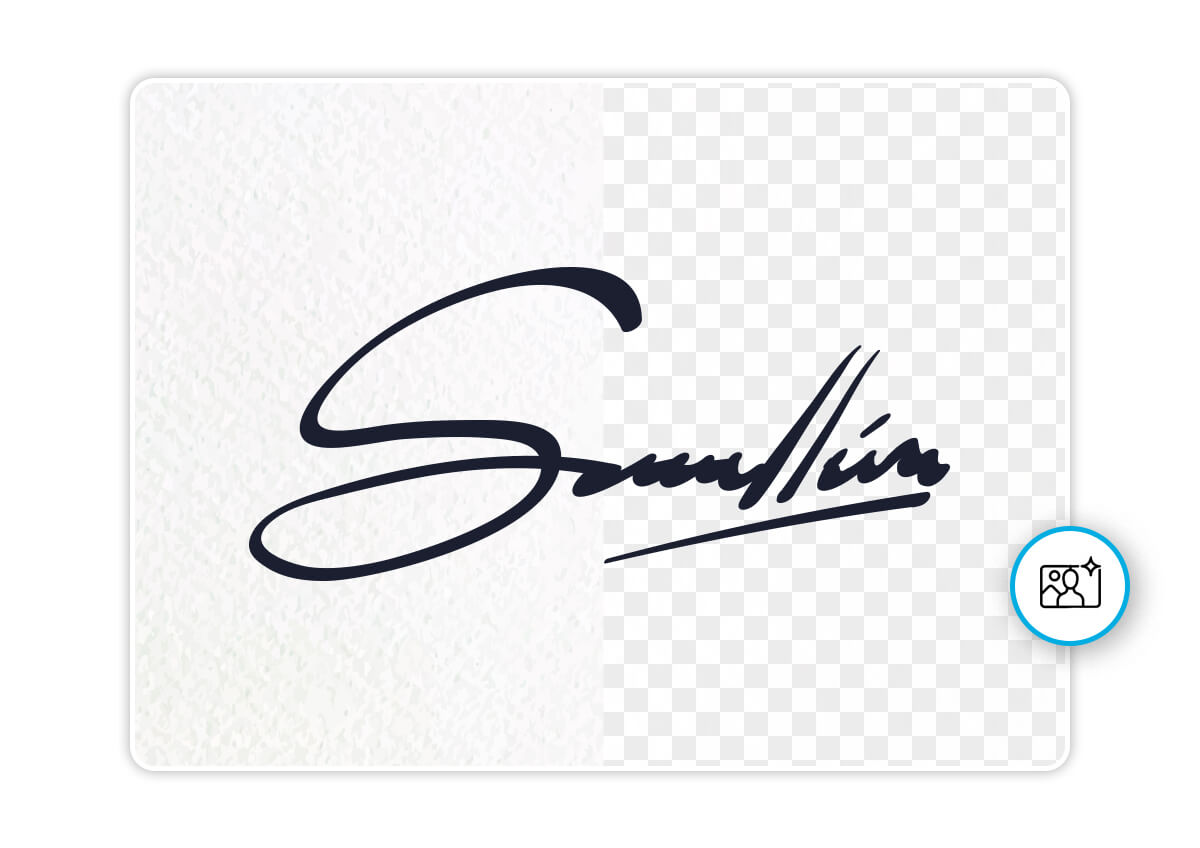
Easily isolate your signature from any background to create a crisp, transparent image—perfect for documents, branding, and watermarking.

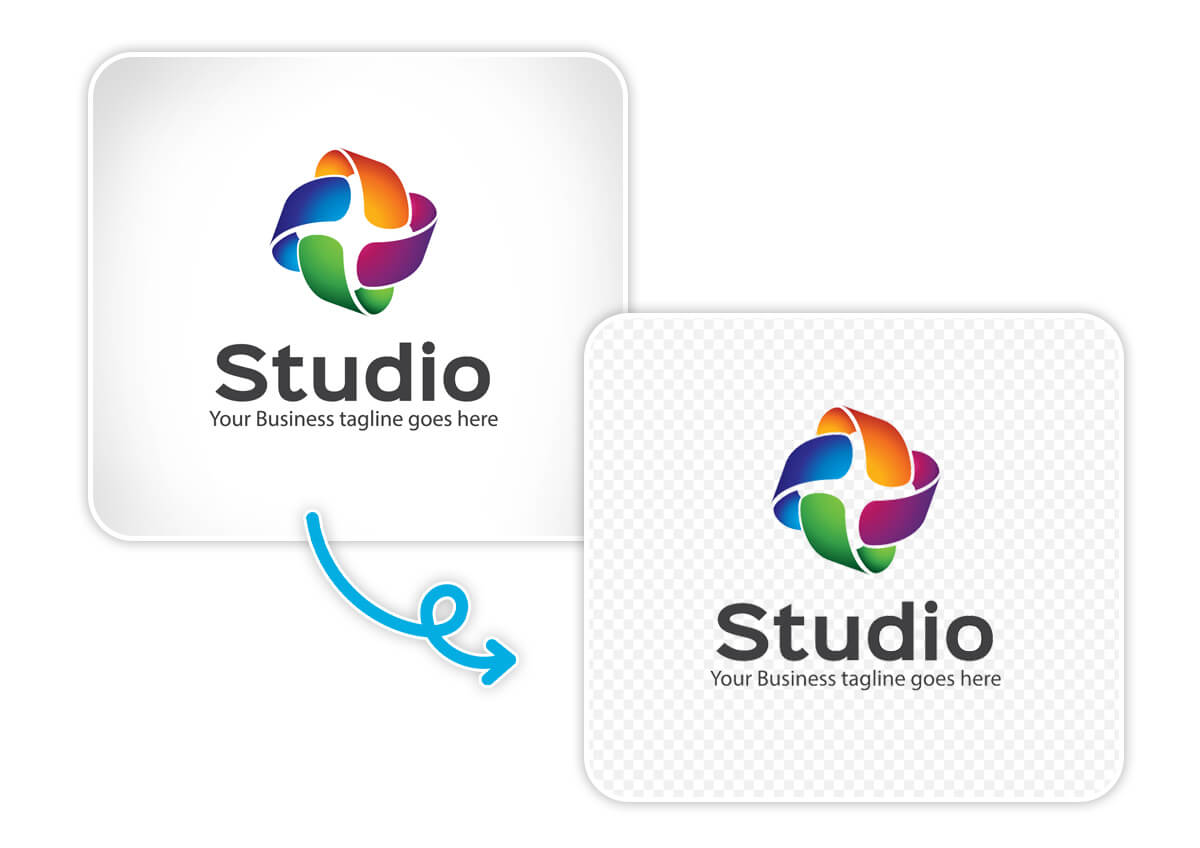
Erase backgrounds from logos with AI precision to create sharp, transparent assets for websites, merchandise, and marketing.

Create passport, visa, or ID photos in clicks—AI auto-adjusts background, size, and alignment for compliant, professional results.

"The detail is incredible."
I use YouCam AI Background Remover to clean up product images for our Shopify store, and it works flawlessly. The tool detects edges accurately and gives me transparent PNGs that look professional without needing a designer.
Hailey Monroe – E-commerce Product Manager

"A must-have for my workflow."
"I use this for my YouTube thumbnails. It’s fast, the resolution stays high, and it’s much easier than opening heavy desktop software just for a quick cutout."
— Marcus T., Content Creator

"Perfect for quick edits."
We needed a quick solution for employees submitting ID photos remotely, and YouCam’s background remover was ideal. It automatically clears the background and keeps the face centered—great for internal systems and badges.
Jenna Wallace – HR Coordinator
Remove Background with AI FAQs
What is the best background remover?
The YouCam Online Editor Background Remover is the best tool to remove backgrounds from pictures. It is very user-friendly and accurate, making it popular among all kinds of users. Not only does it remove BG for a transparent, white, or color background, it also offers users to add their own backgrounds.
Can AI remove the background of an image?
Yes, AI can remove backgrounds using techniques like object recognition and segmentation automatically. The YouCam Enhance utilizes AI for effectively eliminating unwanted elements from photos, enhancing images with professional results.
How to remove background in HD free?
With the YouCam Online Editor, you can easily remove the backgrounds from your photos. Simply upload your image and the AI Background Removal will automatically delete the background of the picture without losing quality.
Which AI can remove background?
Our background removal tool uses AI to automatically detect the subject in an image and remove the background, allowing you to easily replace it with a transparent or custom background of your choice.
What is the best AI tool for removing background?
YouCam background removal tool is one of the top tools for removing backgrounds in photos. It accurately detects and removes backgrounds, giving users the flexibility to replace them with transparent or custom backgrounds, making it a versatile and effective choice for this task.
How do I remove an object background in AI?
To remove an object's background using AI, you can use our YouCam Enhance background removal tool. This tool automatically detects the subject in your image and removes the background, allowing you to replace it with a transparent or custom background of your choice. It's a simple and effective way to achieve clean and professional-looking results.
What image formats does YouCam support for background removal?
We accommodate a variety of formats including JPG, JPEG, PNG, TIFF, and GIF for removing backgrounds.
Are there any types of images that are not suitable for background removal?
Images with very busy backgrounds or those that don't have a clear distinction between the foreground and background may pose a challenge.
Is it possible to resize my image after removing the background?
Yes, after the background is removed, you have the option to resize your image as needed.
What file formats can I upload?
You can upload any standard image format, including JPG, PNG, and WebP. The tool will process the image and provide a transparent PNG for download.
Will I lose image quality after removing the background?
No. Our tool is built to maintain the original resolution of your photo as much as possible, ensuring your cutouts remain sharp and professional.
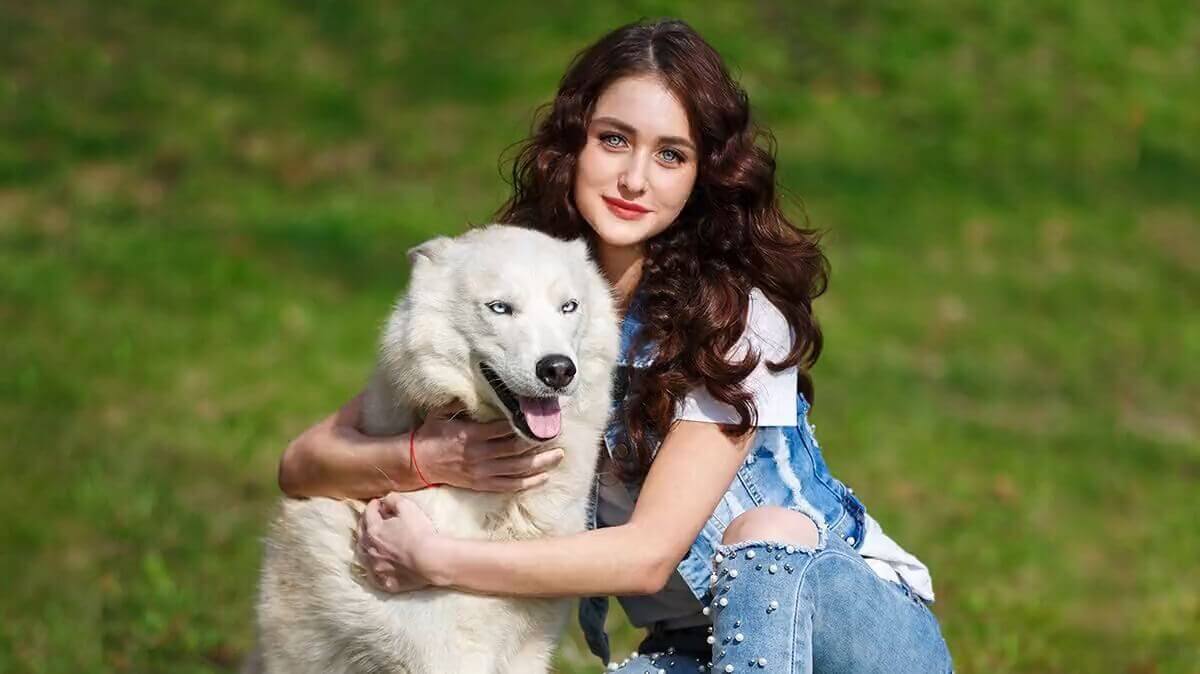
Can the AI handle complex objects like hair or fur?
Absolutely. Our specialized neural network is designed to detect fine details, making it one of the most effective tools for portraits and pet photography.
Latest Articles


