


 Filigransız indirYapay Zeka Fotoğraf Düzenleme araçlarına erişimKullanılmayan krediler bir sonraki aya devredilir





AI Text to Video Generator
Start with a simple text prompt. Describe your idea, script, or scene and turn it into a styled animated video in just a few clicks.


From Prompt to Motion: AI Video Generation
By leveraging specialized models, you can generate a wide range of visual styles and motion effects without relying on traditional manual editing workflows.
- Motion and Visual Effects: AI enhances static concepts by introducing motion and environmental effects. Instead of manually keyframing each element, the system computes fluid, coherent motion, resulting in visuals that feel both dynamic and realistic.
- Multi Model Support: Each model offers distinct strengths. Models like Kling and Veo excel at producing high fidelity, realistic details, while Vidu and Pixverse focus more on stylized outputs and alternative motion interpretations. This flexibility allows you to select the model that best aligns with your desired visual direction.

How to Generate a Video From Text With YouCam AI Video Generator
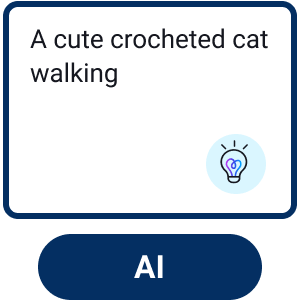
Enter Your Text Prompt
Type your idea into the prompt box or choose from suggested examples to get started quickly.

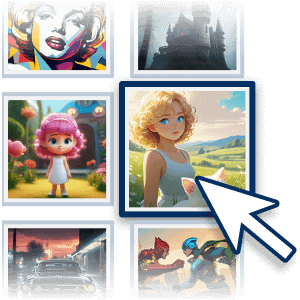
Adjust Your Settings
Select your preferred AI model, set the video duration, and choose the aspect ratio that fits your platform.
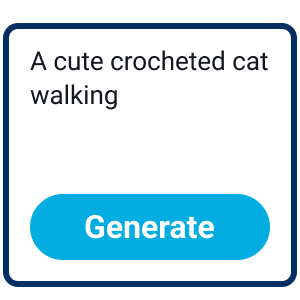
Start Generation
Click the “Generate” button and let AI turn your prompt into a stylized animated video.
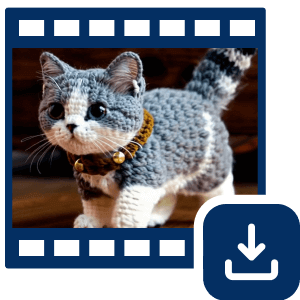
Save Your Video
Preview the result and download your video in HD for sharing or future use.
Turn Prompts into Motion – 5 Ways to Animate Your Imagination
Visualize Creative Concepts with Animation
You can describe any scene you imagine, like a cat cooking pasta or miniature workers cleaning a keyboard, and see it animated right away. The AI takes your prompt and builds a video with realistic motion and effects.
This tool helps you bring abstract ideas to life without the need for complex manual animation. It provides a simple way to test visual concepts or create short clips quickly.

Create with Professional AI Models
By choosing the right engine for your project, you can achieve specific visual styles and motion quality.
- Kling is built for cinematic realism and high-fidelity detail.
- Google Veo excels at capturing scenic beauty and complex environments.
- Vidu focuses on expressive characters and natural human movement.
- Pixverse provides bold, animated flair for more stylized results.
You can try each model to see how they interpret your prompts and discover which one best fits your creative vision.

Create Social Media Ready Visuals from Prompts
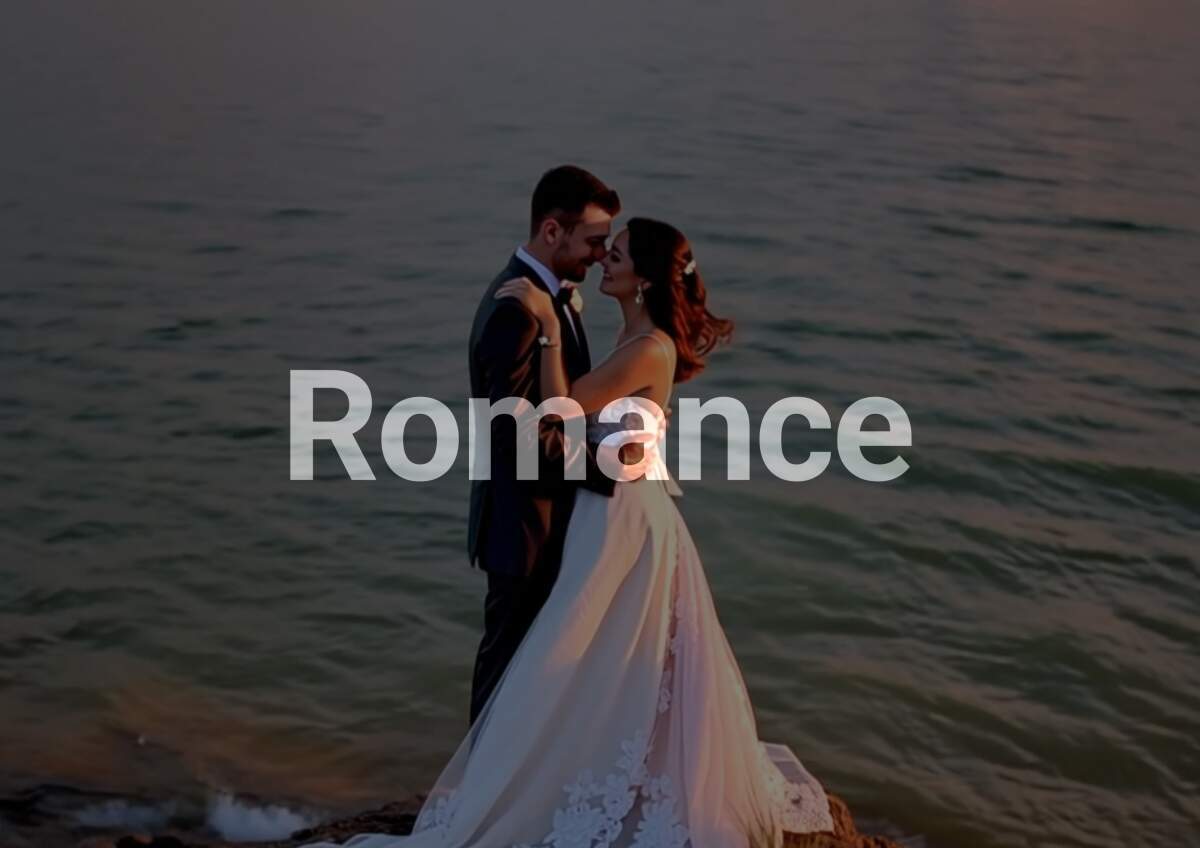
Turns short text prompts into dynamic videos. Whether you are envisioning a romantic moment, a dance scene, or a fantasy setting, the AI creates visuals that reflect the mood and action you describe. This tool makes it easy to produce content that stands out on social feeds. By simply defining the atmosphere and movement in your text, you can generate high quality clips ready for sharing.
Make Trending Meme Videos with AI
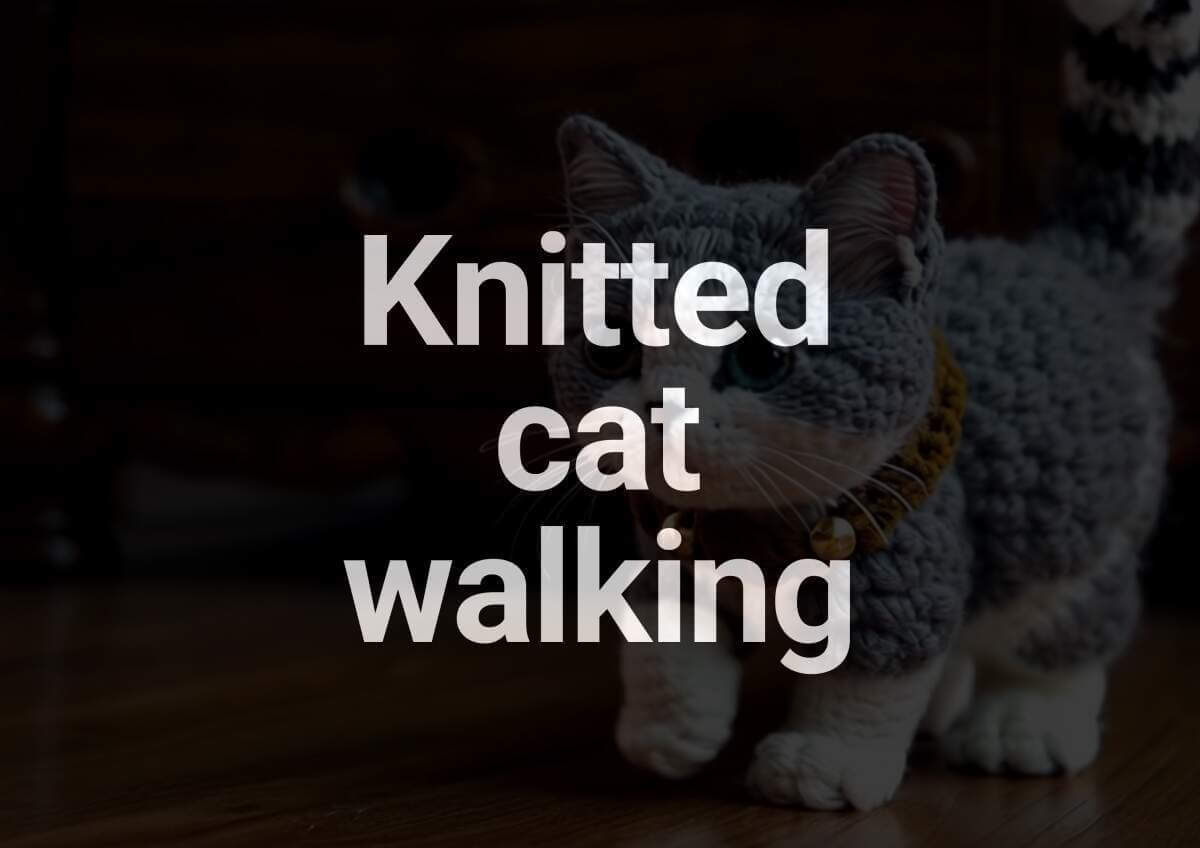
You can quickly join the latest meme trends by describing your ideas in text. Enter prompts like a trendy cat meme, an animal diving, or a chicken banana, and the AI will animate them into shareable clips. This is a simple way to create fun content that matches current internet trends. By letting the AI handle the animation, you can focus on the concept and get your video ready to post in moments.
Craft Cinematic Moments from Text
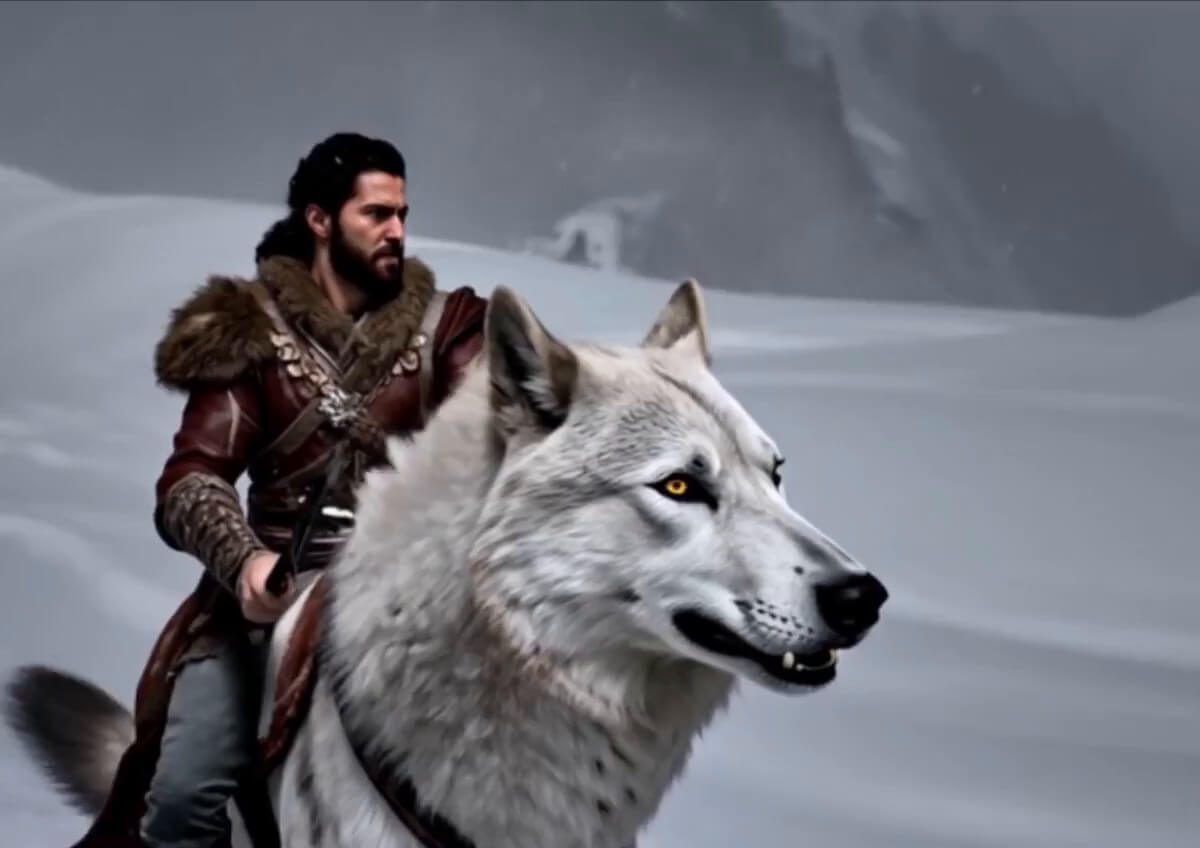
Describe a dramatic scene, like a hero walking through fire or a sunset chase, and let the AI turn it into a cinematic animation. You can control the tone and pacing through your prompt, making it easy to create specific moods. By defining the visual details in text, you can generate high quality clips that capture a cinematic feel without a traditional production setup.
AI Text to Video Generator FAQs
What kind of text can I use to generate a video?
You can use everything from simple phrases to detailed descriptions. For the best results, include specific details about the subject, setting, and type of movement you want to see.
Do I need editing skills to use this tool?
No. The AI handles the technical aspects like timing, motion, and visual composition. It is designed to turn your ideas into a finished video without any manual frame-by-frame editing.
Can I customize the video format and style?
Yes. You can choose from several AI models like Kling, Veo, Vidu, and Pixverse, each offering a different visual style. You can also adjust settings like aspect ratio and video duration before you generate.
Is this tool optimized for social media?
Absolutely. You can select specific aspect ratios like 9:16 for TikTok and Reels, 1:1 for Instagram, or 16:9 for YouTube to ensure your video fits your preferred platform perfectly.
Is there a limit to video length or resolution?
Most AI generations produce clips between 5 and 10 seconds long, which are ideal for social content. Videos can be downloaded in high-definition (HD) for a professional look.
Is this an AI video creation tool or editor?
It is a creation tool. While a traditional editor helps you cut existing footage, this generator uses AI to build entirely new video content from scratch based on your text or images.
Can I turn a photo into a video?
Yes. In addition to text, you can upload an image and use a prompt to tell the AI how to animate it. This is a popular way to bring static portraits or landscapes to life.
Are my uploads and generated videos private?
Your privacy is a priority. All uploads are processed through secure, encrypted channels. Your personal data and generated content are not used to train public AI models without your explicit consent.
Can I use the generated videos for commercial projects?
Yes. Videos created with YouCam AI can generally be used for personal or commercial projects, making them a great resource for marketing, ads, and professional social media content.


