

 Filigransız indirYapay Zeka Fotoğraf Düzenleme araçlarına erişimKullanılmayan krediler bir sonraki aya devredilir




AI Image to Video Generator: Turn Photos into Videos
Transform static images into dynamic, cinematic videos. Simply upload your photo and let our AI generate realistic motion, lighting, and depth instantly.






How to Generate AI Video from Images in 3 Steps
Upload Your Photo
Drag and drop any photo, illustration, or artwork into the generator. (Supports JPG, PNG, and TIFF)


Select Style or Enter Prompt
Pick a motion from our template library or tell the AI how you want your image to move. Whether it’s a gentle hug or a cinematic pan, the creative control is yours.
Animate & Export
Click "Generate" to watch your photo come to life. Preview the animation and download your high-quality video.

Unlock endless possibilities with our curated library of over 30 trending templates. Designed to eliminate the guesswork, these presets effortlessly transform your static photos into captivating, professional-grade videos in seconds.

K-pop Dans

Hızlı koşу

Mutlu dev

Bebekle Çay

JP Beyzbol

Tayvan Beyzbolu

Kazanan dansı

Uzaklaştır

Stil Değişim

Ruh yükselişi

Kapüşon Tutma

Maksimuma kadar sallayın

Kucakla

Foto kabin

Alev adamı

Yüz Yumruk

Hızlı Adım

Kıpırda!

Kendi ritmin

Kapüşon Çek

Fincan Spin

Nazik Öpücük
Powered by the World’s Leading AI Models
Don’t limit your vision to a single engine. YouCam integrates advanced video technologies on the planet—including Google Veo, Kling AI, Hailuo, Vidu, Pixverse, and Seedance. Whether you're seeking cinematic realism or viral AI Dance choreography, we instantly unlock the unique strengths of every top-tier model in a single click.
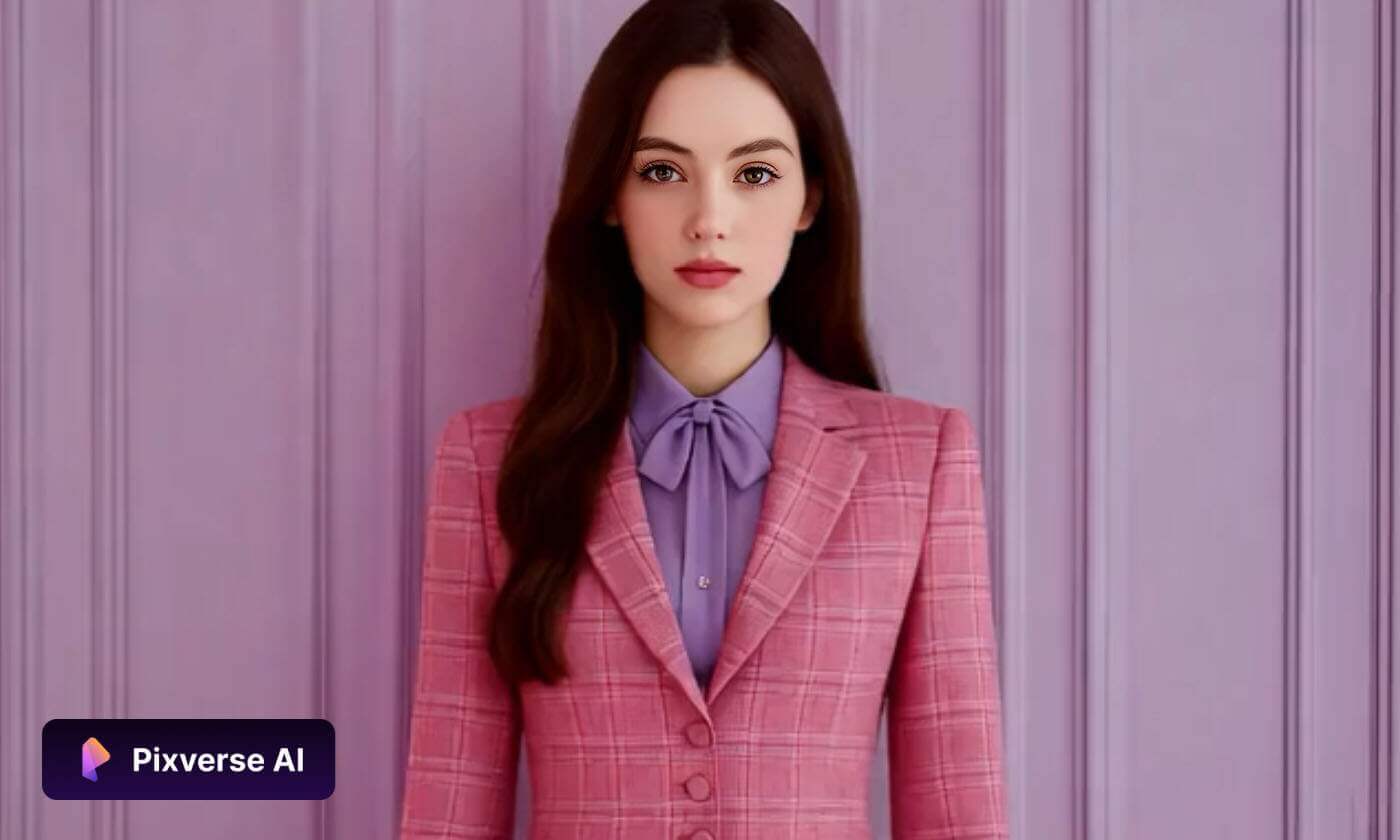
Turn Your Static Images into Moving Masterpieces
Connect Multiple Photos into a Seamless Sequence
Go beyond single animations by using our Multi-Image Upload feature. Simply select a collection of images, and the AI will intelligently bridge them together into a cohesive video sequence. This feature automatically handles transitions and motion flow, allowing you to tell a complete story or create a professional montage in seconds.
Elevate Your Visuals for Any Purpose
Create polished video content without the need for expensive equipment or complex editing software. By converting your high-quality photos into video, you can produce engaging marketing materials, product showcases, and property tours that grab attention. The AI ensures every frame maintains consistent lighting and sharp details for a premium finish.
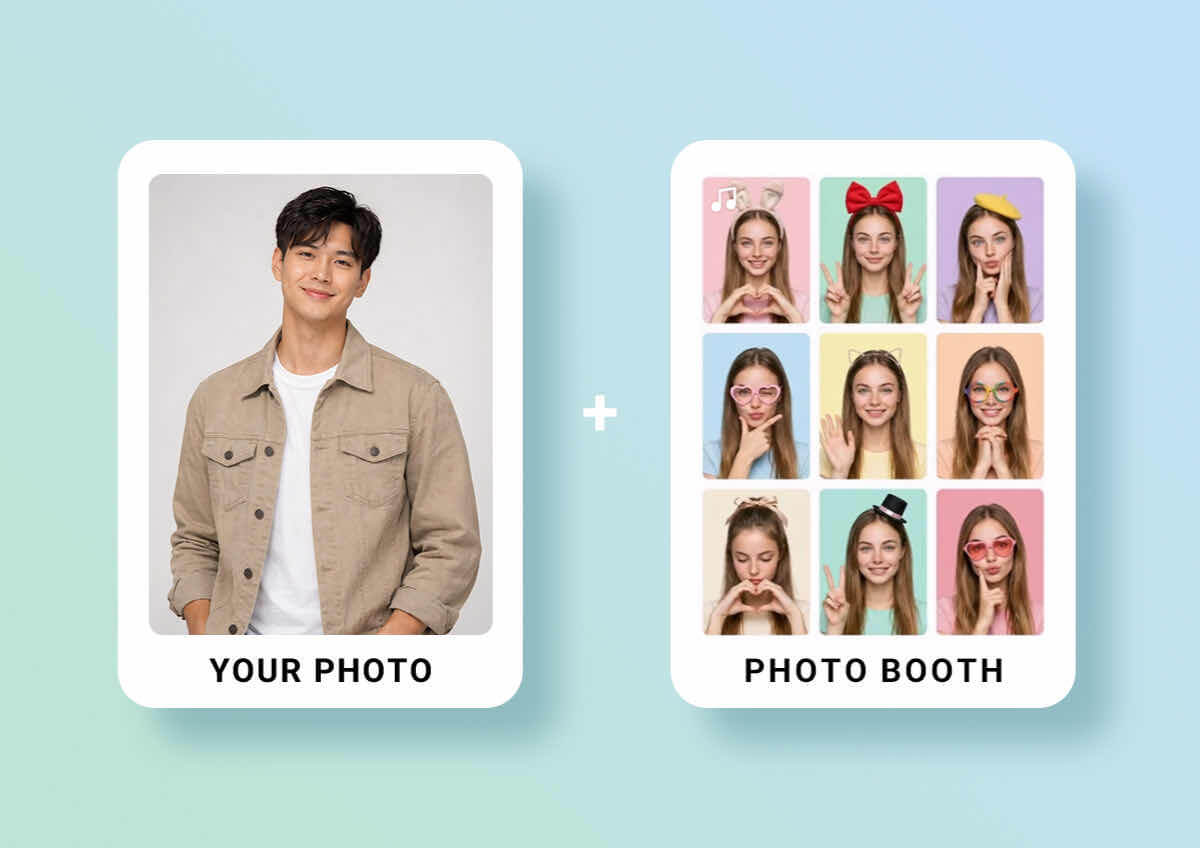
Turn Photos into Lifelike Video Content
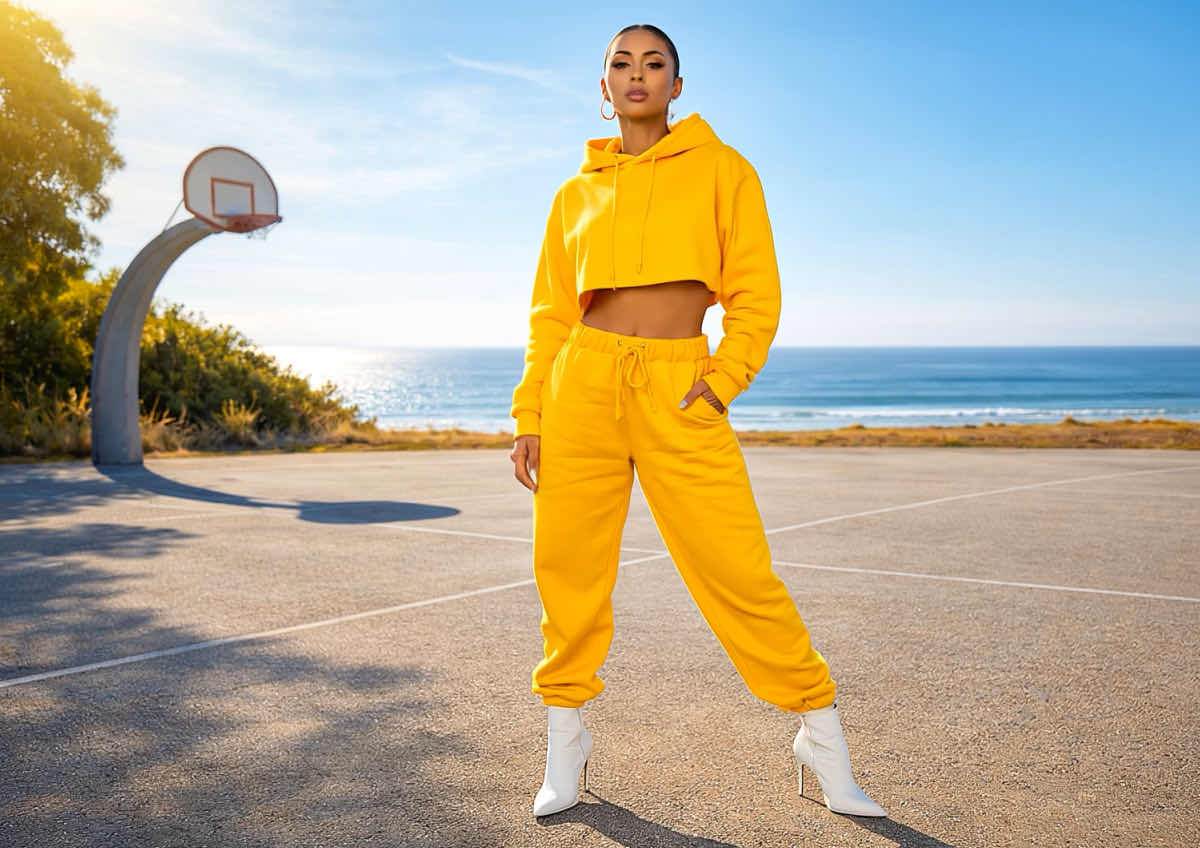
Breathe life into your static visuals by adding natural, fluid motion. Our AI analyzes the depth and texture of your image—whether it’s a fashion shoot, a portrait, or a piece of digital art—to apply realistic movement that mimics professional cinematography. It’s the fastest way to turn a single capture into a high-impact visual experience.

Whenever I want to create something a bit different, this is the tool I go to. There are so many styles to play with, and it’s actually fun experimenting. Every video feels a bit more unique.
— Daniel B., Freelance Video Editor

I’ve been using this when I’m short on time, and it really helps me pull things together fast. It’s especially useful for quick social posts or when I just need something that looks polished without too much effort.
— Rachel N., Digital Marketing Manager

Sometimes I just need to see an idea come to life quickly, and this does exactly that. It helps me put together rough concepts that are clear enough to share with my team right away.
— Mike A., Startup Founder
Why Choose the YouCam Online AI Video Generator?
YouCam’s AI video technology removes the complexity of traditional editing, allowing anyone to bridge the gap between imagination and reality. By leveraging advanced deep-learning models, the generator intelligently blends multiple reference images, styles, and lighting to create seamless motion. Whether you are a digital artist or just want to have a little fun, YouCam offers an intuitive interface that delivers professional-grade, high-definition results with just a single click.
FAQ: AI Video Generator - Image to Video
What is an AI Image to Video Generator?
An AI image to video generator is an advanced creative tool that uses deep-learning models to transform static photos into dynamic video content. By analyzing the elements in your image—such as depth, lighting, and texture—the AI "paints" motion into the scene, creating realistic effects like flowing water, drifting clouds, or subtle cinematic camera movements.
How do I turn a photo into a video using AI?
Turning a photo into a video is a simple three-step process:
- Upload: Drag and drop your photo (JPG, PNG, or HEIC) into the online generator.
- Describe (Optional): Enter a brief prompt if you want to guide the motion (e.g., "gentle snow falling").
- Generate: Click the generate button. Our AI will process the pixels and deliver a high-quality animation in seconds.
Can I upload multiple images to create one AI video?
Yes. You can now upload multiple images to create a seamless video sequence. The AI intelligently bridges the gap between your photos, creating smooth transitions and consistent motion. This is the perfect way to turn a collection of photos into a professional-grade montage or a cohesive visual story without any manual editing.
Can I generate a video from just one image?
Yes. Our advanced models are specifically designed to work with a single source image. The AI identifies key subjects like people, hair, or backgrounds and applies realistic movement to those specific areas without needing multiple angles or shots.
Which AI models does YouCam use to generate videos?
YouCam is an all-in-one AI video aggregator. We integrate the world's leading generative models—including Google Veo, Kling AI, Hailuo, Vidu, and Seedance—into a single platform. This ensures you get the highest quality results, whether you need cinematic realism or specific dance choreography
What kind of motion can the AI add to my images?
The AI is capable of a wide range of realistic motions. It can simulate natural elements (wind, fire, water), cinematic camera effects (zooming, panning, tilting), and human-like movements (blinking, hair swaying). Our AI uses "physics-aware" technology to ensure the motion looks natural rather than distorted.
Can I download the AI videos without a watermark?
Yes. While free trial users can test the features instantly, upgrading to a Premium plan allows you to download high-definition (HD) videos without watermarks. These exports are optimized for social sharing on TikTok, Instagram Reels, and YouTube Shorts.
Will the video maintain the quality of my original photo?
Absolutely. One of the main benefits of our AI engine is "temporal consistency." This means the AI works hard to keep the details of your original photo sharp and stable throughout the entire video, preventing the "jittery" or blurry effects often seen in basic video tools.
Is my data safe when I upload photos to the AI generator?
Yes. Your privacy and data security are our top priorities. All photos uploaded to the YouCam Online AI Video Generator are encrypted during processing. We do not store your images longer than necessary to generate your video, and your personal data is never shared with third parties.
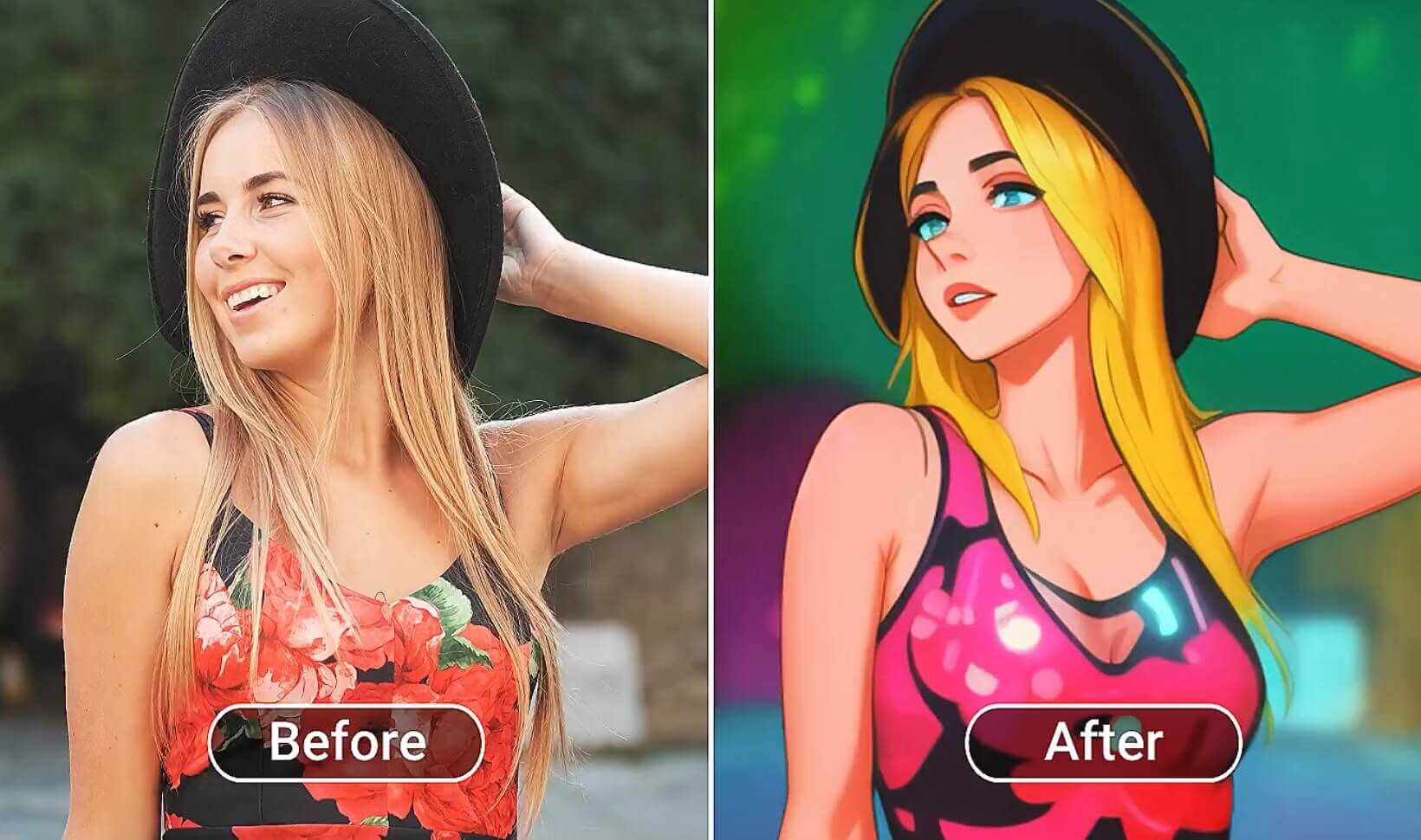
No more boring videos! Add some cool and fun effects to your videos that definitely make you stand out.
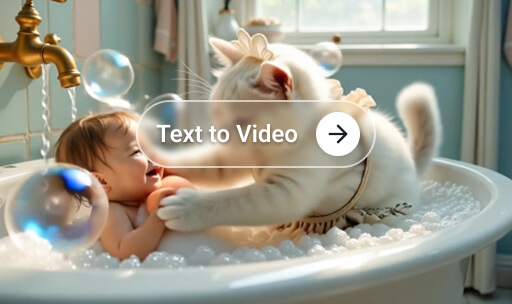
You have a cool idea in your head and want to bring it to life? Type it all down and create your own masterpiece!

Put yourself into a movie clip, become an overnight celebrity or prank your friends and family with a fun Video Face Swap!

AI Video Generator Magic for Your Pocket. Download our App Now!