


 Filigransız indirYapay Zeka Fotoğraf Düzenleme araçlarına erişimKullanılmayan krediler bir sonraki aya devredilir




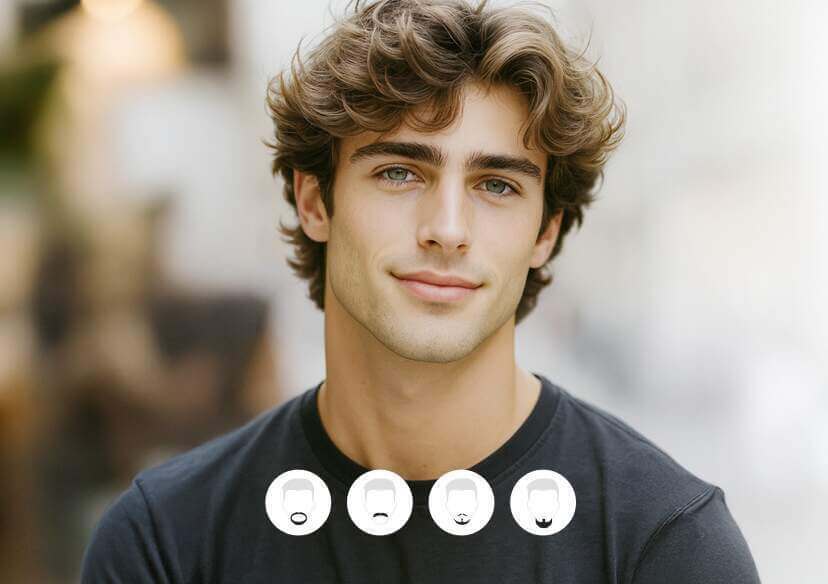
Online Beard Filter
Add realistic beards and mustaches to your photos. Explore various styles and transform your look with YouCam AI Beard Generator.









How to Add Beard to Photo?

Upload Your Photo
Start by uploading a clear photo of yourself. The AI will automatically detect and remove any existing facial hair, so you don’t need to shave beforehand.

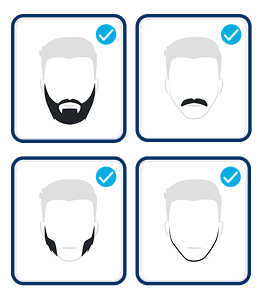
Choose a Beard Style
Browse through a wide selection of beard styles like Goatee, Garibaldi, Ducktail, Mutton Chops, and more. Pick the ones you’d like to try on and preview how they look on your face.

Generate Your Look
Once you’ve selected your favorite styles, hit the “Generate” button. The AI will instantly apply the beard filter to your photo, giving you a vivid and realistic transformation.
Find Your Perfect Beard with AI Precision
See What You’d Look Like with a Beard
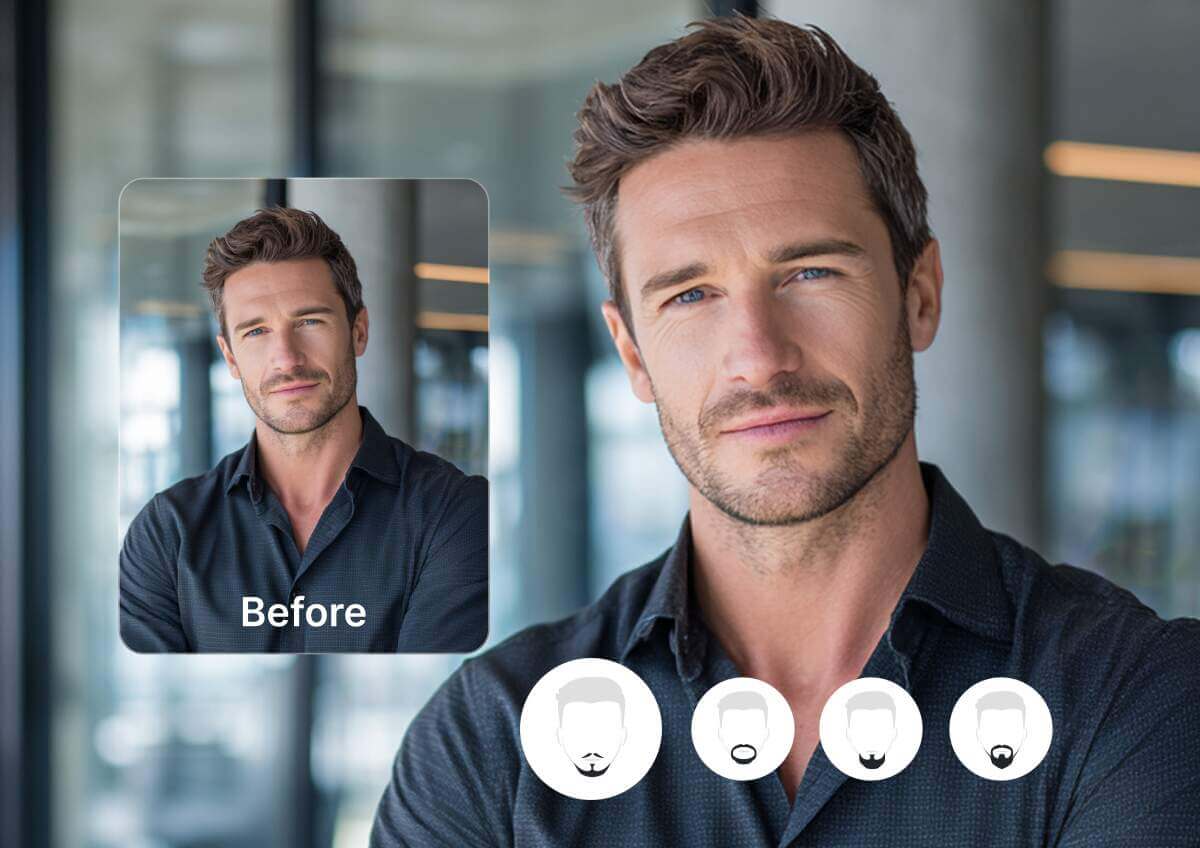
YouCam’s AI Beard Generator lets you add realistic beard filters to your photo in seconds. It’s the easiest way to explore facial hair styles before making a grooming decision.
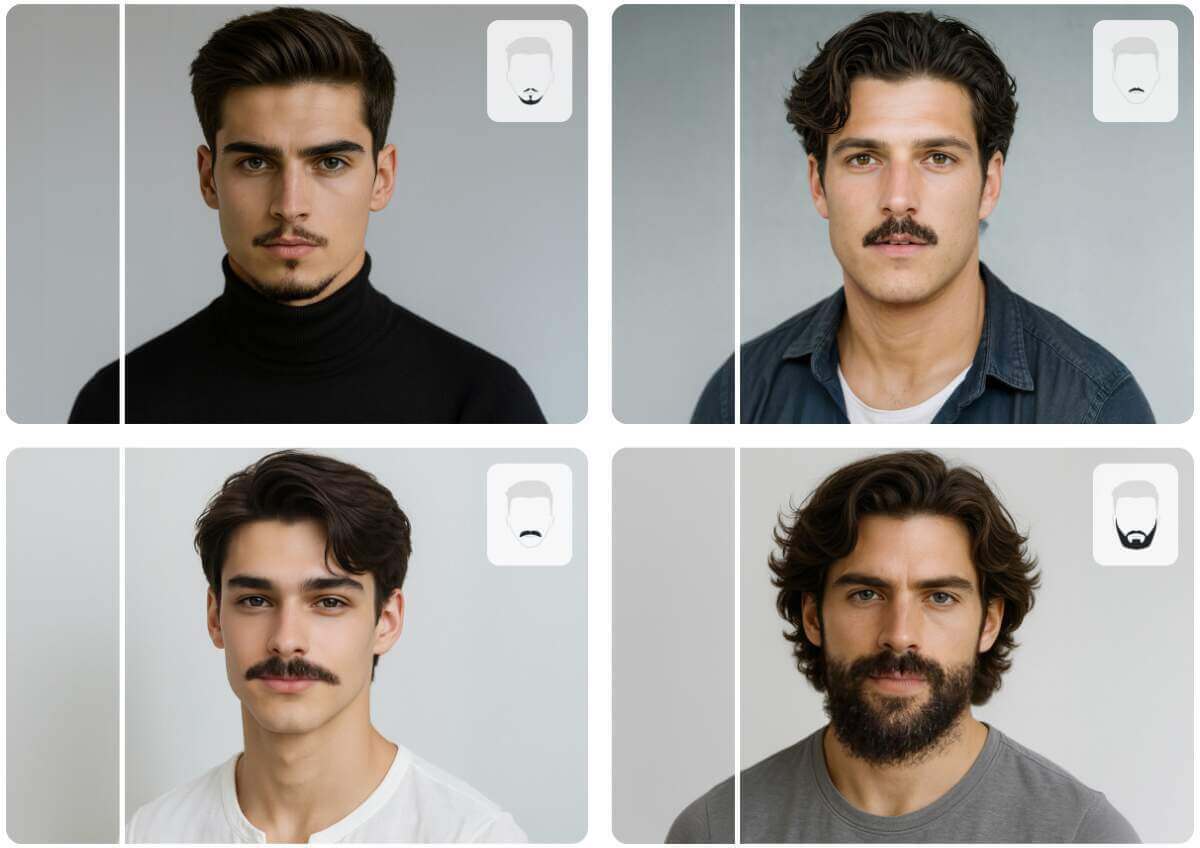
Realistic Facial Hair Filters Powered by AI
YouCam’s facial hair filter technology delivers vivid, lifelike results that match your face and hair texture.
Whether you're going for a bold beard or a subtle change, this tool makes it easy to visualize your new look.
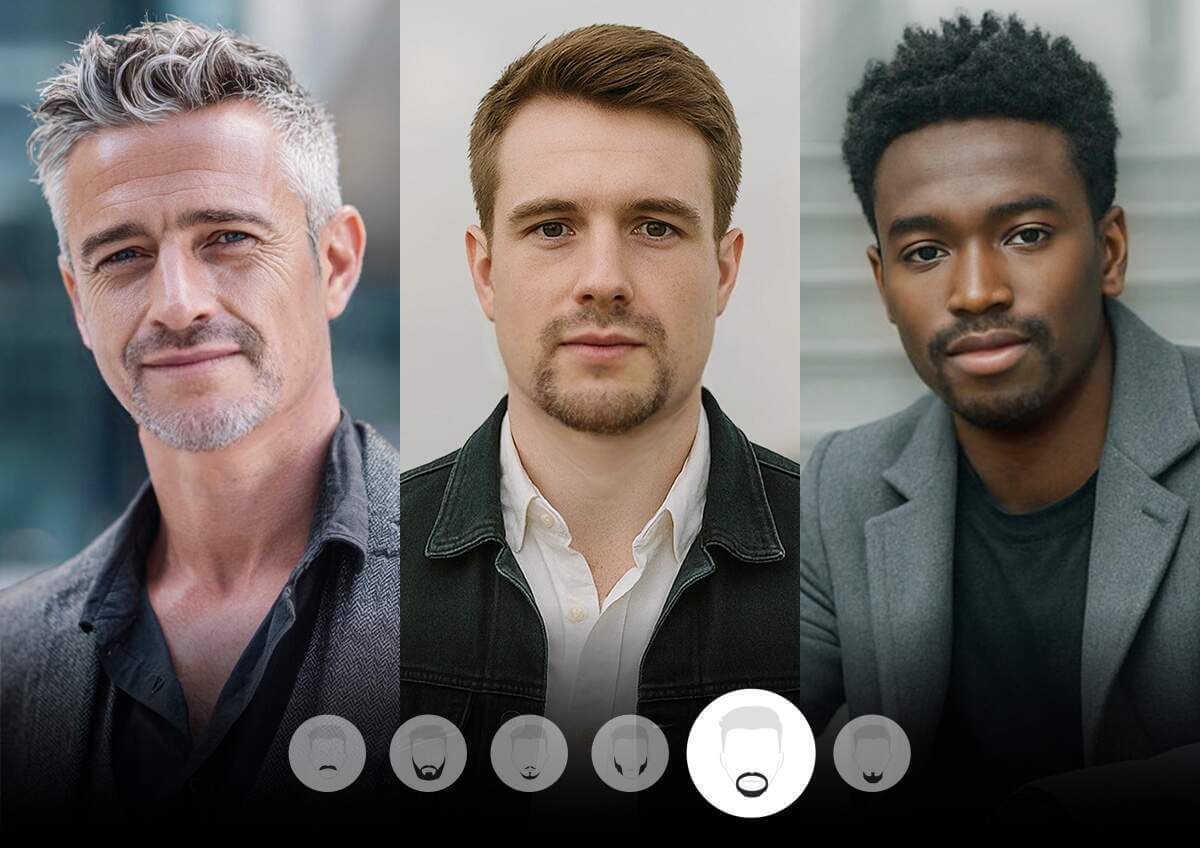
Try On a Full Range of Beard Styles with One Tap
From classic looks like the Goatee, Walrus, and Mutton Chops to bold styles like the French Fork, Ducktail, and Long Bandholz, YouCam offers a wide variety of different beard styles.
Whether you're curious about a Soul Patch, Anchor, or even a Horse Shoe, the beard simulator gives you instant previews. It’s perfect for experimenting with new styles and finding your signature look.
No Beard Filter: One-Click Remove Beard From Photos
YouCam’s AI beard filter makes it easy to remove facial hair from any photo with just one tap.
Whether you're previewing a beardless filter look or comparing styles, the AI beard remover delivers smooth, natural results.
It’s ideal for anyone considering a clean shave or updating their profile picture.
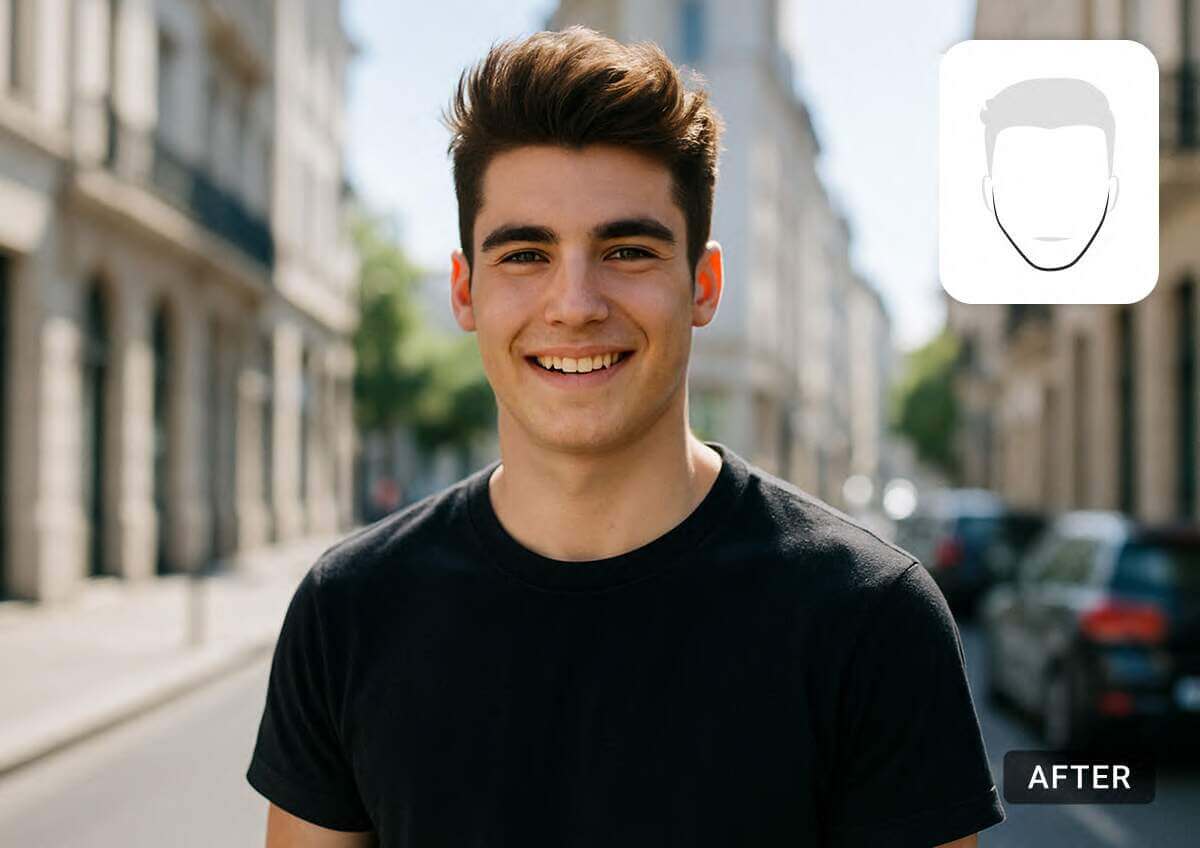
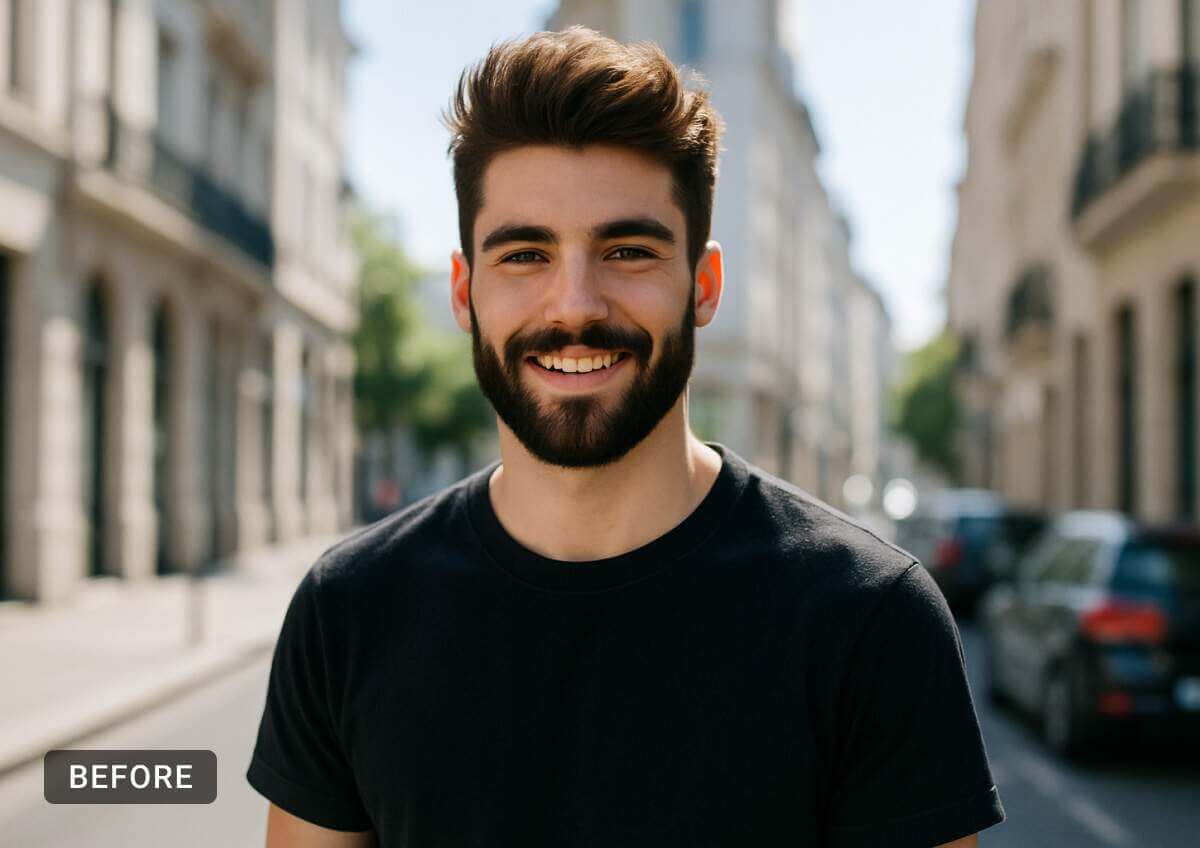

Discover 10+ beard styles to try on virtually with our free online beard filter. From stubble to full beard, see what suits your face—no trimming required!
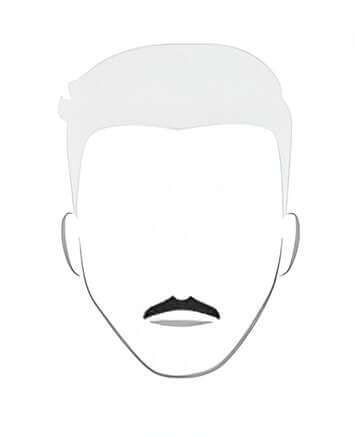
Mustache
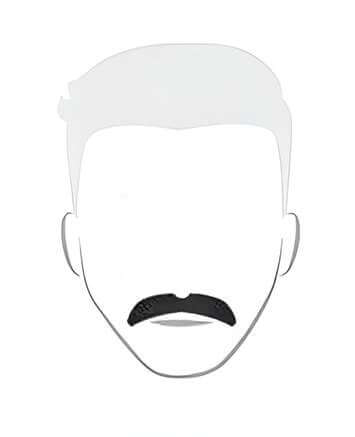
Walrus
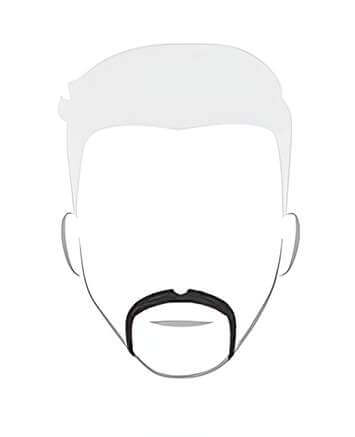
Horse Shoe
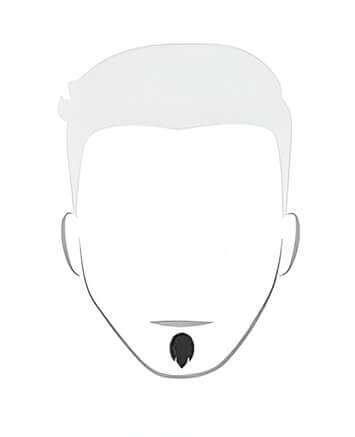
Soul Patch
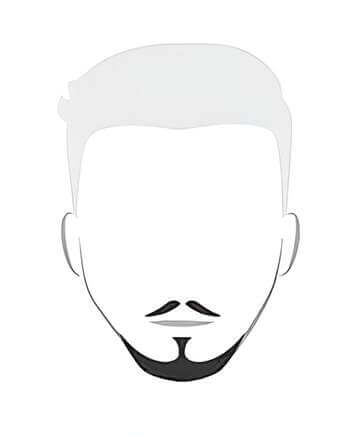
Anchor
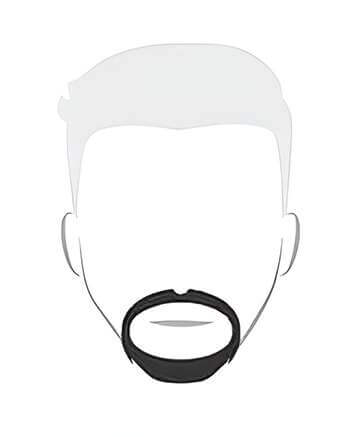
Circle
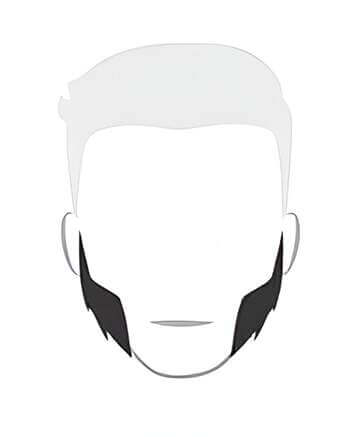
Mutton Chops
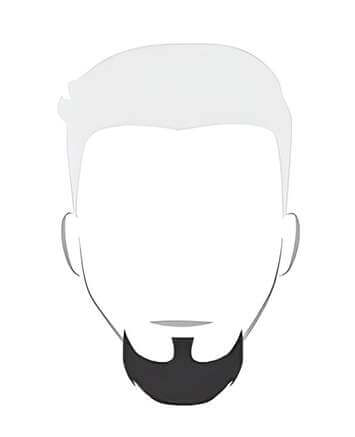
Goatee
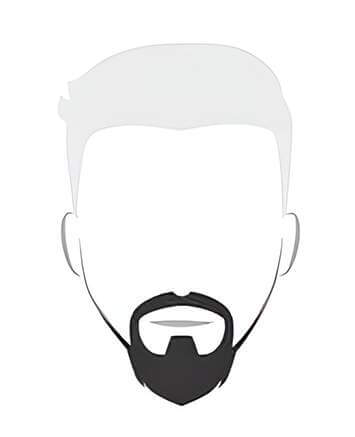
Ducktail
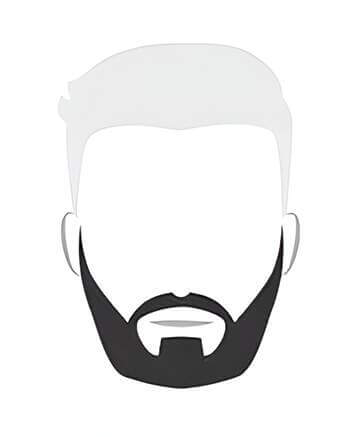
Garibaldi
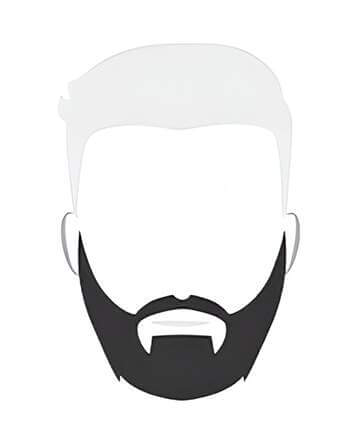
Bandholz
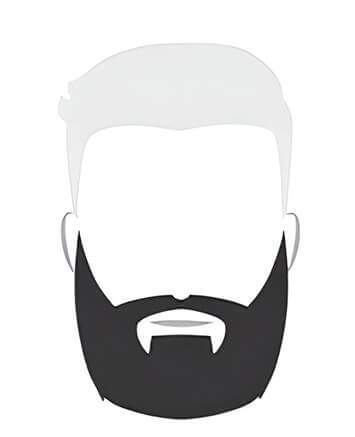
Long Bandholz
Your Ultimate AI Virtual Beard Studio
Try On AI Beard Filter Virtually
- Vivid results: Advanced AI analyzes your facial features and hair to generate highly realistic beard styles.
- Wide variety: Choose from numerous beard styles to match your personality or experiment with new looks.
- Instant preview: Lightning-fast processing lets you try on beards in seconds.
AI Beard Generator FAQs
What is an AI beard generator?
An AI beard generator is a digital tool that uses artificial intelligence to add realistic beard styles to photos. The YouCam AI Beard Generator is one of the most popular options, offering vivid results and a wide range of styles.
Why use a beard filter app?
A beard filter app helps users visualize how different facial hair styles would look on them without needing to grow or shave a beard. With tools like the YouCam AI Beard Generator, you can experiment with styles like goatees, ducktails, and mutton chops instantly.
How can I add a beard to my photo?
You can add a beard to your photo by uploading an image to an AI-powered tool and selecting your preferred style. The YouCam AI Beard Generator makes this process simple with one-click generation and realistic results.
How do I remove a beard from a photo?
To remove a beard from a photo, use an AI beard remover or a no beard filter. The YouCam AI Beard Generator includes a clean shave and beardless filter feature that automatically detects and removes facial hair.
What styles can I try with a beard simulator?
Beard simulators typically offer a variety of styles such as Garibaldi, Bandholz, Walrus, Soul Patch, French Fork, and more. The YouCam AI Beard Generator includes over a dozen styles to suit different face shapes and preferences.
Why do people search for “how would I look with a beard”?
Many people are curious about how facial hair might change their appearance before committing to growing a beard. AI tools like the YouCam AI Beard Generator provide a fast and fun way to explore different looks virtually.


