


 Filigransız indirYapay Zeka Fotoğraf Düzenleme araçlarına erişimKullanılmayan krediler bir sonraki aya devredilir





AI Image Extender: Expand Images Easily
Effortlessly expand and enlarge photo to fit any aspect ratio with our YouCam AI Image Extender.


Unleash Infinite Imagination with Image Expansion
Ever wanted to expand images effortlessly? YouCam AI Image Extender is your go-to tool for image enlargement. Simply upload your picture and, with a single click, enlarge your image beyond its original borders in seconds.


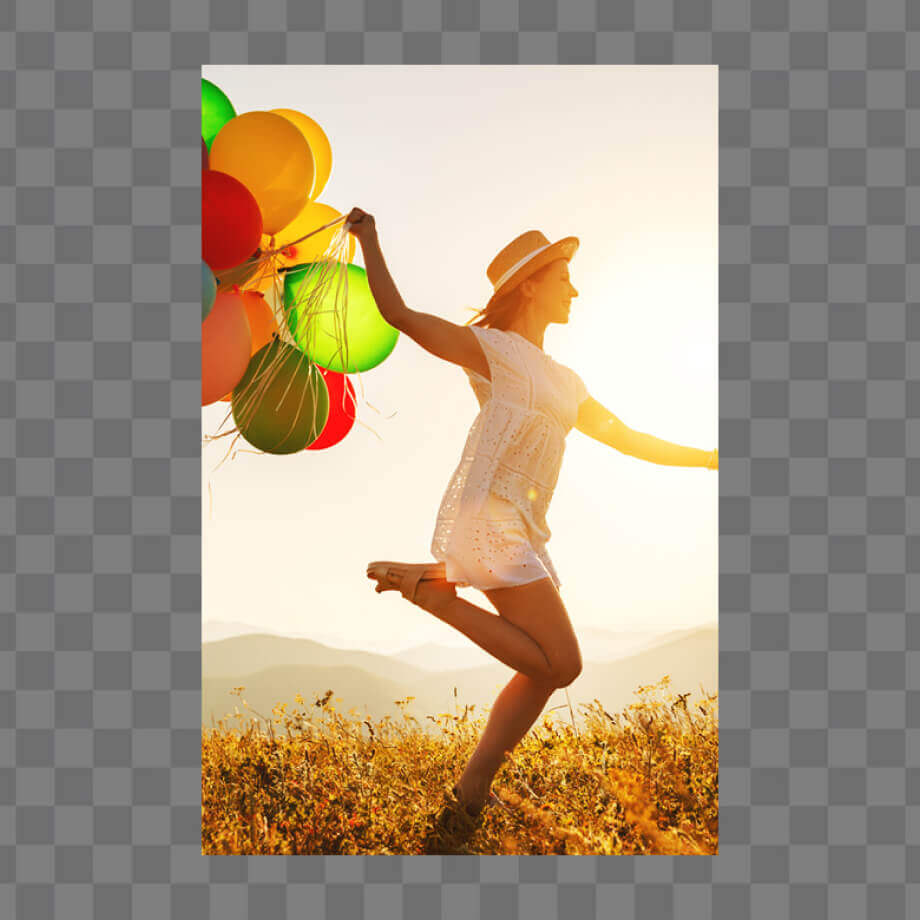






How to Expand Image with AI Image Extender?
Let the AI automatically expand your image with natural, seamless results in seconds. Here's the step-by-step tutorial:

Upload Your Image
Upload the image you want to expand.
(Supported formats: JPG, JPEG, PNG, TIFF, and GIF)

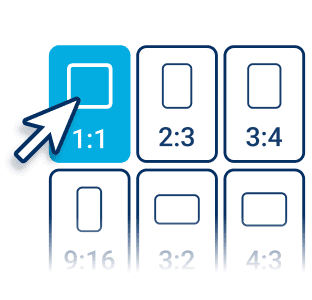
Choose a Perfect Size
Tailor-Made for Social Stardom:
Select the new size and ratio from over 20 size templates (including IG, FB, TikTok, etc.).

Expand Your Photos
Click the “Generate” button to Start.
YouCam AI Image Extender will automatically expand backgrounds while maintaining context, creating seamless new spaces in your images without losing quality.

Download and Share
Download your expanded image in the file format of your choice. Then, take to the social media stages and watch as the likes, loves, and wows roll in.
3 Highlights of the Best Online AI Image Extender
Professional Ratio Presets for Any Platform
Easily resize and extend photos with AI using optimized ratio presets for social media, ads, or creative projects. YouCam AI image extender ensures your visuals fit perfectly while maintaining high quality.
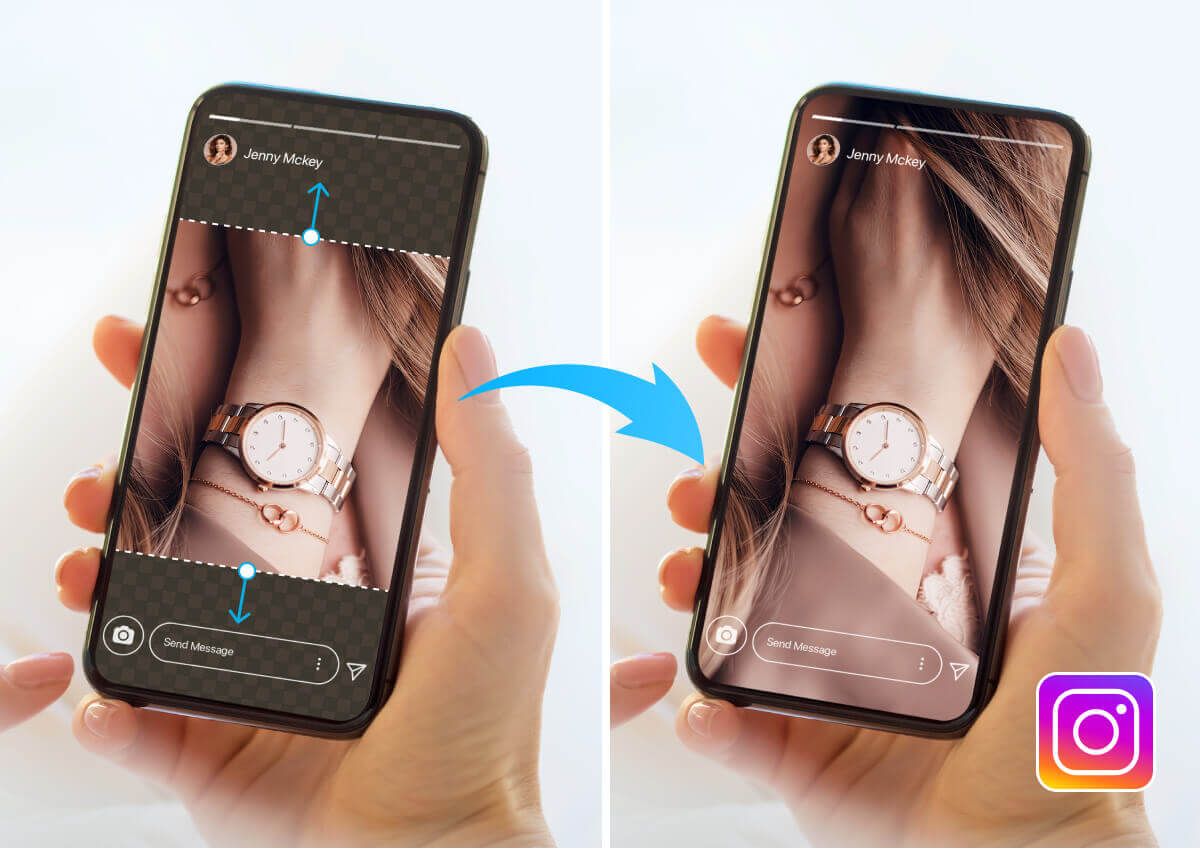
Seamless AI-Powered Image Expansion
YouCam AI Image Extender uses advanced, context-aware AI to extend photos beyond their original borders with realistic results. Unlike basic resizing tools, this AI image expander analyzes lighting, composition, and depth to expand pictures naturally—without distortion.

Context-Aware AI Outpainting
Powered by advanced outpainting technology, our extend photo AI tool generates new content that blends seamlessly with your image—preserving style, texture, and perspective for professional-looking results.
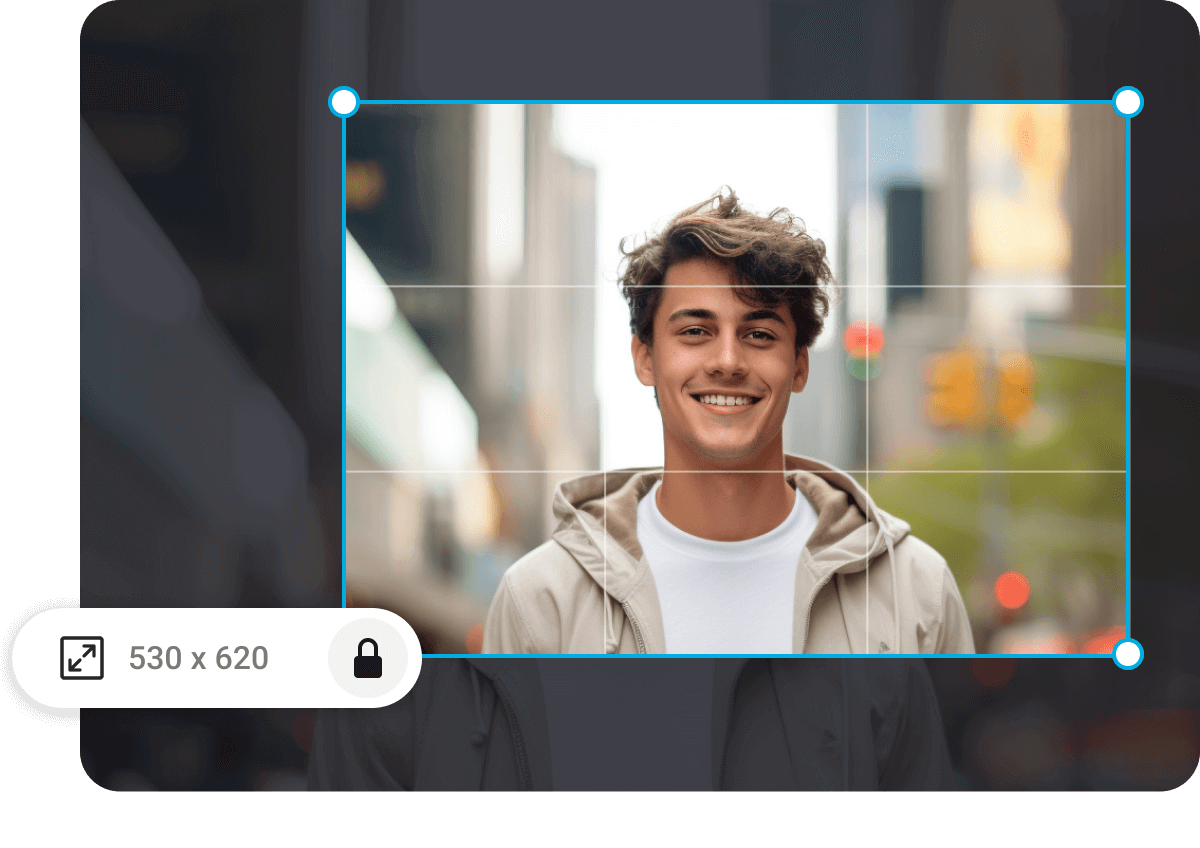
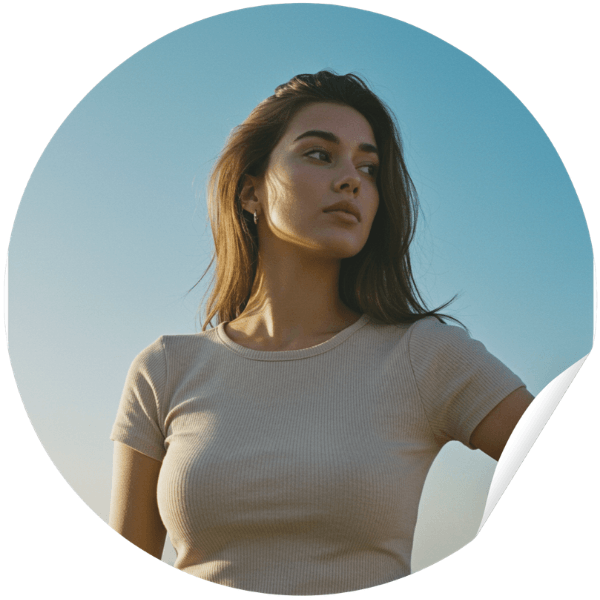
I use this a lot for resizing my Instagram photos, and the quality stays really good. It’s super handy when I want to turn vertical shots into horizontal ones for other platforms.
— Jenna R., Digital Content Strategist


I used to rely on Photoshop for this, but this tool is just way simpler. The background extensions look more natural, and I don’t have to fix weird edges after.
— Marcus T., Freelance Graphic Designer
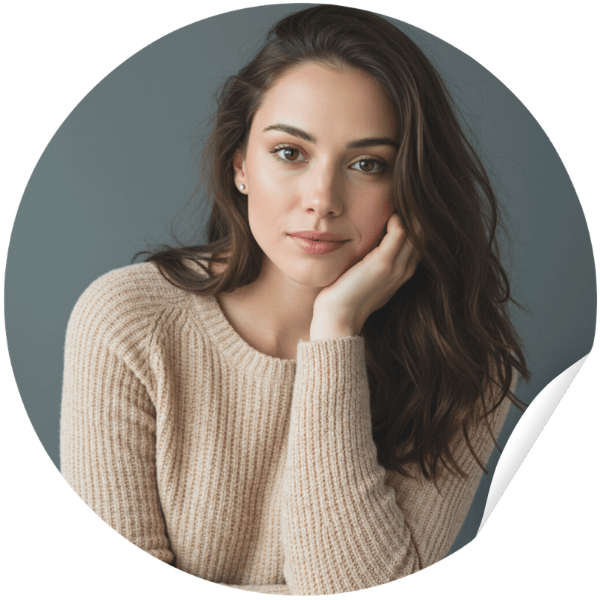
It's a good choice to adjust my product photos for different marketplaces, and it saves me a ton of time. Expanding the background is quick, and everything still looks clean and consistent.
— Claire M., E-commerce Brand Manager

YouCam AI Image Upscaler enhances image resolution with stunning clarity and detail. It’s perfect for restoring old photos or preparing visuals for HD use.
Resize your images instantly with YouCam Image Resizer, designed for fast and flexible adjustments. Ideal for social media, web, or print formats.
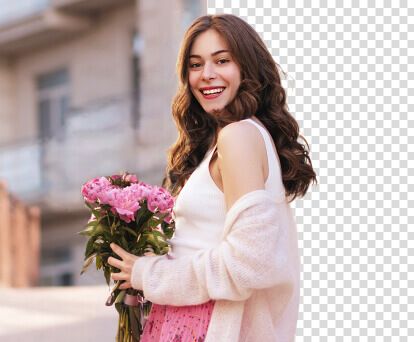
With YouCam AI Background Remover, isolate subjects in one click for clean, professional-looking images. Perfect for product shots or profile pics.

Expand Images With AI
at Your Fingertips With
YouCam App


AI Image Extender FAQs
What is an AI Image Extender/Expander?
An AI image extender is a tool that uses generative AI to expand the boundaries of an image, filling in missing areas with realistic content. Tools like YouCam AI Image Extender offer seamless background expansion without quality loss.
How can I expand an image while avoiding distortion?
Our AI employs generative art techniques to resize the image and add contextually appropriate elements, ensuring the image remains undistorted.
How can AI be used to extend images?
AI can extend images by utilizing advanced algorithms that analyze the existing content and intelligently generate new pixels to match the original image's style, texture, and context. Tools like YouCam AI Image Extender use deep learning models to predict and fill the gaps, allowing for seamless image expansion.
Can AI complete an image?
Yes, AI can complete an image by filling in missing parts or expanding the edges with realistic details. Try here.
How do I extend or lengthen the photo?
Use an AI image expander like YouCam Online Editor to upload, select the area, process, and save the extended photo.
How to extend photo size?
Use an AI tool like YouCam AI Image Extender to increase the dimensions by extending the photo's content. Or, try YouCam AI Photo Enhance to simply increase photo size without filling extra photo content.
How do I enlarge my photo size?
To enlarge your photo size using the AI Image Extender on the YouCam online editor, follow these steps: Go to YouCam, select the AI Image Extender tool, and upload the photo you want to expand. Choose your desired size, and the AI will automatically handle the image enlargement process. Once complete, simply download and save your enlarged image.
How to make thumbnails to full picture online?
Whether you want to resize or extend an image to your desired dimensions, or even let AI automatically fill in missing parts of the picture, today's AI can do it all with just one click, and it's available for free, try here.
How does an AI image extender work?
It analyzes the existing image and uses AI models to generate new pixels that match the original style, tone, and composition. YouCam AI Image Extender uses advanced algorithms to ensure natural-looking results.
Can I use AI image extenders for professional design work?
Yes. Designers use YouCam AI Image Extender to enhance compositions, create marketing visuals, and adjust framing.
Is AI image extension the same as outpainting?
They’re similar. Outpainting is a term often used in AI art generation, and YouCam applies similar techniques to extend real photos.


