


 Filigransız indirYapay Zeka Fotoğraf Düzenleme araçlarına erişimKullanılmayan krediler bir sonraki aya devredilir




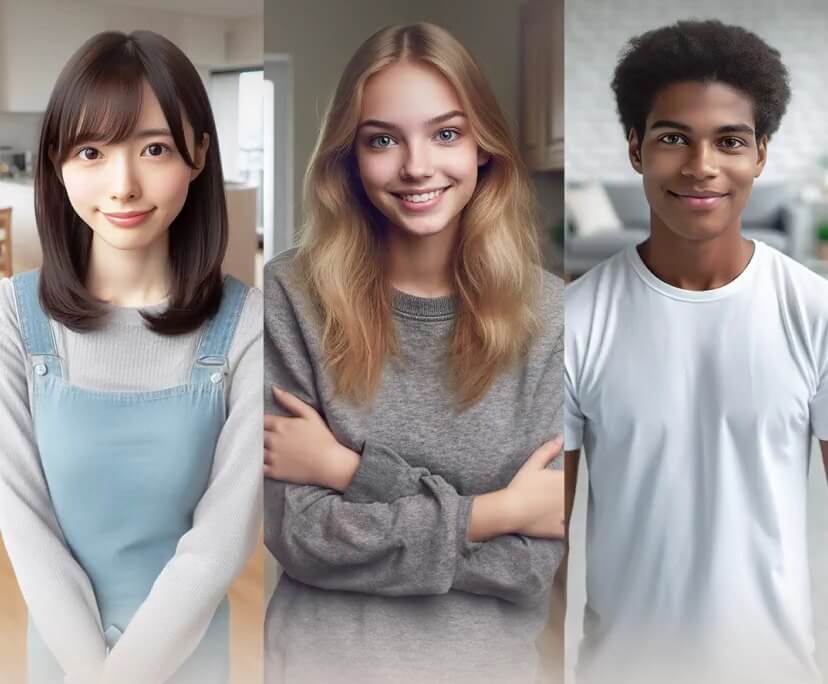
AI Headshot Generator Online
Quickly turn selfies into high-quality, professional headshots for LinkedIn, resumes, CVs, social media and more!


Tailored Portraits for Every Professional Need
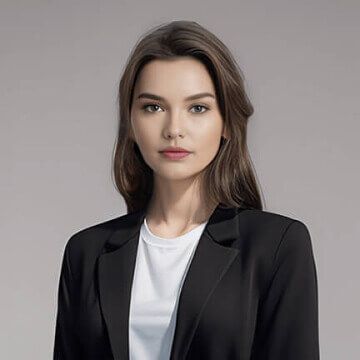
Classic Suit

Light Blue Suit
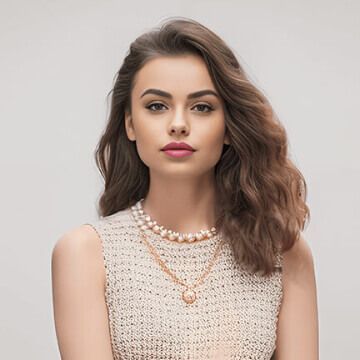
Formal Dress
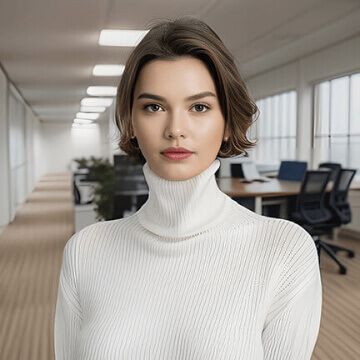
Soft-Colored Turtleneck
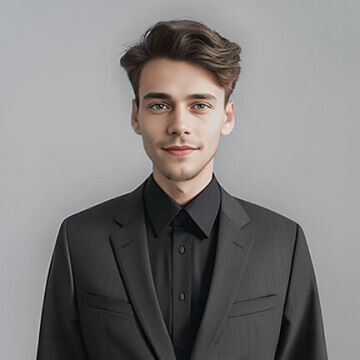
Classic Suit
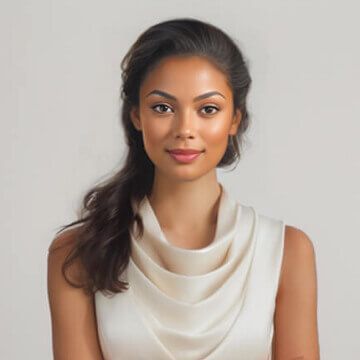
White Dress
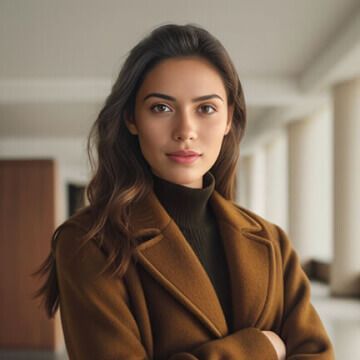
Brown Wool Coat
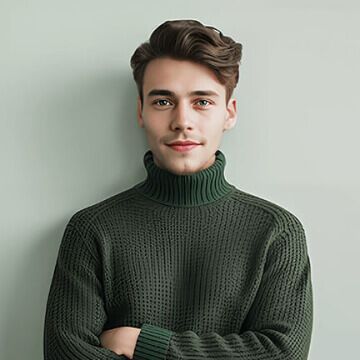
Green Turtleneck
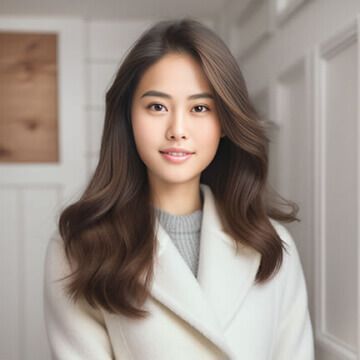
White Wool Coat
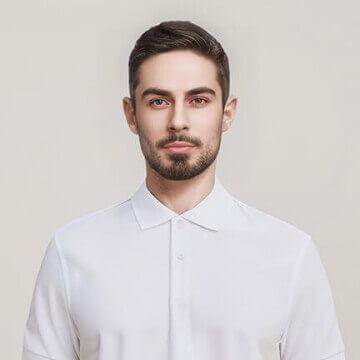
White Polo
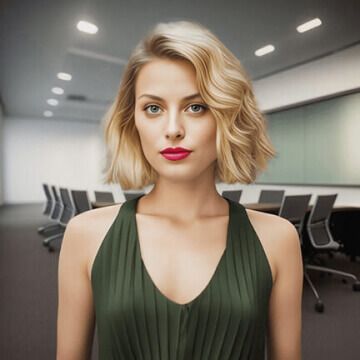
Green Dress
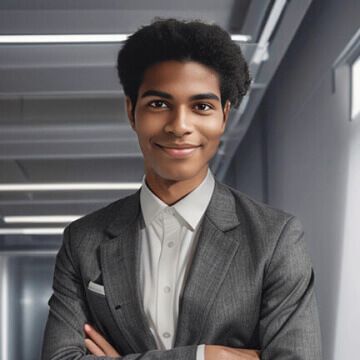
Dark Gray Suit
50+ Styles to Elevate Your Headshots
Explore a wide range of looks, including LinkedIn headshots, clean corporate portraits, and modern creative styles. You can easily find a headshot that fits your industry, personality, and goals.

How to Easily Create Professional Headshots at Home
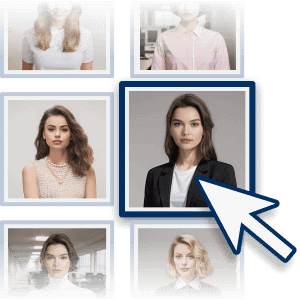
Choose Your Preferred Styles
Explore a wide variety of styles and select the ones that best suit your headshots.

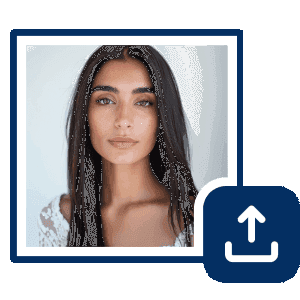
Upload Your Photo
For the best quality, upload a sharp image where your face and its features are clearly visible.
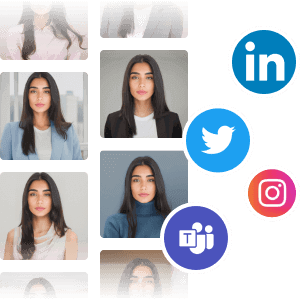
Instantly Create AI Headshots
Effortlessly generate professional headshots for your LinkedIn profile, websites, and more.
Get AI Headshots for Work, Profiles, and More
For LinkedIn Profiles
Keeping your LinkedIn photo updated helps build trust, especially when you’re connecting with new people or applying for opportunities. A clear, professional-looking photo can make your profile feel more active and credible.

For CVs, Resumes, and Business Use
A professional headshot enhances your CV, resume, and business presence. Consistent use across your portfolio and profiles strengthens your personal branding.

For Social Media and Messaging Apps
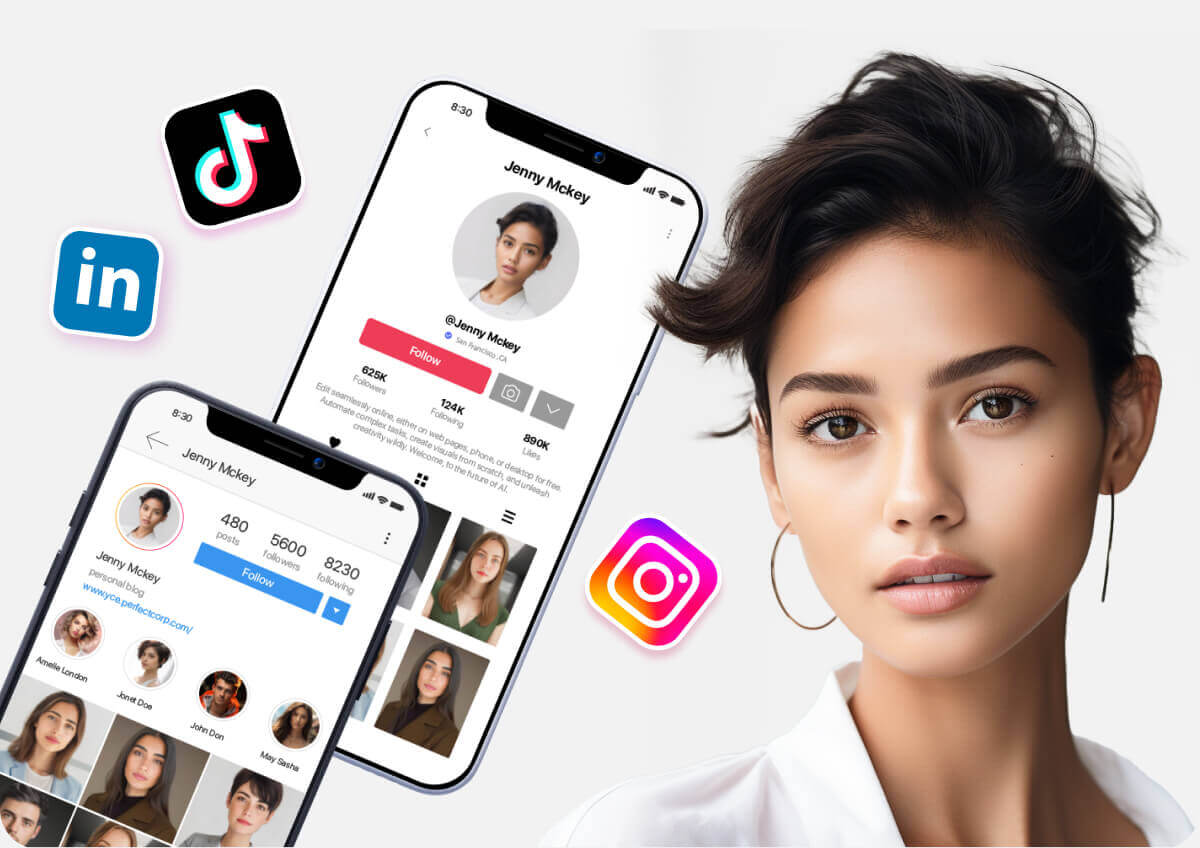
The photo for social media doesn’t need to be too formal, but it should still be easy to recognize. Using an AI headshot generator can help you make your photo professional while still keeping it natural and approachable.
AI Headshot Generator FAQs
What is the AI headshot generator?
The AI headshot generator is a tool that uses advanced AI technology to create professional headshots for you. YouCam Online Editor's AI Headshot feature caters to all your styling needs, whether you're aiming for a classic business look or a relaxed business casual vibe, ensuring your image is tailored precisely for its intended use.
Can AI generate profile?
Yes—You can use AI headshot maker to generate profile photos, bios, and avatars for professional or social use.
Can I use AI for a headshot in Linkedin?
Yes, you can use AI for a headshot in Linkedin! AI Headshot Generators like YouCam Online Editor allow you to create professional, high-quality headshots quickly and easily. The AI technology customizes your look and background, providing a polished result perfect for LinkedIn profiles, corporate websites, or resumes.
How can I generate a Professional AI Headshot?
- Visit the YouCam Online Editor AI Headshot Generator using your preferred browser.
- Choose the headshot style you like and click on it.
- Select a photo to transform it into a professional headshot.
- You've done it!
What file formats are supported by the AI headshot generator?
Our AI headshot generator supports common image formats like JPEG, PNG, and BMP. Ensure your image is of high resolution for the best output quality.

Get AI headshots right from your phone with YouCam Makeup App
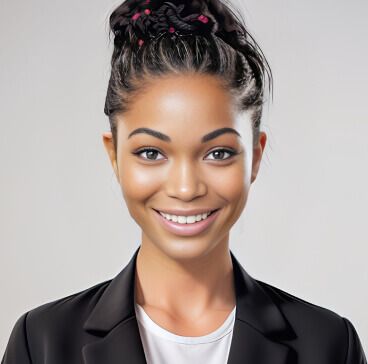

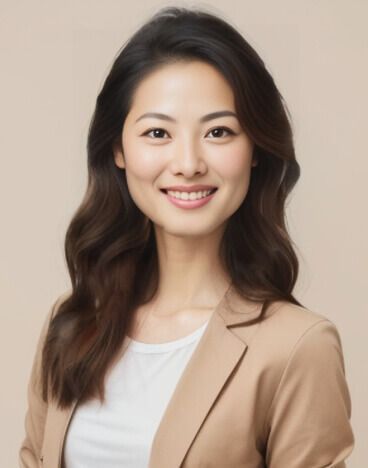
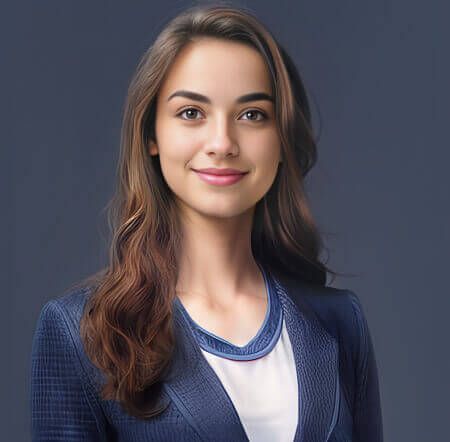

Don't let minor distractions ruin your polished AI headshot; use YouCam Object Remover to flawlessly erase unwanted elements from your photos. Whether it's a stray hair, a speck of dust, or an errant shadow, this tool ensures your professional image is clean, crisp, and completely free of distractions.

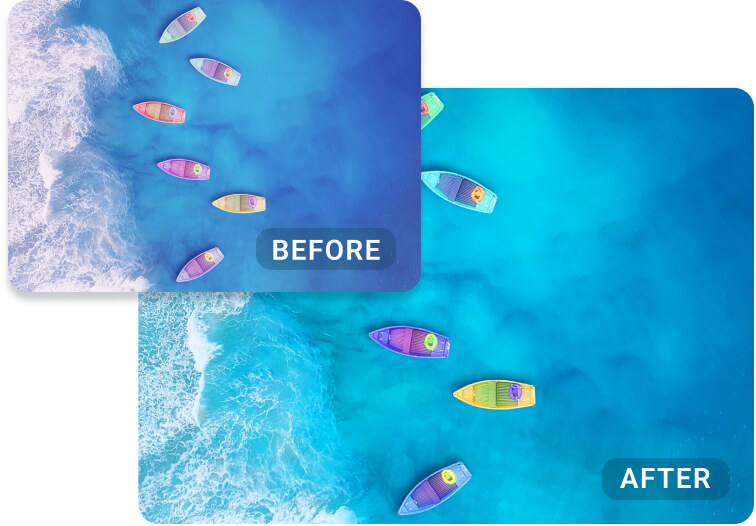
Achieve the perfect professional look for your AI headshot with YouCam AI Color Correction, a tool that intelligently fixes and enhances your photo's colors in one click. It automatically adjusts brightness, contrast, and white balance to give your headshot a polished, vibrant, and professionally lit appearance.

After creating a professional headshot with AI, give it a new context by using YouCam AI Background Changer to seamlessly update the backdrop. This feature lets you replace the original setting with a new background that aligns with your specific career or brand, from a sleek office to an outdoor professional setting.


