


 Filigransız indirYapay Zeka Fotoğraf Düzenleme araçlarına erişimKullanılmayan krediler bir sonraki aya devredilir




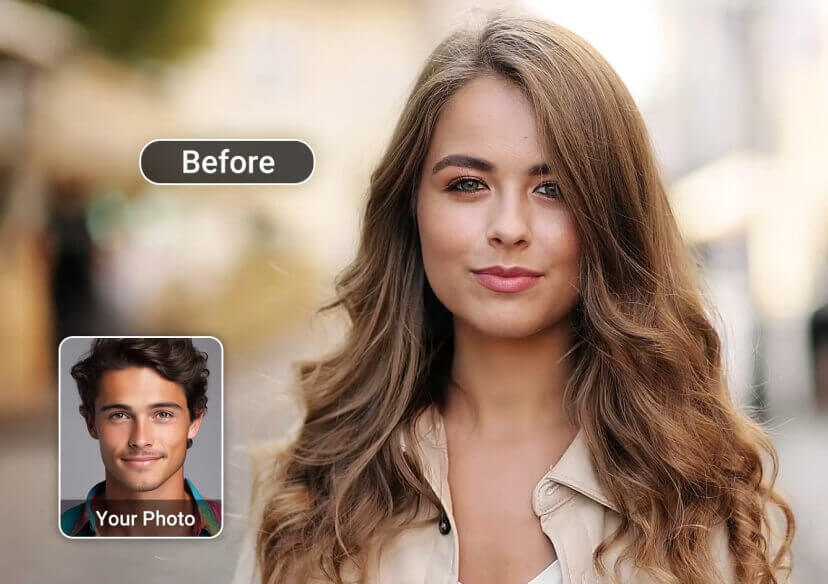
AI Video Face Swap Online
Create amazing face swap videos in seconds. Put yourself in movie clips or viral trends by changing faces with family, friends, celebrities, or even pets.


Why YouCam is the Best Online Video Face Swapper
- Multiple Face Swaps in Videos: Easily swap multiple faces in group videos for fun, shareable content. Try creative effects like a Gender Swap Filter to make your videos more engaging and viral-ready.
- Hyper-Realistic AI Swaps: Get seamless video results with accurate expressions, lighting, and motion. From advanced AI Face Morph to precise a full body swap, every result looks natural and lifelike.
- Fast & Easy Process: Generate high-quality face swap videos in seconds—no editing skills required.
- Safe & Secure: Your uploads are protected with advanced security, ensuring complete privacy.
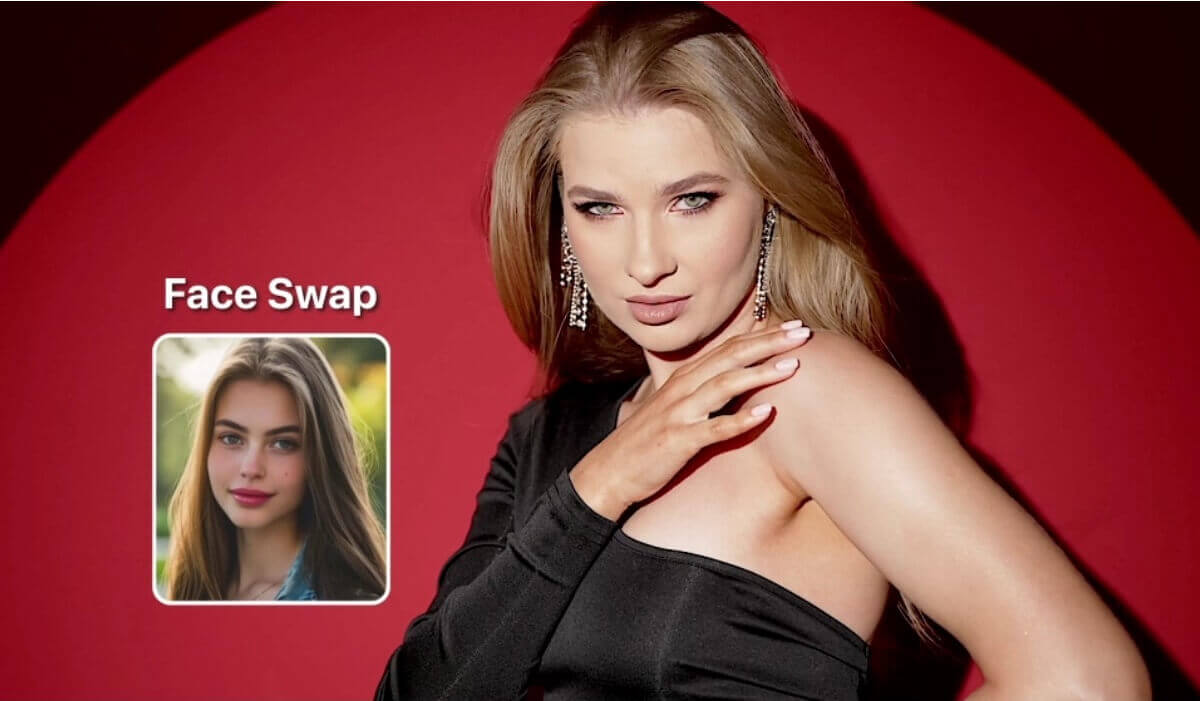
How to Use Our AI Face Swap Tool
Try the four simple steps below to replace faces in videos!
Upload Your Video
Go to YouCam Online Editor and upload the video you want to edit.


Upload Face Image
Upload a clear, front-facing photo of the person you want to swap.

Start AI Face Swap
Click on "Generate" to let our AI analyze and change faces.

Download Your Video
Preview the result & save your newly edited video to your device.

Discover a wide range of AI face swap video templates and transform your look in seconds. From fun and creative styles to viral-ready content, easily create engaging face swap videos online.

Party Queen
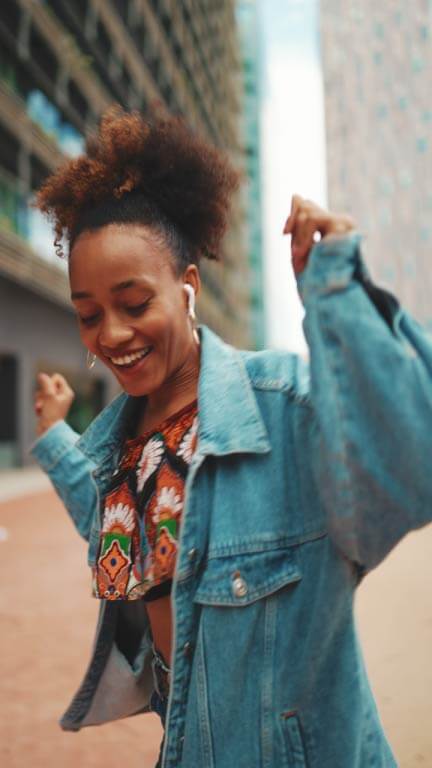
Street Dancer

Elegant Woman

Wedding Bride
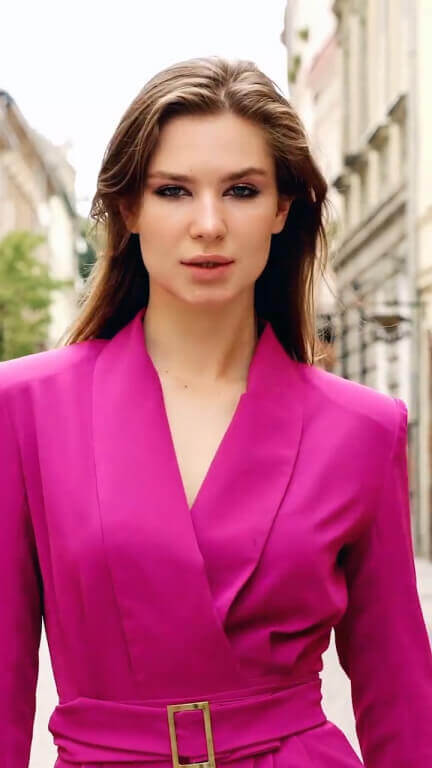
Fashion Show

Happy Celebration

Sweet Kiss

Mysterious Forest

Lovely Besties

Christmas Family

Pink Couple

Celebrity Interview

Halloween Costume

Bloody Rose
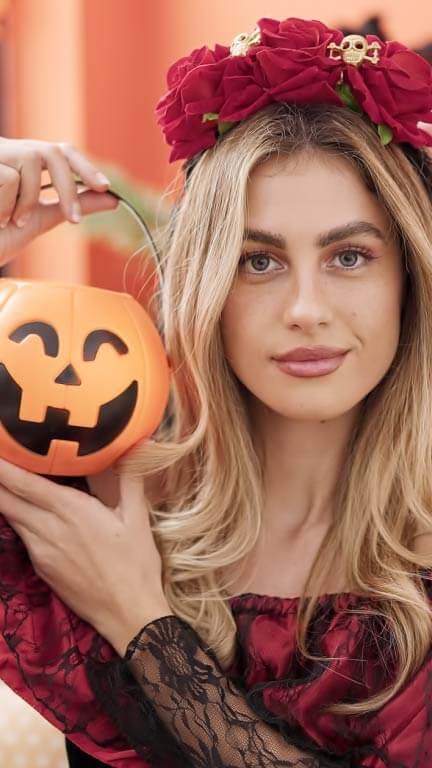
Trick or Treat

Dark Witch

Snow Princess

Santa Claus
Popular Uses with AI Video Face Swap
Swap Faces in Iconic Movie Clips
Put your face on your favorite actor and recreate legendary movie moments.
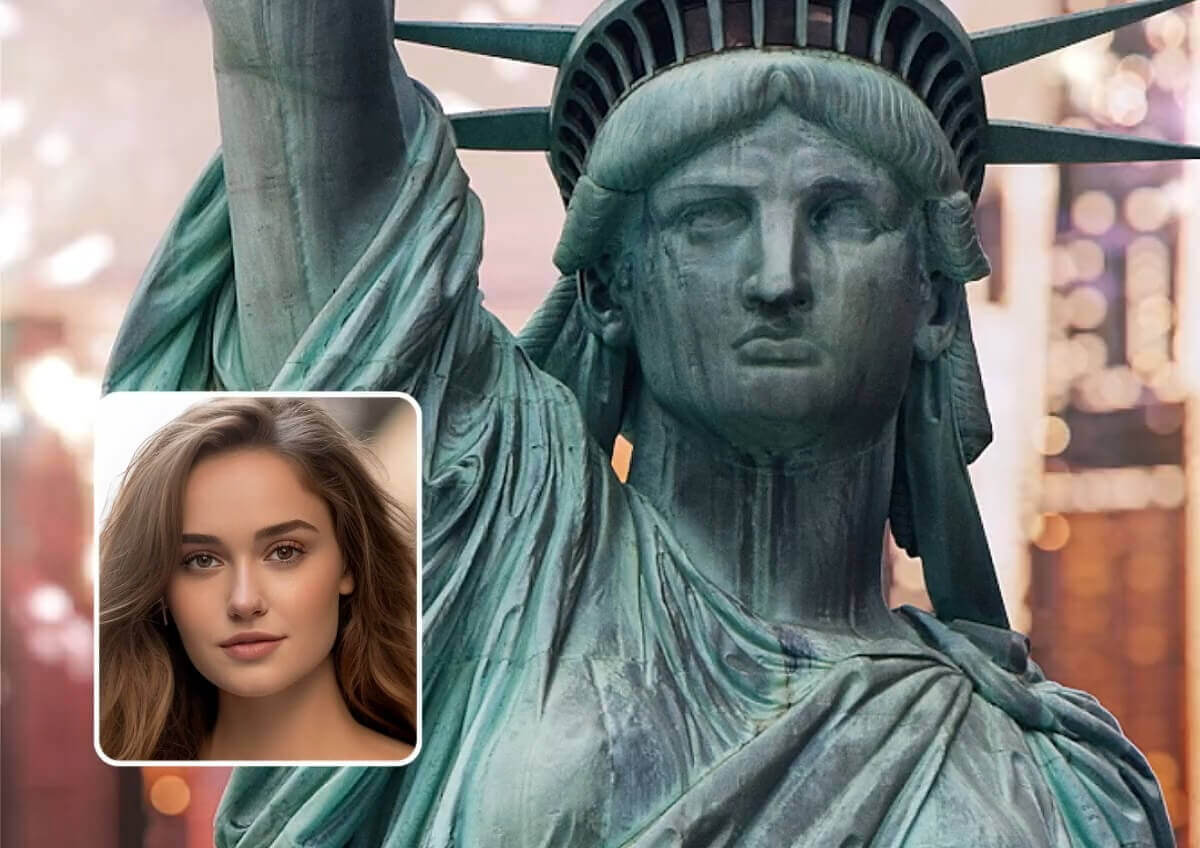
Star in Trending Shots
Perform in the hottest clips or become a music icon, the possibilities are endless.
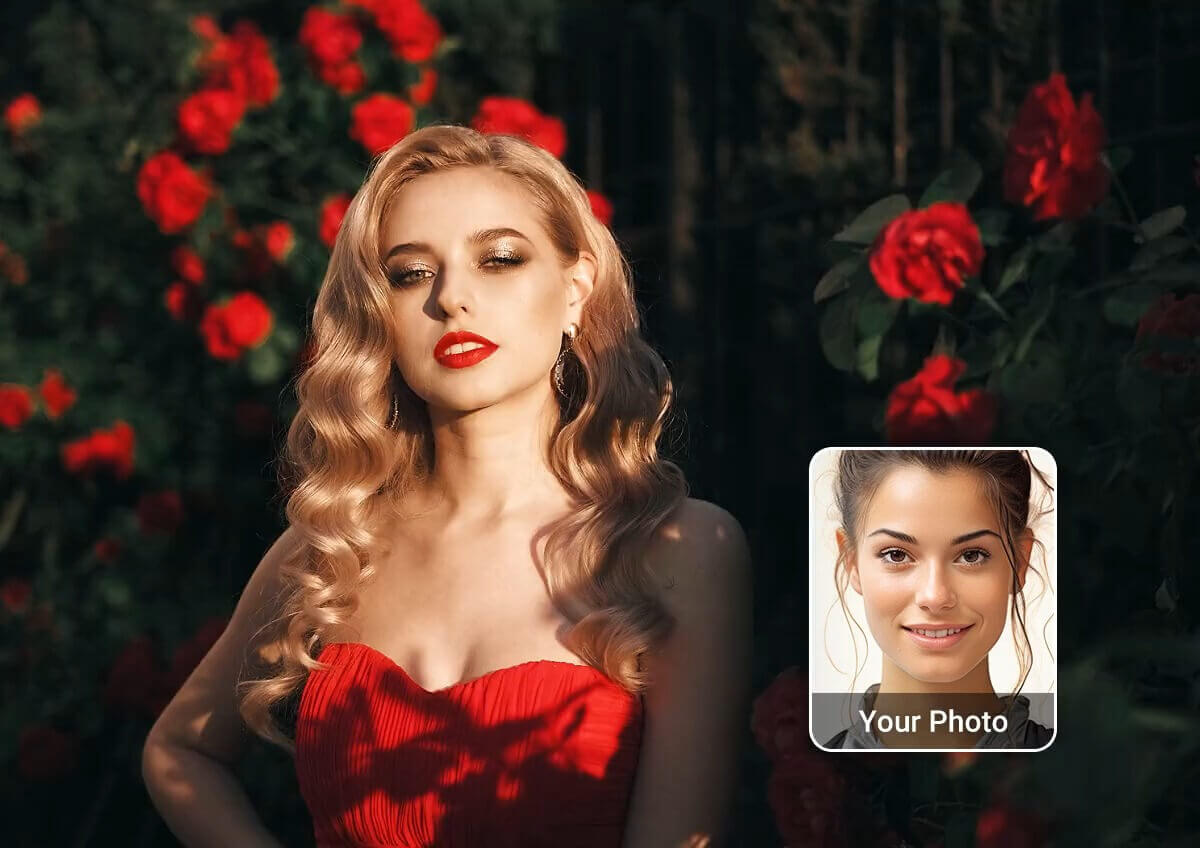
Create Viral Social Media Videos
Jump on the latest TikTok and Instagram trends with hilarious face swap videos.
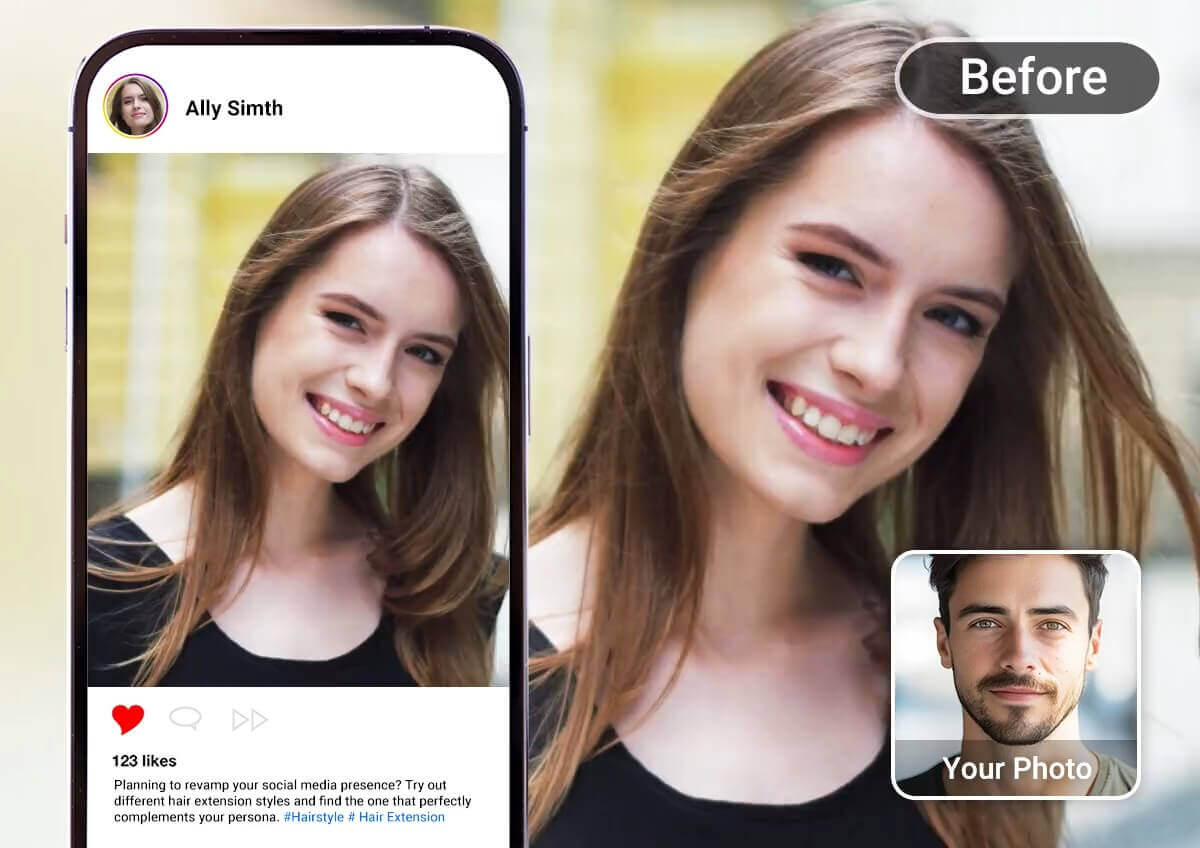
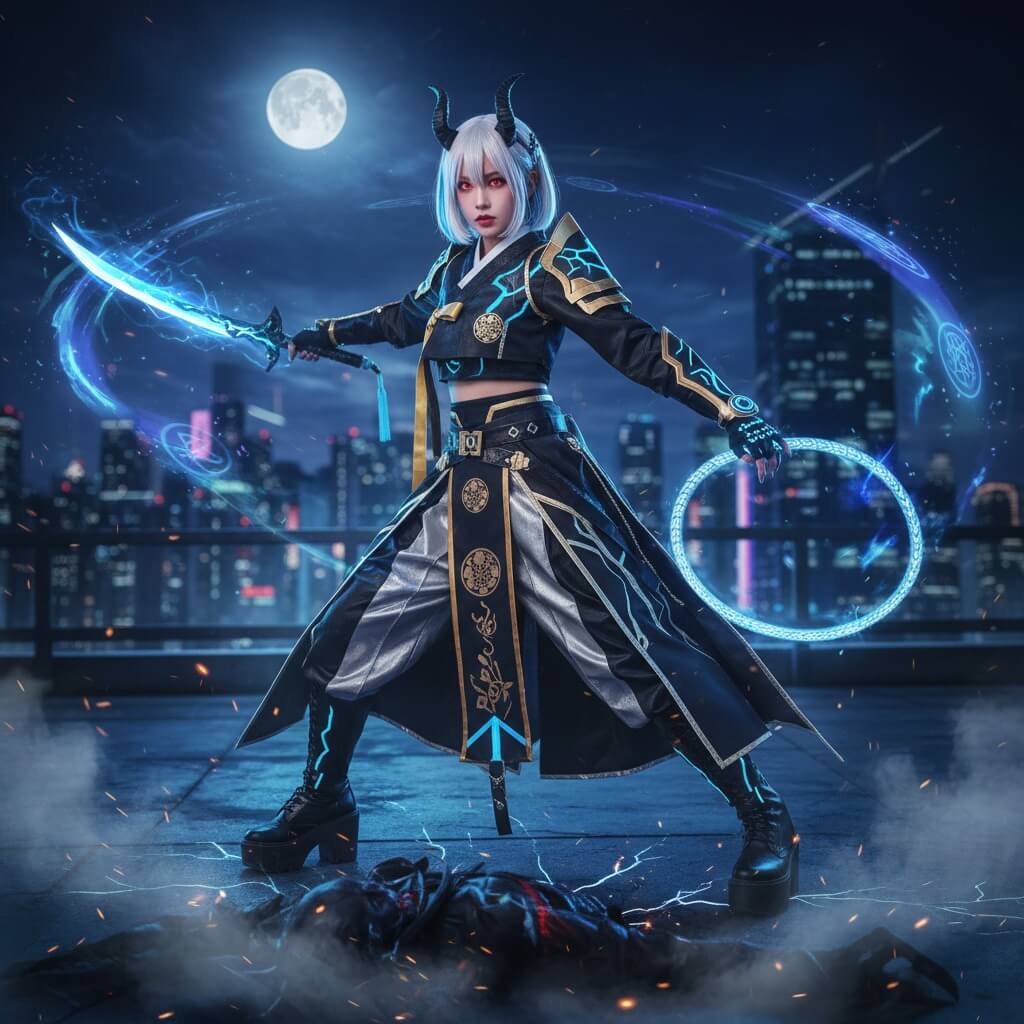
I love using YouCam AI Face Swap to test out cosplay ideas before I actually make the costume. It’s really helpful to see how I’d look as the characters, with surprisingly accurate results and saves me a lot of guesswork.
Riley Ray, Costume Designer

I’ve been using YouCam for gender swap experiments in my VFX class, and it’s honestly been super fun. The results look really natural, and it helps me explore different character ideas in a way that feels way more real.
Ethan Granger, VFX Student
I use YouCam’s AI Face Swap for my comedy videos, and it makes everything so much easier. I can play multiple characters in one scene, and it actually looks pretty seamless. Plus, it just makes the whole process way more fun.
Zoe Whitman, Comedy Creator
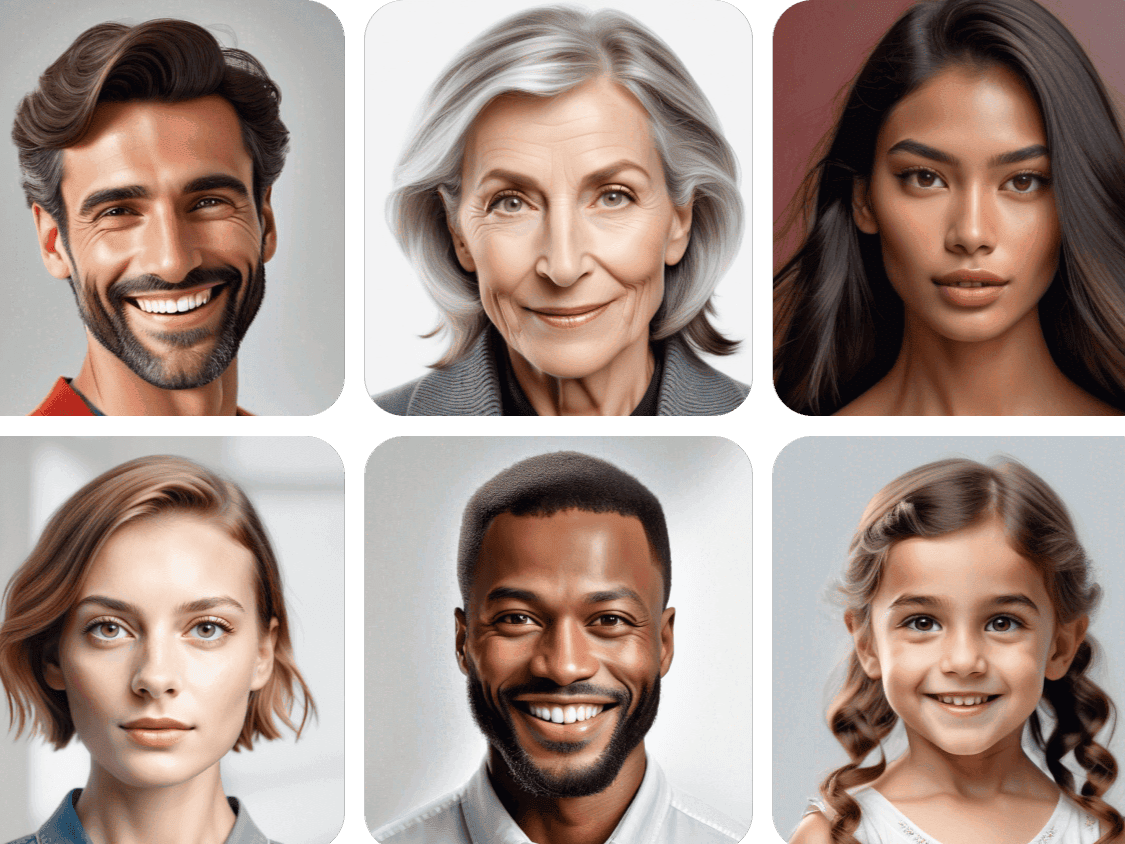
Take it to the next level by generating new faces for different concepts. It’s a fun way to experiment with new looks and bring creativity into your projects.
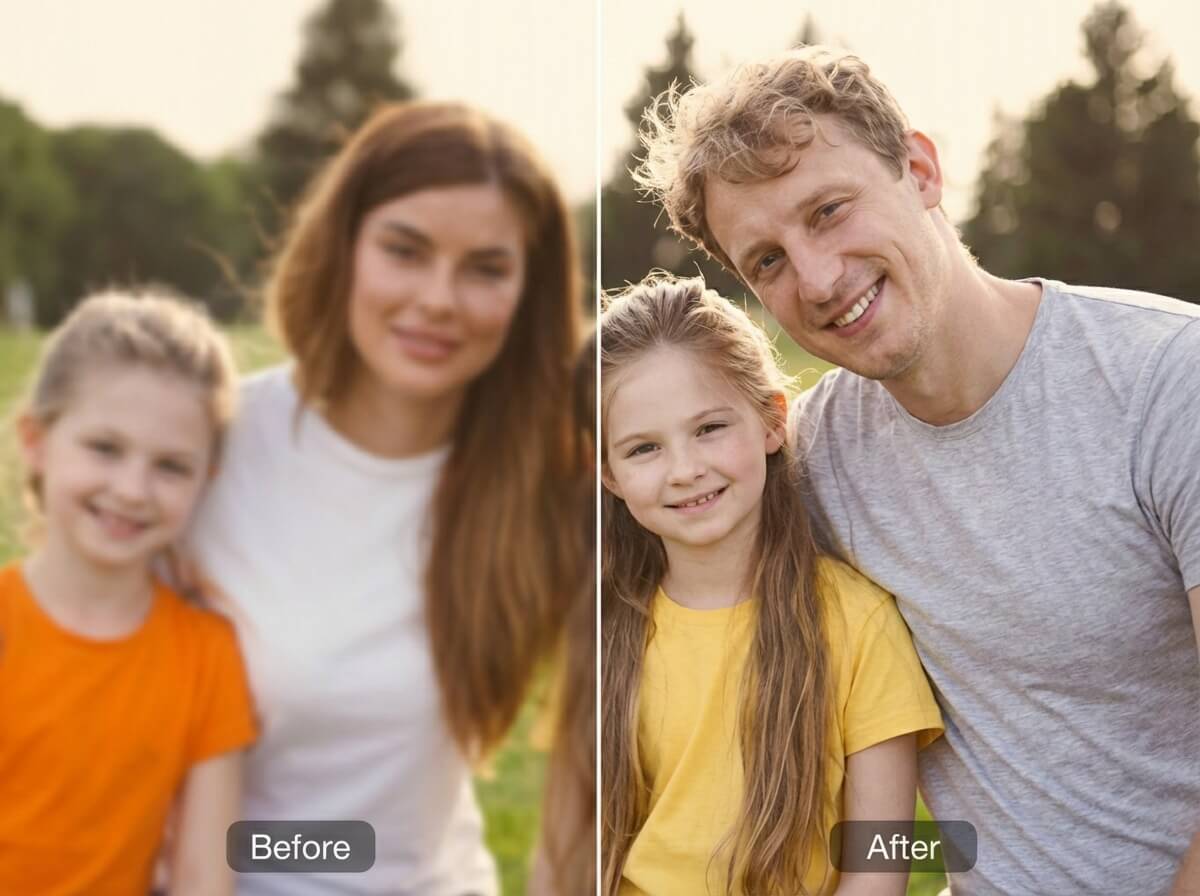
Upgrade your video quality with AI Video Enhancer, it helps sharpen details, boost resolution, and fix lighting, so your final video looks clean and professional.
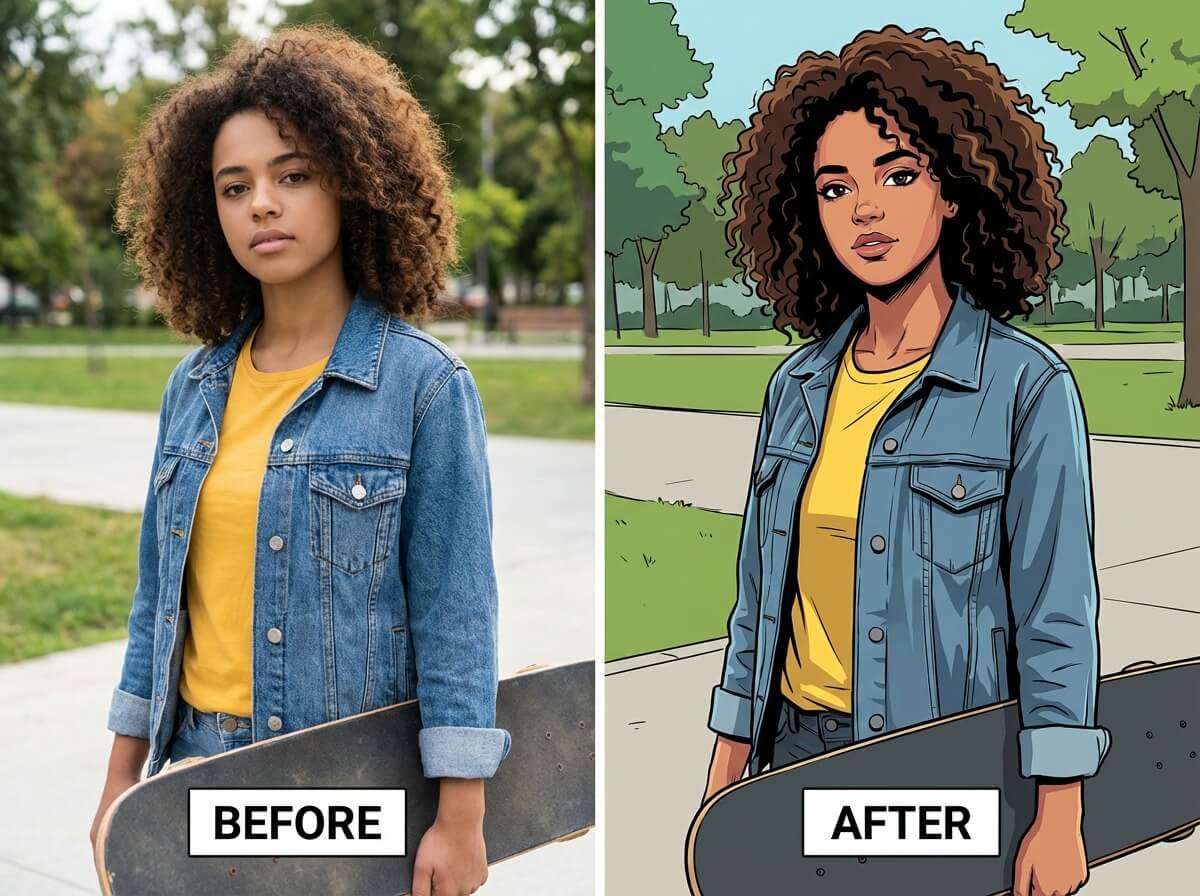
Add AI filters to make your face swap video more eye-catching. You can easily switch up the style (playful, cinematic or artistic) for more engaging content.

Try Video Face Swap & More on Your Phone with our App!




Frequently Asked Questions for Video Face Swap
What is an AI video face swap?
An AI video face swap uses artificial intelligence to replace a person’s face in a video with another face. YouCam’s AI analyzes facial expressions, motion, and lighting to produce seamless, realistic results. This technology is popular for creating fun videos, social media content, and creative projects.
How do I put my face in a video?
Simply upload a video clip to YouCam Online Editor or the YouCam Enhance app, choose your target face, and let the AI handle the swap. The process is fast, beginner-friendly, and works for short clips or longer videos.
Can I swap multiple faces in the same video?
Yes! YouCam supports multiple face swaps in one video, making it easy to replace every face in a group scene. Perfect for creating hilarious group videos, cosplay content, or collaborative social media posts.
Can I put my face in a movie scene or music video?
Absolutely. Upload your favorite movie or music video clip, select the character’s face you want to replace, and YouCam AI creates a realistic face swap. This is a fun way to star in your favorite scenes or create viral-ready content.
Can I make a face swap GIF with this tool?
Yes. Use YouCam to swap faces in a video clip, download the result as an MP4, and convert it to a GIF using any free online converter. It’s a simple way to create shareable, animated face swap content.
Is AI video face swapping legal?
Face swapping is legal for personal use, creative projects, or parody, as long as you have permission to use someone else’s image. Always respect copyright and privacy rules when sharing AI-generated videos publicly.


