

 Unduh tanpa watermarkAkses ke alat Edit Foto AIKredit yang tidak terpakai akan dibawa ke bulan berikutnya




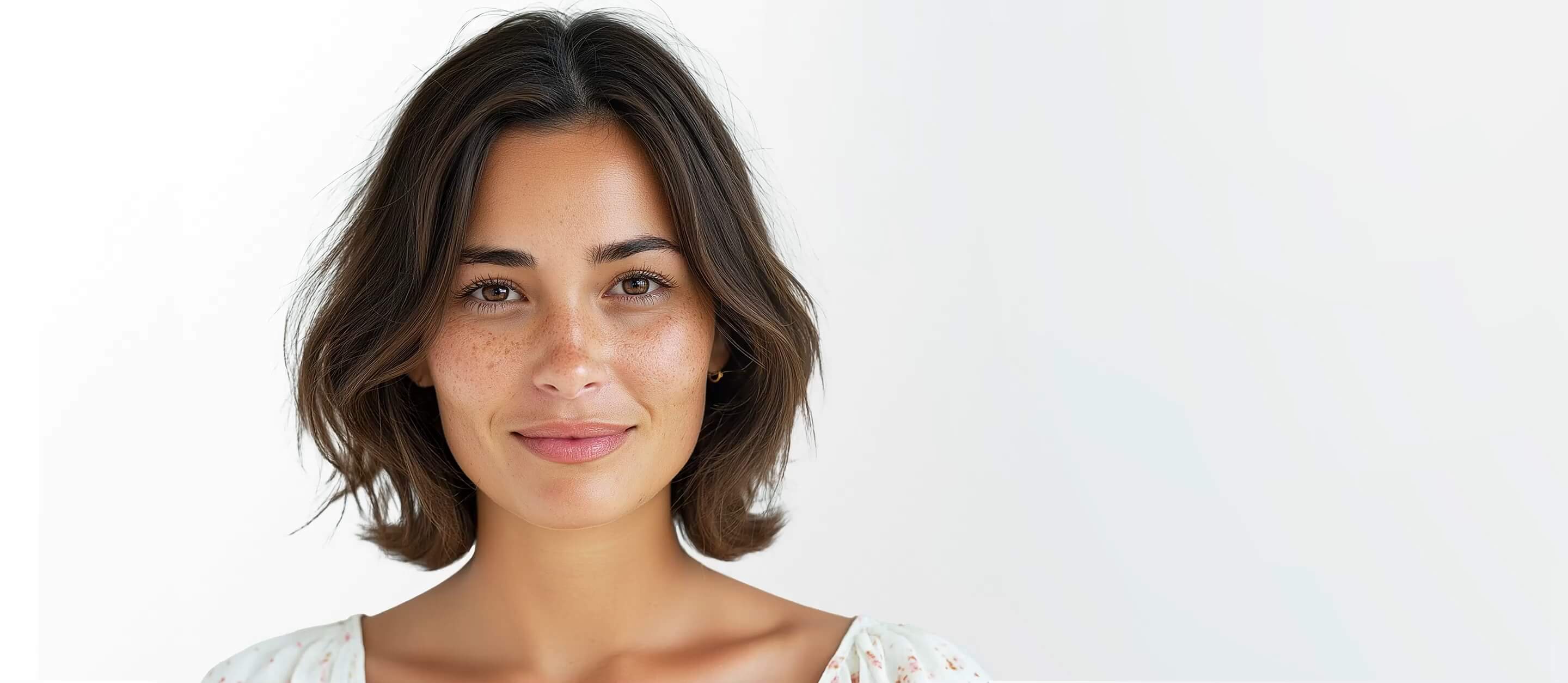
AI Photo Retouching Online: Natural Skin Smoothing & Blemish Removal
Instantly polish portraits with our AI Face Retoucher. Remove blemishes, eye bags, and wrinkles while preserving natural skin texture. Try it now and see the difference!





Professional AI Face Retoucher
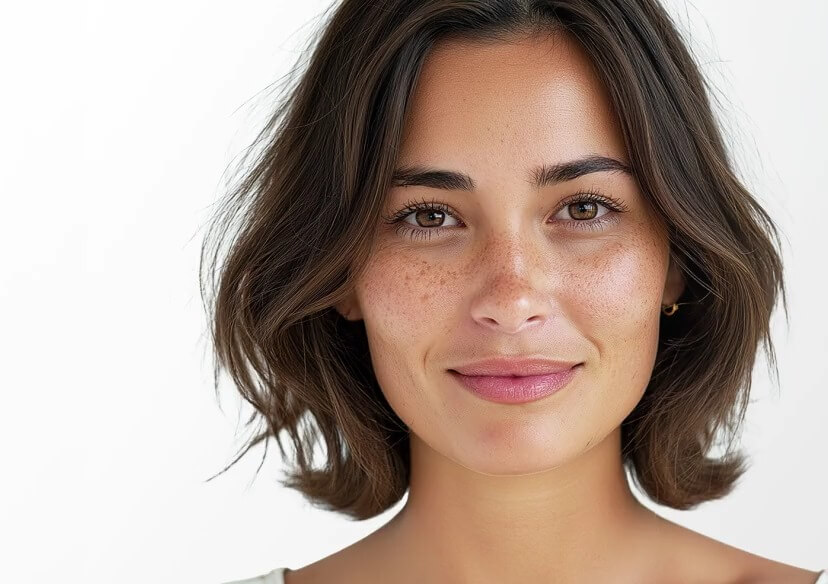
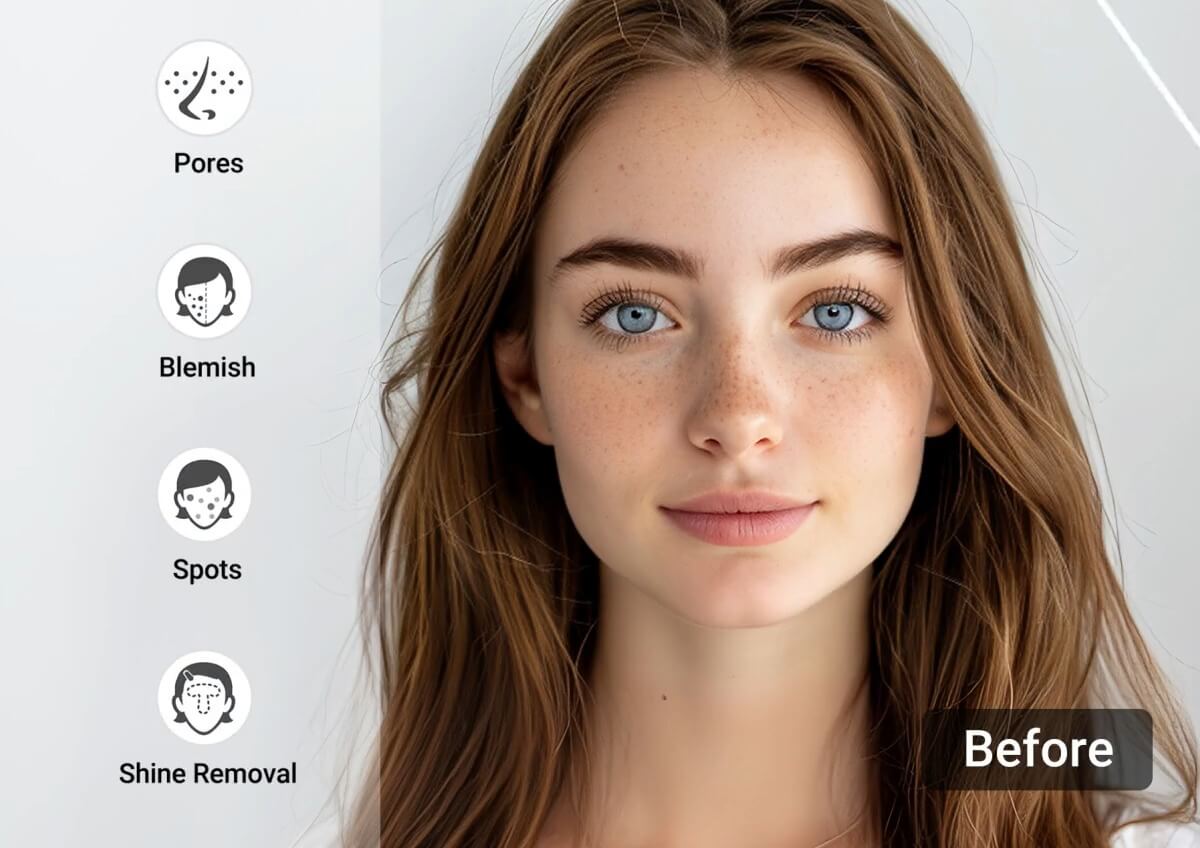
AI Face Retouching is a generative technology that uses neural networks to analyze facial features and skin textures. Unlike traditional blur filters, our AI intelligently identifies and corrects imperfections like blemishes and dark circles while preserving the natural "pores" and unique characteristics of your skin.
How to Retouch Photos Online in 4 Steps
Upload Your Photo
Start by uploading the photo you want to retouch. Simply click the "Upload" button and select your image from your device.

Select the Photo Retouching Tool
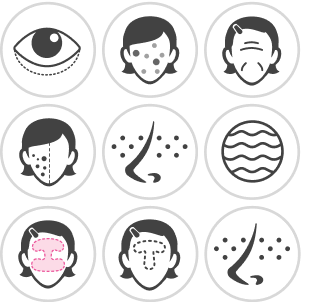
Choose the specific retouching tool you need, such as "Eye bag", "Blemish", "Wrinkles", or “Dark Circle.”
Use Sliders to Adjust Intensity
Use the AI-responsive slider to fine-tune the effect from 0% to 100%.
Download Your Photo
Once you're satisfied with the retouching, click the "Download" button to save your enhanced photo to your device.
Powerful AI Tools for Retouching Photos
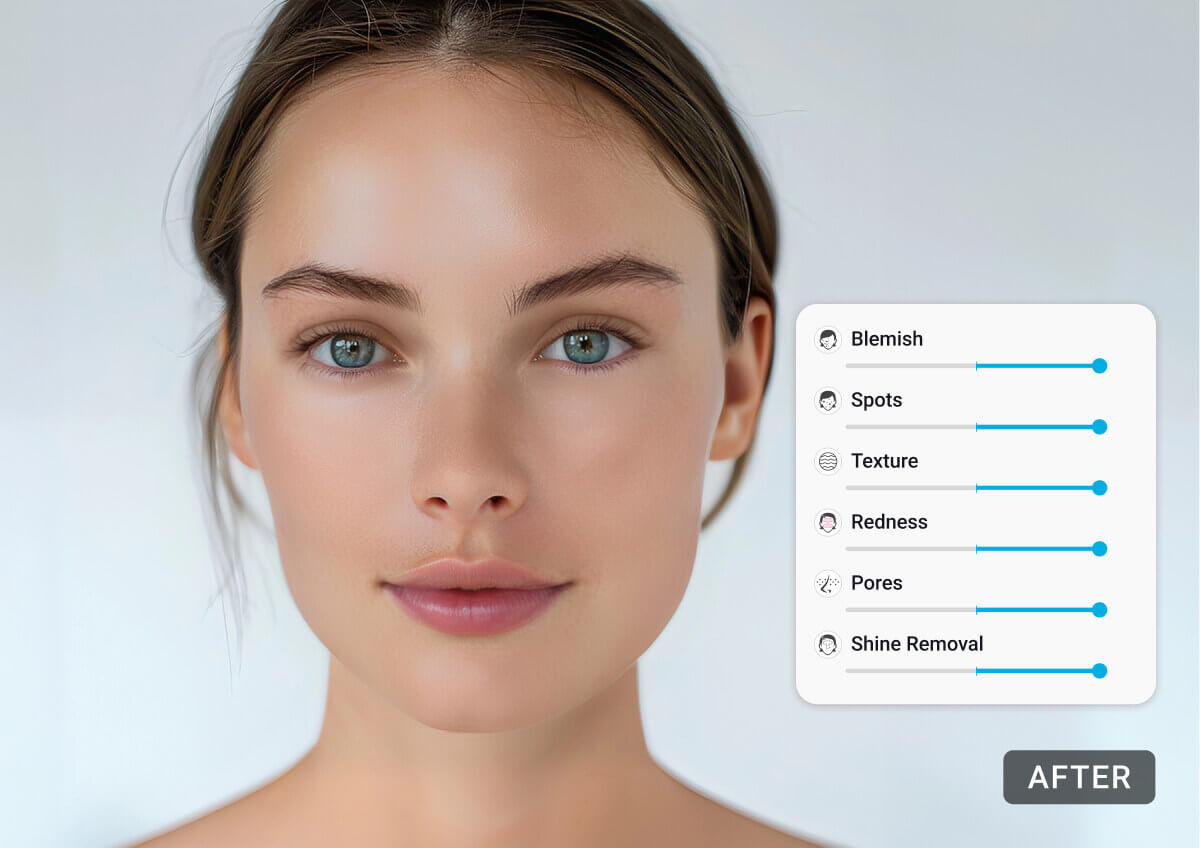
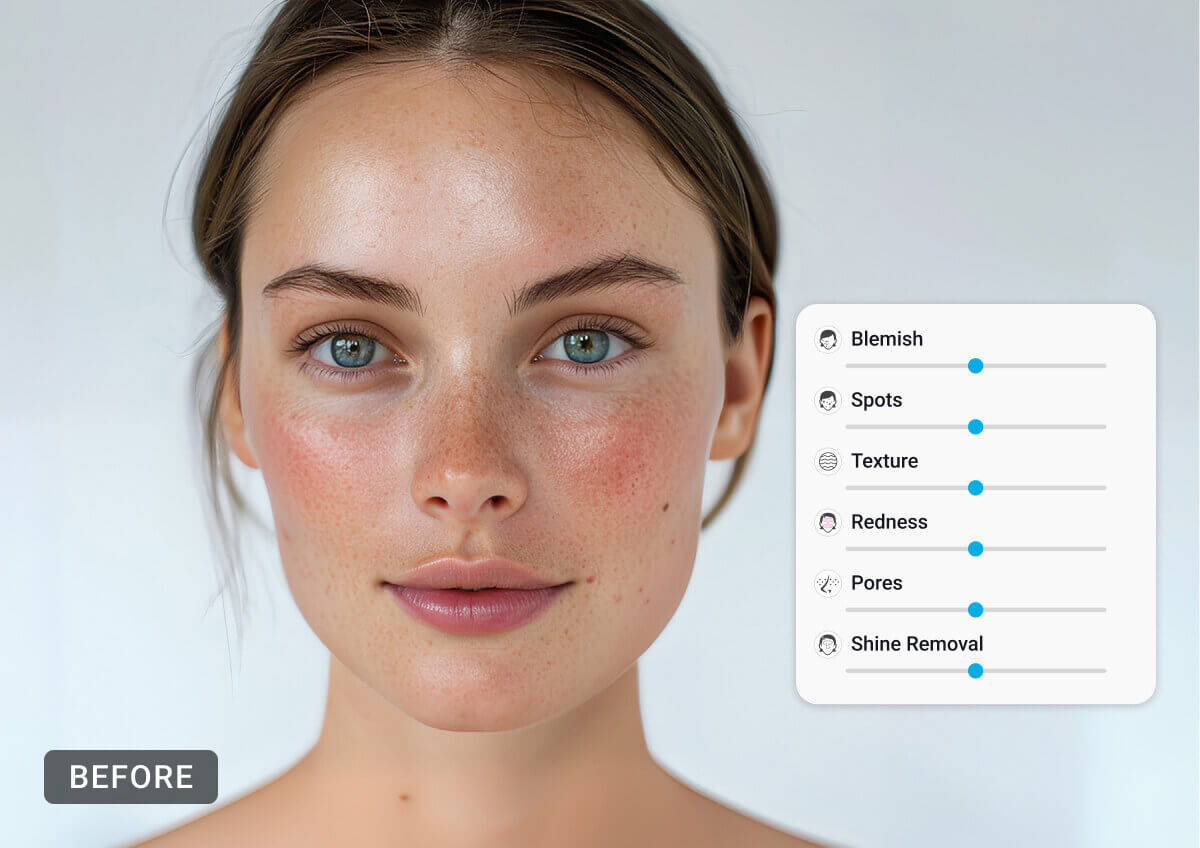
Intelligent AI Blemish Remover
Eliminate acne, spots, and redness instantly. Our AI distinguishes between temporary blemishes and permanent features like freckles or beauty marks.
Want to remove blemishes on your phone? Try our app for the AI Blemish Remover!

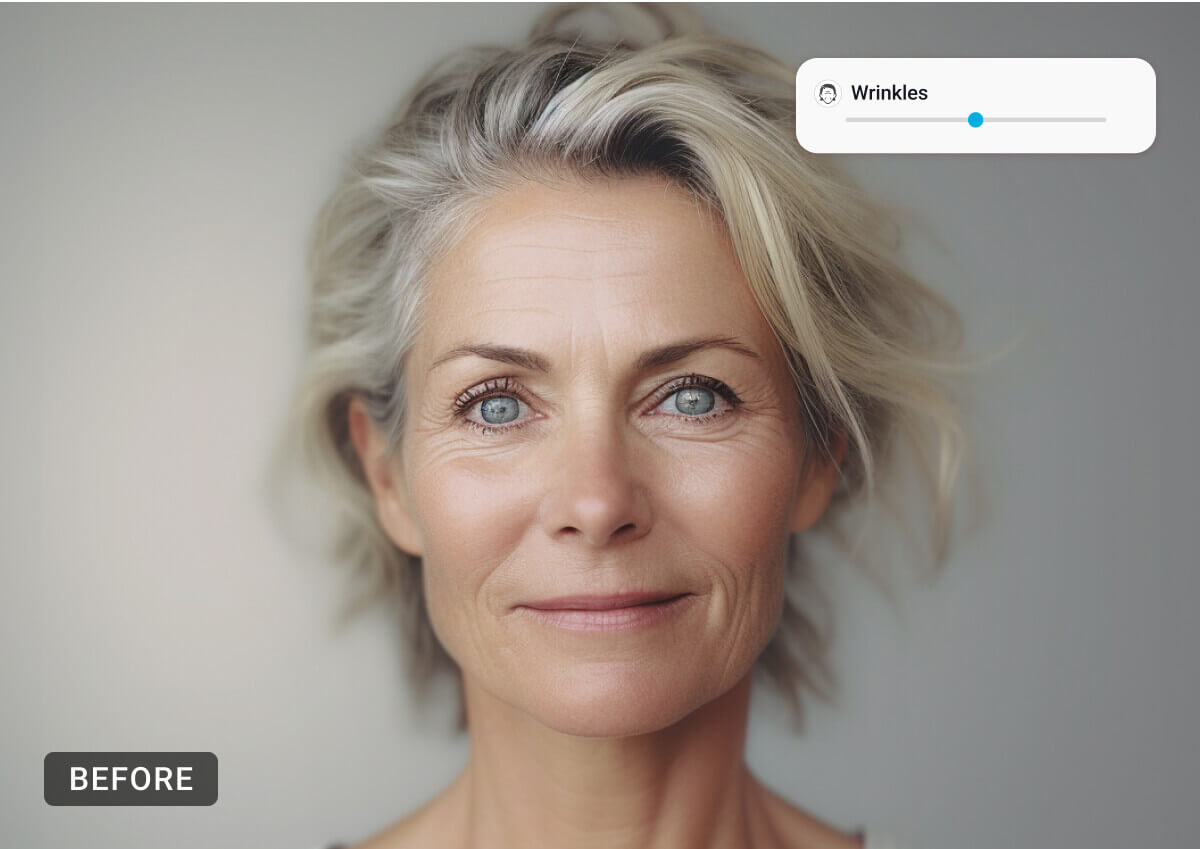
Precision Wrinkle Smoothing
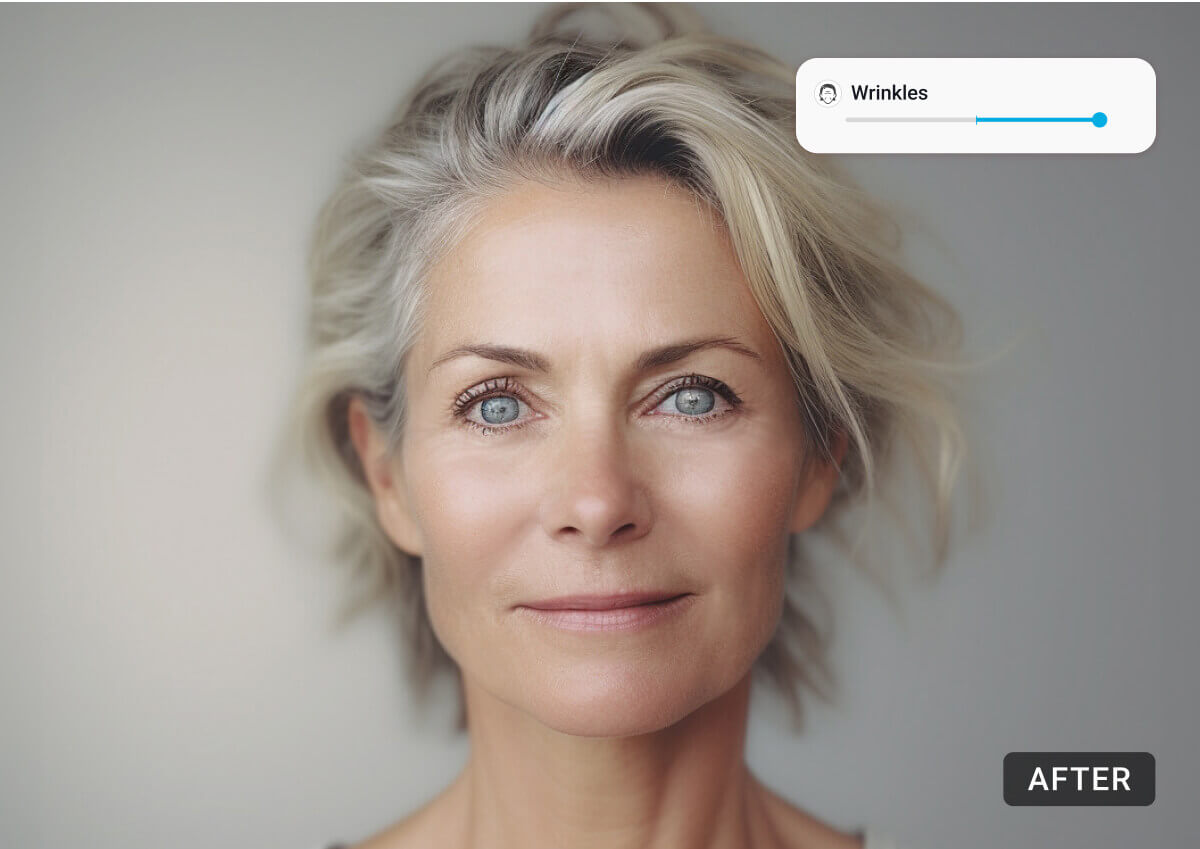
Turn back the clock on fine lines. Use the intensity slider to find the perfect balance between a youthful look and a natural appearance.
Seeing unwanted wrinkles on your selfies? Try AI Wrinkle Remover for iPhone & Android.
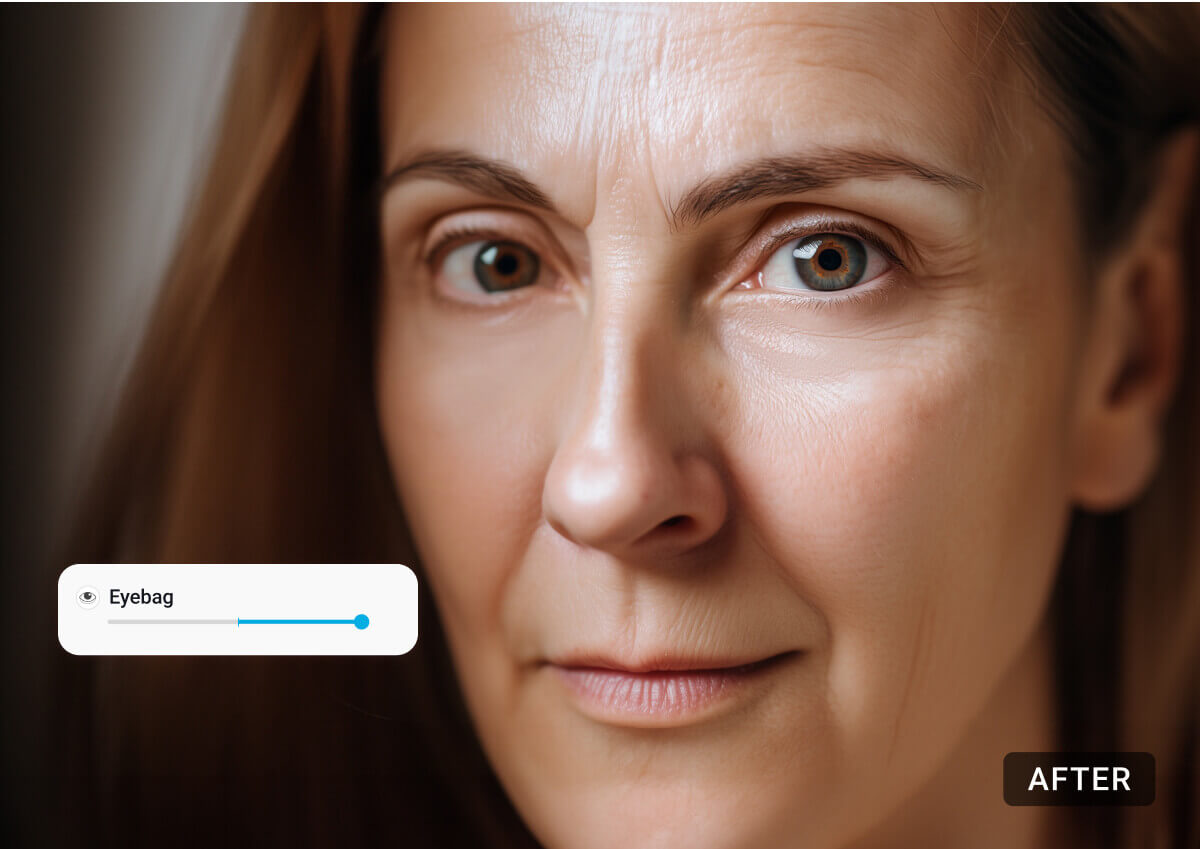
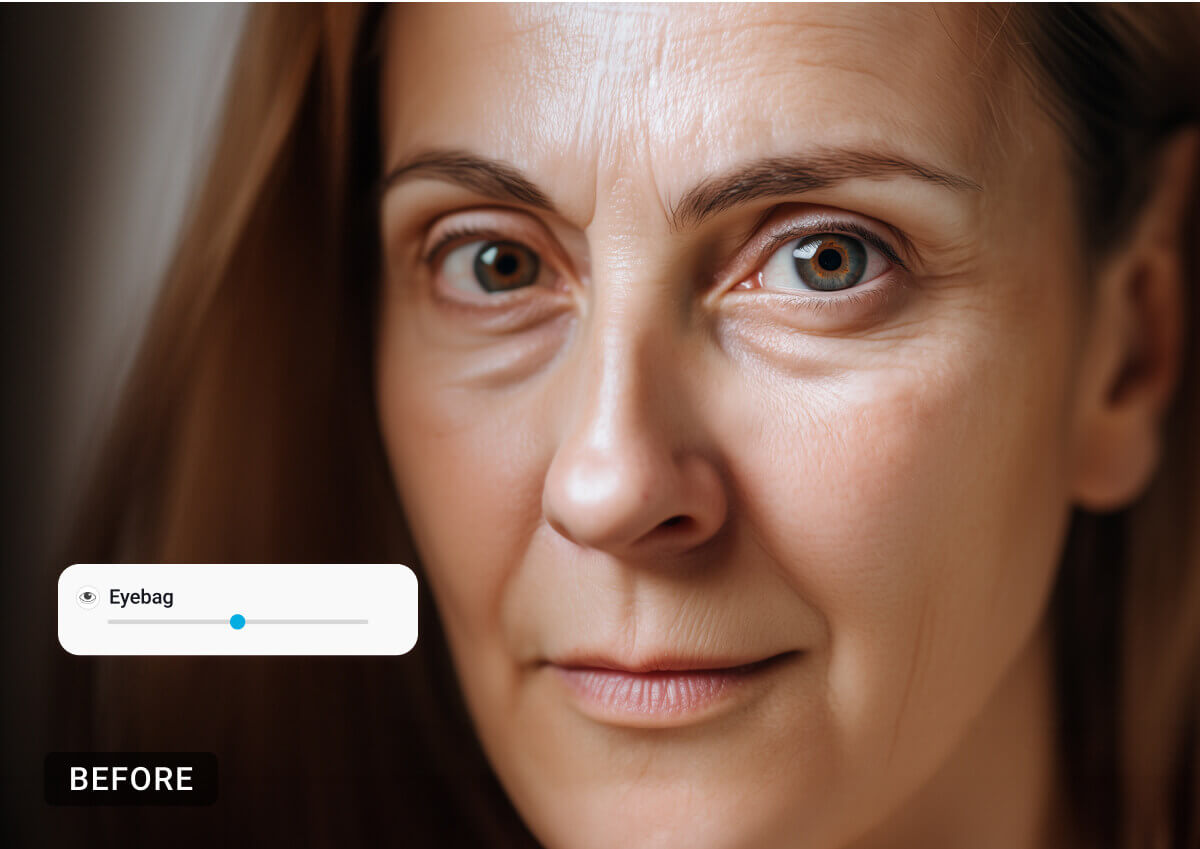
Dynamic Eye Bag Eraser
Refresh your look by neutralizing shadows and smoothing the under-eye area without a "plastic" finish.
And remove wrinkles from photos on your phone instantly with YouCam Makeup!
Remove Dark Circles and Brighten Your Eyes
Brighten up your eyes with our AI Dark Circle Remover.
Select "Dark Circle" and watch as the AI erases those shadows, leaving you with a vibrant and well-rested look. Say goodbye to tired eyes and hello to a brighter you!
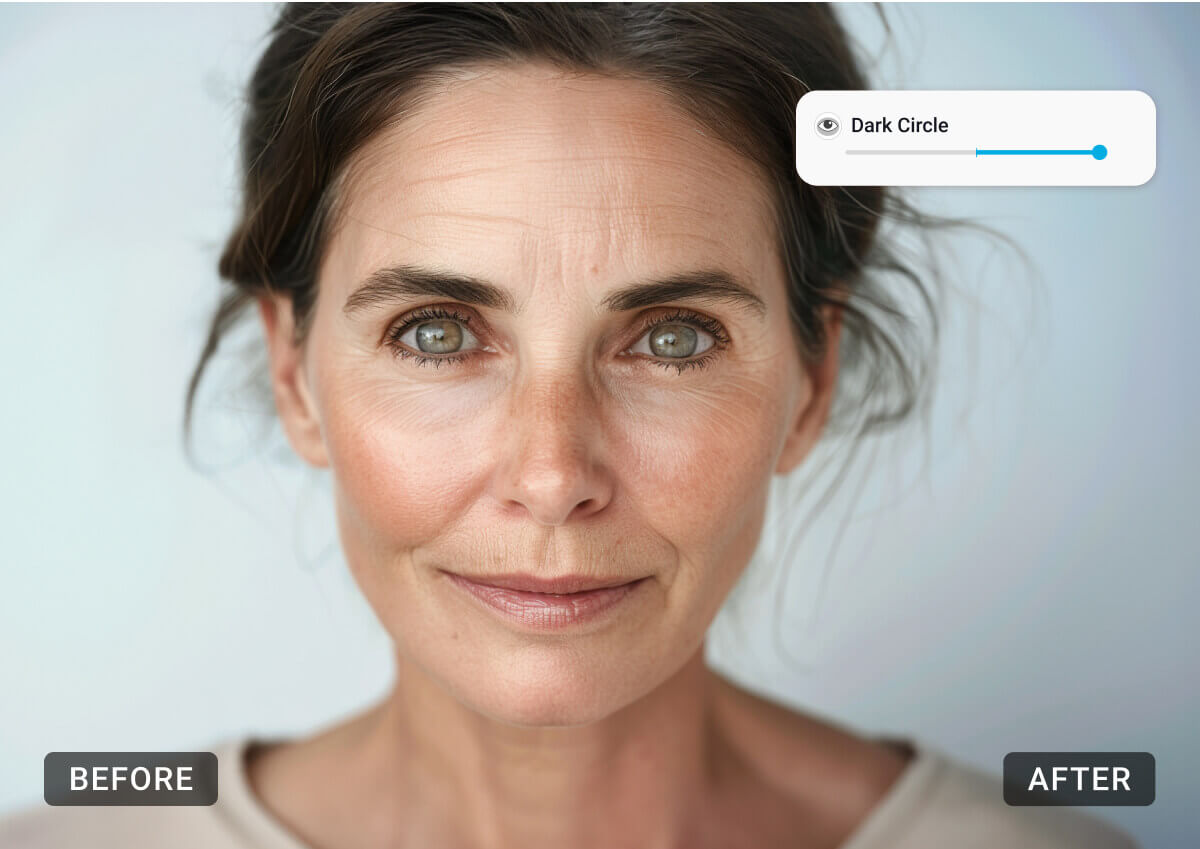
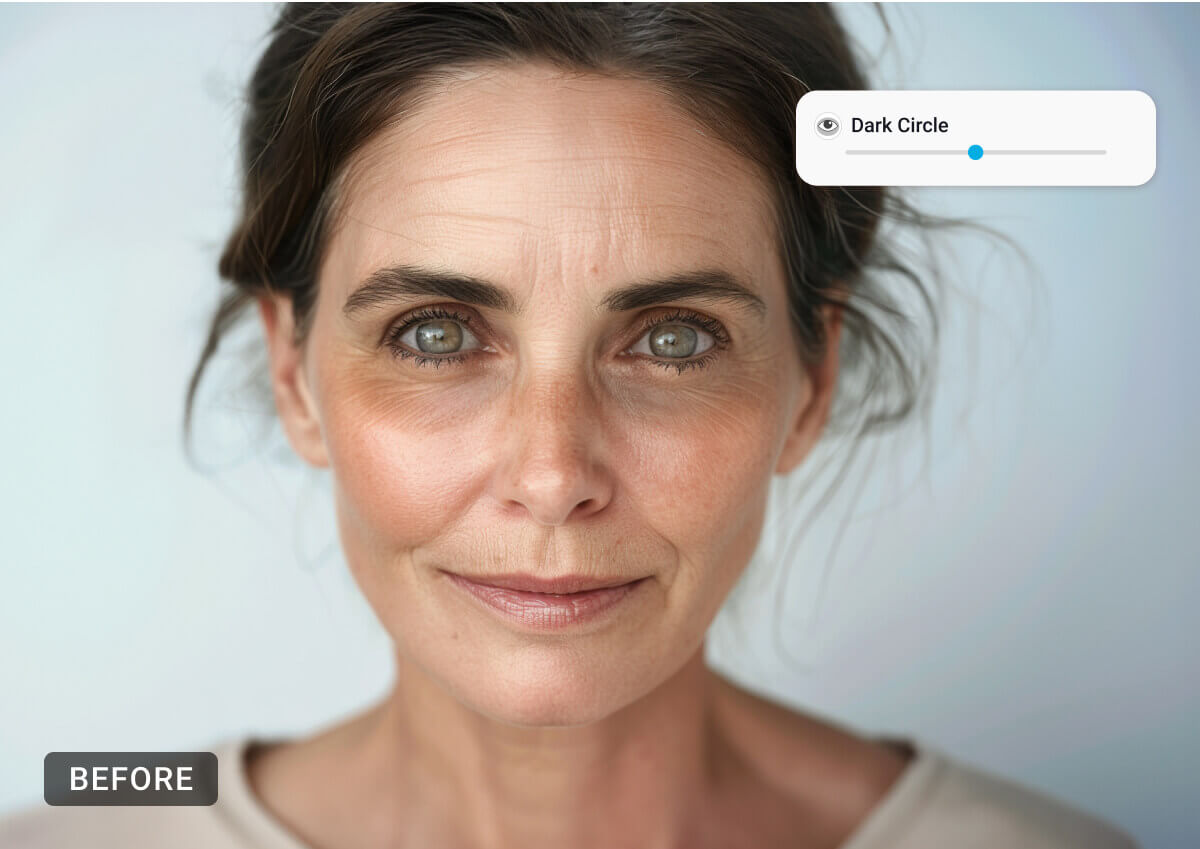
Photo Retouching Online FAQs
How do I start retouching my photo?
Begin by uploading your photo. Click the "Upload" button and select your image from your device.
What retouching options are available?
You can choose from several options: "Eyebag" for eye bags, "Blemish" for blemishes, "Wrinkles" for wrinkles, and "Dark Circle" for dark circles.
How do I adjust the retouching effect?
After selecting the retouching tool, move the slider to adjust the intensity of the effect. Fine-tune until you achieve the desired look.
Can I target specific skin issues with the AI Blemish Remover?
Yes! Besides "Blemish," you can select "Spots," "Redness," "Shine Removal," or "Texture" for more targeted adjustments.
How do I remove eye bags from my photo?
Choose "Eyebag" and move the slider to effortlessly erase eye bags and achieve a refreshed look.
How can I smooth out wrinkles in my photo?
Select "Wrinkles" and adjust the slider to smooth out wrinkles, giving your skin a youthful appearance.
How do I brighten my eyes by removing dark circles?
Choose "Dark Circle" and move the slider to erase shadows and brighten your eyes for a vibrant look.
Is AI face retouching free?
Yes, you can try our AI Face Retoucher for free with example images or a trial upload to experience the natural results.
Will the AI change my facial features?
No. Our tool is designed for "retouching" (skin and shadows), not "reshaping." Your bone structure and identity remain untouched.
Is my data safe?
Absolutely. We do not store, sell, or use your facial data for training without explicit consent. Your privacy is our priority.


