

 Unduh tanpa watermarkAkses ke alat Edit Foto AIKredit yang tidak terpakai akan dibawa ke bulan berikutnya




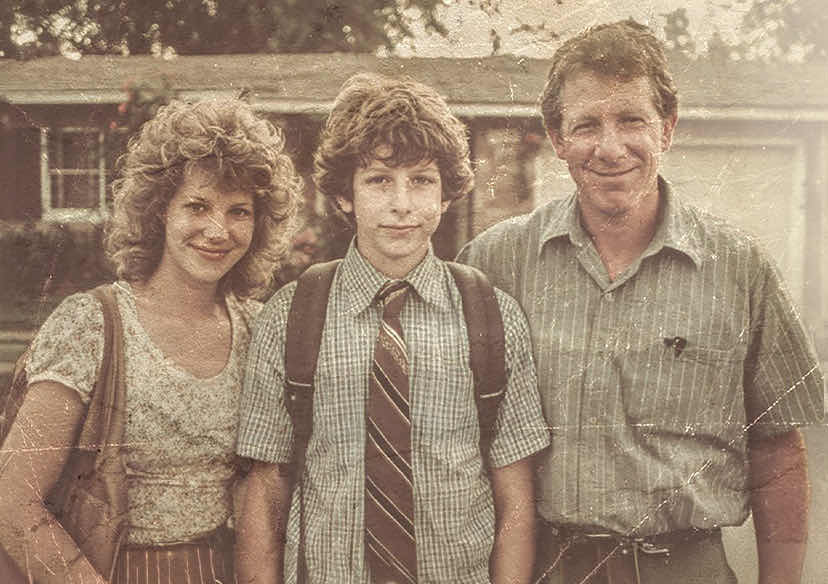
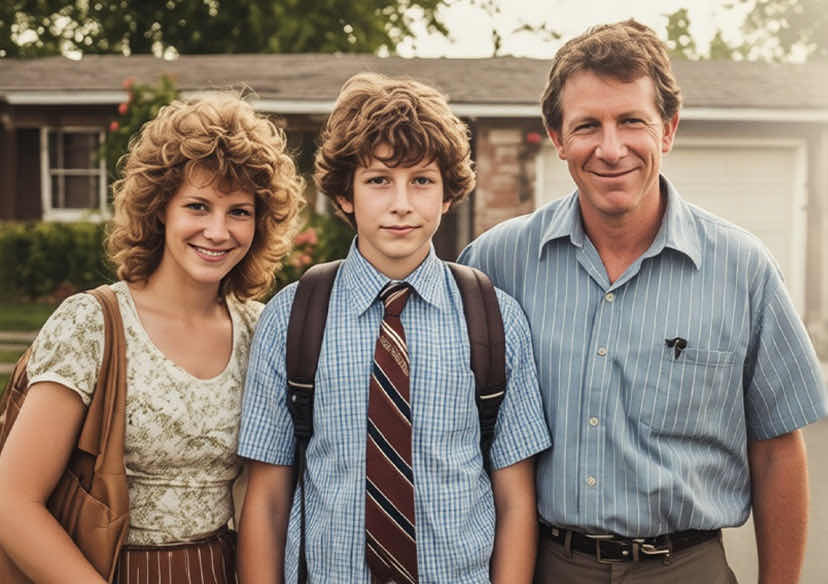
YouCam Free AI Photo Repair Online
Fix damaged photos and restore old pictures instantly. Use the power of AI to remove scratches, colorize black & white memories, and enhance facial details with zero editing skills required.







Your All-in-One AI Photo Repair Tool
- Remove Scratches & Creases: automatically detect and fill in cracks and scratches in physical scans to repair photos online.
- Restore Old Photos: Eliminate noise, grain, and sepia-toning from vintage photography to make them look brand new.
- Colorize B&W Images: Add realistic, vibrant colors to black and white photos using generative AI analysis.
- Enhance & Remove Spots: Sharpen blurred faces and remove dust spots for crystal-clear portraits.
- Correct Lighting & Fading: Intelligent restoration balances exposure and fixes faded colors caused by age.
Repair Your Damaged Photos in 3 Simple Steps
Transform your images from damaged to dazzling in seconds. Our AI restores your photo directly in your browser.
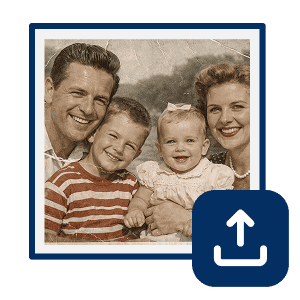
Upload Your Damaged Photo
Click "Upload Photo" or drag and drop your scanned image to the editor. We support JPG, JPEG, and PNG formats.

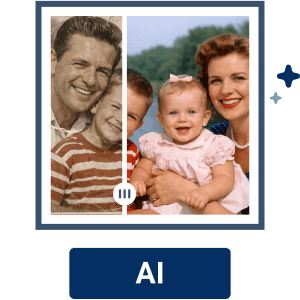
Customize Your AI Repair
Let the AI detect issues automatically, or manually toggle specific features. Switch on Scratch Removal to fix creases, AI Colorize for B&W photos, or Enhance to sharpen details. You can even fine-tune the result with the Lighting Adjustment slider.

Save & Download Results
Preview the restoration side-by-side. Once satisfied with the clean-up and color, download your revitalized, high-quality image instantly.
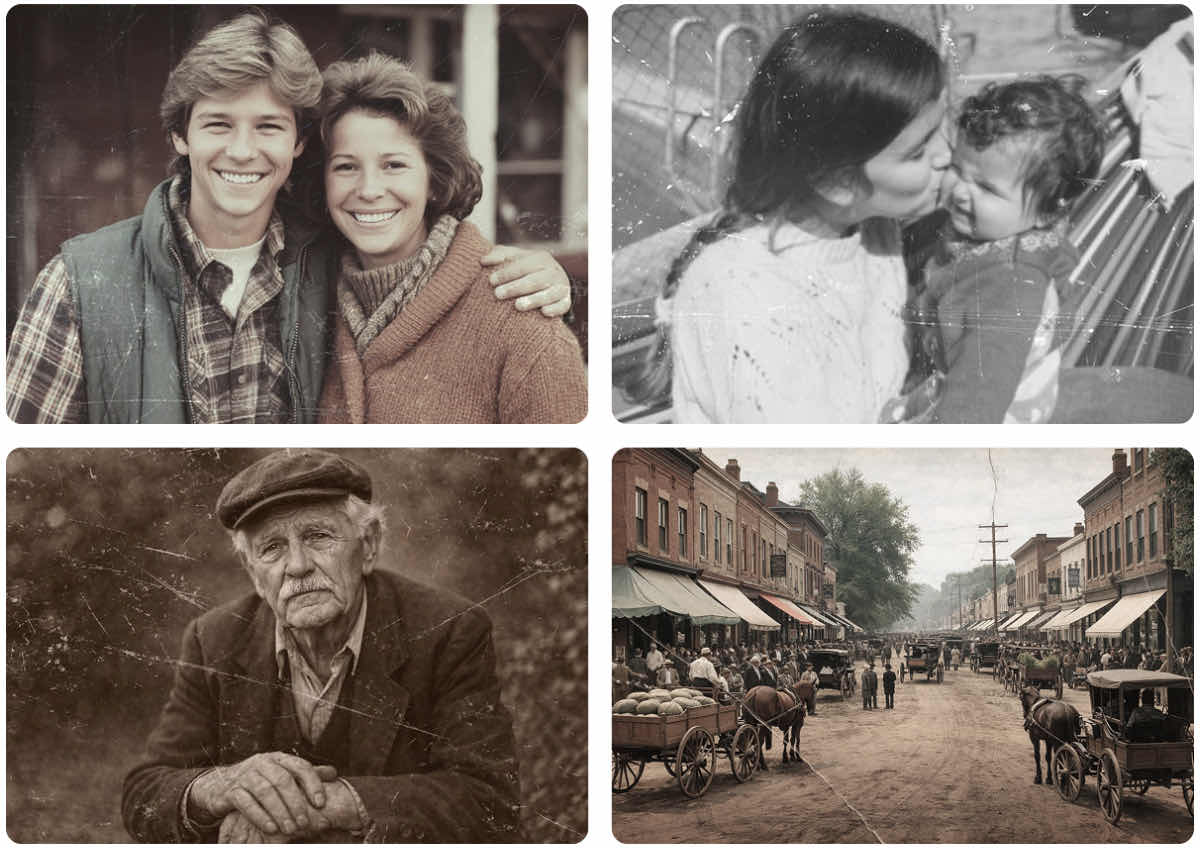
Complete Solutions to Fix and Restore Photos
Erase Scratches and Creases Like Magic
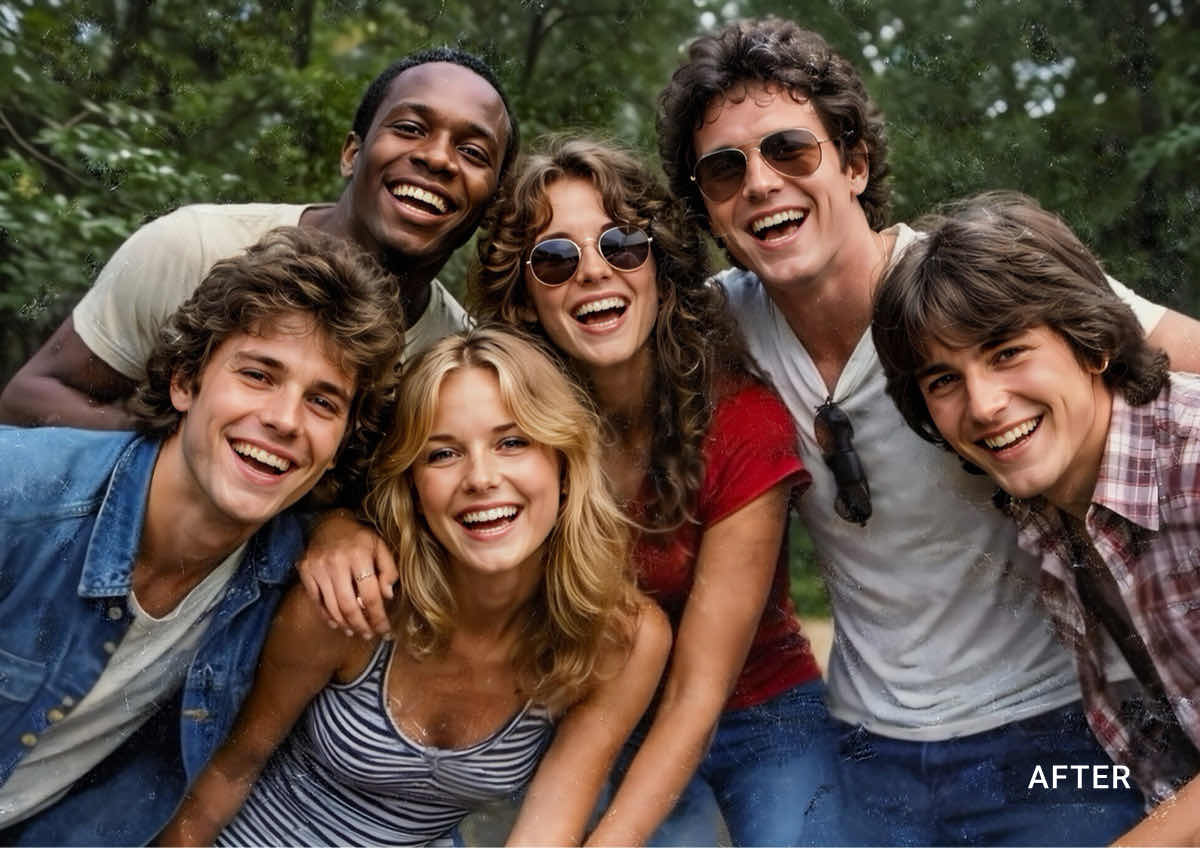
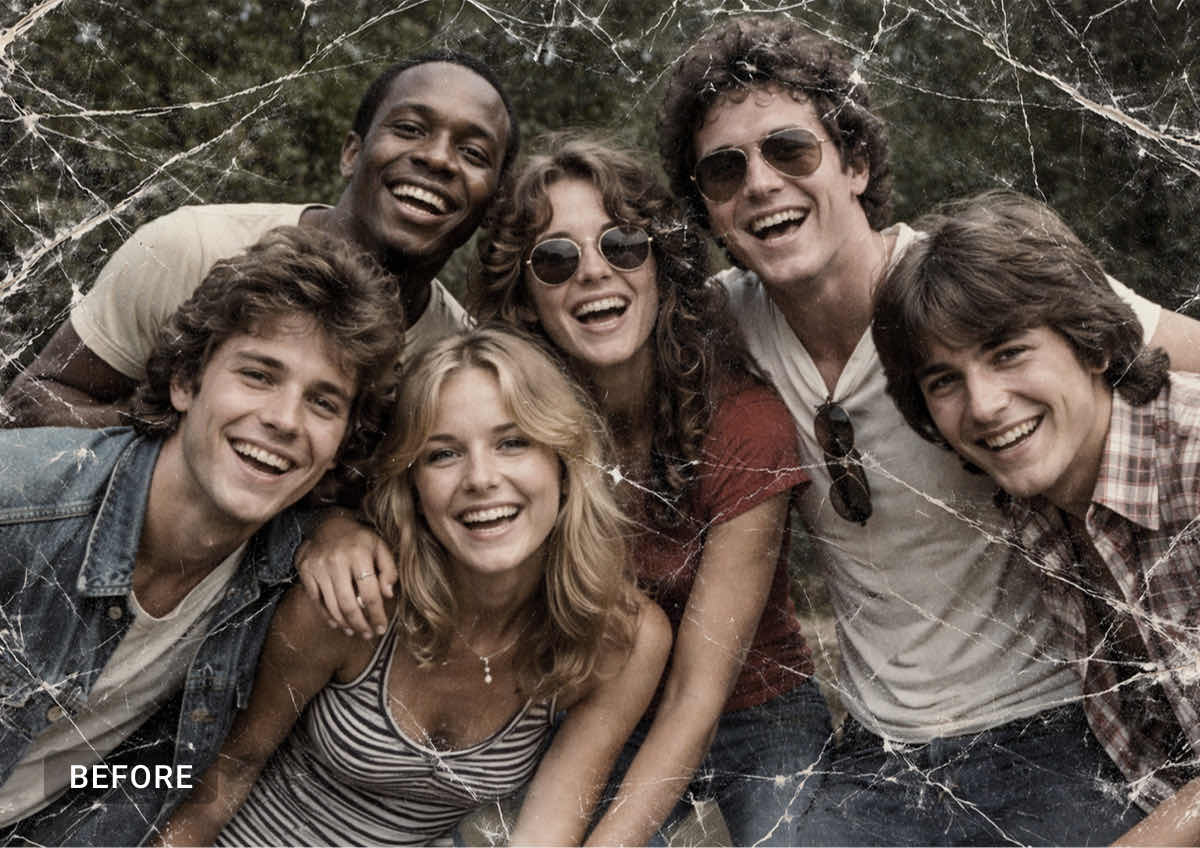
Physical photos often suffer from wear and tear. Our scratch removal technology fills in missing pixels from wrinkles, tears, and scratches, creating a seamless surface that looks like the damage never happened.

Colorize Black & White Photos
Breathe life into history. Turn grayscale family portraits into vibrant color images. Our AI predicts the most accurate colors for skin tones, clothing, and backgrounds to restore pictures to modern standards.
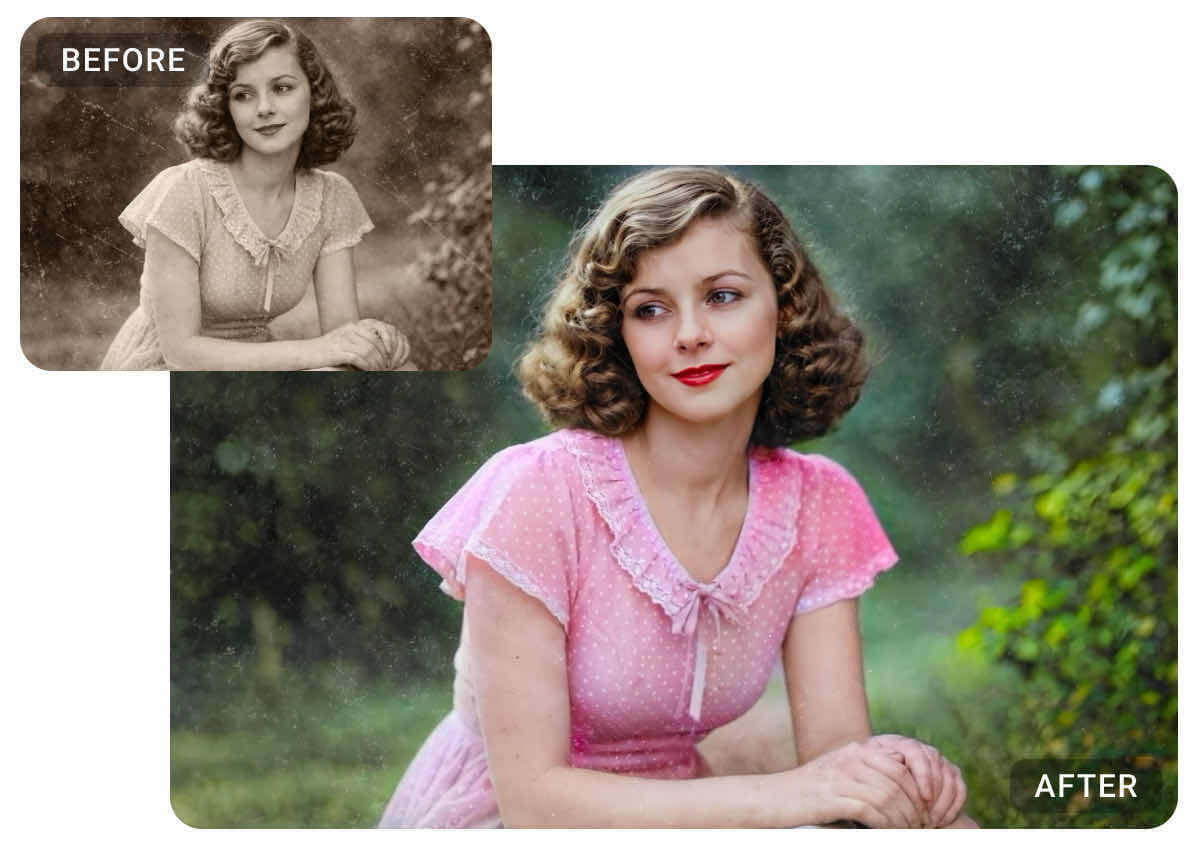
Enhance Faces & Remove Blemishes
Old film often lacks definition. Use our tool to enhance facial features, sharpen eyes, and remove blemishes or dust spots stuck to the scanner glass. Get professional portrait results in one click.
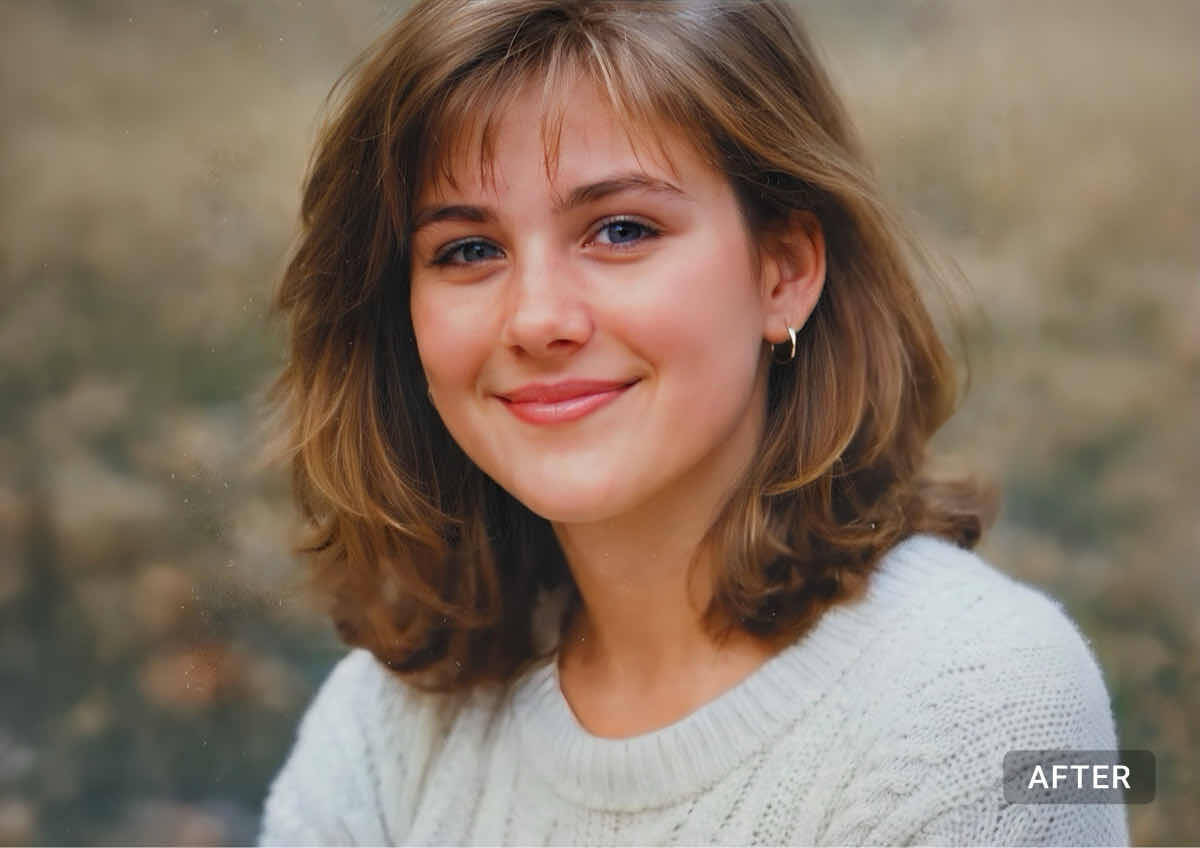
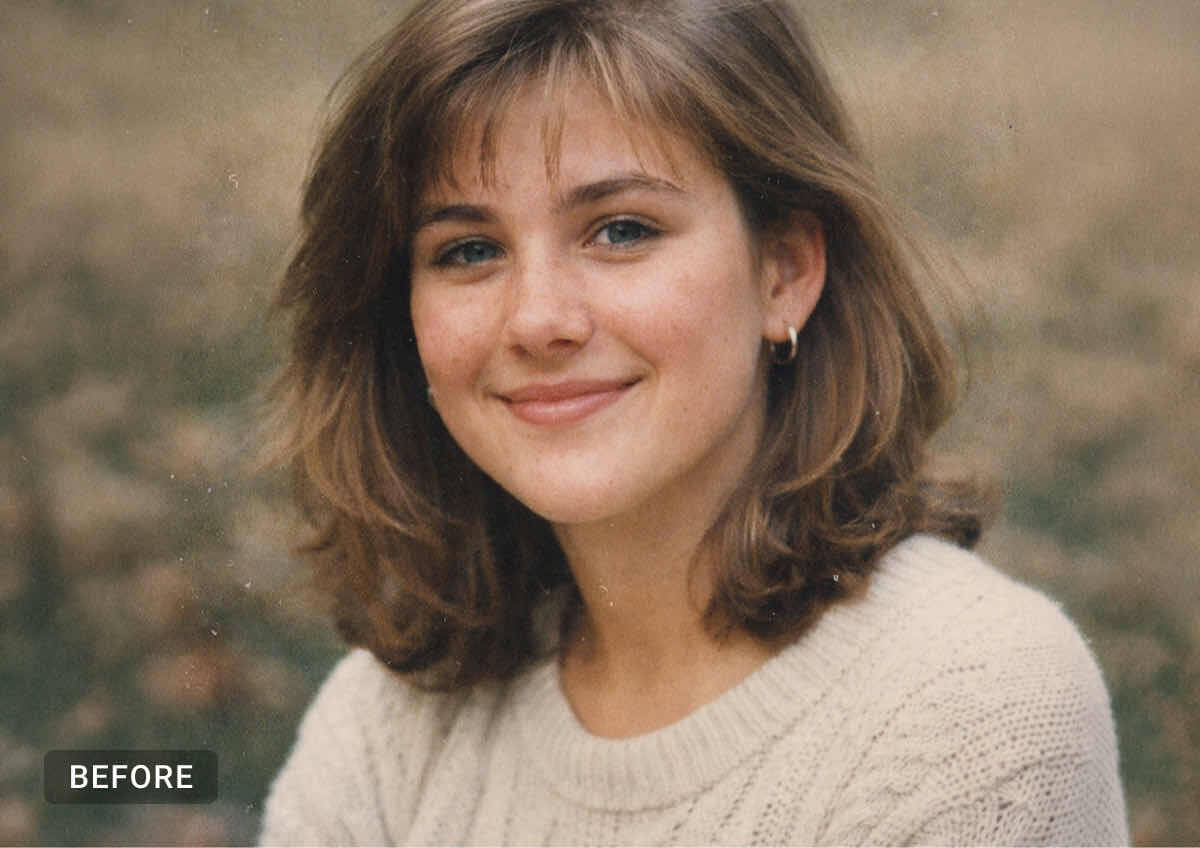
Correct Faded Colors & Lighting
Time causes ink to fade and paper to yellow. Our AI automatically corrects contrast, white balance, and saturation to fix lighting issues and reverse the aging process of your physical prints.
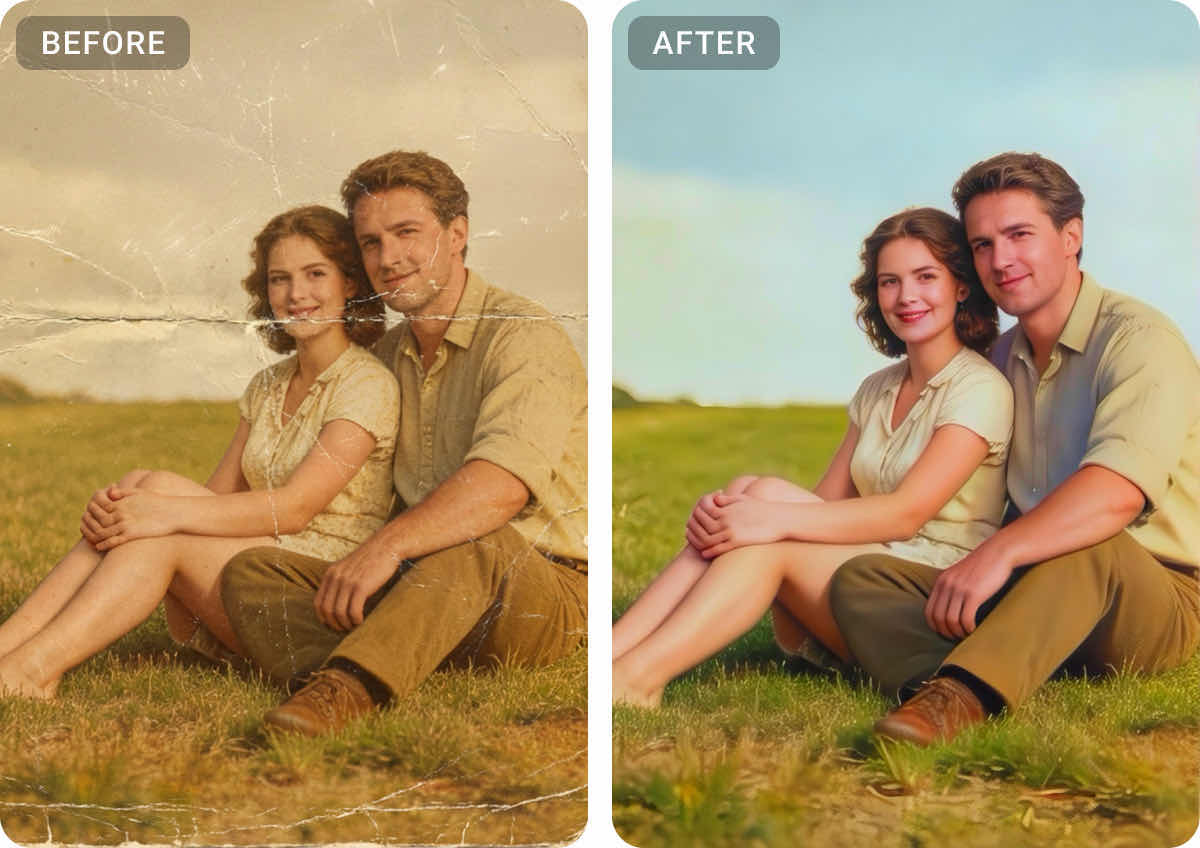
FAQs: AI Photo Repair
How can I repair photos online for free?
You can repair photos online using the YouCam Online Editor. Simply upload your damaged or old image, and our AI will automatically detect imperfections, remove scratches, and enhance the quality without requiring any software installation or manual editing skills.
Can AI fix damaged photos with scratches, creases, and wrinkles?
Yes. Our fix photo AI technology is specifically trained to recognize scratches, creases, and tears. It digitally "heals" the image by analyzing the surrounding pixels to reconstruct the missing parts of the photo seamlessly.
Does the YouCam Online AI Photo Repair colorize black and white photos?
Absolutely. As part of the repair photo features, YouCam includes an AI colorizer. It analyzes the grayscale data to apply realistic colors to skin, clothes, and environments, modernizing your vintage pictures instantly.
How do I improve the resolution of an old blurry photo?
When you use YouCam to restore pictures, the AI also applies upscaling and sharpening algorithms. This removes grain and noise while increasing the resolution, making small, blurry wallet-sized photos crisp and clear.
Is my data safe when I upload photos for repair?
Yes, YouCam prioritizes user privacy. Images uploaded for AI photo repair are processed securely and are not used for public purposes. Your memories remain private and secure.
Can I batch process multiple old photos at once?
Yes, YouCam Online Editor supports batch processing. You can upload multiple scanned images to enhance and repair them simultaneously, saving you hours of manual work.

Remove the background from any photo with just one click. Our AI technology maintains the sharpness and quality of your portrait and objects.

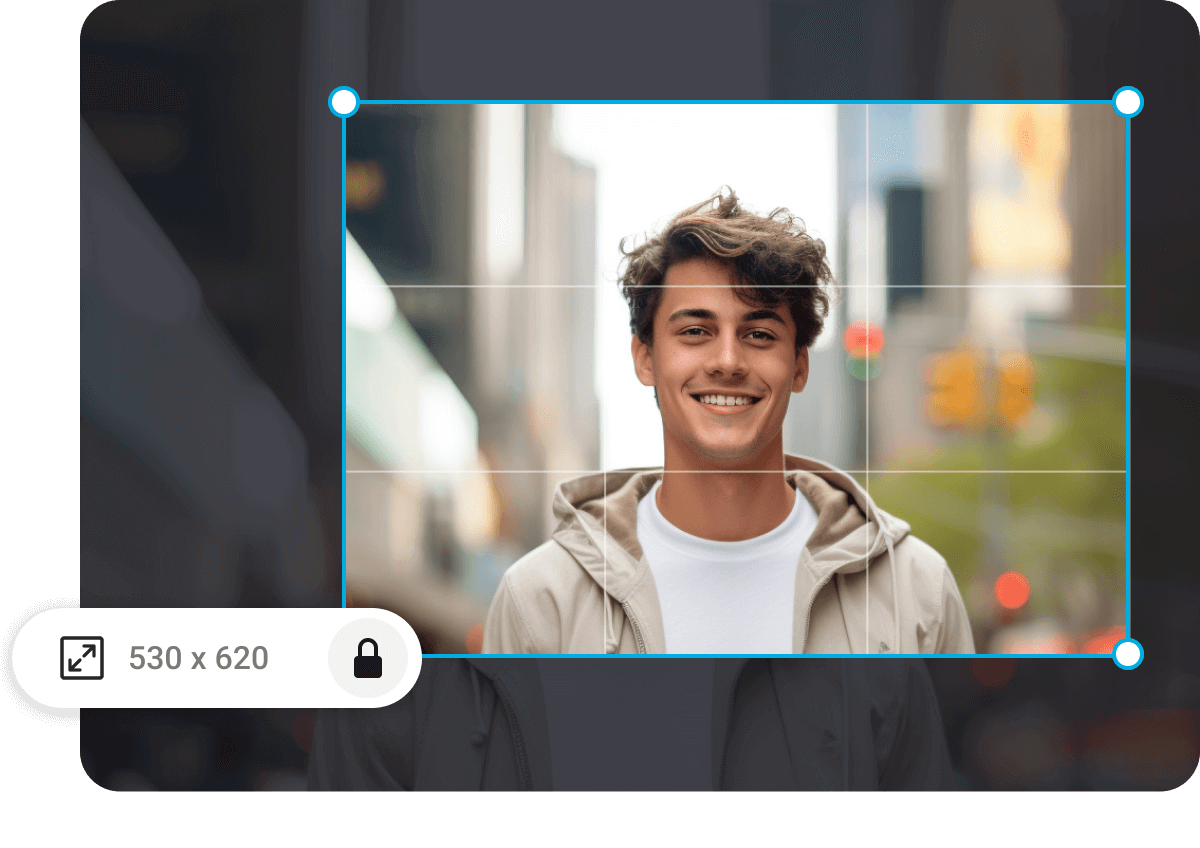
Wrong photo dimensions? Resize your image easily into the perfect dimensions without losing any quality.

Erase any unwanted objects, people, logos, and more with high precision from your photos. Perfect for your Instagram Feed!


