


 Unduh tanpa watermarkAkses ke alat Edit Foto AIKredit yang tidak terpakai akan dibawa ke bulan berikutnya




AI Photo Editor: Edit Photos & Generate Videos
YouCam is your Online AI Image Editor for instant edits, enhancements, AI-generated art, and video creation. Directly in your browser! Get started now on any device.


Your AI Playground:





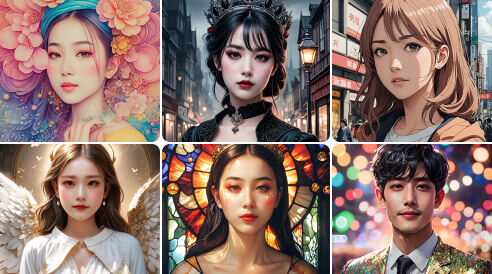

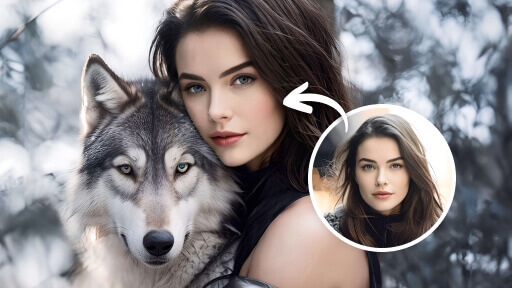

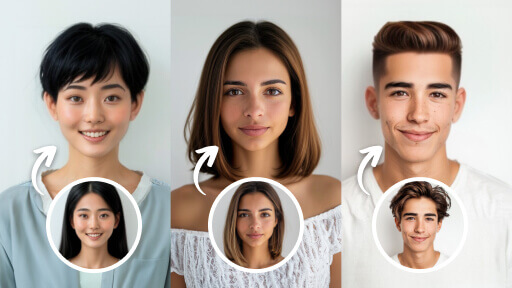
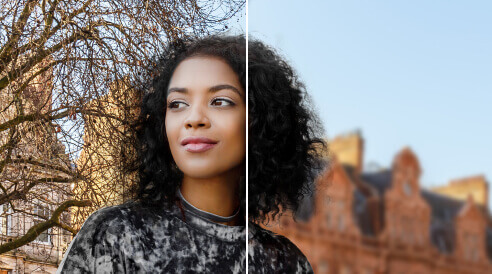
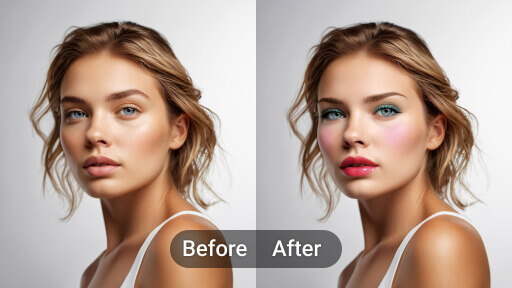
Edit, Create, and Reimagine with AI
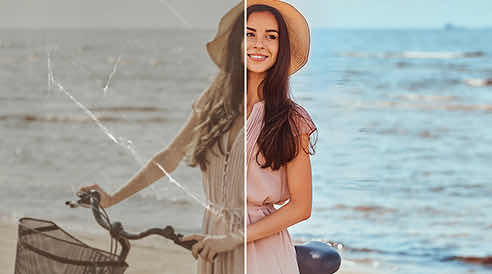
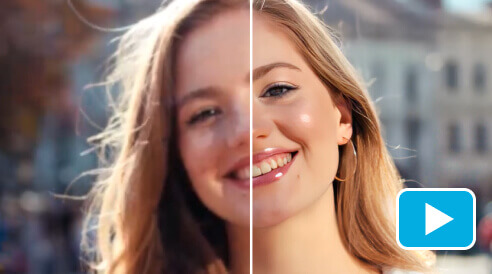
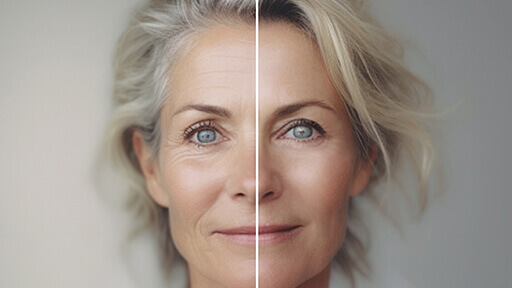
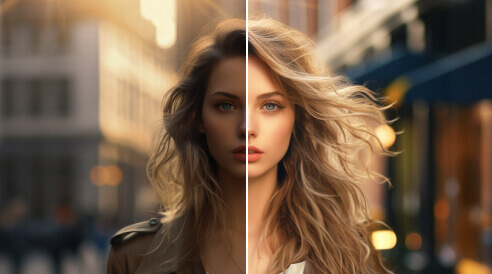
AI Photo Enhancer: Fix Blurry Photos & Upscale to 4K
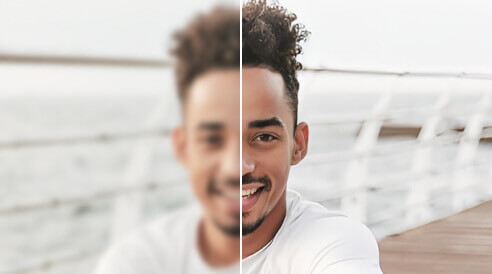
Instantly sharpen blurry, grainy, or out-of-focus shots. Our AI doesn’t just "smooth" the pixels; it actually reconstructs the fine details, making old mobile photos or low-res downloads look like they were taken on a professional 4K camera. And the best: You can enhance up to 50 photos at once!


AI Video Generator: Turn Photos into Cinematic Videos
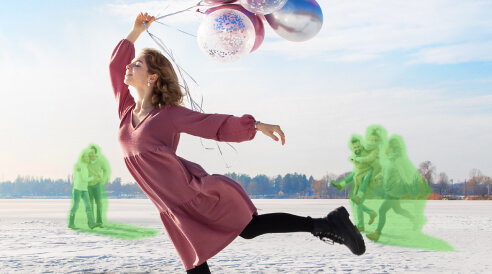
AI Object Remover: Erase People & Objects Instantly
Clean up your favorite shots without the complex editing. Whether it’s a photobomber, a power line, or a watermark, just brush over it to make it disappear. Our "Magic Eraser" intelligently fills in the background so it looks like the object was never there.


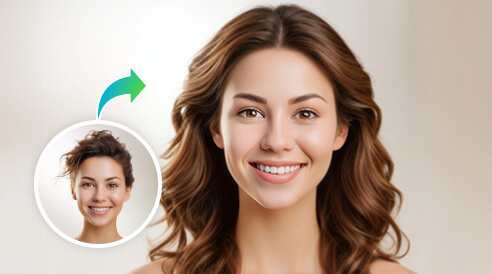
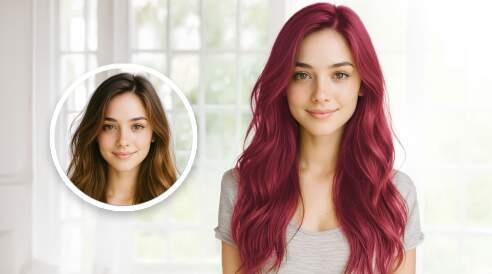
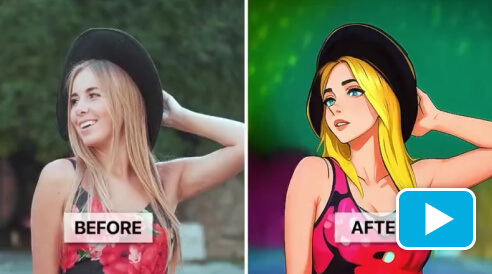
AI Hairstyle Generator: Try On 140+ Haircuts & Colors
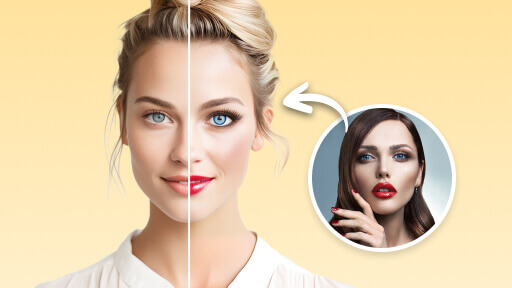
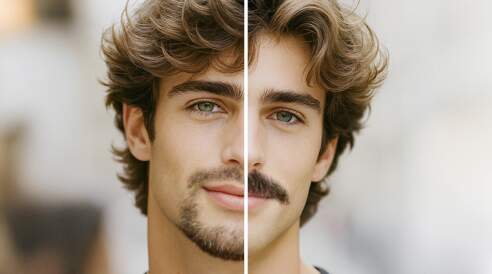
Try on Hairstyles virtually before you head to the salon. Instantly swap between bobs, long waves, bangs, or trendy colors. Our AI adjusts the hairstyle to fit your unique face shape and lighting perfectly, giving you a hyper-realistic preview of your next transformation.


AI Video Enhancer: Upscale to 4K & Sharpen Quality
Give your videos a professional makeover. Our AI doesn’t just "enlarge" your footage; it actually restores lost detail, removes grain, and sharpens blurry faces. It’s the perfect tool for upscaling old family memories or making low-light mobile clips look like they were filmed on a high-end 4K camera.

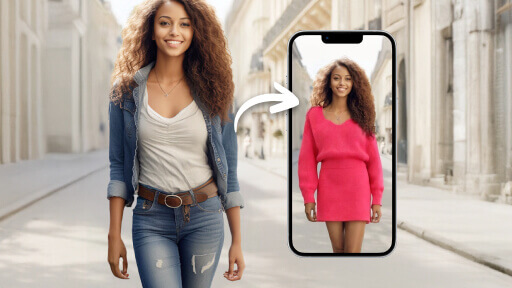
AI Clothes Changer: Virtual Outfit Try-On
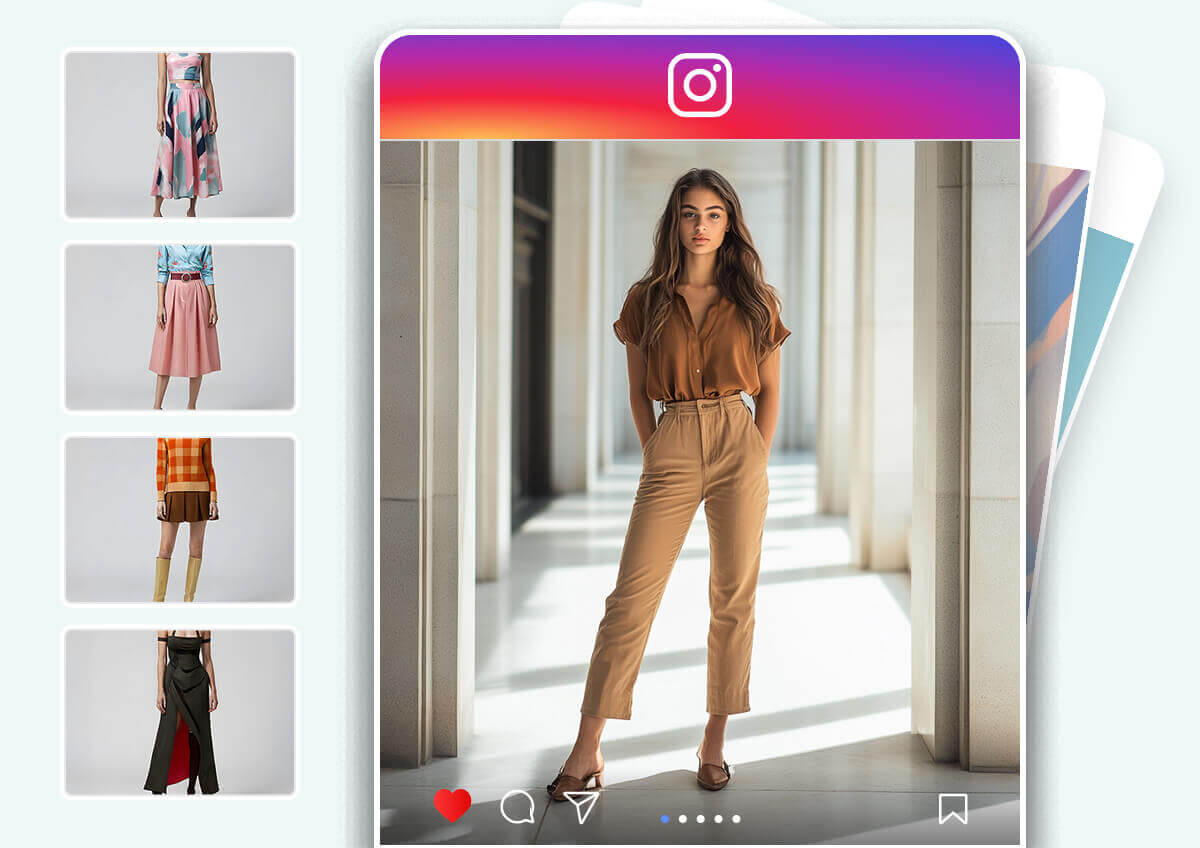
Experiment with your wardrobe without the fitting room. Swap your current outfit for professional suits, casual streetwear, or even wedding dresses. Our AI matches the fabric texture, shadows, and body contours for a seamless, realistic fit in any photo.
Join Thousands of Creators Using the YouCam Online AI Photo Editor:
Whether you're enhancing portraits, removing backgrounds, or creating AI-generated art, our AI Image Editor makes it effortless. Join 800,000+ verified creators who rate YouCam 4.7/5 and see why it's the trusted online photo editor for everyday creators.
Fixed a very old photo from the 70s
I had this old, really blurry photo of my nan from the 70s. I tried a few other AI apps and they made her look like a plastic doll, but this one actually worked. It just sharpened her features without making her look fake. I finally have a clear picture of her for my desk.
— Amanda L.
Saved my vacation shots in less than 5 seconds
I finally got a good shot at the Eiffel Tower but there was a giant tour group right behind me. The object remover took them out in literally five seconds and you can't even tell they were there. The background looks totally normal, not blurry or weird.
— Priya N.
Lifesaver for my IG stories!
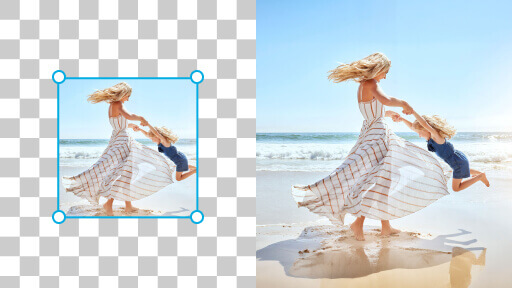
The 'Uncrop' feature is honestly a lifesaver. I always take my photos too close, but this lets me expand the background so it actually fits as a square or a story without losing the quality. It’s way faster than trying to edit it myself.
— Tom R.
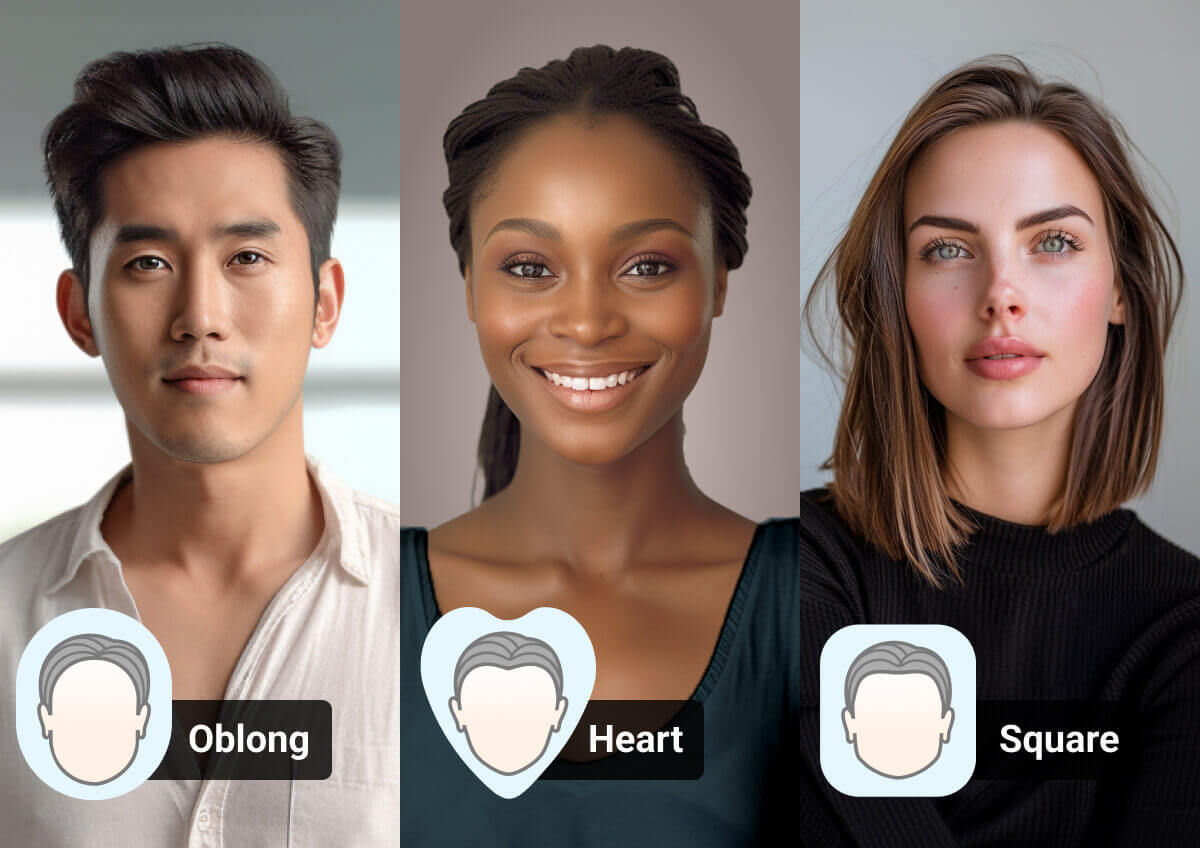
Find your best look with smart face shape and styling recommendations.

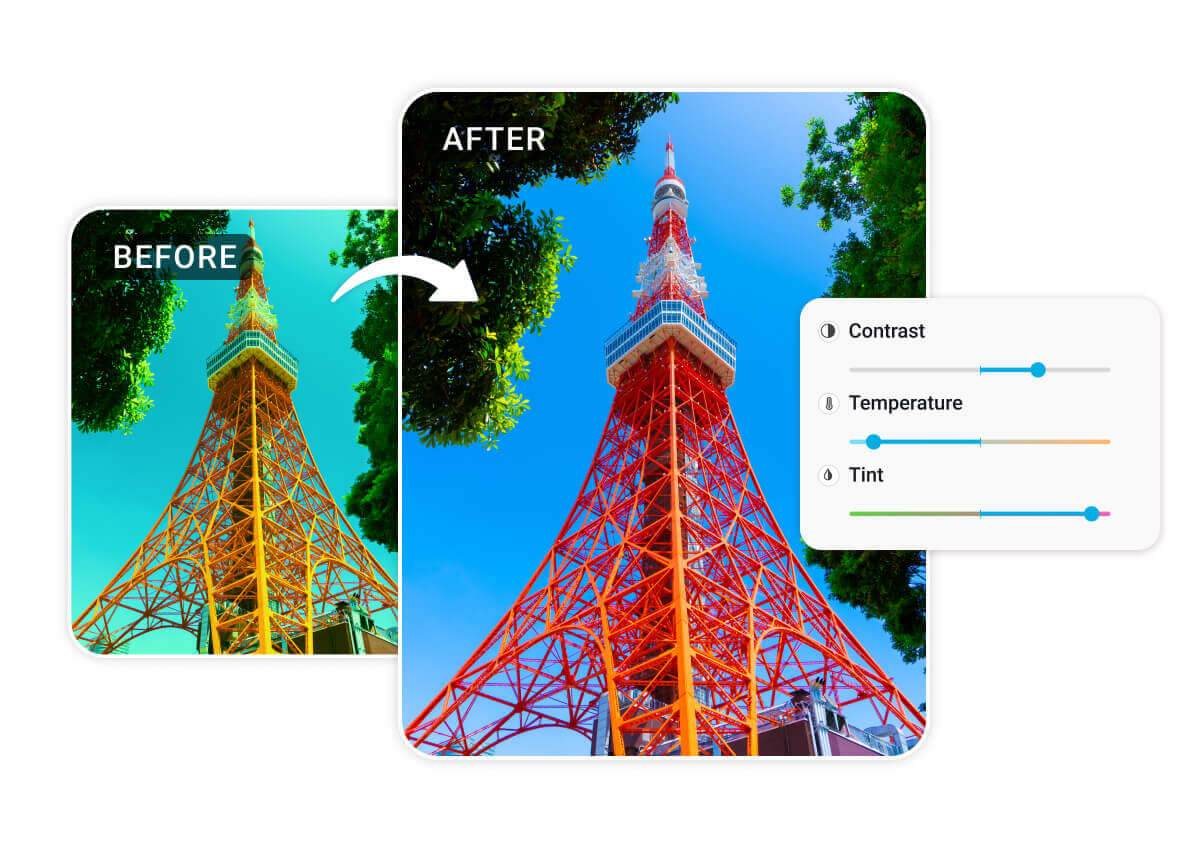
Automatically adjust lighting, contrast, and exposure in one click.
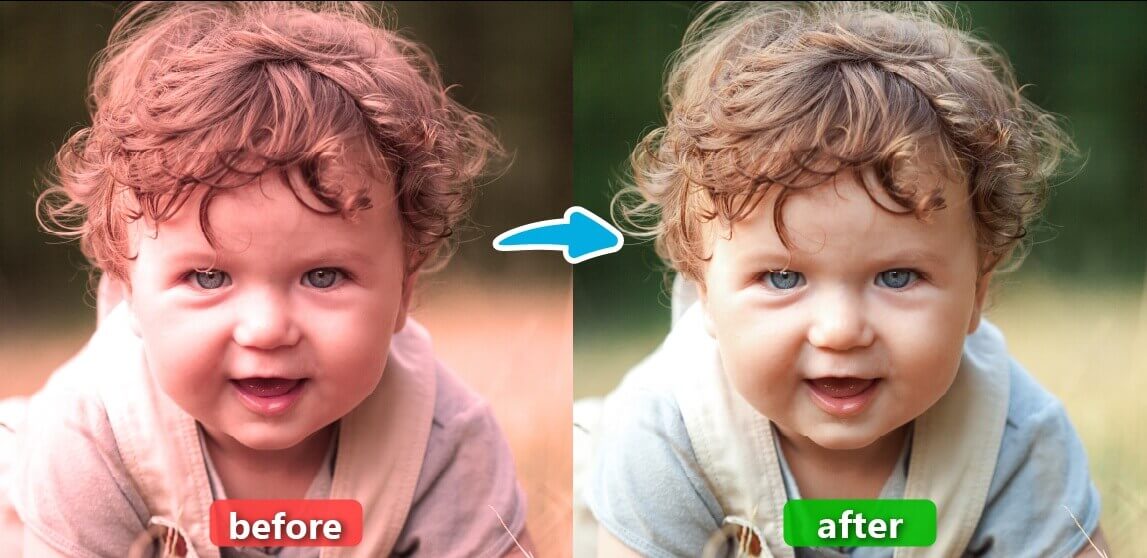
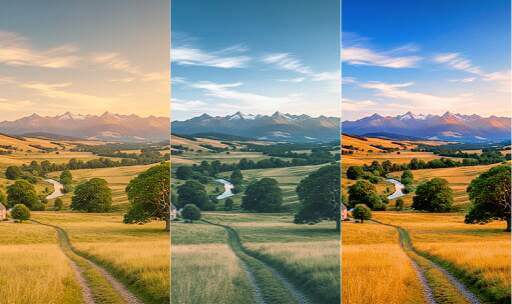
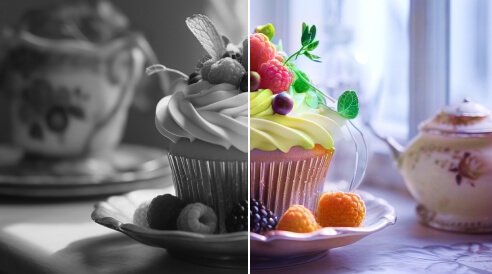
Fix dull colors and restore natural tones to any landscape or portrait.

Apply cinematic AI filters to give your footage a unique, high-end look.
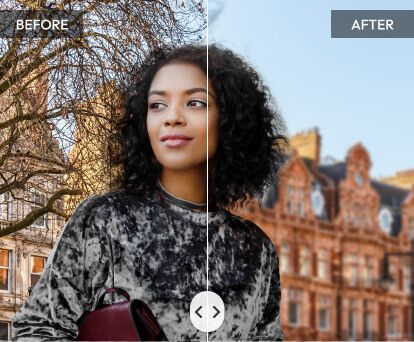
Create professional depth-of-field and soft backgrounds for any shot.
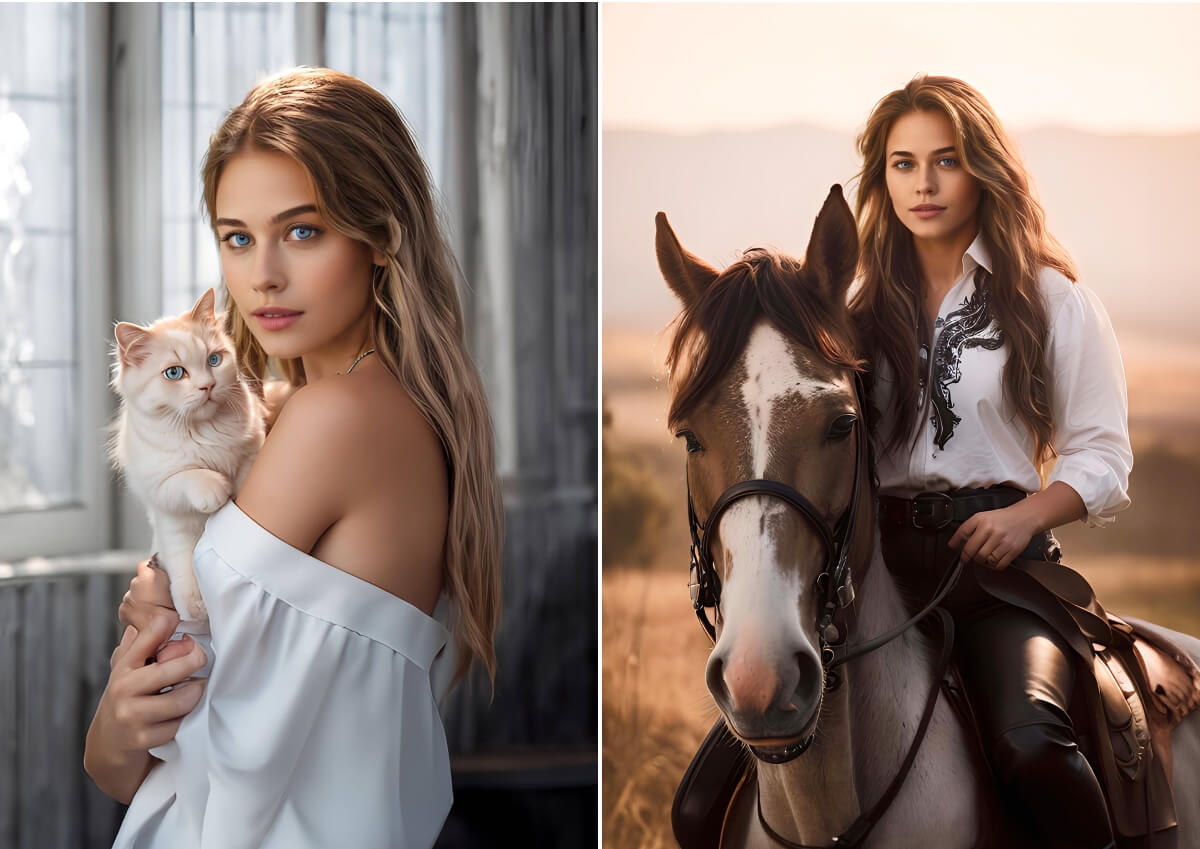
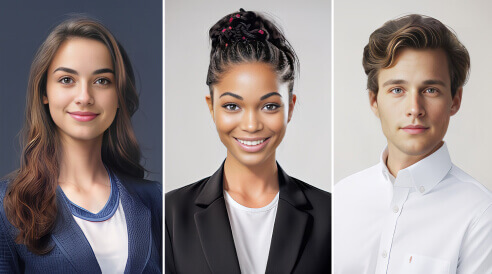
Generate studio-quality portraits and avatars for LinkedIn or social profiles.

Pro Power, Any Device.
No heavy software downloads are required. Access our advanced AI models directly from your web browser on Windows, Mac, or Linux. Whether you’re on a desktop or a mobile tablet, you get the same high-speed processing power everywhere

Privacy-First AI Editing.
Your creativity is your own. We prioritize secure processing and ensure your data is protected. Experience a streamlined workflow that transforms everyday photos into pro-level visuals automatically, with zero compromise on privacy.
FAQ: The YouCam Online AI Photo Editor
What is the best AI photo editor for beginners in 2026?
The best AI photo editor is one that offers professional-grade results without a steep learning curve. YouCam Online Editor is widely considered the top choice because it eliminates the need for manual tools. Our AI uses generative deep learning to understand the context of your image—automatically fixing lighting, unblurring faces, and upscaling resolution to 4K with a single click. It’s the perfect Photoshop alternative for those who want high-end results instantly.
Can I really turn a single photo into a video with AI?
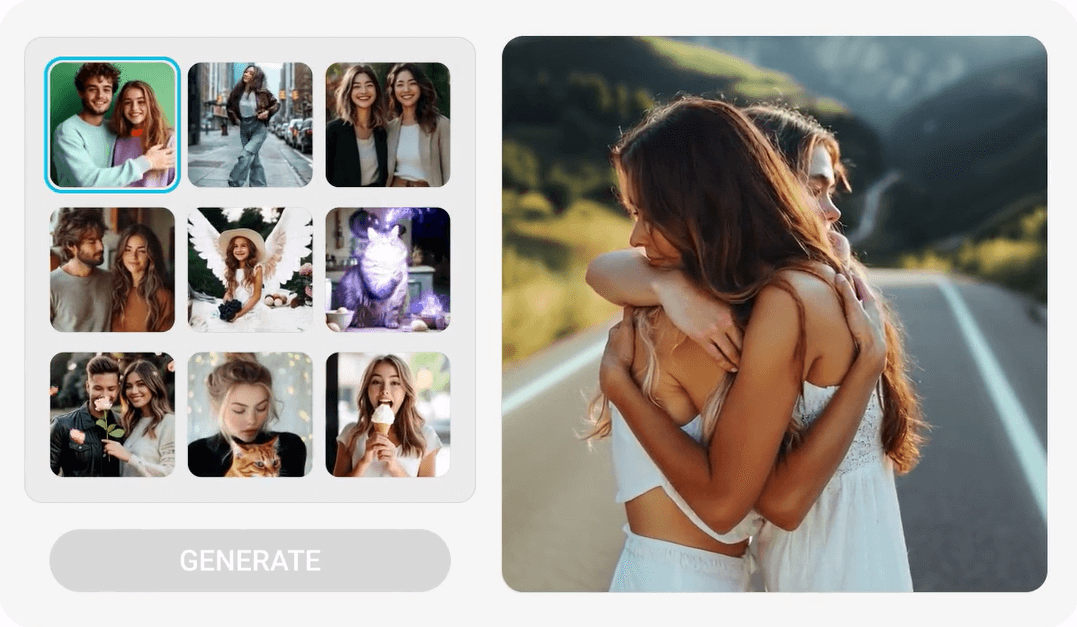
Yes. YouCam’s AI Video Generator can transform a static image into a dynamic video clip. By using advanced motion-prediction algorithms, the AI can make subjects dance, hug, or any other storyline you want to tell. Stay on top of any TikTok AI trend - Our tool is specifically optimized to keep the subject’s face recognizable while generating fluid, realistic movement in seconds.
Is there a safe and free AI that can fix blurry photos?
Yes, YouCam offers some free AI Photo Enhancement that is highly effective at unblurring images. Unlike standard "sharpening" tools that can make photos look grainy, our AI reconstructs lost details. It analyzes the "blur pattern" and fills in missing pixels to restore eyes, skin texture, and background clarity. Regarding safety, we use secure encrypted servers and automatically delete your photos after processing to ensure your data remains 100% private.
Do I need a powerful computer to run these AI tools?
No. All the "heavy lifting" is done on our secure servers. All you need is a standard web browser and an internet connection.
Do I need to download software to use YouCam’s AI tools?
No. YouCam is a browser-based online editor, meaning it works entirely in the cloud. You don't need to install anything on your Windows PC, Mac, or Chromebook. This allows you to access powerful AI processing without slowing down your computer. It is also fully responsive, so you can edit photos and videos directly from your iPhone or Android mobile browser.
Can I use AI to remove people or objects from my photos?
Yes, our AI Object Remover uses a technology called "Inpainting." When you select an unwanted person or object, the AI doesn't just cut them out; it generates a matching background based on the surrounding pixels. This results in a clean, seamless look that makes it appear as if the distraction was never there.
Why should I choose YouCam over other AI editing tools?
YouCam stands out because of its proprietary AI models. While many editors use "generic" open-source code, our developers have fine-tuned our algorithms for human-centric editing. This means our AI is better at recognizing skin tones, facial features, and natural body movement. With thousands of verified reviews and a 4.7/5 rating, our authority is backed by a global community of creators who prioritize both quality and ease of use.
Is my data used to train your AI models?
We value your privacy (Trust). Unlike some public AI platforms, YouCam does not use your personal uploads to train our public models without your explicit consent. Your creative work belongs to you. Our AI is pre-trained on a licensed dataset, ensuring that your private photos and videos remain just that—private.

Explore the Magic of AI Photo Editing in your Pocket & Download our App!


