


 Ohne Wasserzeichen herunterladenErweiterter Zugriff auf KI-Foto-ToolsUngenutztes Guthaben wird übertragen




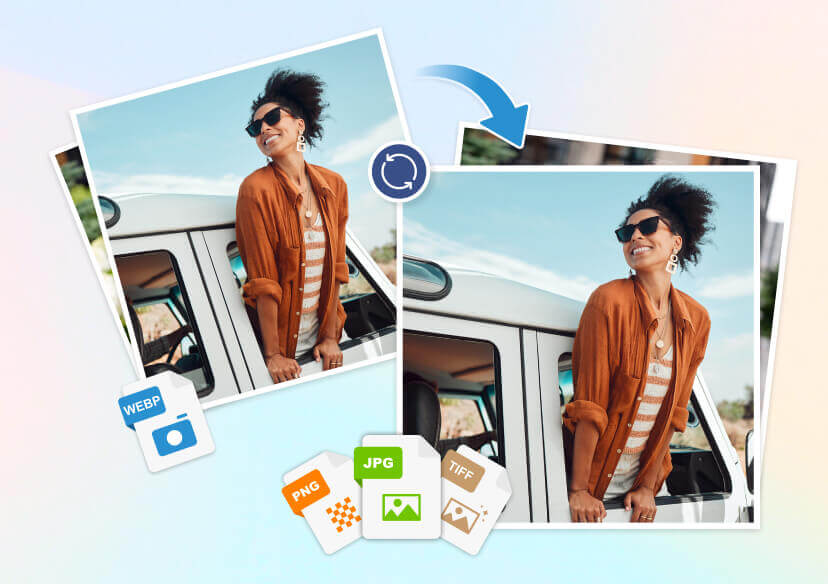
Free Online Batch Image Converter
Effortlessly convert up to 50 images from any format to PNG, JPG, TIFF, or Webp in one go. This convenient tool supports batch processing, saving you time and ensuring all your images are converted quickly and efficiently.
Batch Convert Your Images Easily with Our Free Online Tool
- Transform up to 50 images at once into the format you need.
- Free, user-friendly online batch image converter.
- Optimize images for web content, social media, or digital archives.
- Supports a wide range of formats: WebP, PNG, JPG, and TIFF.
Highlights of Our Image Converter
- Fast and Secure: Convert images directly in your browser, ensuring privacy and speed.
- Batch Conversion: Upload and convert up to 50 images at once for efficiency.
- Wide Format Support: Convert images to Webp, PNG, JPG, and TIFF.
- Supporting Editing Tools: Use our editor’s supporting tools to make quick touch-ups, remove unwanted objects, enhance blurry images, or remove backgrounds.
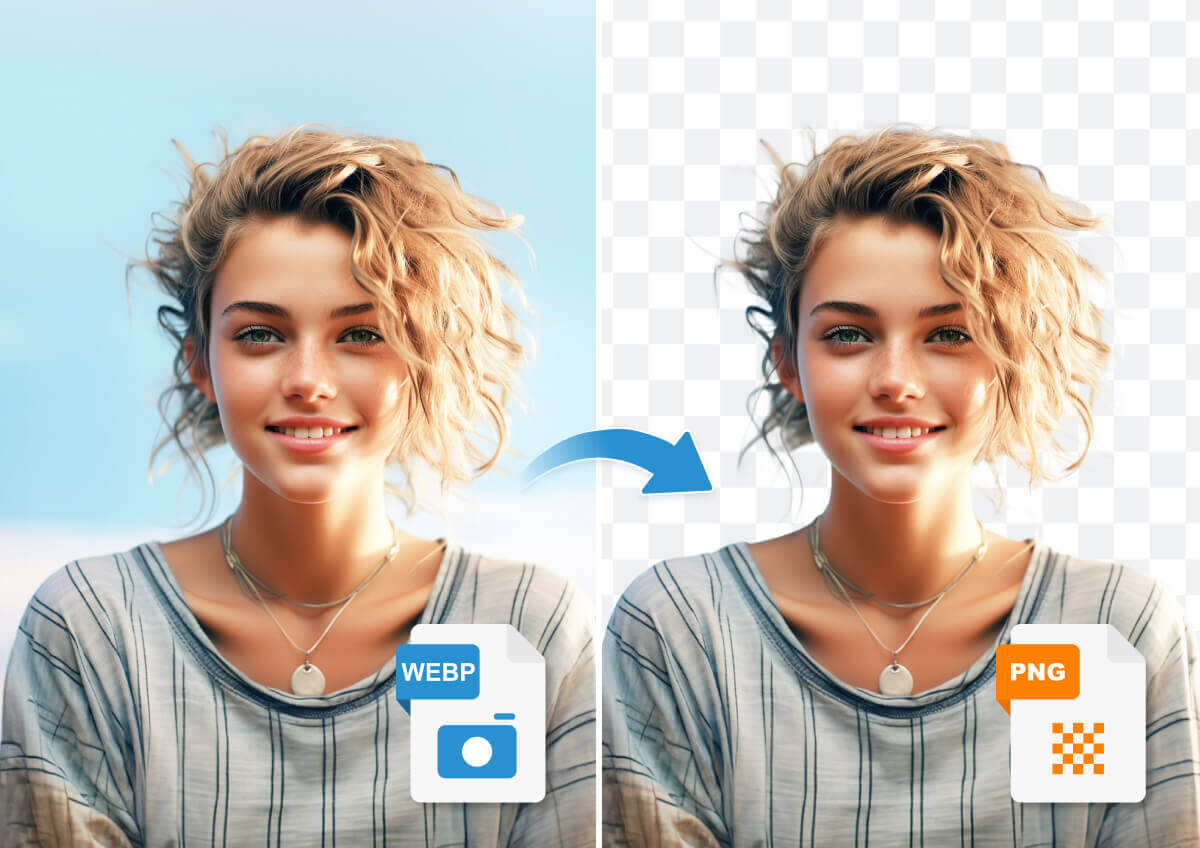
Convert Webp to PNG
Use this tool when you need high-quality images for web graphics or design projects. Converting Webp to PNG ensures that your images retain their quality.
(Images are for illustration only. For a transparent background, use our AI Background Remover.)
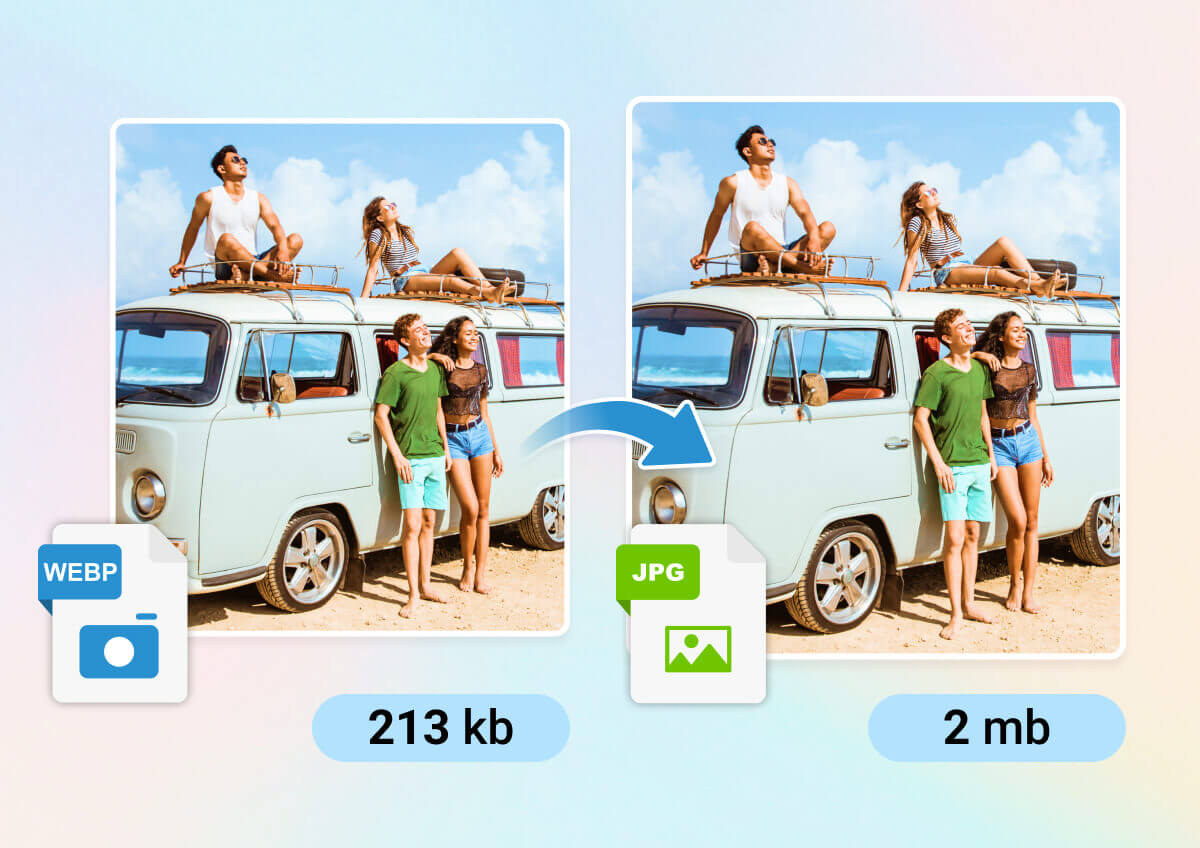
Convert Webp to JPG
This conversion is ideal for reducing file sizes while maintaining good image quality, perfect for web use. Converting Webp to JPG helps in optimizing images for faster loading times on websites.
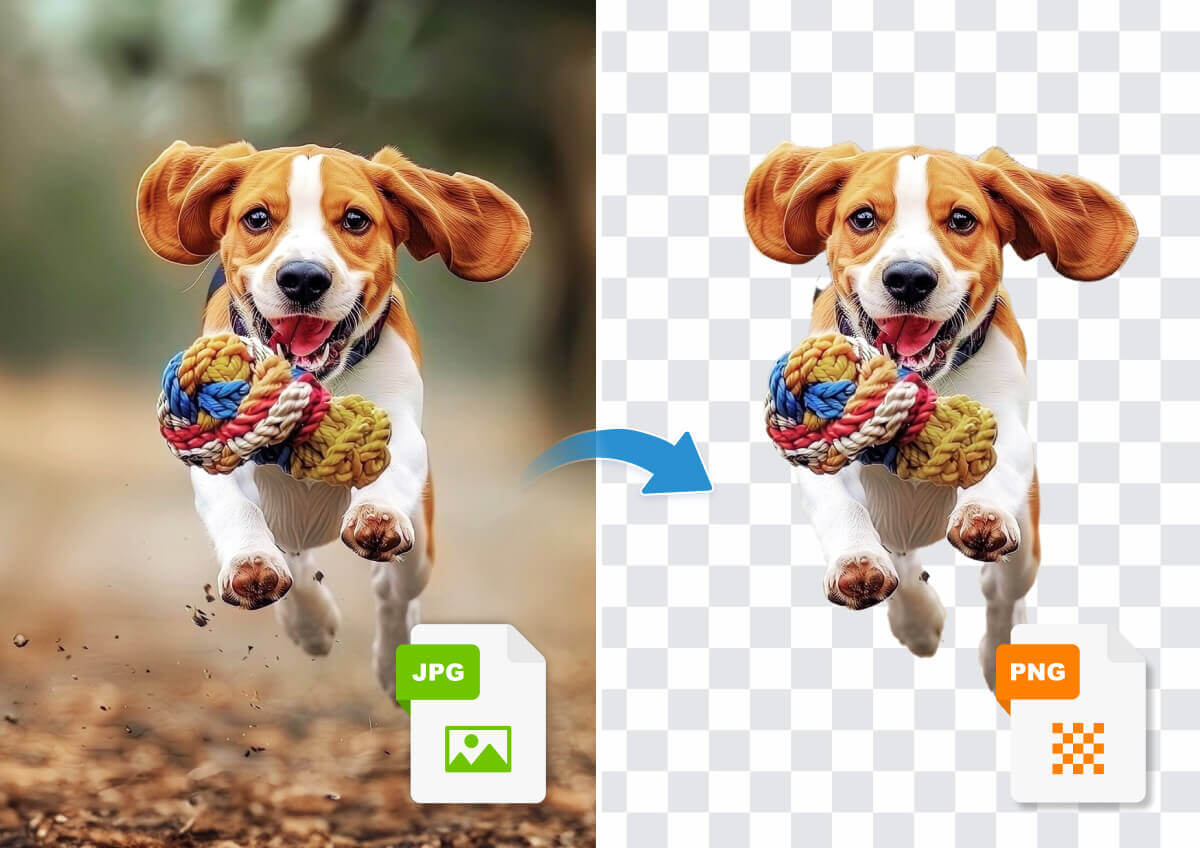
Convert JPG to PNG
Choose this tool when you need a lossless format for editing.
Converting JPG to PNG is useful for creating graphics or for further image manipulation.
(Images are for illustration only. For a transparent background, use our AI Background Remover.)
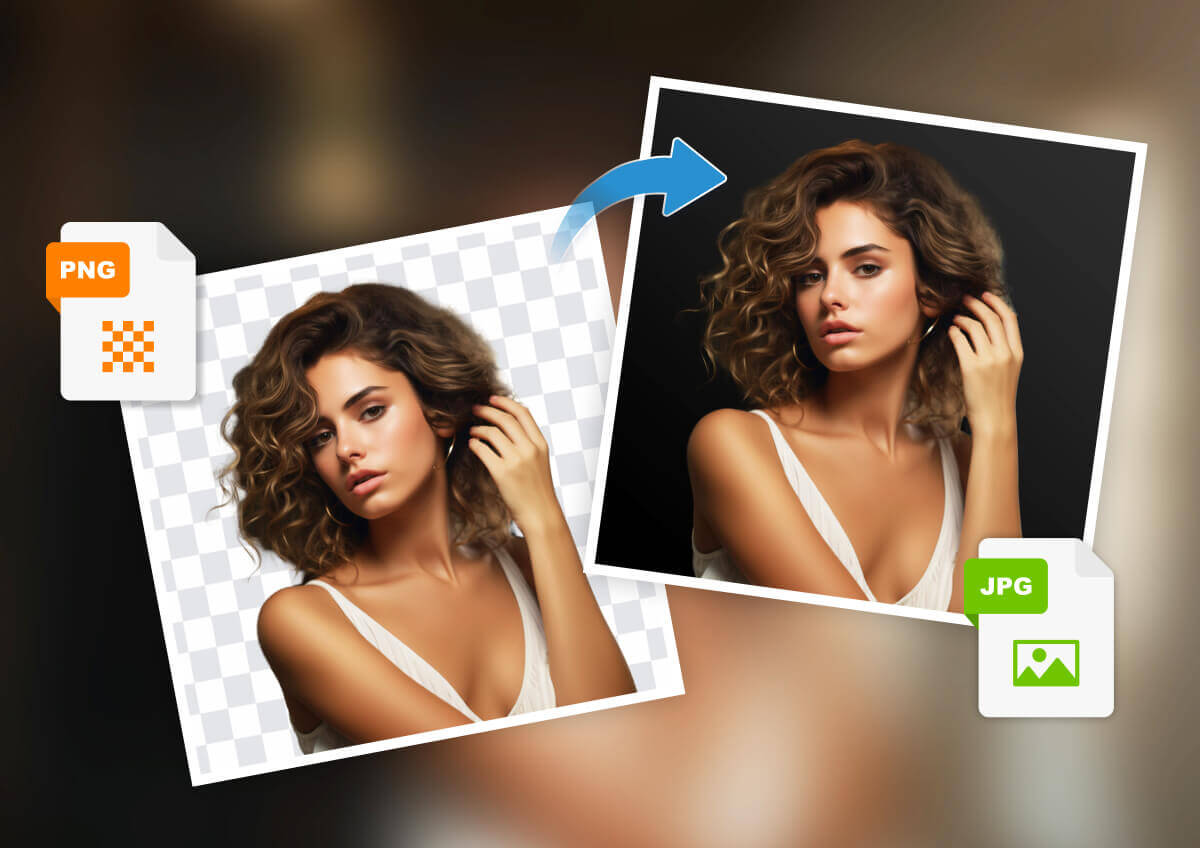
Convert PNG to JPG
Use this conversion to reduce file sizes for faster loading times on websites or to save storage space.
Converting PNG to JPG is beneficial when you need a more compressed image format.
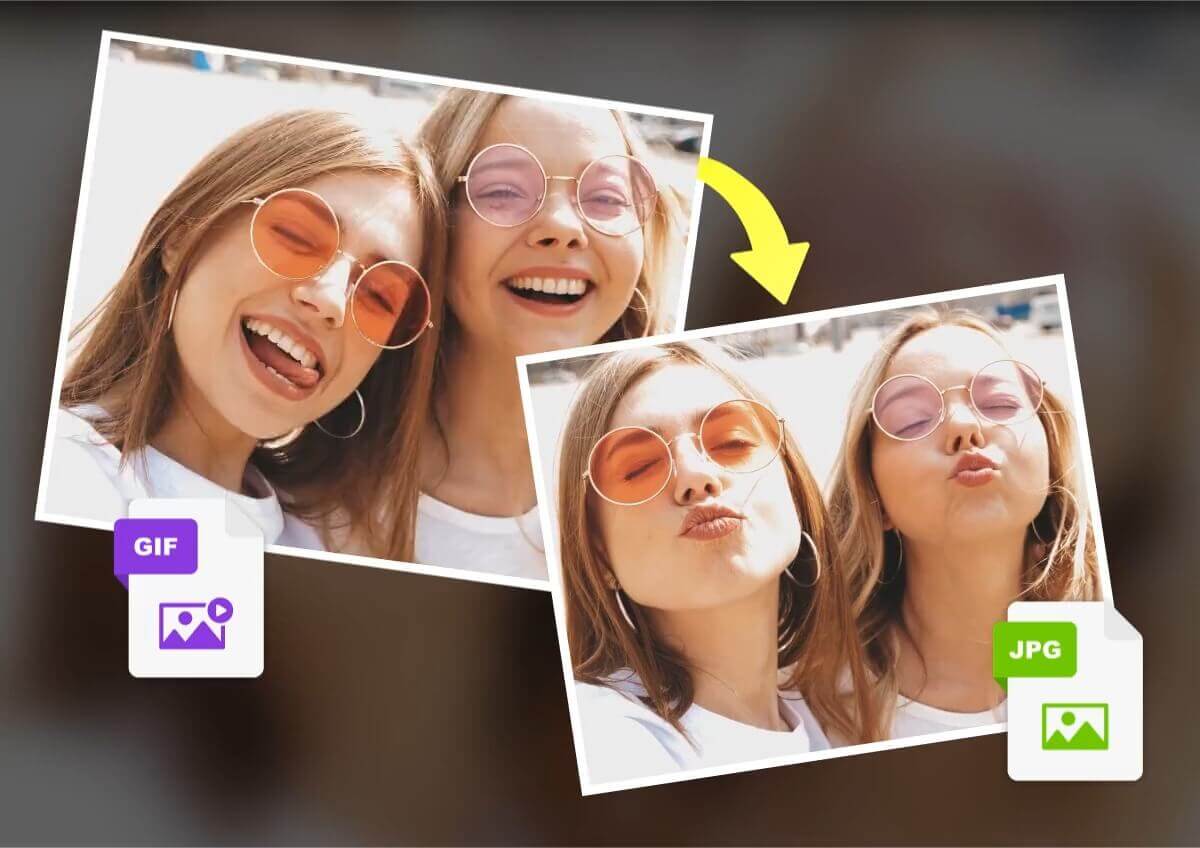
Convert GIF to PNG & JPG
Choose this tool to convert the first frame of an animated GIF into a high-quality static image (PNG) or to reduce file sizes (JPG).
Converting GIF to PNG is ideal for preserving image quality, while converting GIF to JPG is useful for simplifying the image format and optimizing for web use.
Convert GIF to TIFF
Converting GIF to TIFF is beneficial for preserving image quality and detail, making it ideal for professional printing and archiving.
This conversion ensures that the images remain sharp and clear, suitable for high-quality outputs.
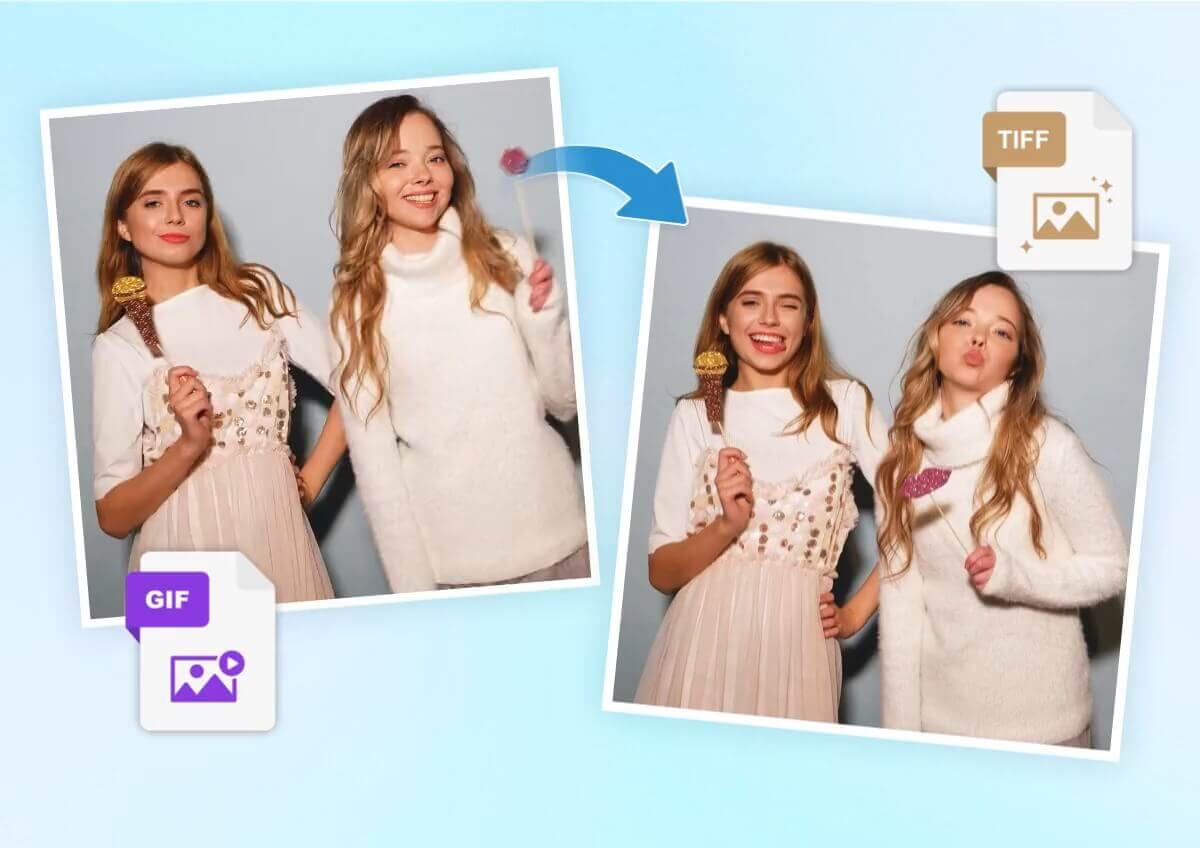
How to Easily Convert Images to the Format You Want
Upload Your Images
Upload the images you want to convert. You can upload up to 50 images at a time to streamline the process.

Choose the Format Your Want
Select the desired format for your images from the available options, such as Webp, PNG, JPG, or TIFF.
Start Converting Image Format
Initiate the conversion process to transform your images into the chosen format. The conversion will begin immediately, and you'll have your images ready in no time.
Image Format Converter FAQ
How many images can I convert at once?
You can upload and convert up to 50 images at a time for efficient processing.
What image formats do you support for conversion?
We currently support conversions to and from Webp, PNG, JPG, and TIFF formats.
Is the conversion process secure?
Yes, the conversion happens directly in your browser, ensuring privacy and speed without the need for uploads.
Why should I convert Webp to PNG?
Converting WebP to PNG can improve compatibility with various software and platforms that do not support WebP.
Additionally, PNG files offer lossless compression, which can be beneficial for maintaining image quality.
When should I convert Webp to JPG?
Convert Webp to JPG to reduce file sizes while maintaining good image quality. This is perfect for web use where smaller file sizes are beneficial. It helps in faster loading times and better performance.
What are the benefits of converting JPG to PNG?
Converting JPG to PNG is useful for creating images with lossless quality. This is beneficial for editing purposes where maintaining image integrity is crucial. PNG files are also widely supported across different platforms.
Why would I convert PNG to JPG?
Convert PNG to JPG to reduce file sizes for faster loading times on websites. This helps in saving storage space as well. JPG files are generally smaller and more efficient for web use.
When should I convert GIF to JPG?
Convert GIF to JPG to create static images from animated GIFs, reducing file sizes and optimizing for web use.
What are the advantages of converting GIF to PNG?
Converting GIF to PNG is ideal for creating high-quality static images. This is especially useful for web graphics and design elements. PNG files offer better image quality and are suitable for detailed graphics.


