

 Скачивайте без водяных знаковДоступ к инструментам редактирования фото с ИИНеиспользованные бонусы переносятся на следующий месяц




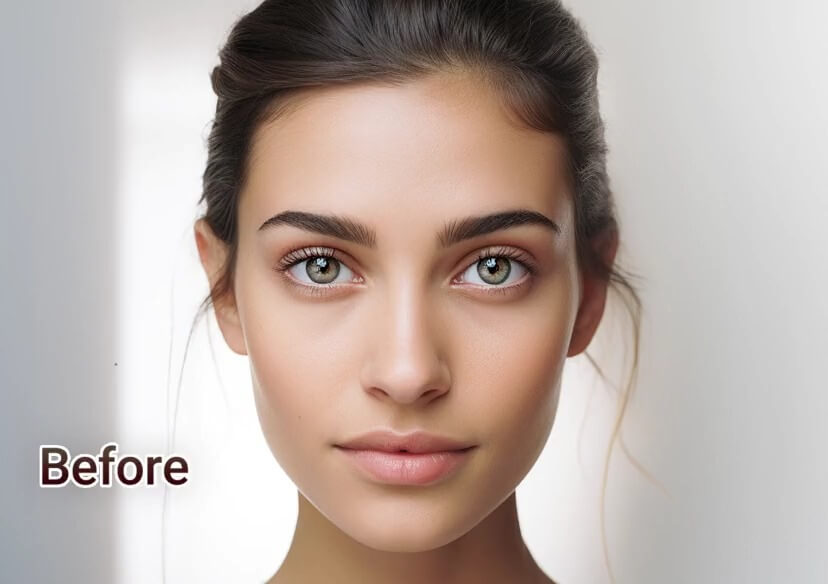
AI Makeup Editor: Add Makeup to Photos Online
Instantly test 100+ shades of lipstick, eyeshadow, and foundation with the world’s most precise AI beauty simulator- YouCam AI Makeup Editor.





AI Virtual Makeup Try-On: Effortlessly Add Makeup to Your Photos
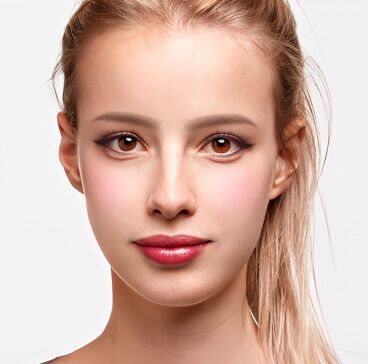
Traditional photo editing can look flat and artificial. Our AI-driven makeup editor uses advanced 3D face tracking and deep learning to ensure every product blends seamlessly with your unique skin tone and facial contours.
- Eyes: Customize your eye color, add colorful eyeshadow, apply eyeliner, voluminous eyelashes and define your eyebrows.
- Lips: Apply stunning lip colors with matte, gloss, or shimmer finishes.
- Face: Highlight your natural beauty with blush and contour, or create a flawless finish with foundation.

How to Add Makeup To Photos Online
Upload Your Photo
Upload a photo where your face can be seen clearly for optimal results.

Choose a Makeup Feature
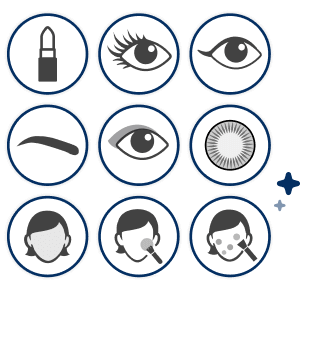
Select the makeup option you want to enhance – lip color, eyeliner, eye shadow, blush etc. The AI will automatically recognize your facial features.
Customize Your Look
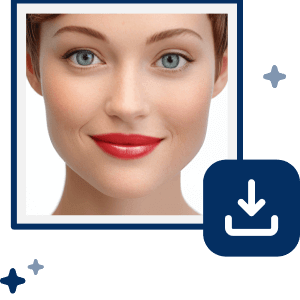
Choose colors that match your style and adjust the intensity with the slider. Once you are satisfied, save your new professional makeup look.
All-In-One Makeup Editor:
Instantly Try Makeup Filters Online
Precise AI Makeup Filters: Customize Your Makeup Looks
Transform your photos effortlessly with AI makeup editing tools!
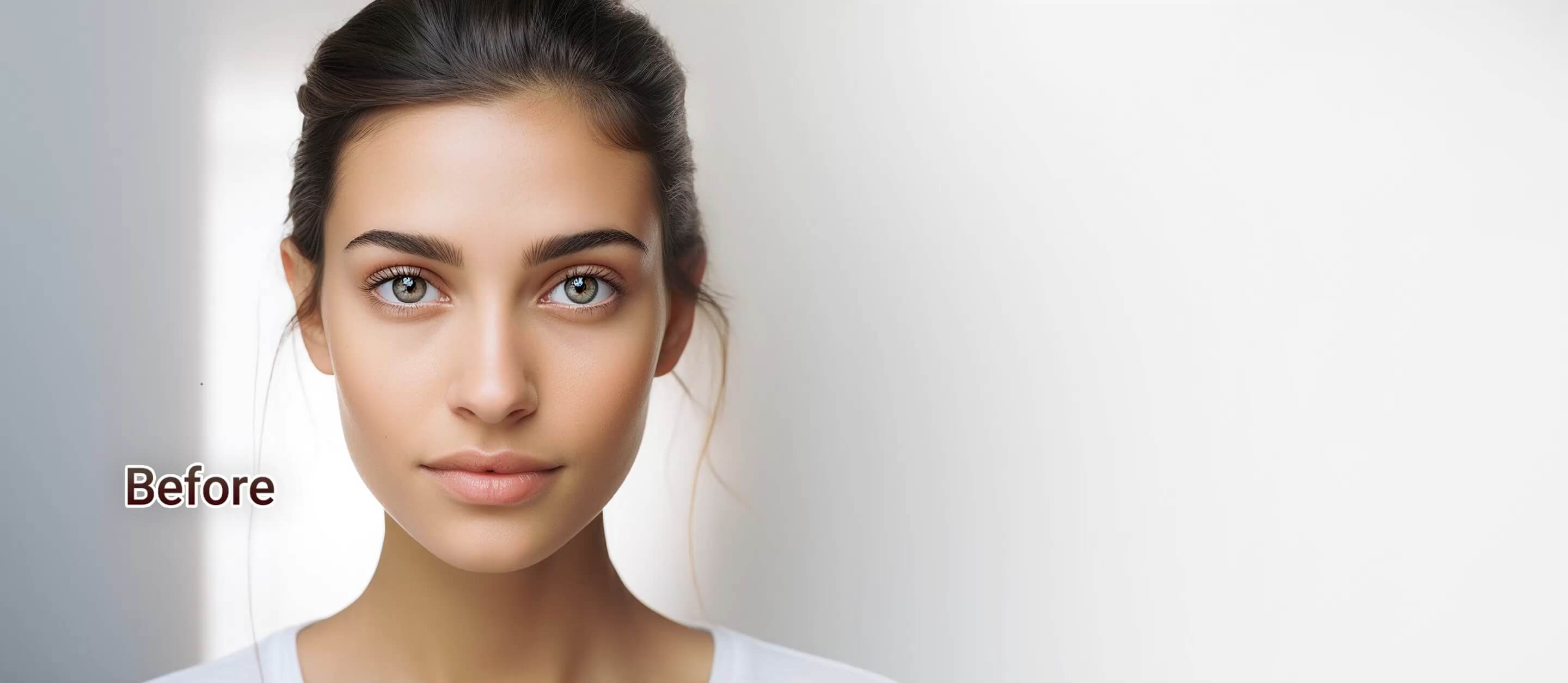
Just upload your picture, and let the advanced AI work its magic by precisely detecting your facial features like eyes, lips, face, and eyebrows.
It will automatically add stunning makeup to your photo based on the beauty filters that you choose, giving you a flawless look.
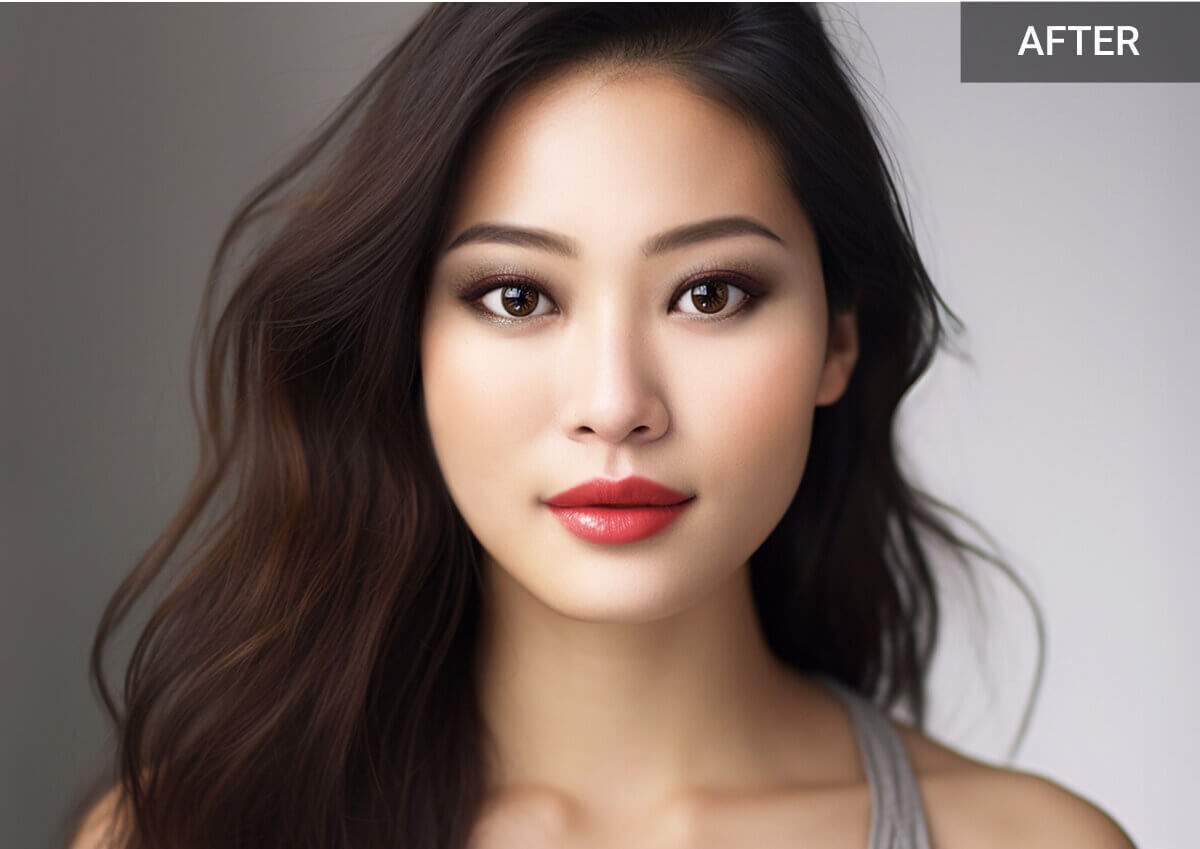
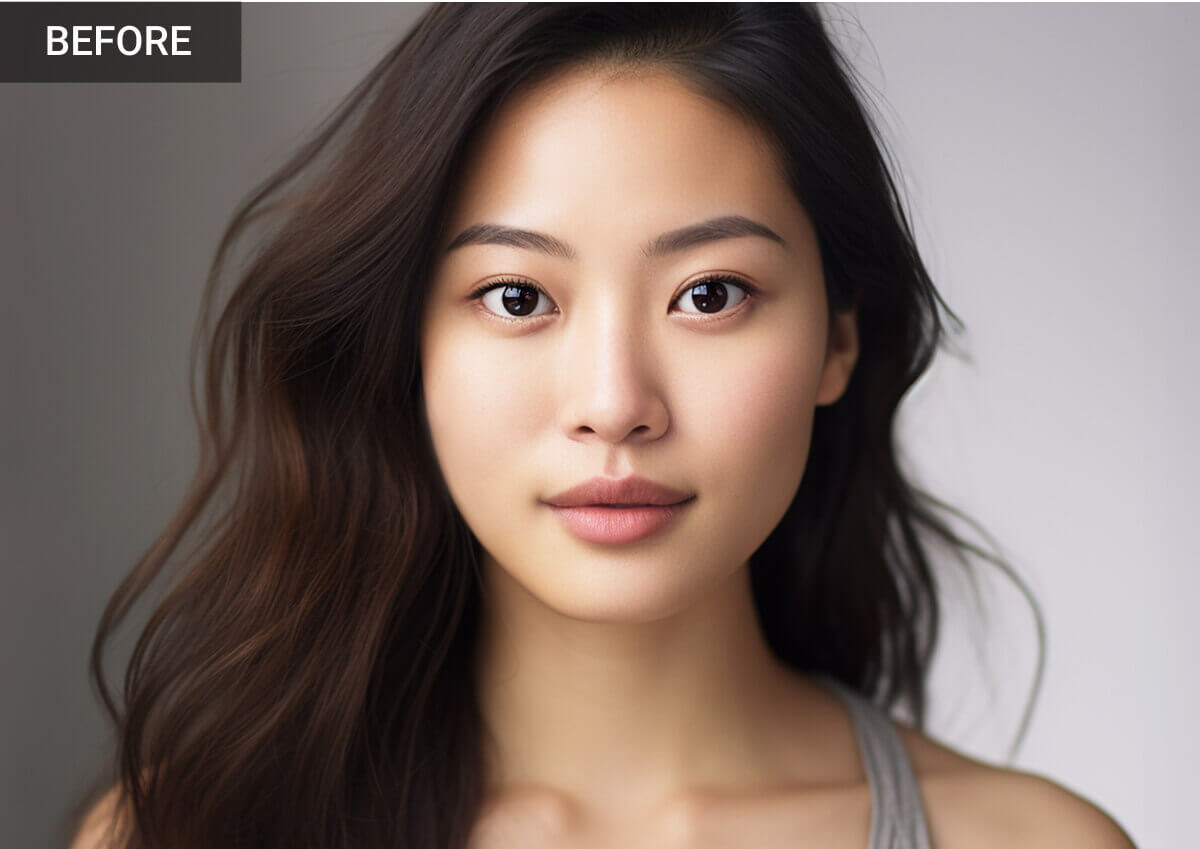

AI Eye Makeup: Add Eyelashes & Eyeliner To Photos
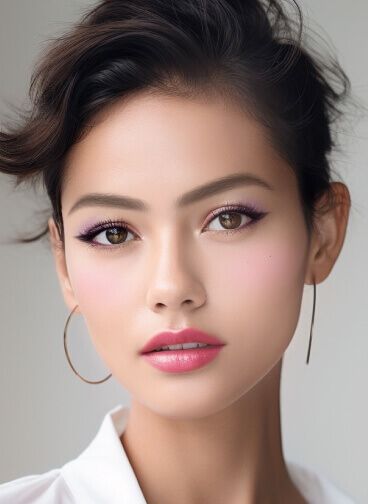
- Illuminate your eyes with AI magic, featuring custom eye colors and captivating lashes.
- Effortlessly explore a variety of eye shadow palettes and eyeliner styles and colors.
No need to spend on expensive makeup to try out new looks!
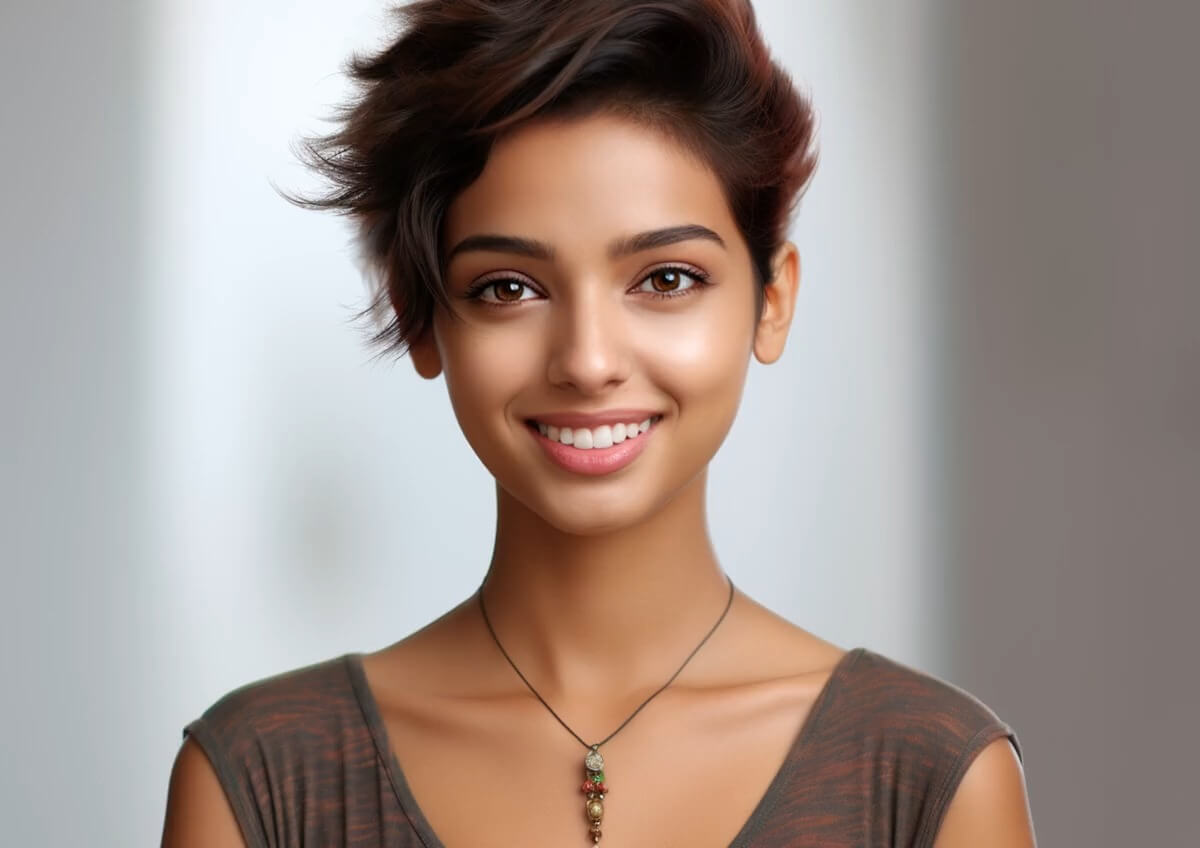
Radiant Complexion: Add Foundation & Blush To Photos
- Perfect your face photos with smooth foundation for clear, flawless skin.
- Achieve a glowing look with countless blush options.
- Highlight and contour your facial features for a professional makeup finish.
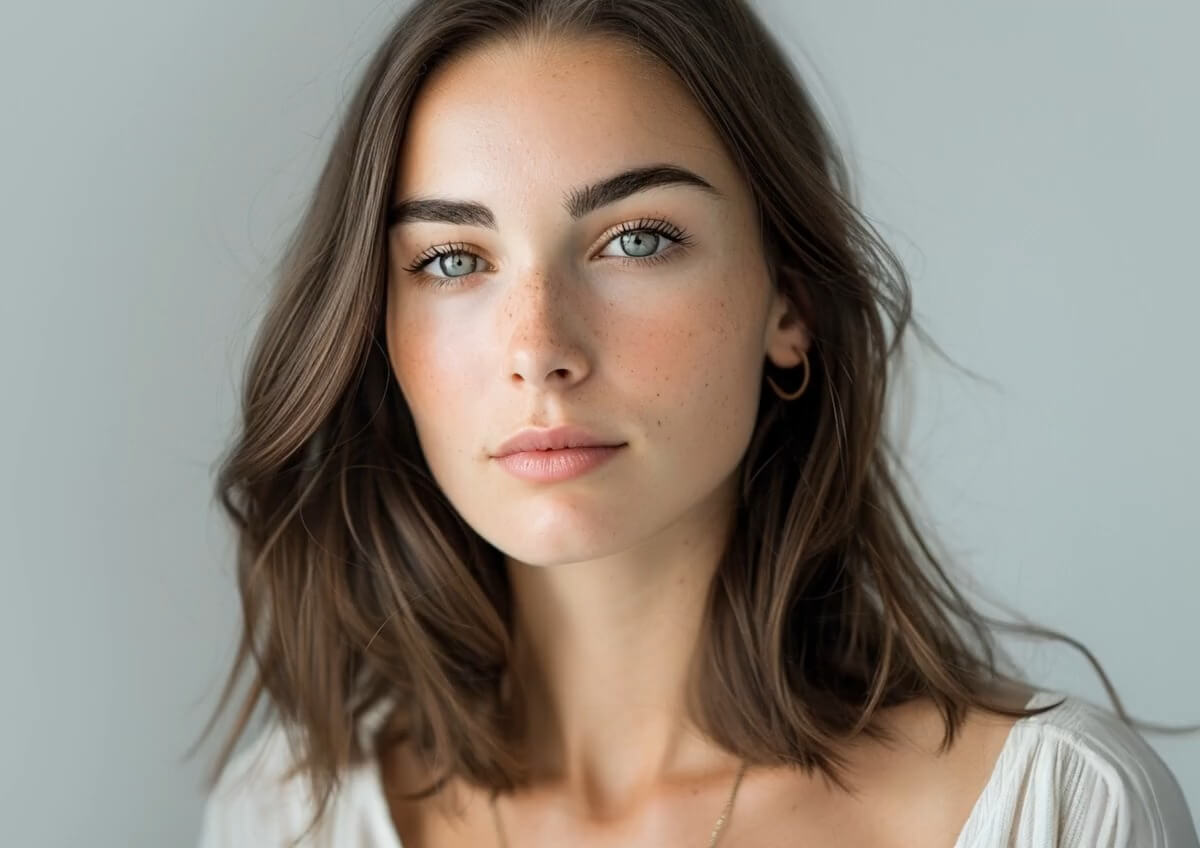
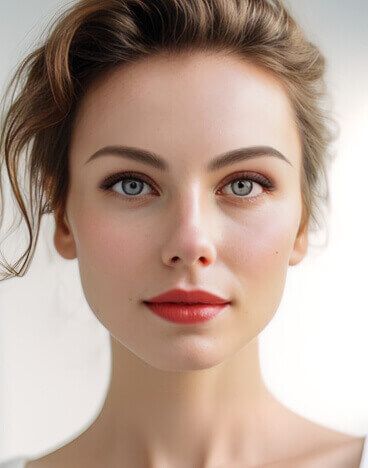
AI Lipstick: Try Enchanting Lip Colors
- Transform your lips with vibrant shades perfect for any occasion.
- Choose from a variety of bold, natural, or glossy styles to match your mood and look.
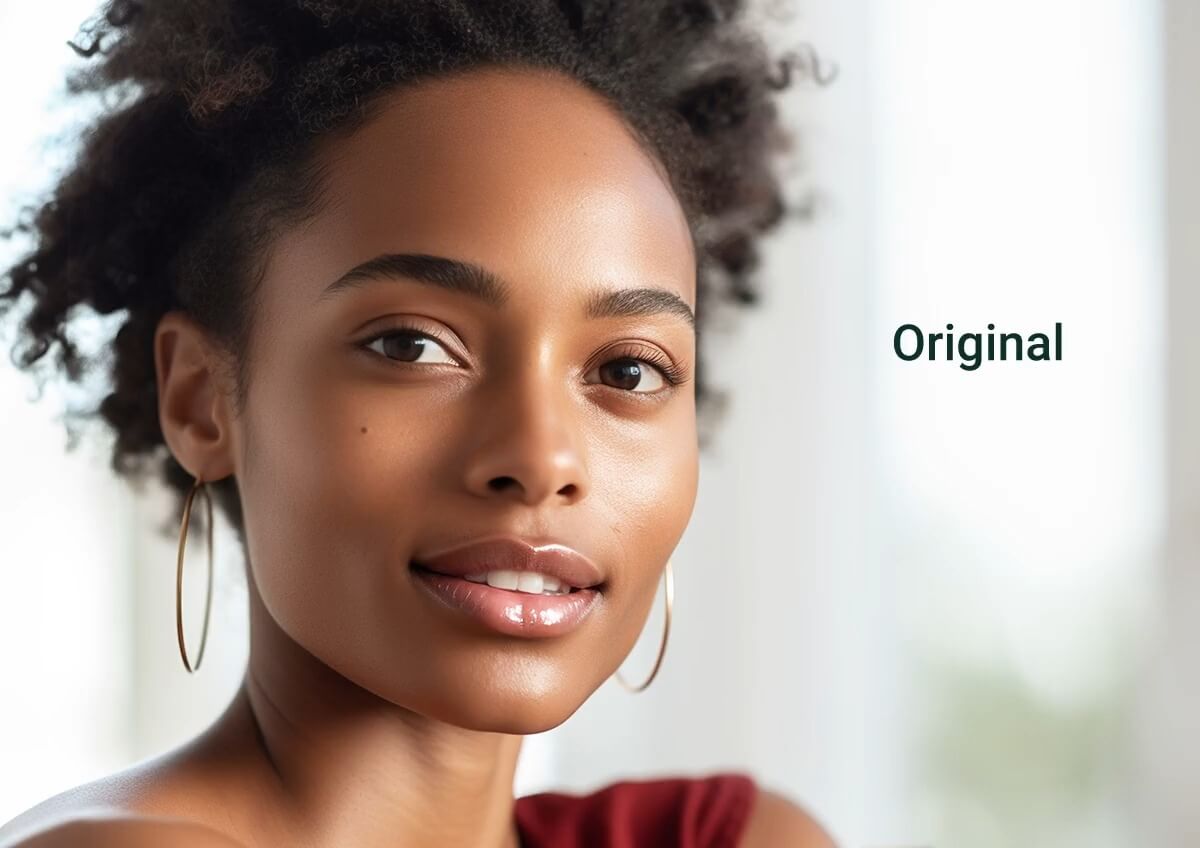
AI Makeup Transfer: Instantly Try Any Makeup Look
With our AI makeup transfer feature, you can try any makeup look on your photo. Upload a reference photo of your favorite celebrity or trend, and our AI will instantly extract and apply that exact look to your face.
AI Makeup Face Editor FAQs
How can I edit my makeup in a picture?
- 1. Upload your image to YouCam Online Editor's AI Makeup Photo Editor.
- 2. Explore 10+ makeup features. Adjust colors and intensity.
- 3. Save your new look.
What is the best photo editor for beauty online?
The YouCam Online Editor AI Makeup Editor is the best free selfie photo editing and beauty online tool.
Simply upload your photo and explore the countless makeup filters to customize your look on your photo – perfect for all your selfie and photo editing needs.
How to edit pictures with makeup?
Use YouCam Online Editor’s free AI Makeup Photo Editor to edit your pictures with makeup.
Add makeup to your photos with just a few clicks. Whether you want a glamourous, bold, or natural look – the makeup filter options are endless!
How can I make my face clear online?
To achieve clear skin in your photos, consider using online face editors such as the AI Makeup Face Editor by YouCam Online.
Easily apply foundation that matches you skin and customize the intensity to eliminate blemishes, such as pimples, scars, and other imperfections.
How can I edit a picture to look pretty?
Editing your photos and selfies to look pretty is easier than ever. Simply use the YouCam Online Editor AI Makeup Face Editor, a tool that offers comprehensive face editing tools, allowing you to beautify your photos easily.
Can AI give me a makeover?
The YouCam Online Editor's AI Makeup Editor can give you a stunning AI makeover! Simply upload your photo to the online tool, get your facial features detected and try 10 different makeup features. Adding makeup filters to your photo has never been easier.
How accurate is the AI makeup try-on?
Our AI makeup tool uses high-fidelity 3D rendering and patented face-tracking technology to ensure 99% accuracy in color and texture. Unlike standard filters, our tool simulates real-world lighting and product finishes for a professional result.
Does the AI makeup editor work on all skin tones?
Absolutely. Our AI is trained on a globally diverse dataset to ensure that foundations, blushes, and lip colors appear vibrant and true-to-life on every skin tone and ethnicity.
How do I use the AI Makeup Transfer feature?
Simply upload a "target" image containing the makeup look you like, and then upload your own photo. Our AI will analyze the color palette and application style of the target image and replicate it on your face automatically.
Can I try on makeup online for free?
Yes, the YouCam Online Editor allows you to upload a photo and experiment with dozens of makeup categories and full-face looks completely free of charge. No download is required.

Discover More AI-Powered Makeup Filters with Our Mobile App!