


 Скачивайте без водяных знаковДоступ к инструментам редактирования фото с ИИНеиспользованные бонусы переносятся на следующий месяц





Free Online
Image Resizer
Resize photos with our free online image resizer for Instagram, YouTube, and more without losing image quality.


Resize Images Online Free, Use Anywhere
Resize Photo for Instagram and Social Media
Easily resize your photos for social media using our intuitive image resizer. Effortlessly adapt your images for various social media platforms without a hassle.

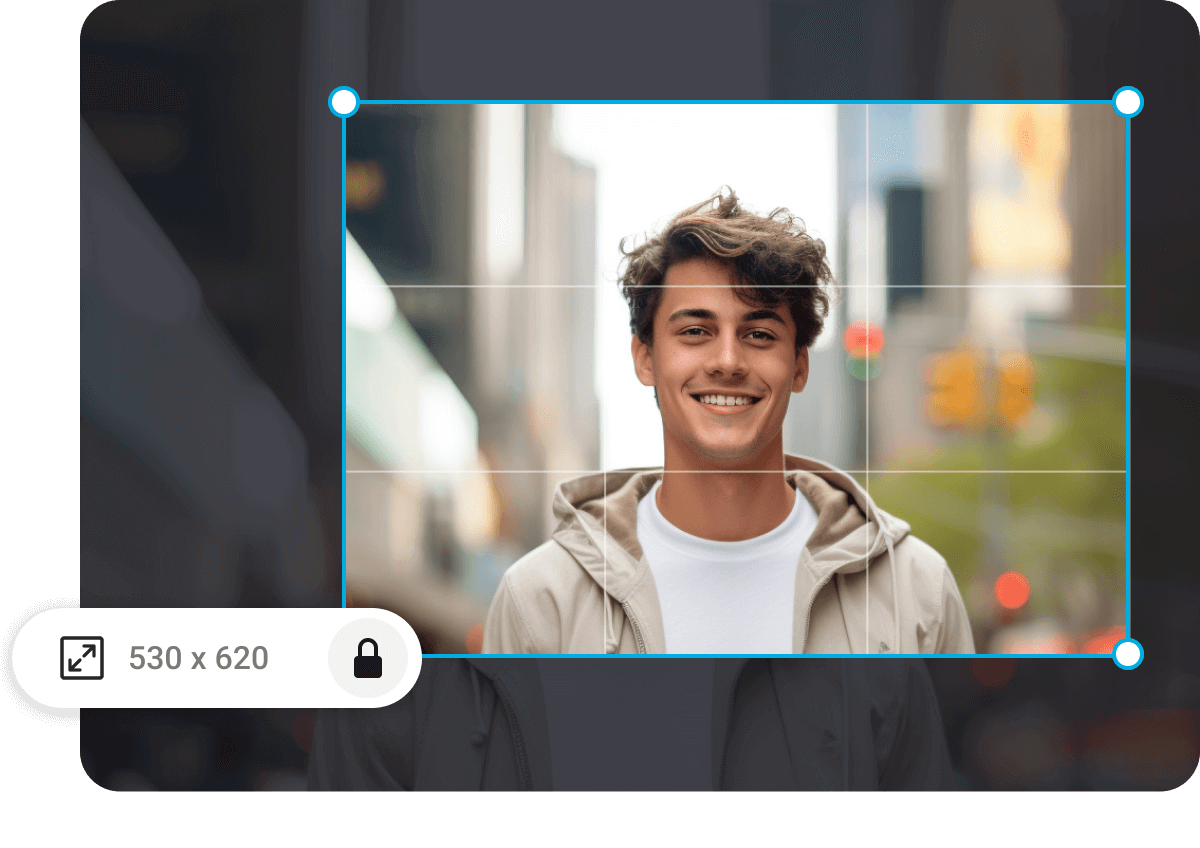
Quickly Resize Images Online
Quickly adjust the size of any image, whether you need it smaller, vertical, or horizontal. Save time by skipping the wait for designers and the hassle of complex software. Let our easy-to-use image resizer handle the task for you.
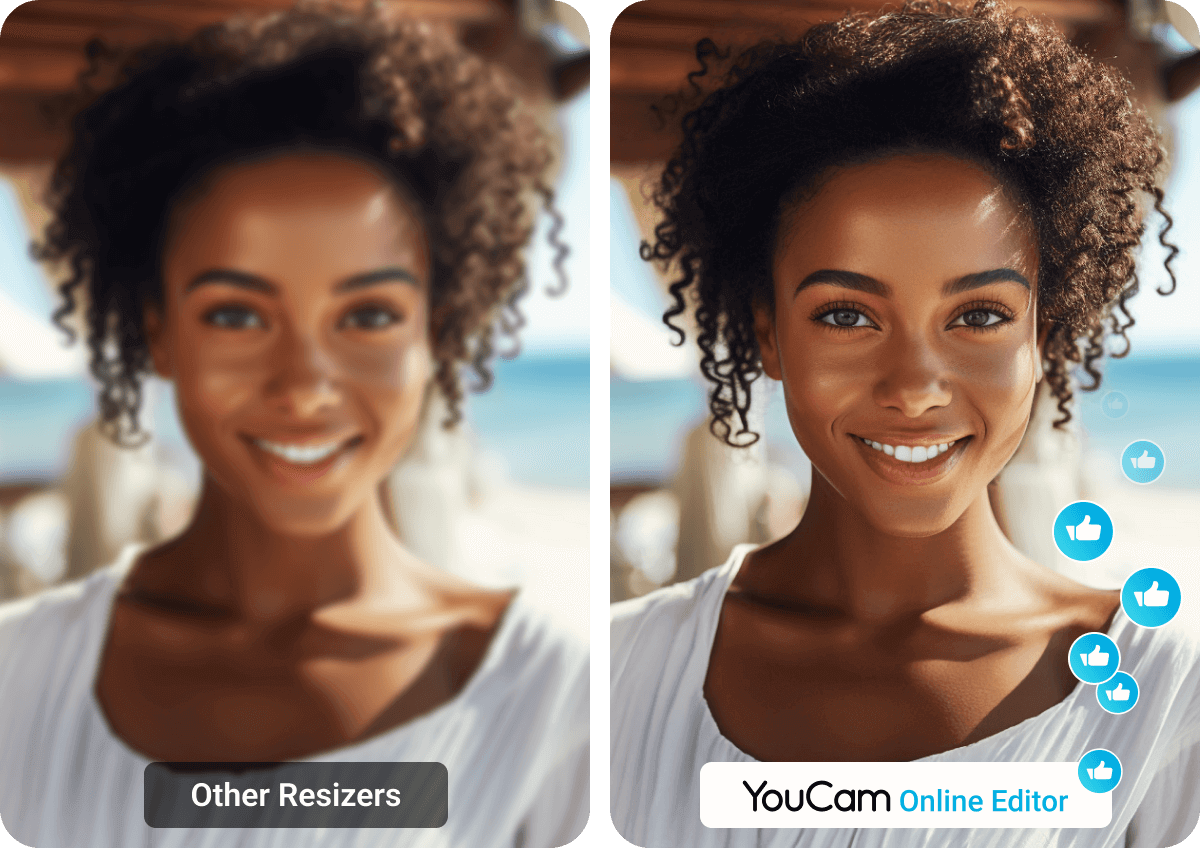
No Quality Compromised
Resize your images without sacrificing quality. Maintain the high quality your images deserve. If the photo quality isn't up to par, simply enhance it with our built-in AI Photo Enhancer.
Resize Your Image to Do More
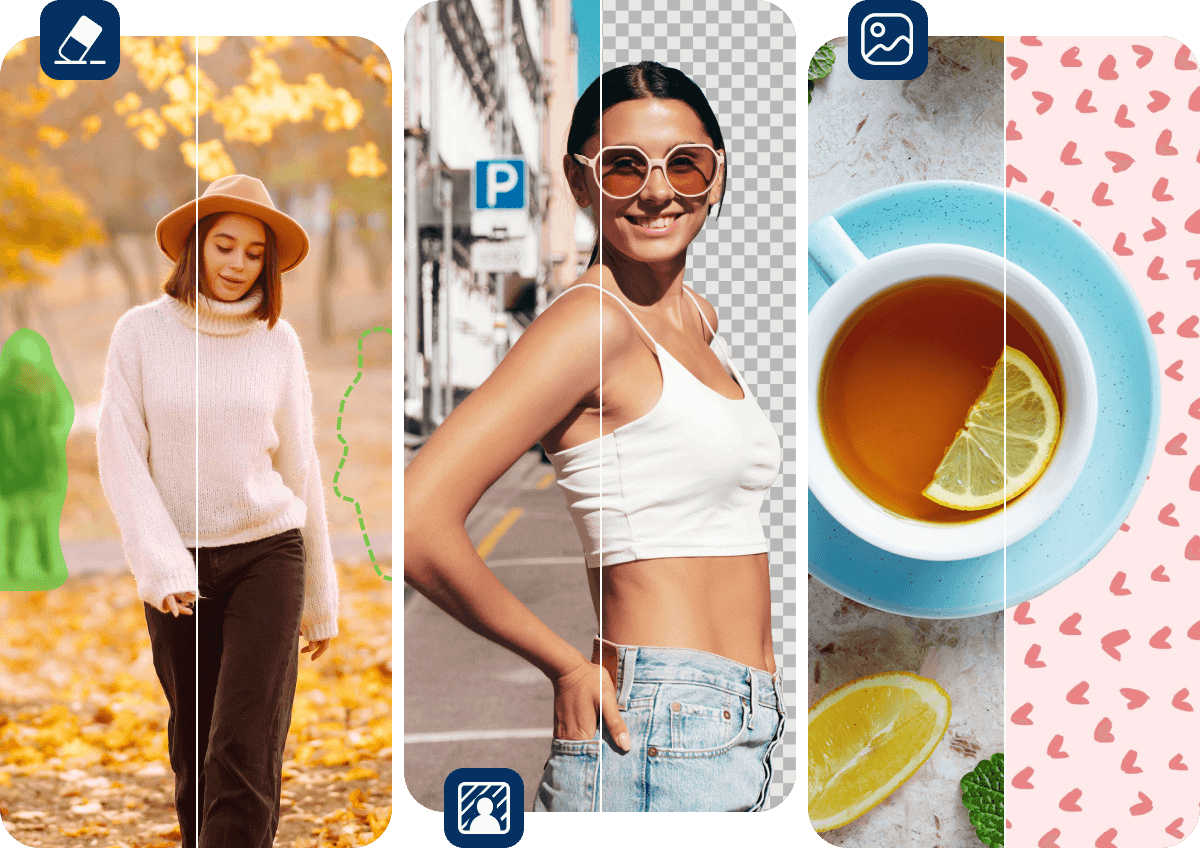
Unleash your creativity with the diverse photo editing tools offered by YouCam Online Editor. Effortlessly remove unwanted objects from your social media images, change backgrounds, or replace them with any color or image of your choice. Experience all these features in one convenient online photo editor.
How to Resize an Image with Online Image Resizer
Whether you want to get the right image fit for social media, use on print or web, or upload for an eCommerce store, YouCam’s image resizer makes changing image size a breeze.

Upload Your Image
First upload your image or photo to YouCam online image resizer tool.
(Supported formats: JPG, JPEG, PNG)


Resize Your Image
Enter desired size for your image by adjusting the width and height pixels. Alternatively, you can also resize by using a percentage.

Save Resized Image
Download your resized image as a high-quality JPG or PNG file.
Or if you need to keep editing, check out some other useful tools like Background Changer, Object Removal & more.
Online Image Resizer FAQs
How can I resize a thumbnail for Instagram or YouTube?
Resize images for Instagram, YouTube, or any other social media platform effortlessly with YouCam’s image resizer tool. Simply enter the desired dimensions and download the resized image instantly.
Can I resize a photo on my phone?
Certainly. Simply upload the image you want to resize and adjust it to your desired dimensions.
How do I resize an image without losing quality?
The AI in YouCam Online Editor automatically resizes images while preserving their quality, ensuring that you don't have to compromise on clarity.
What is the easiest way to resize photos?
Resize your images or photos with YouCam Online Editor – no app download required and completely free. Access it anytime, anywhere.
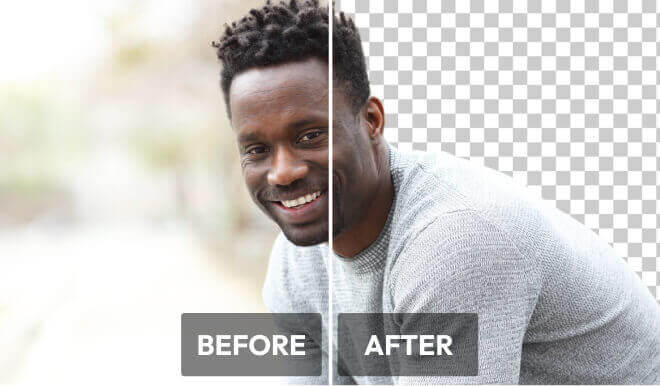
The AI Background Remover automatically detects and isolates the subject in your photo, producing precise portrait or object cutouts without any manual work.

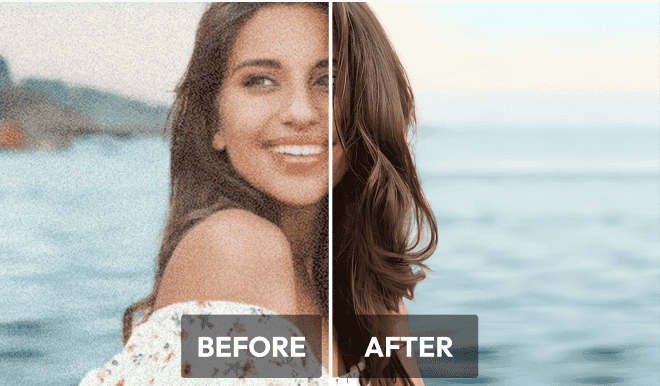
Got a blurry profile picture? Boost image resolution and quality instantly while enhancing facial features and details naturally with the AI Photo Enhancer.
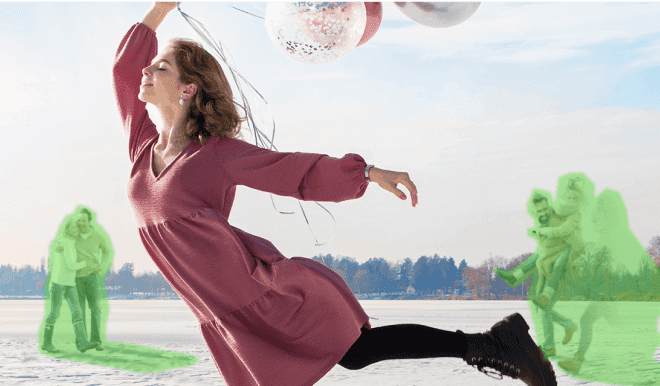
With just one click, remove any unwanted person, object, watermark or logo from your almost-perfect picture with easy precision control.

Resize Images on Your iPhone Wherever and Whenever with YouCam App


Latest Articles


