

 Скачивайте без водяных знаковДоступ к инструментам редактирования фото с ИИНеиспользованные бонусы переносятся на следующий месяц




AI Clothes Changer
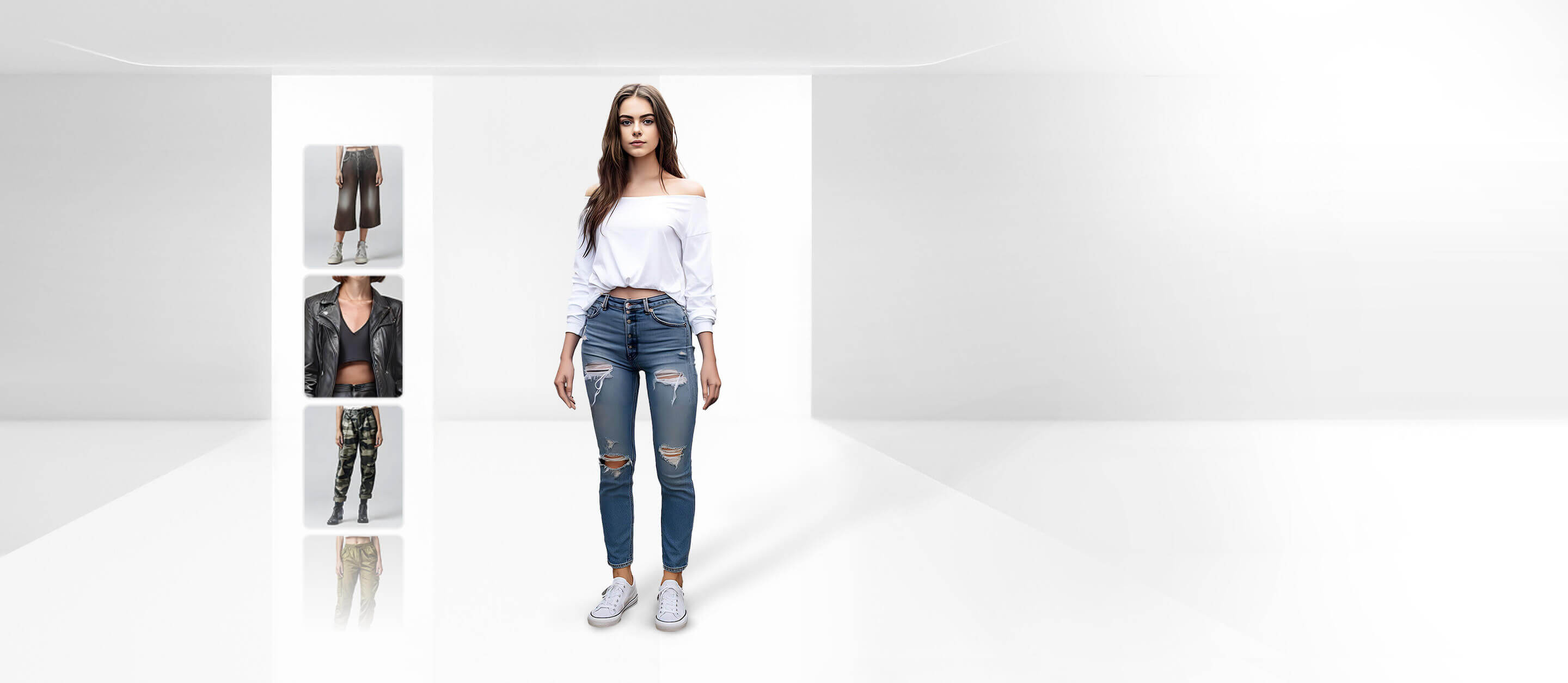
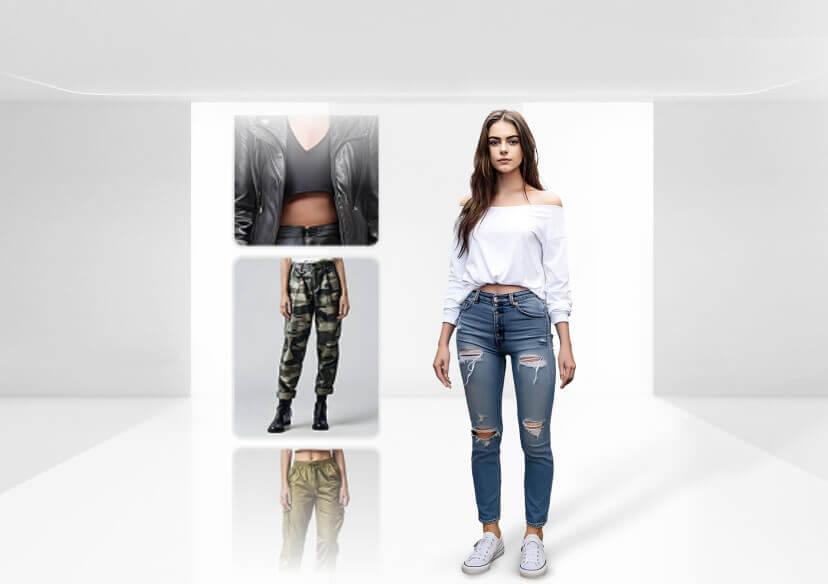
Swap outfits in photos online with generative AI. Whether you want to visualize a new style or try out fashion trends, our virtual outfit try on makes it easy with realistic textures and fit.


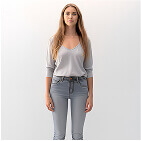


How to Change Clothes in Photo with AI?
Our AI technology maps your body shape to apply new outfits seamlessly. Follow these steps for a true-to-life virtual try-on experience.
Tip: Ensure your hands are not covering your clothes in the original photo for best results.
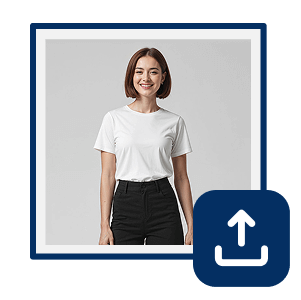
Upload Your Photo
Upload a clear image. For the best results, use a full-body or half-body shot with good lighting and no objects blocking your current outfit.

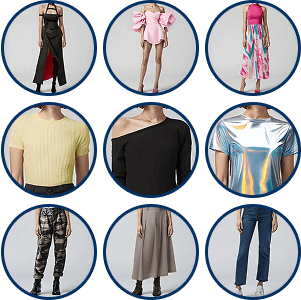
Select or Upload a Style
Browse our curated fashion gallery (dresses, suits, casual wear) or upload a reference image of a specific clothing item you want to try on.

Virtual Try On
Click "Generate." Our AI detects your body pose and replaces your current clothes with the selected style, adjusting for folds, lighting, and fit automatically.
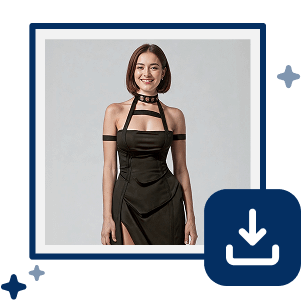
Save Your New Look
Preview your makeover. Satisfied with the style? Download high-resolution images to share on social media or use for style inspiration.
Your Dream Wardrobe, Zero Clutter.
Try YouCam's AI Clothes Changer and experience realistic virtual outfit try on from just one photo. Easily change clothes in a photo to explore new styles, test different outfits, and preview fashion ideas before you buy.
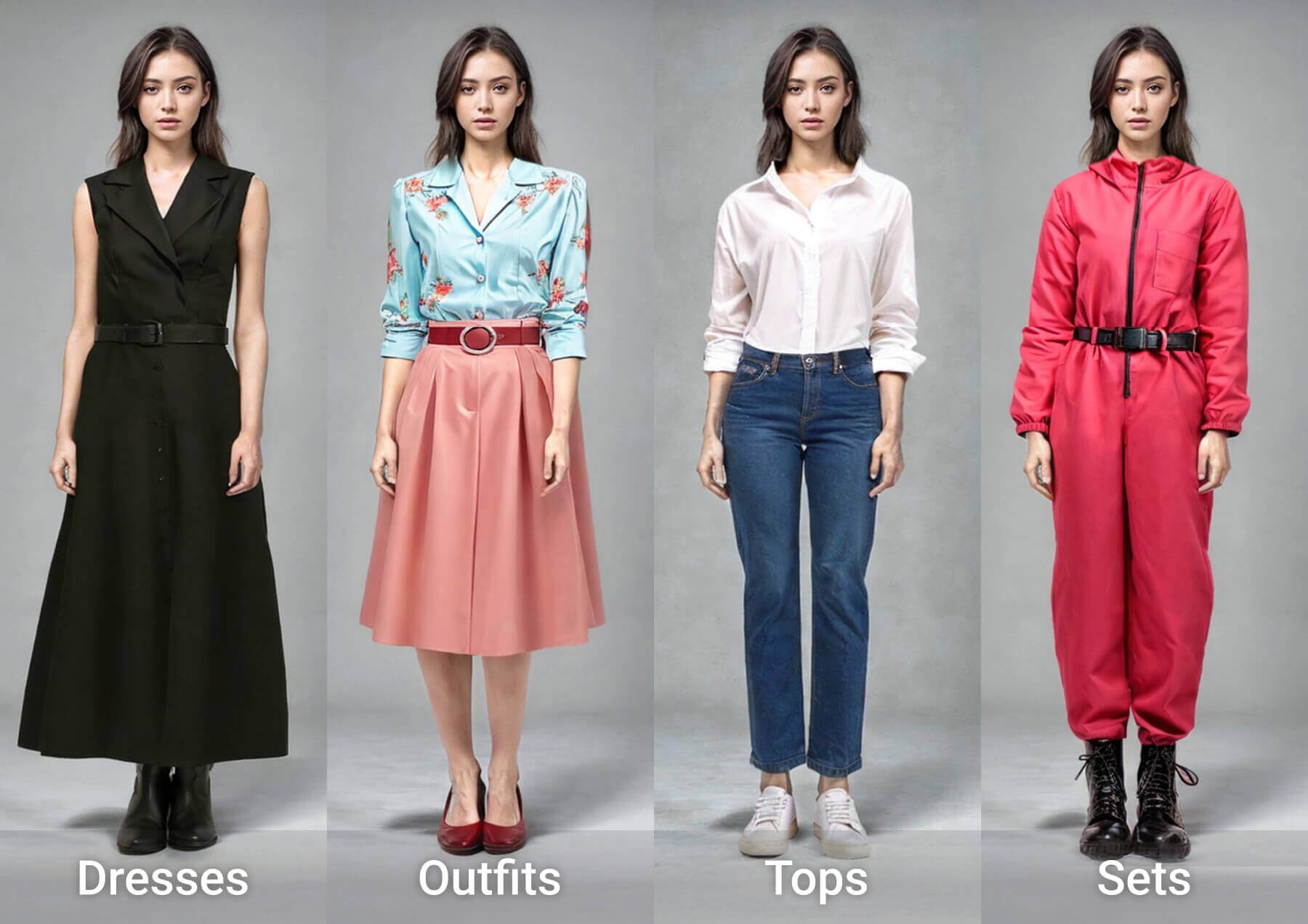
Experiment with 50+ diverse styles without buying a thing. Our AI fashion library is constantly updated with looks ranging from professional attire and evening gowns to streetwear and movie-inspired outfits.
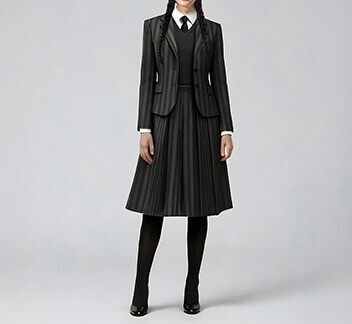
Tailored Trouble
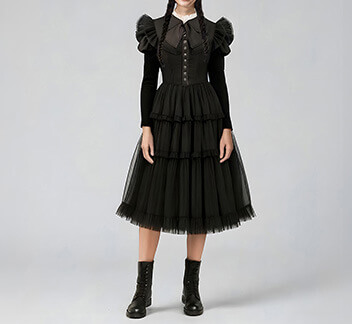
Midnight Collar
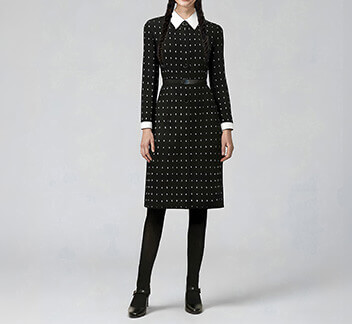
Night Shift
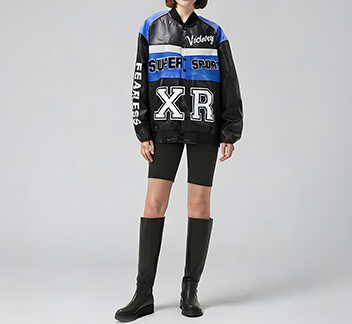
XR Speed
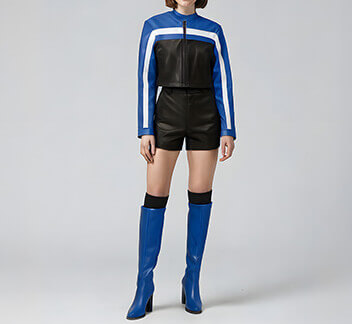
Blue Flag
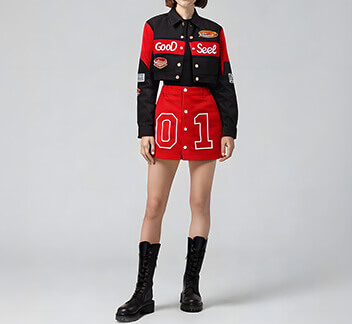
Pit Crew
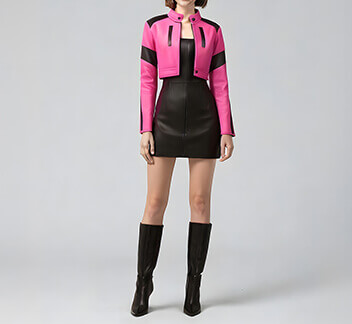
Final Lap
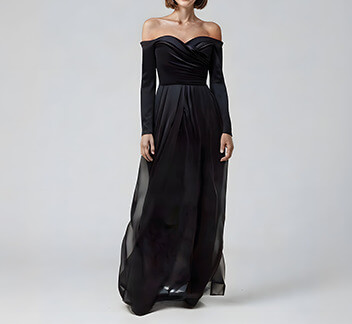
Black Gala Dress
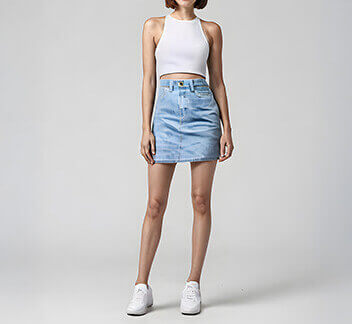
Sporty Chic Denim
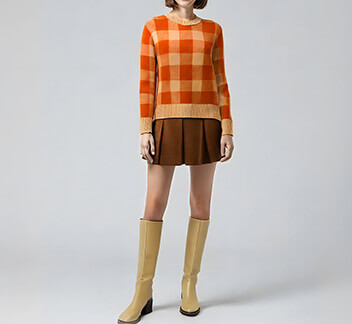
Classic Preppy Look
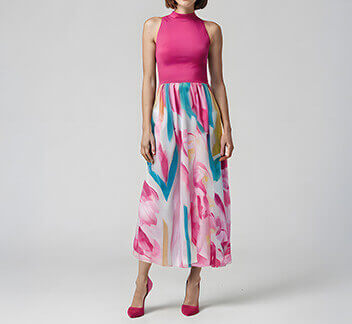
Colorblock Pink Midi
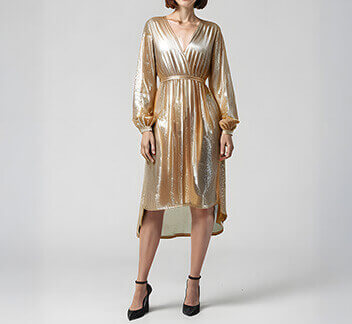
Golden Glow Midi
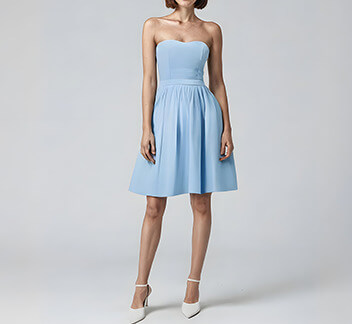
Mini Strapless Dress
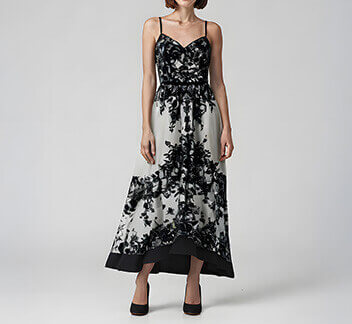
Black Lace Dress
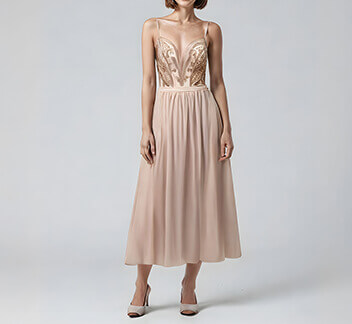
Gold Midi Dress
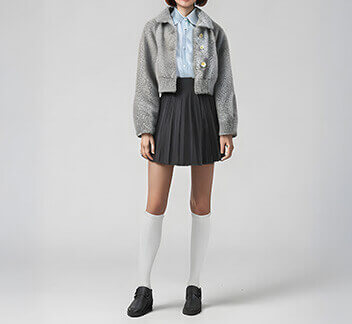
Schoolgirl Chic
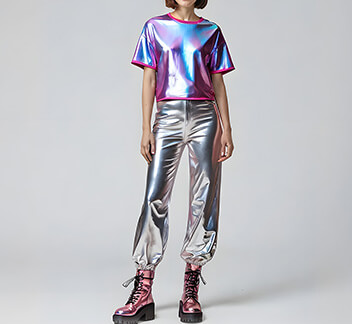
Stellar Metallic Set
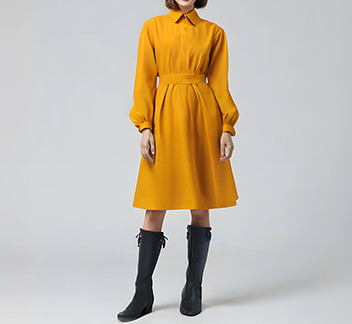
Mustard Midi Look
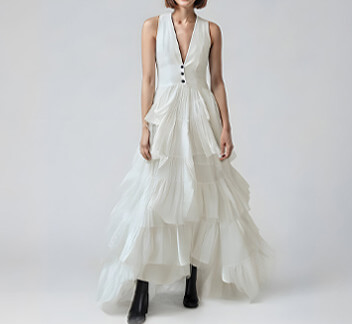
White Ruffled Maxi
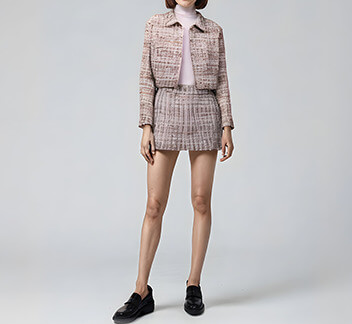
Tweed Mélange
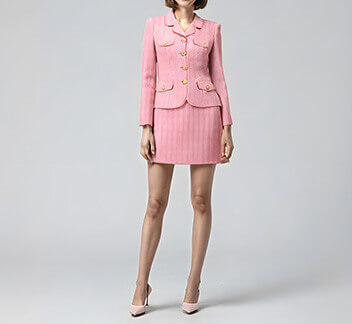
Pink Tweed
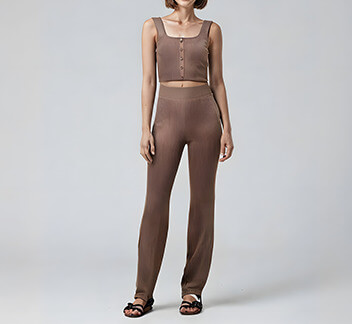
Lounge Mode
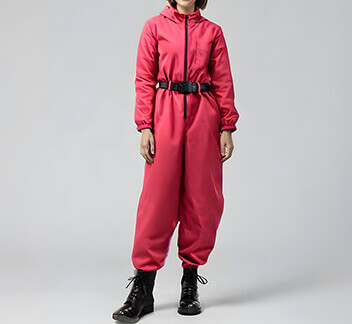
Game Suit
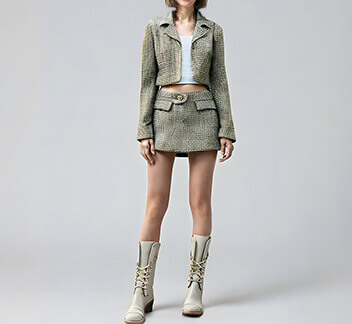
Evergreen
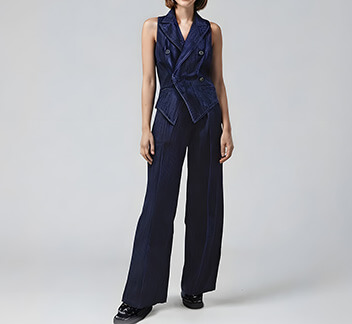
Denim Duo
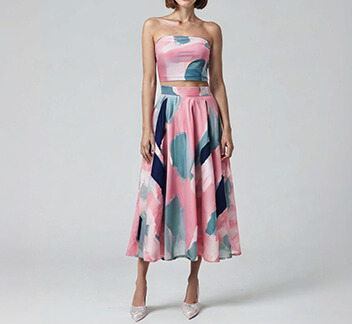
Color Pop
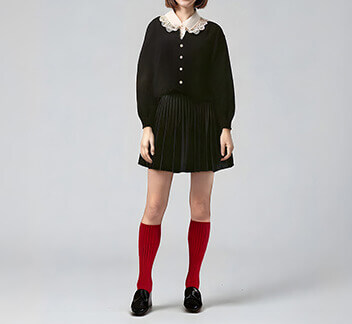
Collared Black Dress
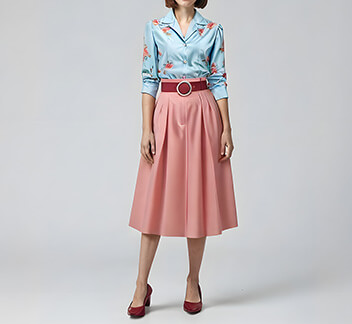
Blush & Blue
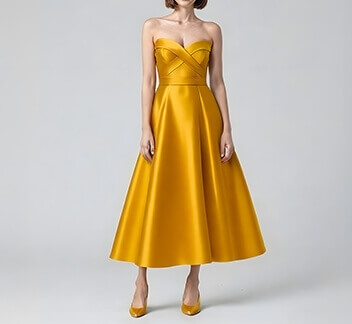
Strapless Gold Dress
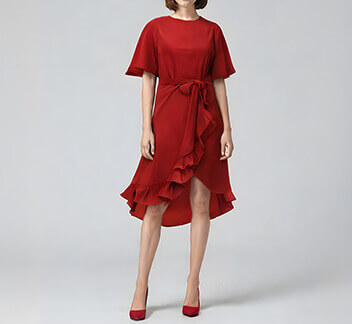
Ruffle Wrap Dress
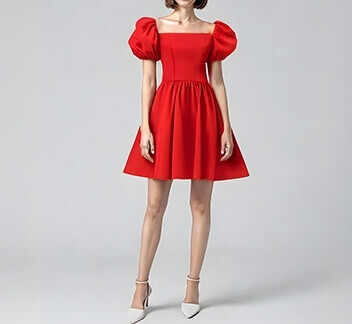
Red Babydoll Dress
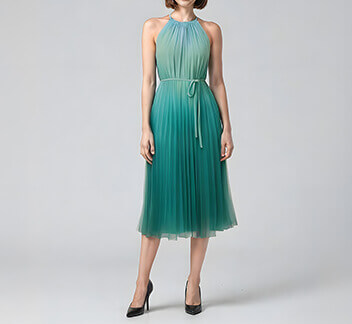
Pleated Green Dress
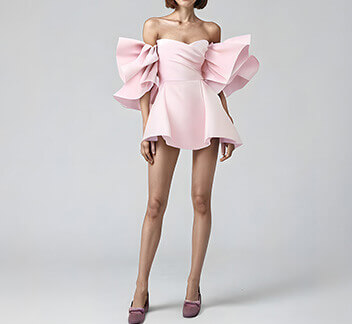
Pink Puff Mini Dress
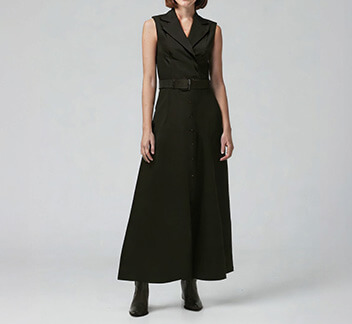
Flowy Black Dress
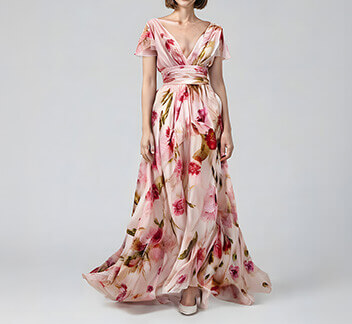
Floral Maxi Dress
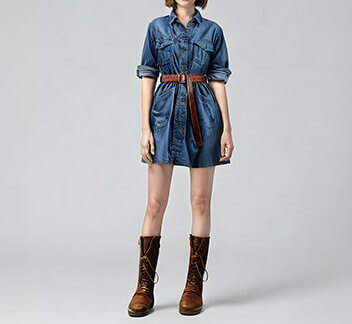
Denim Shirt Dress
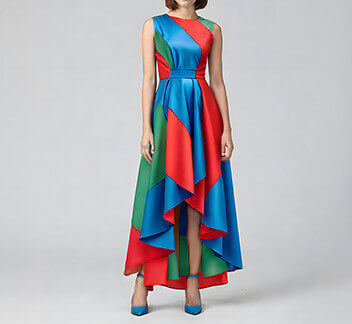
Bold High Low
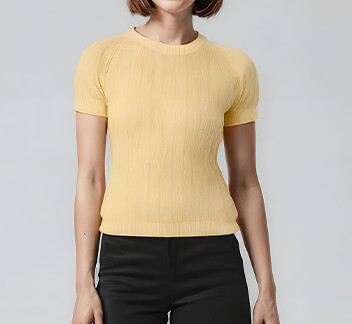
Yellow Knit
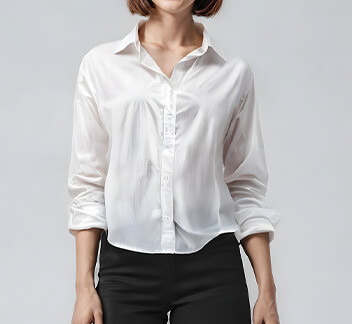
White Button Down
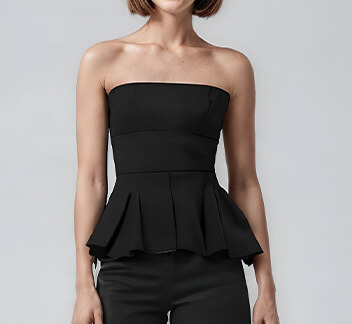
Strapless Peplum Top
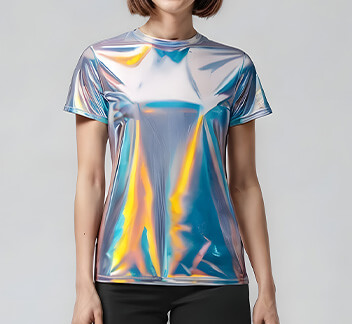
Shiny Metallic Shirt
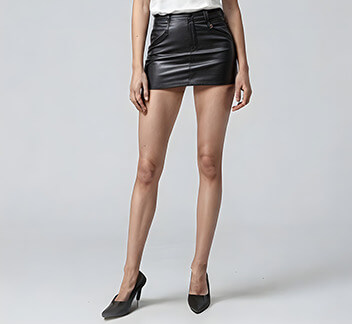
Leather Mini Skirt
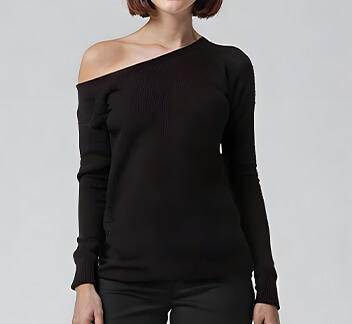
Off-Shoulder Black
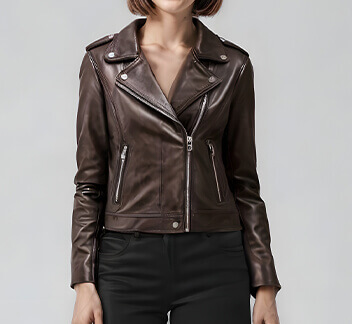
Brown Moto Chic
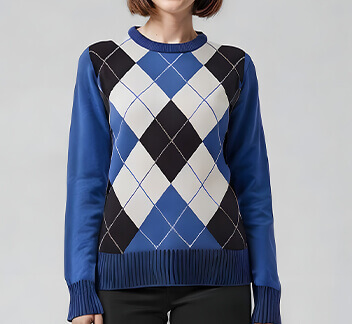
Argyle Sweater
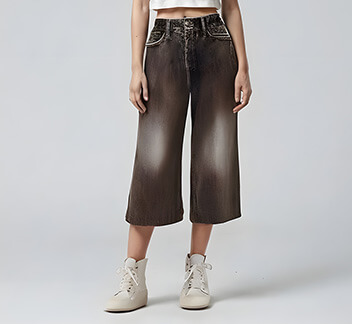
Wide-Leg Capris
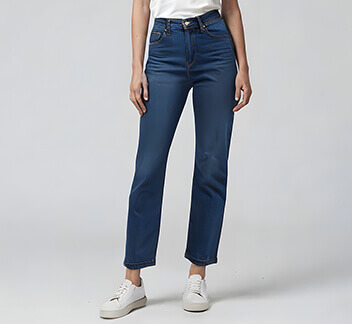
Straight-Leg Jeans
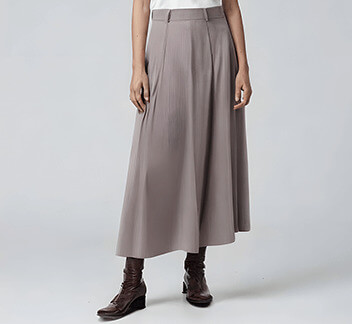
Long Grey Skirt
Why Use YouCam's AI Clothes Changer?
Precise Mapping for All Body Types
Forget "sticker-like" overlays. Our proprietary 3D mesh technology detects your exact posture and curves, ensuring fabrics drape naturally over your unique body shape, and not a generic mannequin.

Instant Access to Global Trends
From "Quiet Luxury" linens to high-street denim, our asset library is updated weekly with forecasted trends. Experiment with styles you’d never pick off the rack, risk-free.
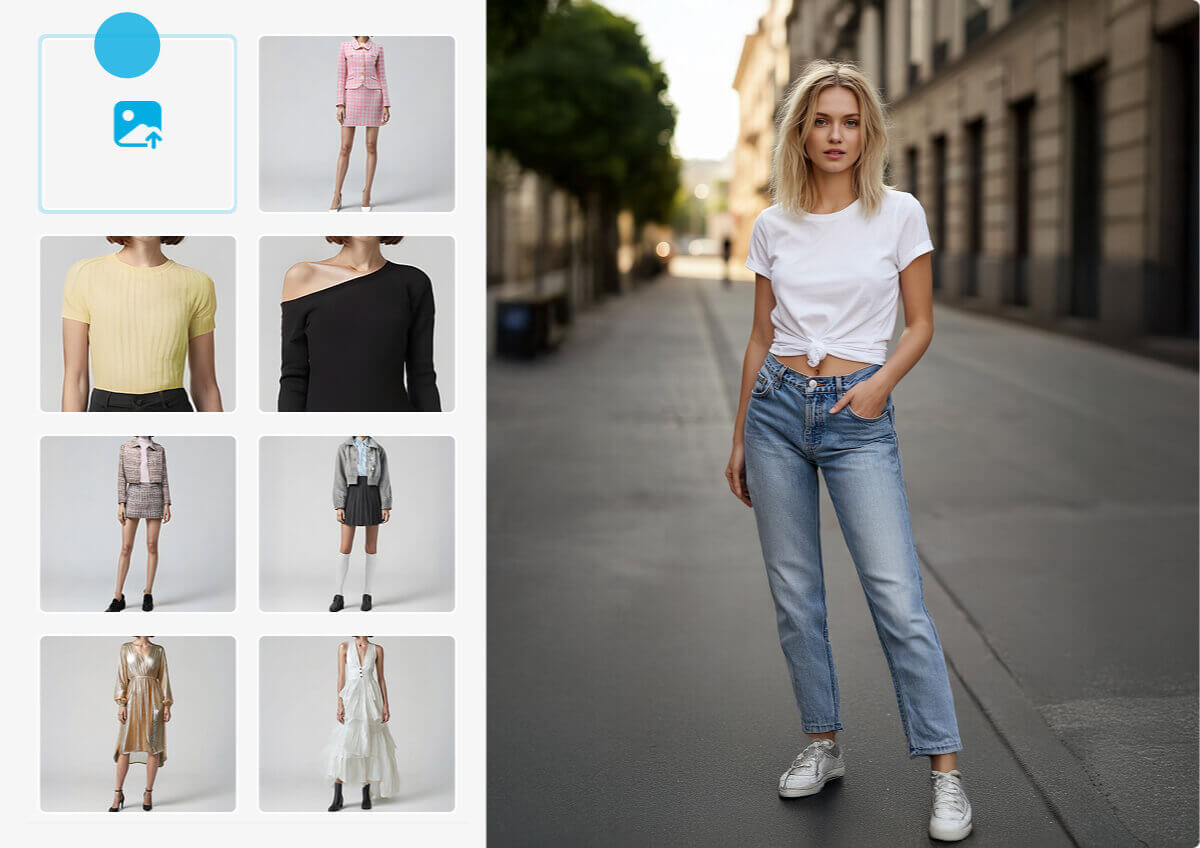
The Ultimate Virtual Fitting Room
Stop guessing sizes. Visualize exactly how a crop top, maxi dress, or blazer looks on you before you checkout. Reduce returns and shop with absolute confidence.

Hyper-Realistic Fabric Rendering
It’s all in the lighting. Our AI analyzes the light source in your photo to generate accurate shadows, fabric folds, and texture depth, making the edit indistinguishable from reality.

Bring Your Style to Life with an AI Runway Show
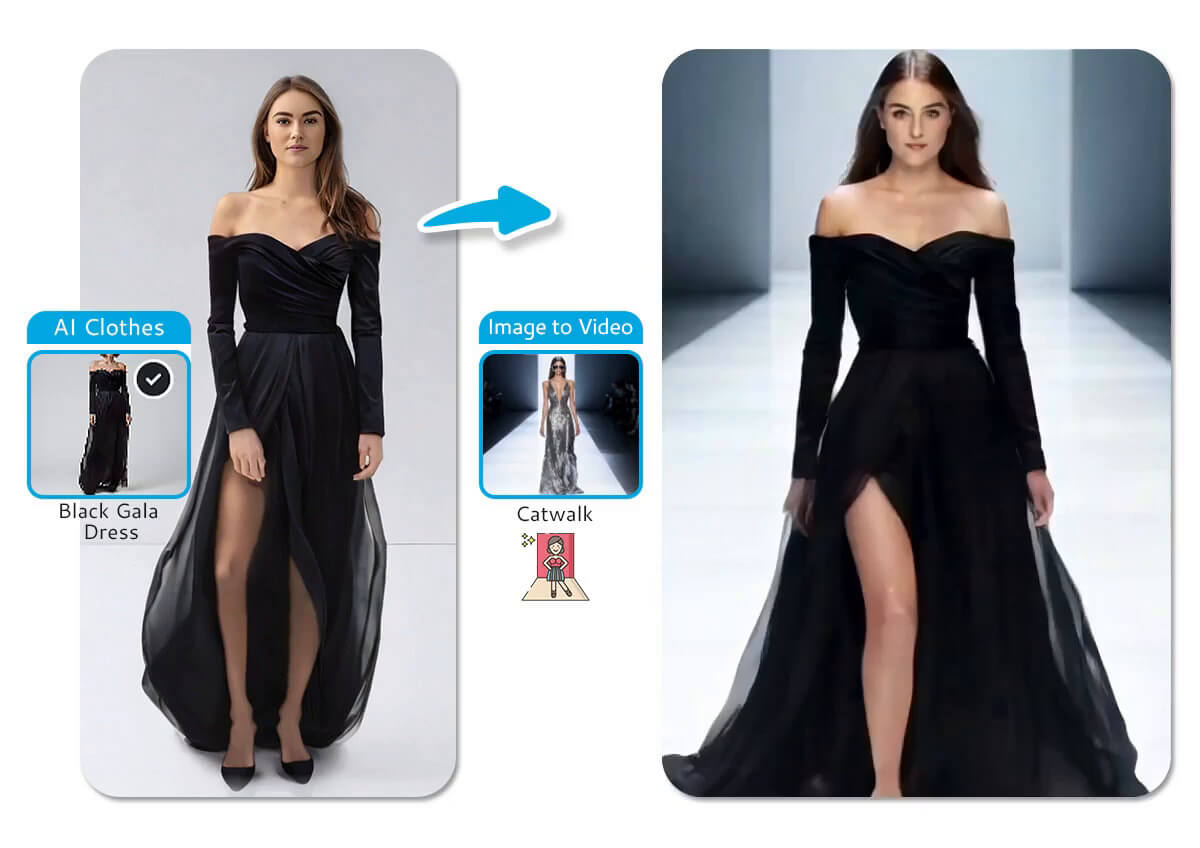
Don’t just post a selfie—post a moment. Our exclusive AI Image-to-Video engine animates your new outfit, transforming a single image into a dynamic runway walk perfect for TikTok and Reels.
I have an athletic build, so online shopping is usually a nightmare. Most virtual try-ons just paste a flat image over you. This one actually recognized my waist-to-hip ratio and showed me how the dress would sit. It gave me the confidence to buy a style I usually avoid.
— Madison Cole, Fitness Instructor


I really enjoy using YouCam for more fun and adventurous edits, so I tested the Clothes Changer just for fun. I tested a bright yellow sundress, and it turned out to be very nice on my skin tone. Now I really love using the tool to build a much more colorful wardrobe.
— Jordyn Blake, Graphic Designer

I saw this new feature on YouCam and though I would test this trendy maxi dress I saw online but wasn't sure if the length works for me. I tested a similar cut in the editor and realized immediately it wasn't for me. Saved me $100 and a trip to the post office for returns. Highly recommend.
— Riley Monroe, Marketing Manager

As a teacher, I need to look put-together but comfortable. I use the app on Sundays to mix and match my existing wardrobe photos. It helps me plan 5 days of outfits in 10 minutes so I’m not stressing out at 6:00 AM.
— Avery Quinn, School Teacher

I wanted to see if I could pull off the 'Old Money' aesthetic without buying an expensive blazer first. The textures (like tweed and linen) looked surprisingly realistic in the photo. It helped me decide which pieces were actually worth investing in.
— Tyler Brooks, Film Student
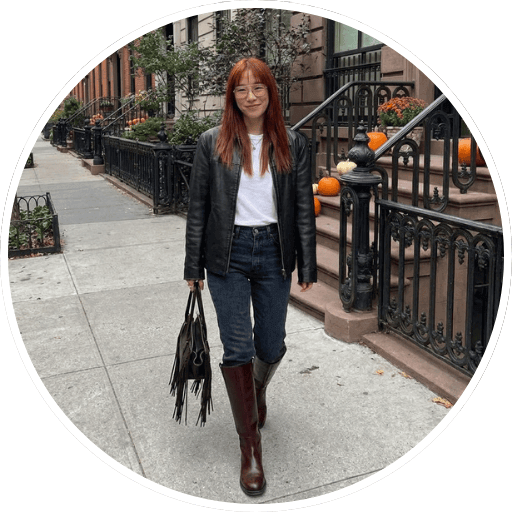
I need to post daily fashion content, but I can't afford to buy new clothes every single day. I use YouCam to create 'Style Inspo' posts for my followers. The lighting matches my photos so well that my comments section never notices it's AI.
— Zoe Harper, Fashion Blogger
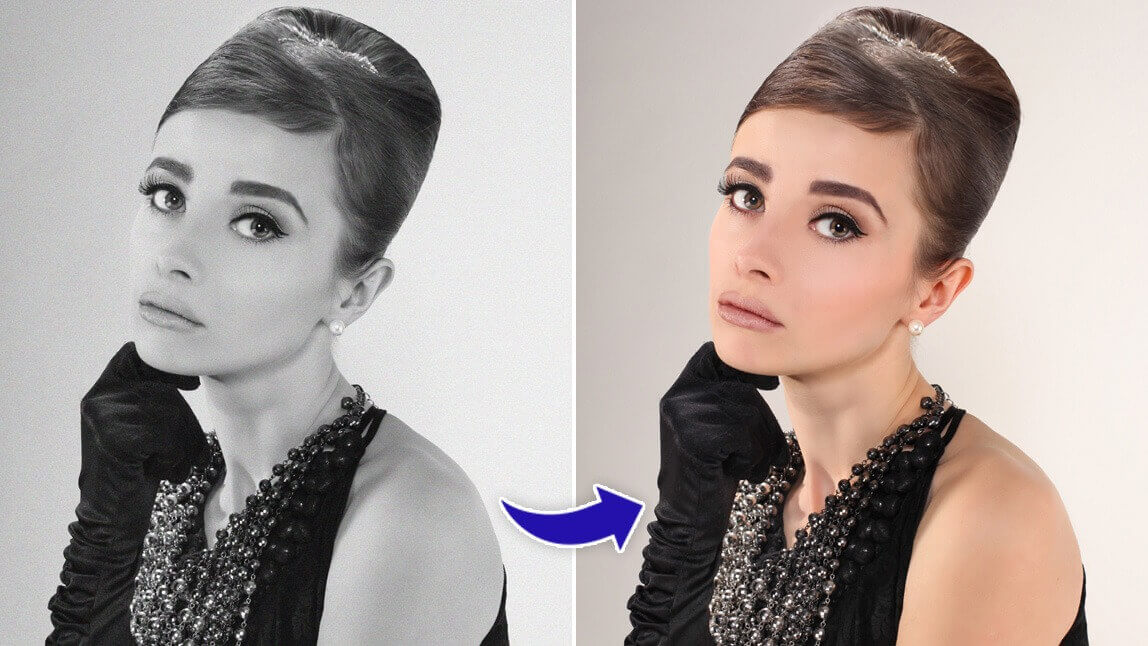
Bring your cherished black and white photos to life with YouCam AI Colorize. This innovative tool intelligently applies realistic and vibrant colors to your monochrome images, effortlessly transforming them into beautiful, full-color memories.
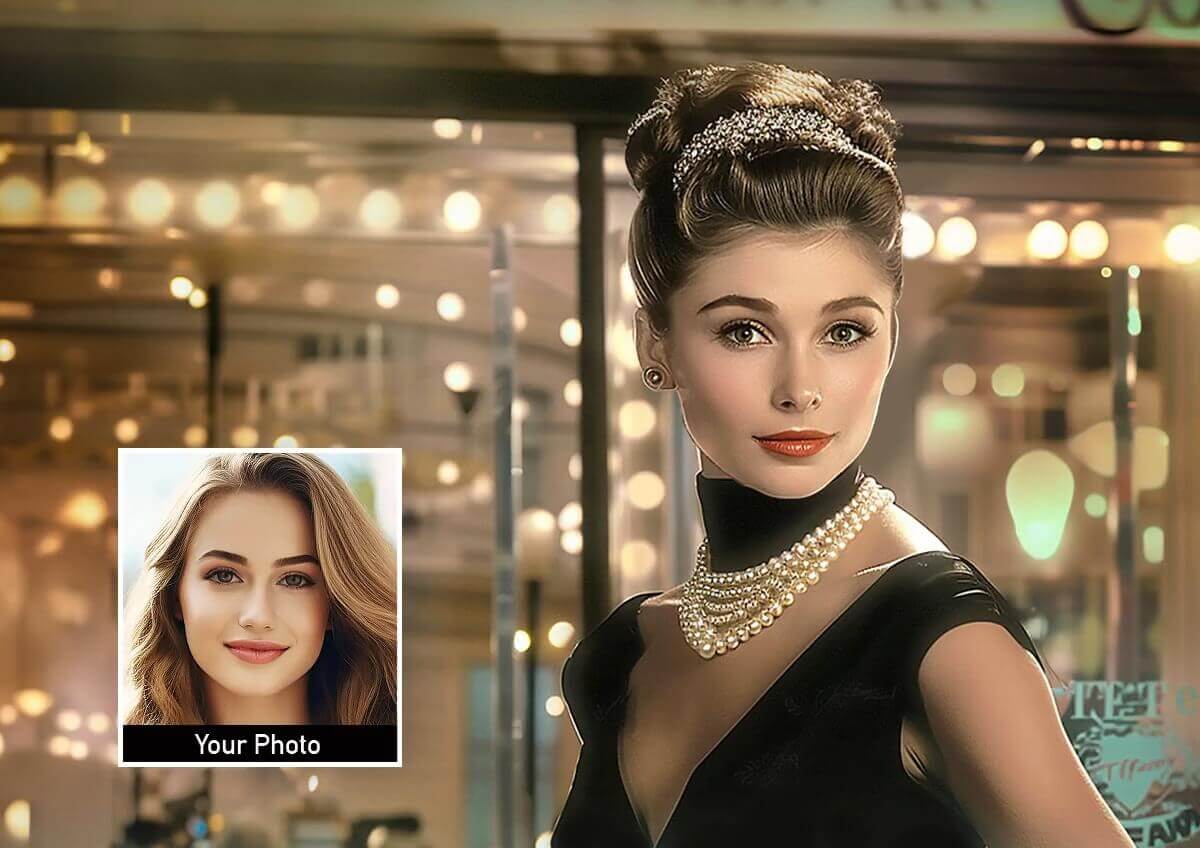
Effortlessly and creatively swap faces in your photos with YouCam Photo Face Swap. Whether you want to create a funny meme or see what you look like with a celebrity's face, this tool makes the process fun and easy.

Tired of unwanted distractions in your photos? Use YouCam Object Remover to seamlessly eliminate unwanted objects, people, or watermarks with unparalleled precision, leaving you with a clean and perfect image.
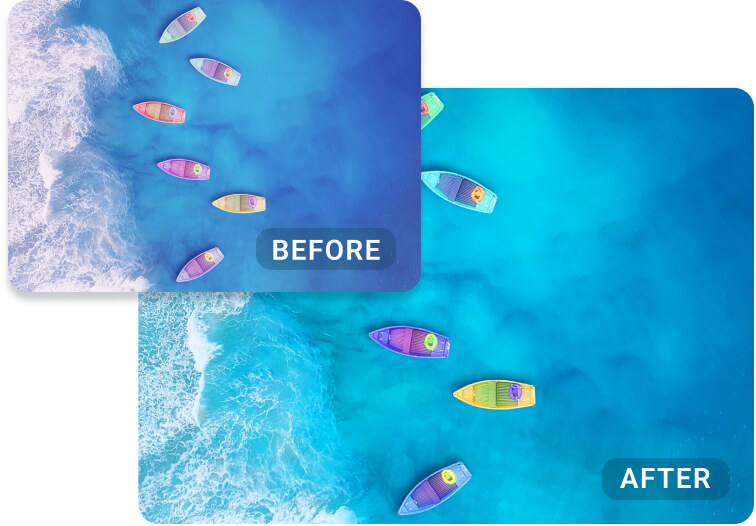
Achieve a flawless and polished look for your photos with YouCam AI Color Correction. This intelligent tool expertly fixes photo colors, adjusting white balance and enhancing saturation with just a single click.

Easily change the scene of your photo with YouCam AI Background Changer. This tool automatically removes the existing background, allowing you to replace it with a new color, design, or blur effect for a professional finish.
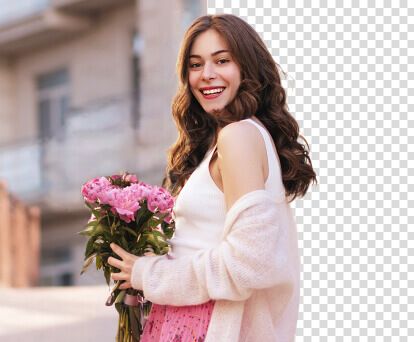
Create a clean and transparent background for any photo with the YouCam AI Background Remover. This tool uses artificial intelligence to automatically and precisely separate the subject from the background in a single tap.
AI Clothes Changer FAQs
What is an AI clothes changer?
An AI clothes changer is a tool that uses artificial intelligence to digitally add, remove, or change clothing in a photograph. It analyzes your body shape and posture to realistically fit virtual outfits onto your image, allowing you to see how different styles look without physically wearing them.
How do I virtually try on clothes with AI?
The process is simple. First, you upload a full-body photo of yourself to an AI clothes changer tool. Then, you select an outfit from the tool's virtual wardrobe or upload a reference style. The AI processes the images and generates a new photo with you wearing the selected outfit, adjusted for a realistic fit.
What is the best free AI virtual try-on tool?
The best free virtual try-on tools, like YouCam's AI Clothes Changer, offer a combination of realistic results, a wide variety of styles, and an easy-to-use interface. YouCam provides free credits upon sign-up, allowing you to experience high-quality AI Smart Fit technology that adapts clothes to your unique body shape.
Can AI change the outfit in any photo?
For the best results, you should use a clear, well-lit, full-body photo where your posture is relatively straight. While AI is powerful, photos that are blurry, poorly lit, or have complex, overlapping poses may be more challenging for the AI to process accurately.
Does AI virtual try-on work for all body types?
Yes, advanced AI clothes changers are designed to work with all body types. Unlike a simple overlay, YouCam's AI Smart Fit technology analyzes the user's proportions and reshapes the virtual clothing to provide a more accurate and flattering preview for any body shape or size.
Can I use a picture of an outfit I like to try it on?
Yes. With YouCam's tool, you can upload a reference photo of any outfit you find online or in a magazine. The AI will analyze the style, cut, and color, then apply the most similar look from its extensive virtual wardrobe to your photo, letting you bring your inspiration to life.
How can I change the color of my clothes in a picture?
While a full virtual try-on replaces the entire outfit, many AI photo editors also offer features to specifically change the color of existing clothes. For a complete style change, using an AI clothes changer is the most effective method to see yourself in a totally new look and color.
Can businesses use virtual try-on for their e-commerce store?
Absolutely. Virtual try-on technology is a powerful tool for online retailers to reduce return rates and increase customer confidence. YouCam offers dedicated API solutions for businesses looking to integrate AI clothes changing and virtual try-on features directly into their websites or apps.
What's the difference between a virtual try-on and an outfit generator?
A virtual try-on fits a specific, pre-existing outfit onto your photo. An AI outfit generator, on the other hand, often creates brand new, unique clothing concepts or suggests style combinations based on your preferences, a theme, or a text prompt.
What are the limitations of AI clothes changers?
An AI clothes changer can realistically change clothes in a photo, but results depend on image quality, lighting, pose, and how visible the body is in the original picture. Loose hair, crossed arms, or complex backgrounds may affect how accurately the virtual outfit try on appears. While advanced tools like YouCam Online Editor deliver highly natural results, AI generated outfits may not perfectly match fabric texture, fine details, or exact sizing in real life.
How to use an AI clothes changer?
To use an AI clothes changer, upload a clear photo where your full outfit is visible. Select the virtual outfit try on or change clothes in photo feature, then describe the outfit you want or choose from preset styles. The AI will automatically replace your clothing and generate a realistic new look in seconds, allowing you to preview different fashion styles without changing clothes in real life.
Explore Virtual Clothes Try On Ideas


