



Flip & Rotate Image Online for Free
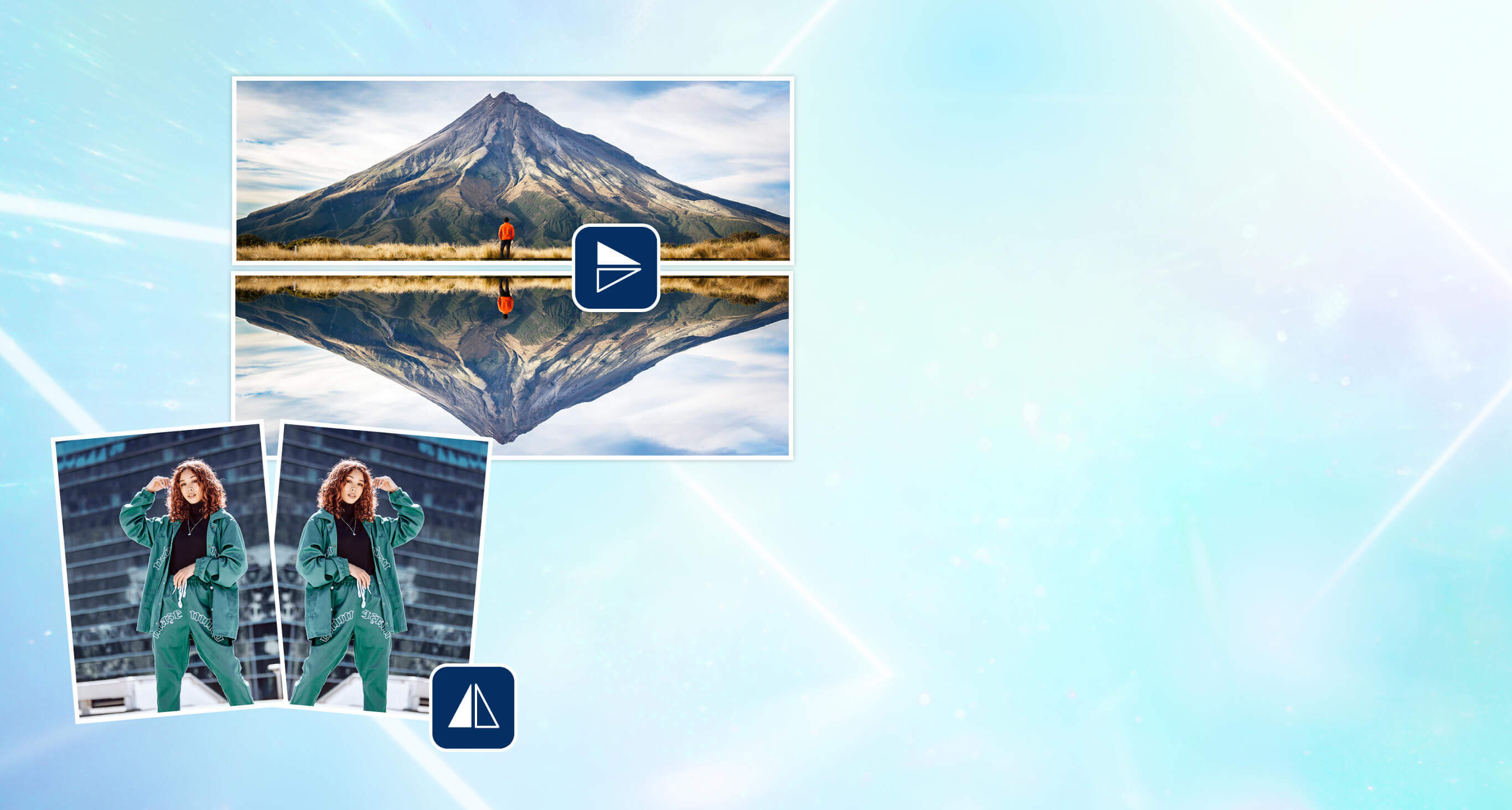
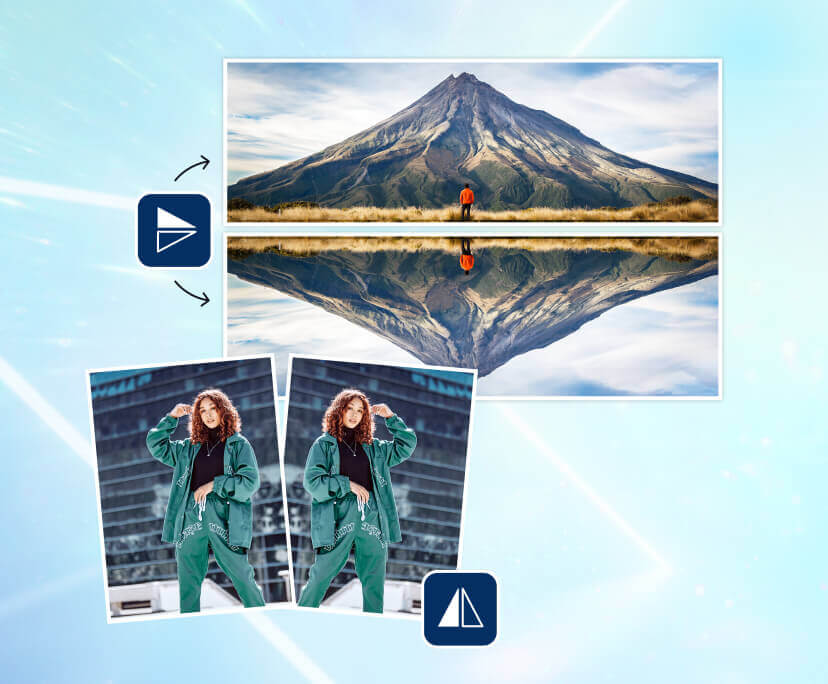
Flip images vertically or horizontally in seconds, elevate your social media with instant image mirroring.


Click, Flip, Reflect: Your Creativity at Your Fingertips
Flip Images in Seconds
Flip your image with a user-friendly interface, choose between horizontal or vertical transformations in seconds. Whether correcting alignment or infusing creativity, our tool ensures a seamless experience, setting your visuals apart. Best of all, it's cost-free.

Astonish Your Audience with Compelling Storytelling
Transform everyday photos into stunning reflections with a simple touch. Effortlessly flip and rotate images to achieve a captivating mirror effect, enhancing your visual storytelling with elegance and charm.
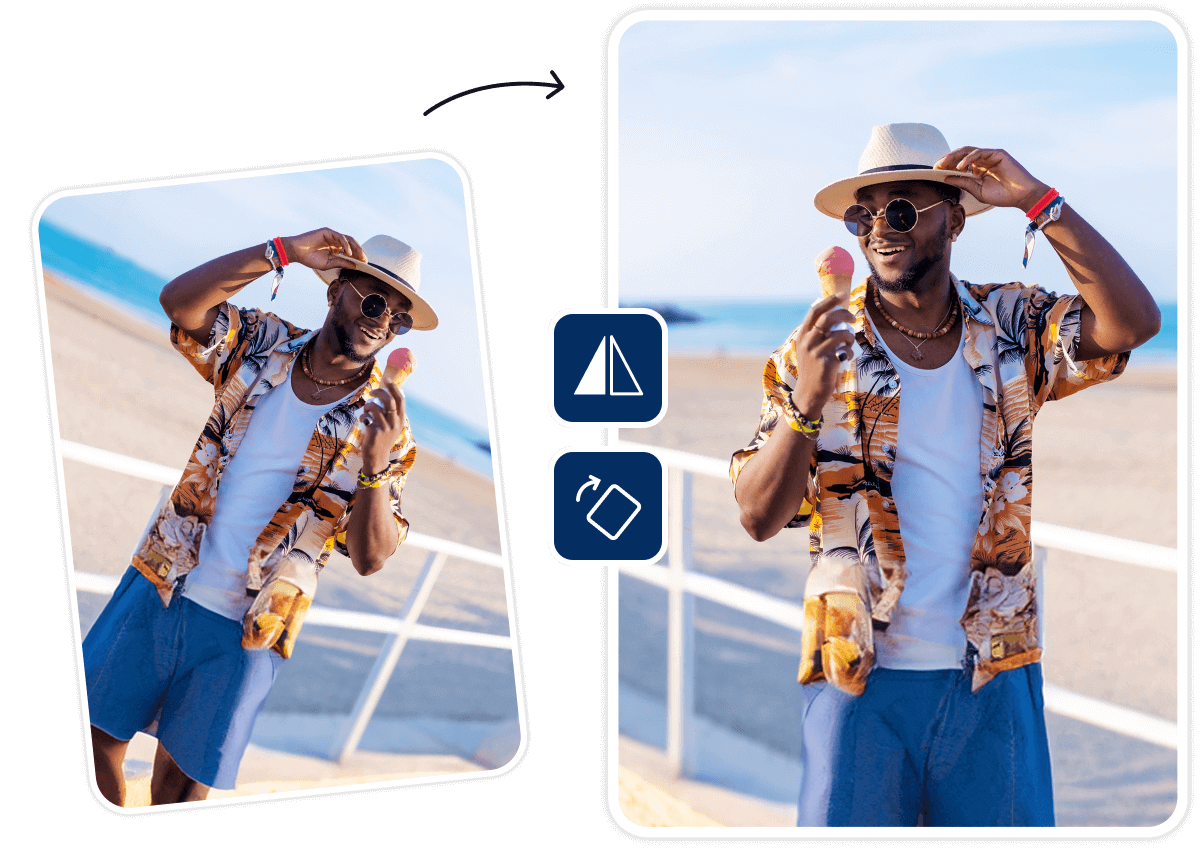
Expand Your Creative Boundaries with Flipped Images
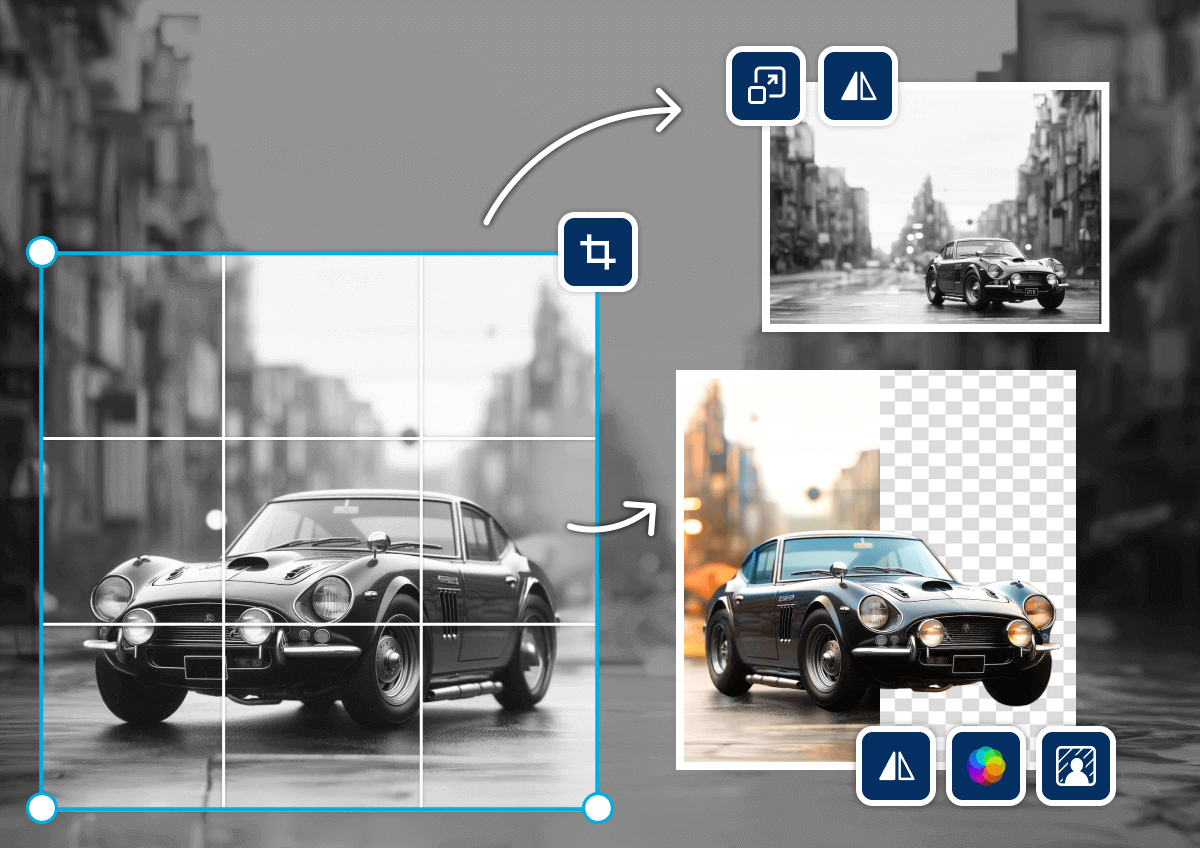
Effortlessly perfect your visuals with resizing, cropping, and filters for an Instagram-worthy touch. Our intuitive interface offers a range of editing options, from background removal to lighting adjustments.
How to Flip & Rotate an Image

Upload an Image
Select the “upload your image” button or easily drag your images into the section.
(Supported formats: JPG, JPEG, PNG)


Flip Your Image
Choose an option to flip the image either horizontally or vertically, or simply rotate the image to the desired angle.
Enhance and Save
Continue editing your flipped images with YouCam Online Editor and save them to your device when you're done creating.
Flip & Rotate Image Online FAQs
Is flipping an image the same as Mirroring?
While mirroring is often employed in graphics and design to achieve symmetrical patterns, flipping goes beyond by reversing the image's orientation. When you flip an image, the left side of the original becomes the right side in the flipped version, and vice versa. So, while mirroring can be a type of flip, flipping encompasses a broader range of orientation transformations.
What are the two ways we can flip an image?
Flipping images can be done in two distinct ways: horizontally and vertically. A horizontal flip results in an effect similar to a reflection in water, whereas a vertical flip creates an effect akin to a reflection in a mirror.
How to flip or rotate an image online?
Check out YouCam's Online Editor – it's a super fun and free tool that lets you flip your images with ease or rotate them to just the right angle!
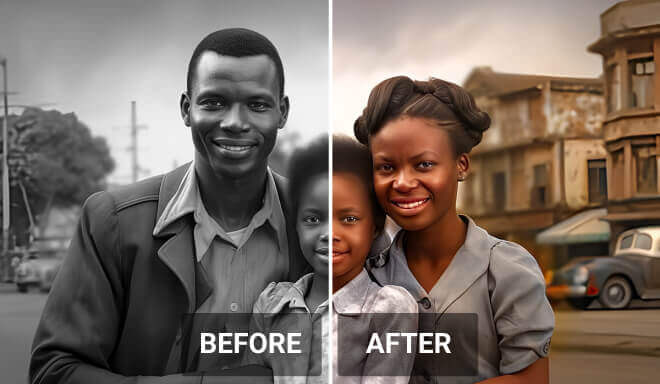
Effortlessly colorize black and white photos online with a simple click, leveraging advanced AI to add natural and vivid colors.

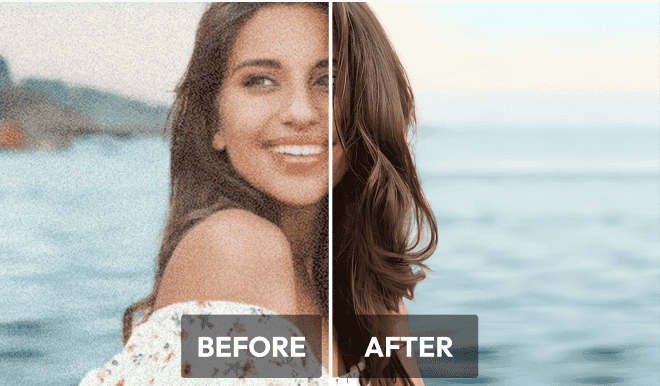
Enhance blurry pictures with AI to improve image clarity and boost resolution, resulting in sharper and more visually appealing images.
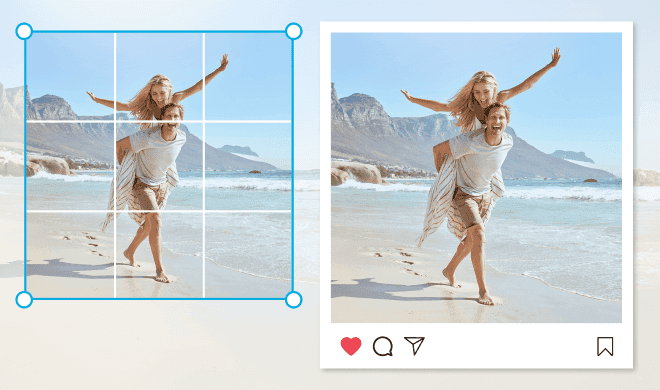
Effortlessly utilize our cropping tools to resize and shape your images within a matter of seconds, allowing for easy customization to any desired size or form.
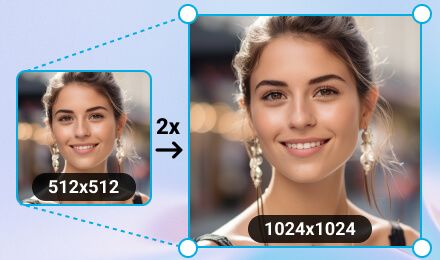
Effortlessly transform your images to the perfect dimensions without losing quality, ensuring your visuals remain stunning and crisp.

Edit Images on Your Mobile Phone Whenever and Wherever with YouCam App


Latest Articles


