





Free Blur Background Tool for Photos with AI
Blur image backgrounds in a click. Adjust depth, blur photos, alter backgrounds with precision. Free to use.


Why Blur Backgrounds for Photos? 3 Use Cases to Elevate Your Shots
Enhance Portrait Depth with Blur Background
Create depth in portraits using a blur background, achieving a soft, dream-like effect that highlights the subject effortlessly.


Highlight Subjects with Image Background Blur
Apply image background blur to isolate and emphasize subjects, making it ideal for product photography or focused shots.


AI Background Blur Editor for Photographers
The YouCam AI Photo Blur Tool allows photographers to easily adjust background blur, ensuring professional results with minimal effort.


How to Blur Photo Online With AI for Free
YouCam AI Photo Blur Tool offers a powerful AI-based image blurrer that automatically blurs pictures and allows you to fine-tune the blur level to your preference.

Upload Your Image
Upload the image for which you would like to blur
(Supported formats: JPG, JEPG, PNG, TIFF, and GIF)

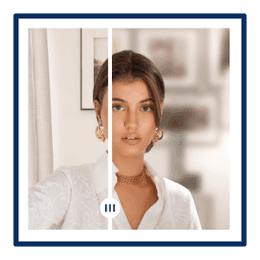
Auto Background Blur
Detect and blur the image background and keep other elements sharp and clear.
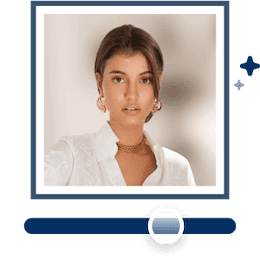
Adjust the Blurriness
Use the adjusting bar to fine-tune the blurriness level from 0 to 100 for the desired effect.

Save Your Image
Download your blurred photos.
Best Background Blur Effect With Smart Focus
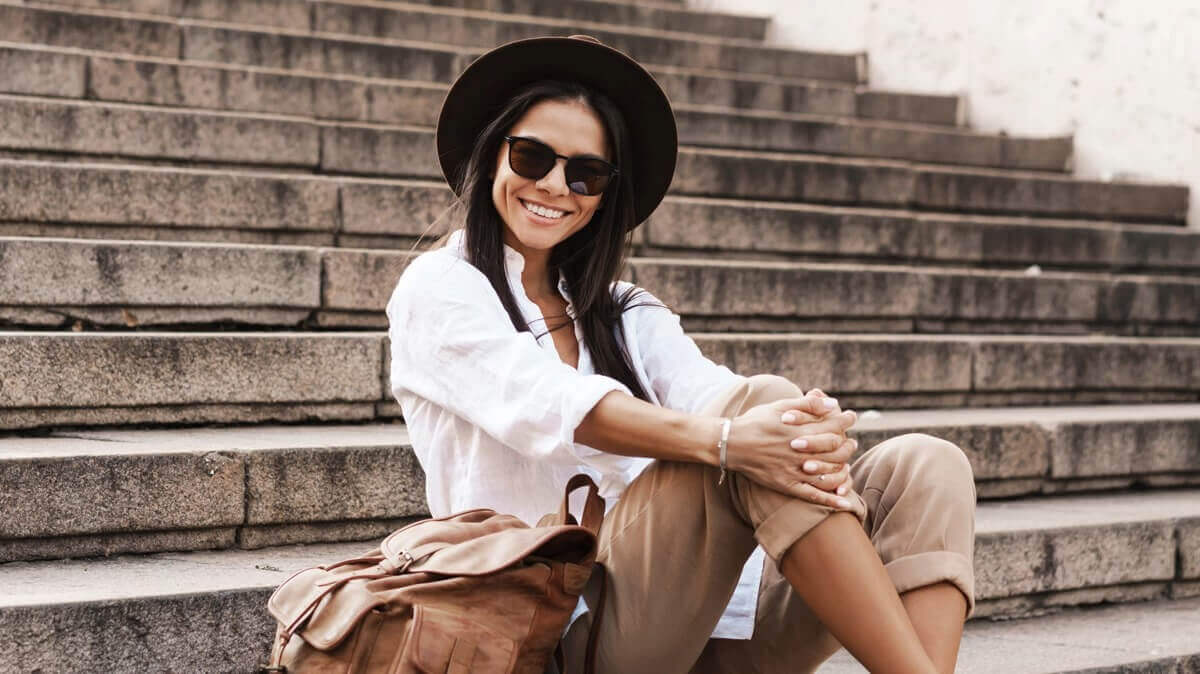

Enhance blurry pictures with AI to improve image clarity and boost resolution, resulting in sharper and more visually appealing images.


Remove unwanted objects such as buildings, people, watermarks,and logos with precision from your photos while preserving intricate details.

Remove background from photo with impeccable accuracy, ensuring that portraits and objects maintain their high quality and sharpness.

Effortlessly colorize black and white photos online with a simple click, leveraging advanced AI to add natural and vivid colors.

Edit Photos With
AI on Your iPhone
Enhance your images into high-quality masterpieces with YouCam app.


Latest Articles
Blur Image Online or Unblur Photos: Frequently Asked Questions
How do I blur an image?
Incorporating a sophisticated touch of blur into your images is effortlessly achieved with YourCam Online Editor. Our intuitive interface empowers users to seamlessly navigate the process, ensuring that your desired level of image obscurity is achieved with precision and ease.
Can I blur an image on iPhone?
Certainly! YourCam Online Editor is fully optimized for iPhone use, offering a seamless and portable solution to elevate your images. Precision and professionalism are now at your fingertips, allowing you to blur images directly from your iPhone.
How does an image get blurred?
YourCam Online Editor employs advanced algorithms to delicately manipulate pixels, creating a refined blur effect. The process is a fusion of technology and artistry, resulting in images that strike the perfect balance between clarity and subtle ambiguity.
How can I blur text in a picture online?
Preserving the confidentiality of text within images is a paramount concern. YourCam Online Editor provides a secure and efficient solution, allowing users to blur text with precision. Protect your information while maintaining the visual integrity of your images.
How do I blur a JPEG image?
YourCam Online Editor seamlessly accommodates various image formats, including JPEG. Upload your JPEG files, and our advanced tools will ensure a seamless transformation, introducing the desired level of blur without compromising image quality.
How do you blur a picture on iPhone without portrait mode?
Portrait mode is not a prerequisite for achieving a professional blur effect on your iPhone. With YourCam Online Editor, users can elevate their iPhone photography by applying a refined blur, enhancing the visual appeal of their images effortlessly.
What is the free tool to blur images?
YourCam Online Editor stands out as a free, reliable tool for image blurring. Access the sophistication of premium editing tools without the premium price tag. Elevate your visuals without compromising your budget.
How do you unblurr a blurry picture?
That's where our handy-dandy YouCam Online Editor comes into play! Our 'enhance' tool has the magical ability to unblur your blurry pictures, providing them with a crisp finish. And the best part? You can download your crystal clear memories without any pesky watermarks! Try it free today!
How do you make a blurry picture clear?
Wave goodbye to those fuzzy photos! With the YouCam Online Editor - Photo Enhancer, you can easily turn your blurry picture into a masterpiece. Just hop on to our website, upload your photo, and, this little wizard will work its magic to unblur your photo, giving it a super-duper crisp finish. And guess what? You can download your newly spruced up photo, free of watermarks! Try it free today!
What is the AI tool to clear blurry photos?
Give a warm welcome to your new photo pal, the YouCam Online Editor - Photo Enhancer! This special buddy is not your average tool, it's powered by artificial intelligence (AI) to bring life back to your blurry photos. All you gotta do is introduce your fuzzy photo and watch as AI clears up the blur, turning your photos from blah to voila! What's the icing on the cake? Your masterpiece can be downloaded without any watermark! Try it free today! So come on down and introduce your photos to their new best friend!
What app can I use to unblur pictures for free?
Great question! We'd love to introduce you to our magical online tool that you don't need to donwload anything but except for your masterpiece - YouCam Online Editor - Photo Enhancer! This enchanting tool has a nifty 'enhance' feature that can swiftly clear up your blurry photos. It's powered by a smart little AI, making it fabulously simple and effective to use. The best part? You can download your spruced-up work without any watermarks, try it free today! So why not give it a whirl? Unblur away and let your photos sparkle with YouCam Online Editor. Remember, great photos are only a click away!


